


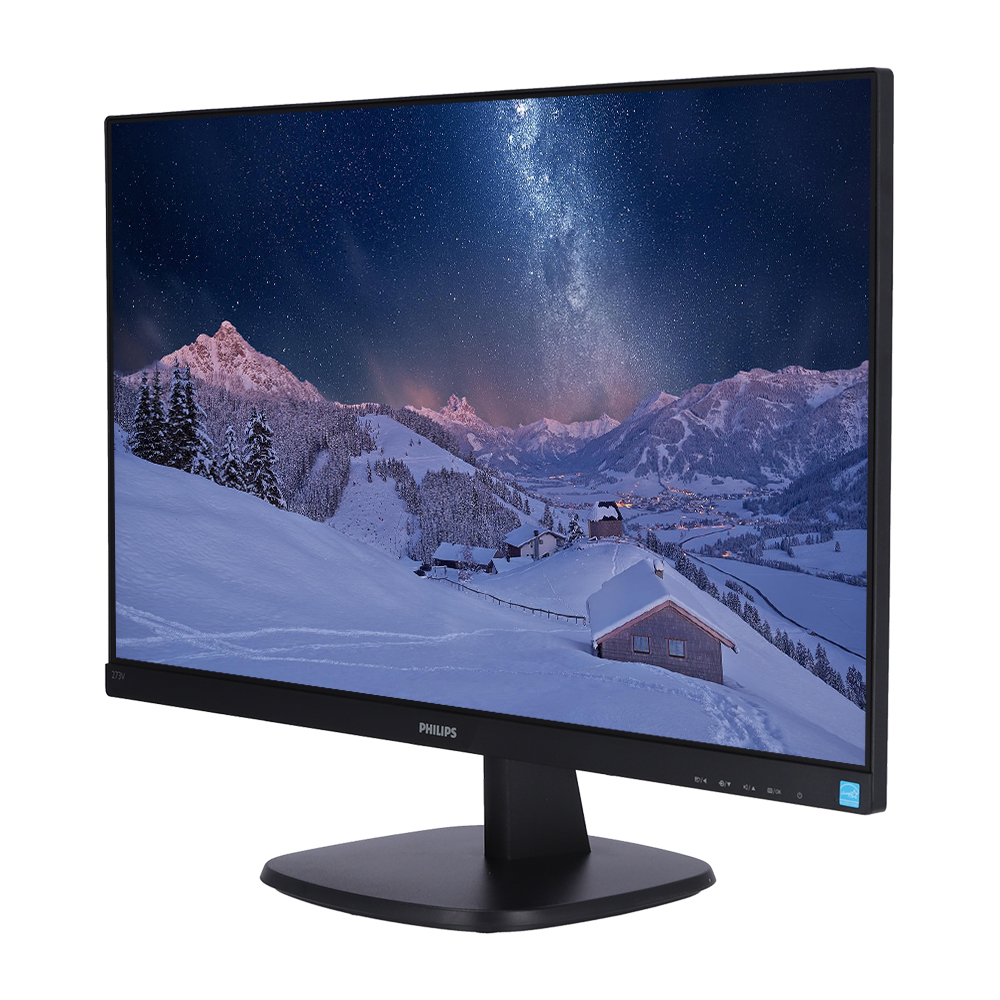



IPS LED wide view technology for image and colour accuracy
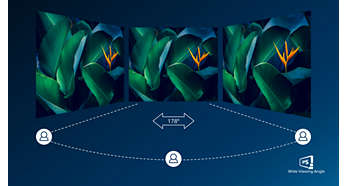
IPS displays use an advanced technology that gives you extra-wide viewing angles of 178/178 degrees, making it possible to view the display from almost any angle. Unlike standard TN panels, IPS displays give you remarkably crisp images with vivid colours, making them ideal not only for Photos, movies and web browsing, but also for professional applications that demand colour accuracy and consistent brightness at all times.
16:9 Full HD display for crisp, detailed images
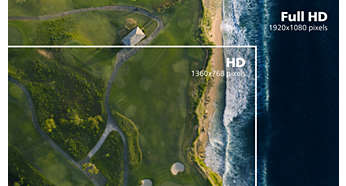
Picture quality matters. Regular displays deliver quality, but you expect more. This display features enhanced Full HD 1920 x 1080 resolution. With Full HD for crisp detail paired with high brightness, incredible contrast and realistic colours, expect a true-to-life picture.
Narrow border display for seamless appearance
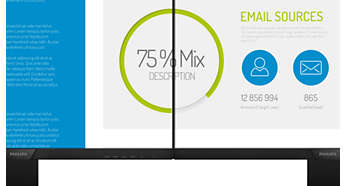
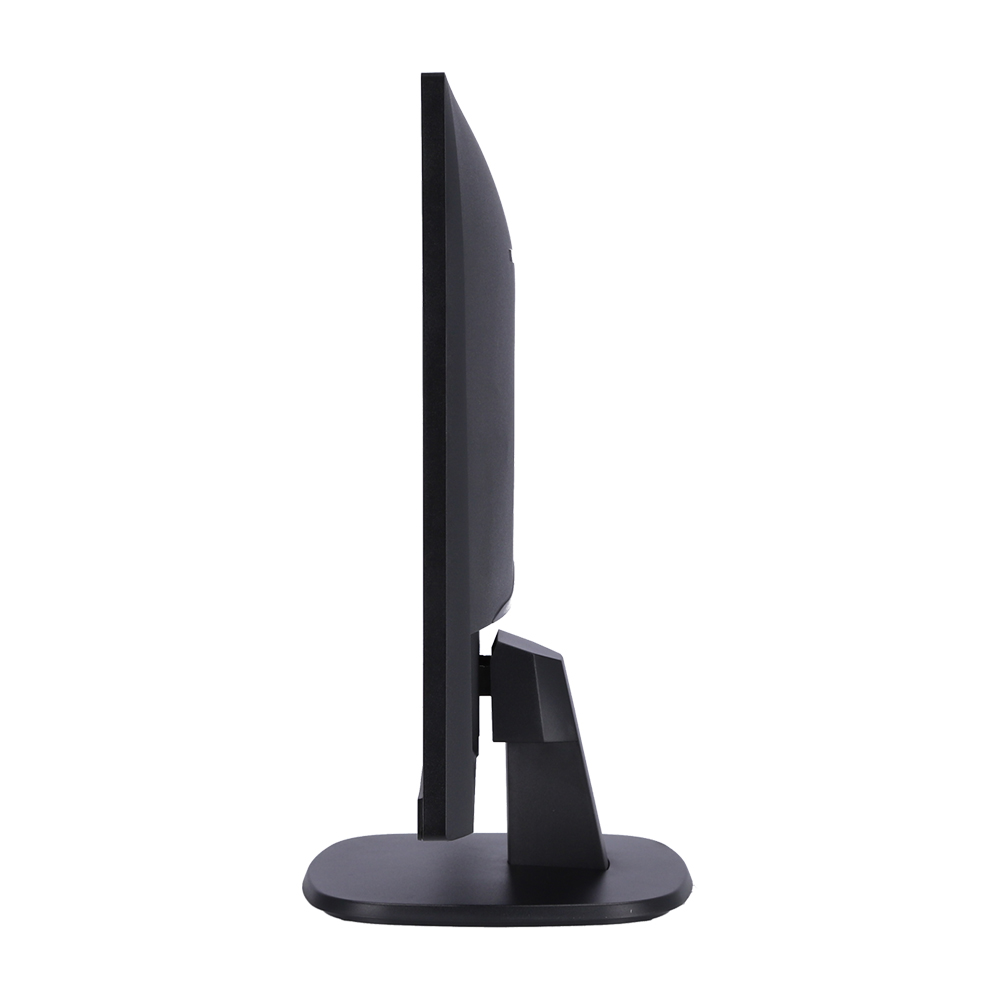
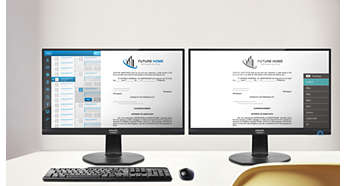
The new Philips displays feature ultra-narrow borders which allow for minimal distractions and maximum viewing size. Especially suited for multi-display or tiling setups like gaming, graphic design and professional applications, the ultra-narrow border display gives you the feeling of using one large display.
SmartContrast for rich black details

SmartContrast is a Philips technology that analyses the contents you are displaying, automatically adjusting colours and controlling backlight intensity to dynamically enhance contrast for the best digital images and videos or when playing games where dark hues are displayed. When Economy mode is selected, contrast is adjusted and backlighting fine-tuned for just-right display of everyday office applications and lower power consumption.
SmartImage pre-sets for easy optimised image settings

SmartImage is an exclusive leading edge Philips technology that analyses the content displayed on your screen and optimises your display performance. This user-friendly interface allows you to select various modes, like Office, Photo, Movie, Game, Economy etc., to fit the application in use. Based on the selection, SmartImage dynamically optimises the contrast, colour saturation and sharpness of images and videos for ultimate display performance. The Economy mode option offers you major power savings. All in real time at the touch of a single button!
Less eye fatigue with Flicker-Free technology
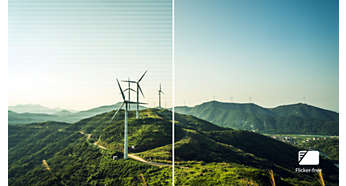
Due to the way brightness is controlled on LED-backlit screens, some users experience flicker on their screen which causes eye fatigue. Philips Flicker-Free technology applies a new solution to regulate brightness and reduce flicker for more comfortable viewing.
LowBlue Mode for easy-on-the-eyes productivity
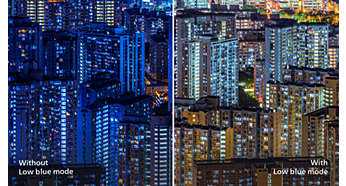
Studies have shown that just as ultra-violet rays can cause eye damage, shortwave-length blue light rays from LED displays can cause eye damage and affect vision over time. Developed for wellbeing, the Philips LowBlue Mode setting uses a smart software technology to reduce harmful shortwave blue light.
HDMI-ready for Full HD entertainment
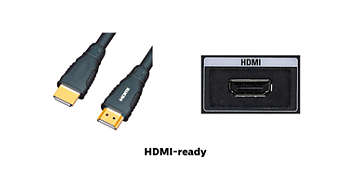
An HDMI-ready device has all the required hardware to accept High-Definition Multimedia Interface (HDMI) input. An HDMI cable enables high-quality digital video and audio to be transmitted over a single cable from a PC or any number of AV sources (including set-top boxes, DVD players, A/V receivers and video cameras).
EasyRead mode for a paper-like reading experience
Built-in speakers for audio without desktop clutter
A pair of stereo speakers built into a display device. It can be visible front firing, or invisible down firing, top firing, rear firing etc, depending on model and design.
อ้างอิงจาก : https://www.philips.co.uk