


Fast, fluid, and perfect with your Surface
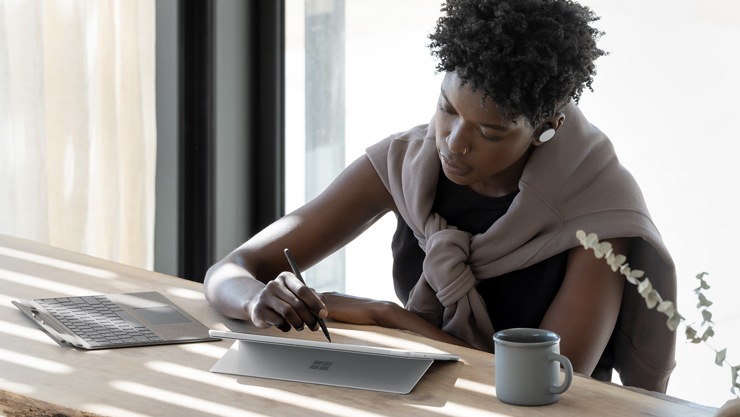
Our best performing pen yet, with real-time writing, pinpoint accuracy, and incredible shading thanks to a sharper pen tip and improved design. Take notes naturally—the haptic motor in Surface Slim Pen 2 brings the feeling of writing and drawing on paper to your PC's screen.
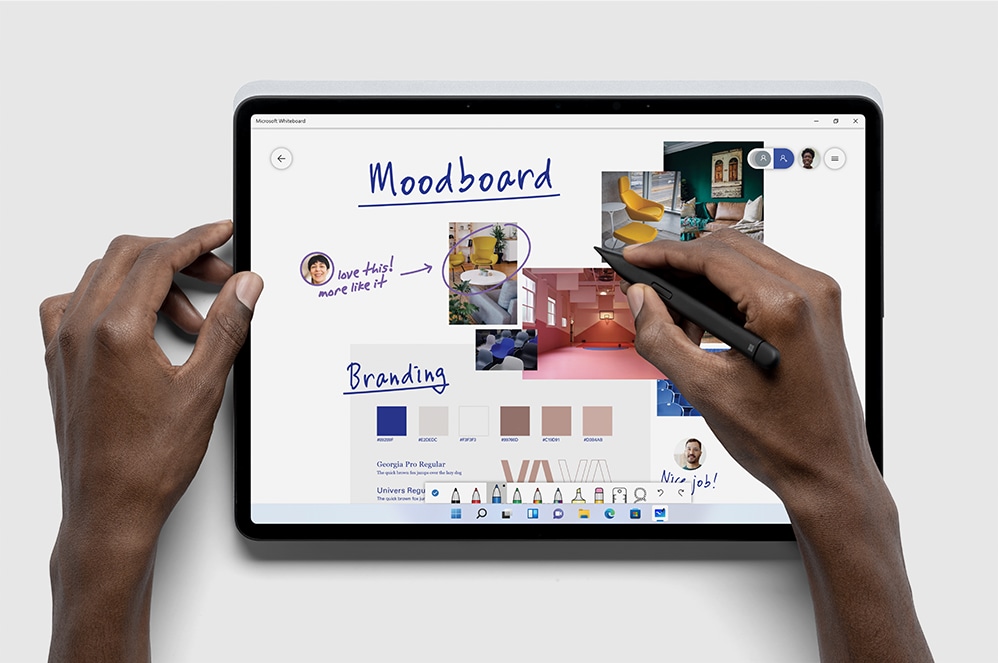
Inking for everyone
Experience natural and inclusive note-taking, sketching, and navigating with the same feeling you get with pen on paper when paired with Surface Pro 82 or Surface Laptop Studio2 with the built-in haptic motor.3
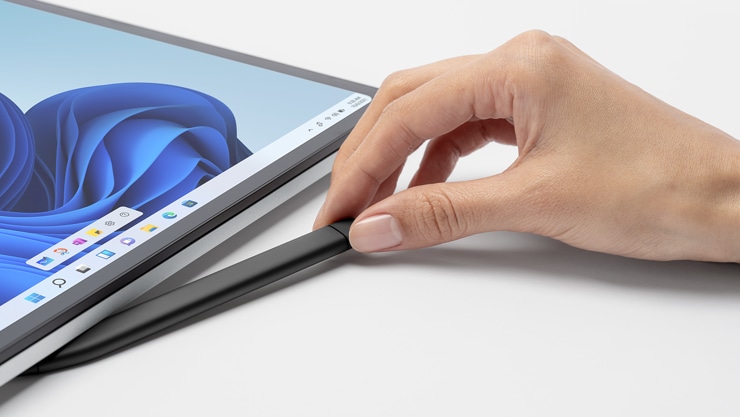
Always charged and ready
Surface Slim Pen 2 is ready to use right out of the box for you to unleash your creativity. Better yet, you’ll always know where it is with built-in, wireless charging and secure storage in Surface Pro Signature Keyboard 2 or Surface Laptop Studio.2
Capture ideas instantly
Brainstorm and sketch with others over Microsoft Teams2 or when using Microsoft Whiteboard. Plus, edit presentations on the spot, fill out and sign documents, or take personal handwritten notes in Microsoft Journal.2

Designed for accessibility
Tactile signals can make it easy for you to know when you’ve successfully used natural gestures like circling to select and crossing out to delete in Microsoft Word and Excel.2 The strength of tactile signals when using Surface Slim Pen 2 can be easily adjusted or even turned off through Windows settings.
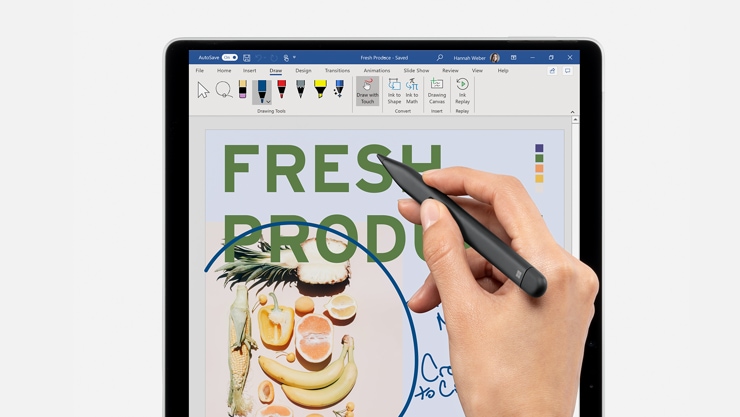
Unleash your creativity in the apps you use
Create your best work in Adobe Fresco, Photoshop, and more,2 and collaborate and take handwritten notes together in Microsoft Teams.2 Capture unstructured ideas using Microsoft Whiteboard and simultaneously ink with others. Use Ink Editor in Microsoft Word or use the top button as a slideshow clicker to advance Microsoft PowerPoint2 slides.
Source: Surface Slim Pen 2