


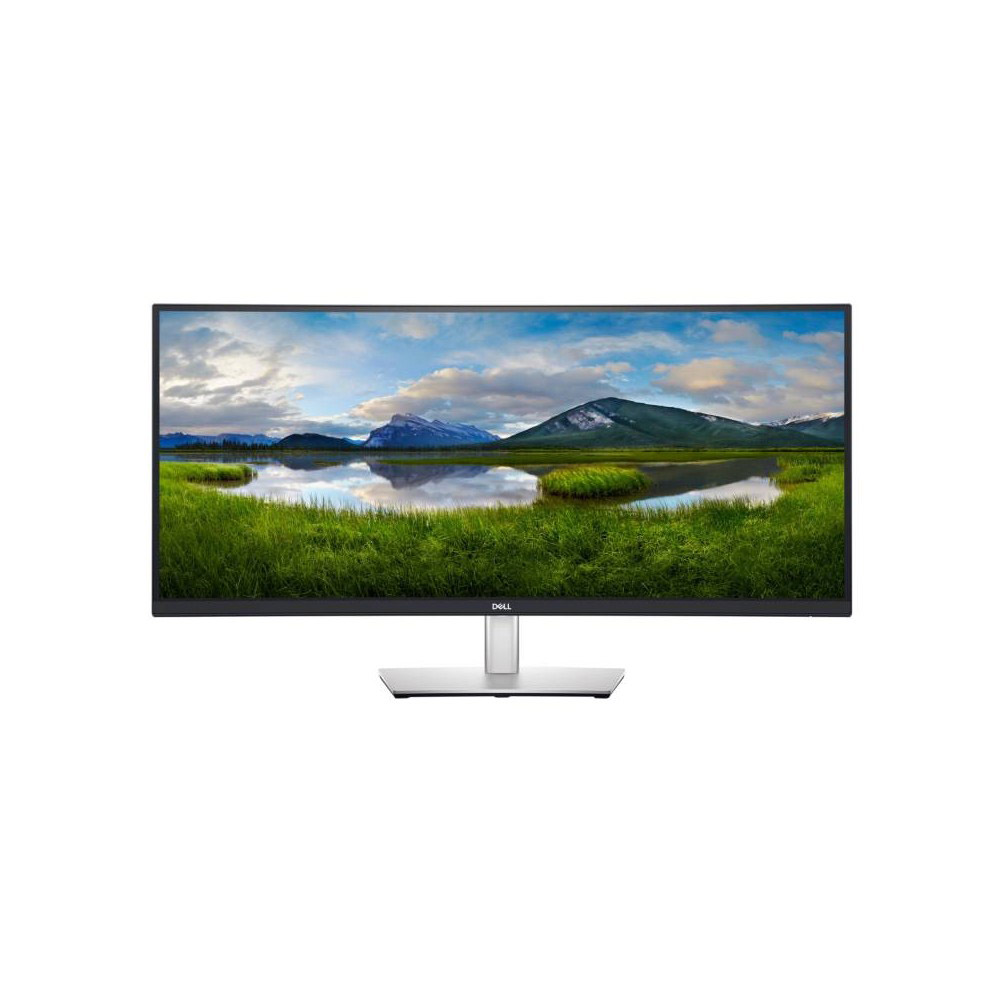
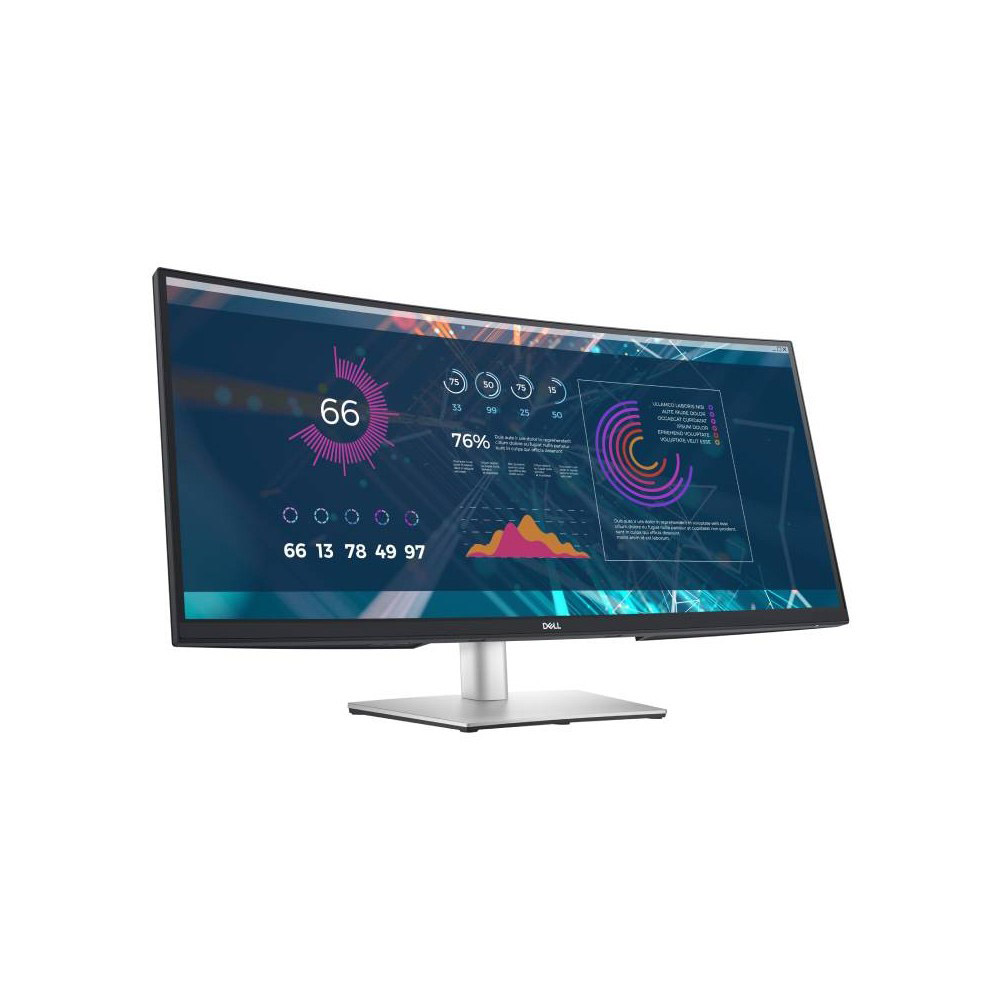


DELL MONITOR P3421WM (IPS 2K Curved USB-C)

Dell 34 Curved USB-C Monitor - P3421W

Your most productive view
Immersive productivity: See more and achieve more at home or in the office on this 34-inch ultrawide WQHD (3440 x 1440) curved screen. With more onscreen space, you can multitask effectively-without the need for a dual monitor setup. Plus, the three-sided, ultra-thin borders let you dive in without distraction.
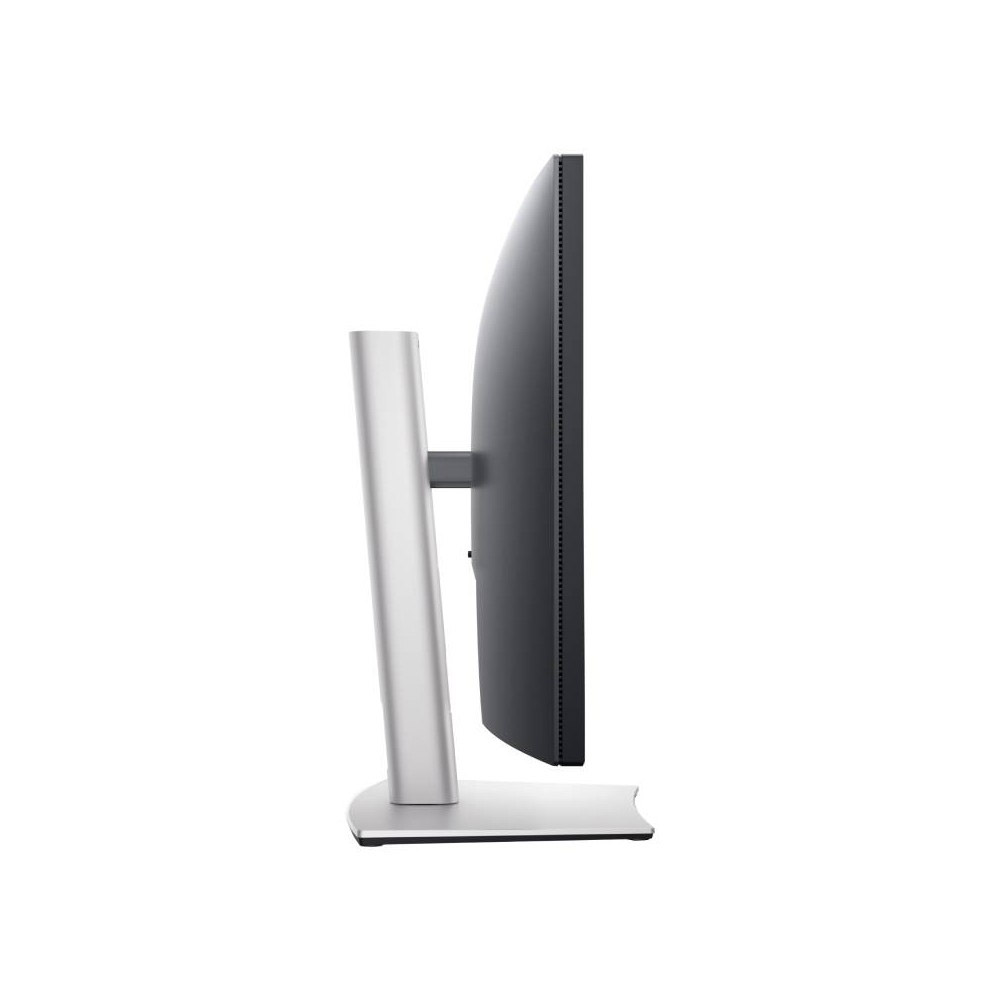
All-encompassing view: The 3800R screen curvature creates an ultrawide 21:9 field of view, minimizes reflection and offers near uniform visual focus, for a more comfortable visual experience over extended viewing periods.
Unparalleled focus: Focus more on your work at home or in the office with a panoramic view, extended peripheral vision and incredible depth.
Consistent views: Expect seamless, wide viewing angles no matter where you sit, thanks to IPS technology.
Product Brochure: Download the PDF file for the Dell 34 Curved USB-C Monitor - P3421W

Stylish redesign. Elevated comfort.
Designed with you in mind: Navigate the menu and adjust screen settings with the easy-to-use joystick control. We’ve also given you the option to effortlessly snap on the magnetic Dell Slim Soundbar - SB521A. It’s time to elevate your listening experience.
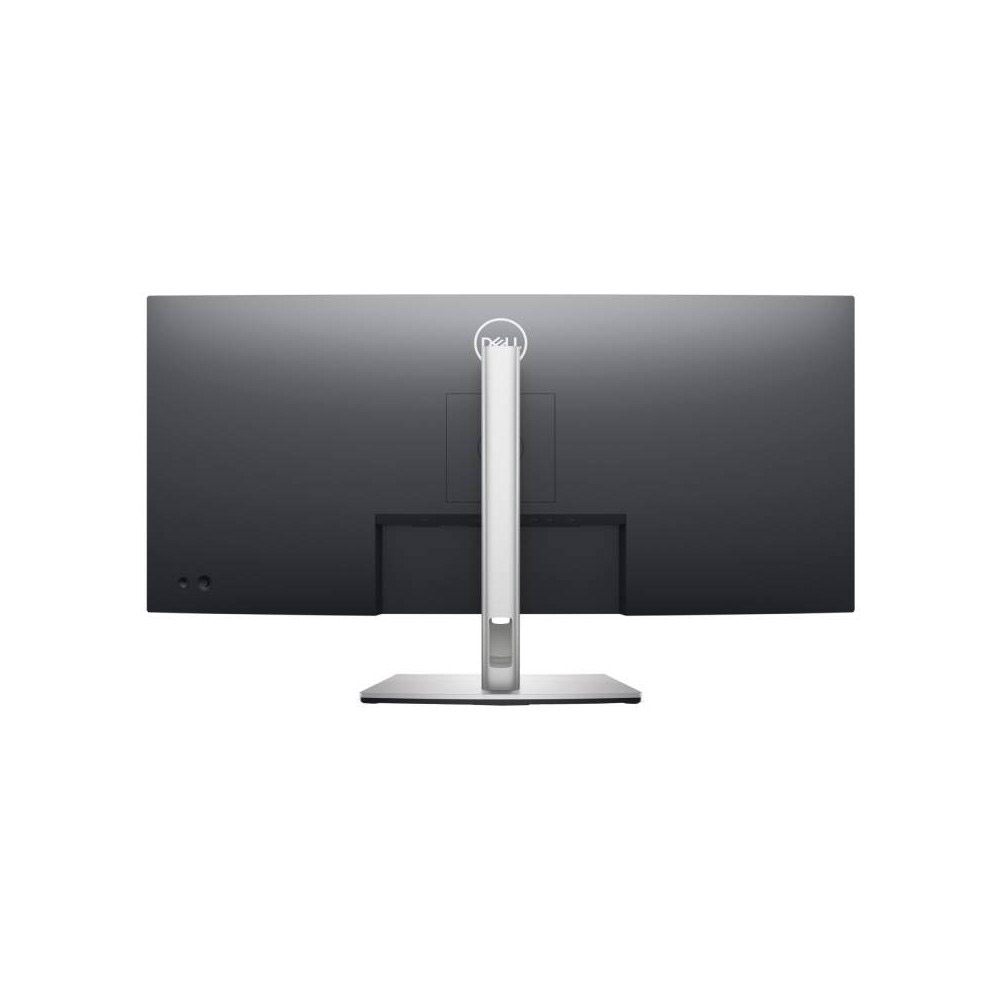
Beauty meets function: This sleek monitor features a small base and an improved cable management design that hides cables in the monitor riser, for a clutter free desk space at your office or home office.
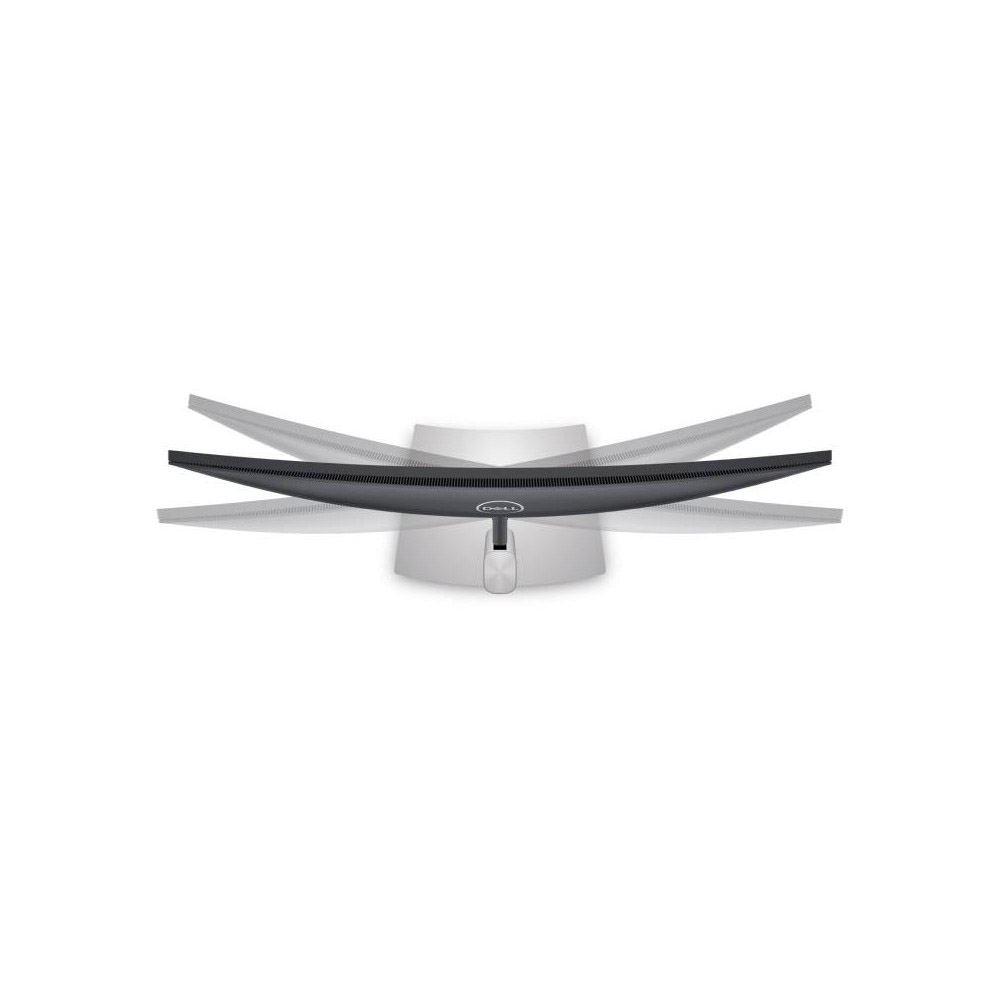
Comfort is key: Tilt, swivel and adjust the height of your monitor to a maximum of 150mm because you should be comfortable however and wherever you work.
Easy on the eyes: Optimize eye comfort with a flicker-free screen and ComfortView, a feature that reduces harmful blue light emissions.

Convenient connectivity
The power of USB-C®: Get up to 65W of power delivery via USB-C, so you can keep your laptop battery full and enjoy uninterrupted productivity. This single-cable solution also saves up to 72% of workspace setup time, reduces cable clutter and transmits power, data and audio-all at once.
Multitask efficiently: Connect two PCs to the monitor and display the content at the same time with Picture-by-Picture (PbP) and Picture-in-Picture (PiP) features. Use the KVM (keyboard, video and mouse) feature to edit content from two different PCs using a single keyboard and mouse.
Quick convenience: Plug in whatever you need and keep it in reach with the two, SuperSpeed USB 5Gbps (USB 3.2 Gen1) quick access ports.

Improved Dell Display Manager
Productivity at every level: Easy Arrange allows you to easily tile multiple applications across one or more screens with 38 pre-set window partitions and the ability to personalize up to five windows, giving you improved multitasking abilities.
Seamless transitions: The auto-restore feature remembers where you left off, so applications will go back to where you left them, even after you’ve unplugged.
More ways to manage: Asset management reports allow IT managers to quickly capture and track monitor information as well as configure multiple monitors at once through a single setup.
The key to convenience: Shortcut keys can save you even more time, letting you easily configure your display management settings so you can get to work faster.

Green thinking: For today and tomorrow
Environmental standards: This monitor meets the latest regulatory and environmental standards such as EnergyStar®, EPEAT®, China Energy Label CEL and CECP.
Eco-conscious packaging: To reduce our manufacturing impact on the environment, this monitor is shipped Styrofoam-free and the packaging is made of at least 75% recycled cardboard.
Energy conservation: Save energy when your monitor is not in use with PowerNap, a feature that dims or puts your monitor to sleep when it’s not in use.
Advancing sustainability: Dell Technologies is committed to reducing environmental impact throughout the product lifecycle. Read more about our commitment to sustainability and our 2030 Social Impact goals , and our product’s carbon footprint.

Connectivity Options
Ports & Slots: 1. Power connector | 2. HDMI port | 3. DisplayPort | 4. USB-C port | 5. SuperSpeed USB 5 Gbps (USB 3.2 Gen1) upstream port | 6. USB 2.0 downstream port (2) | 7. SuperSpeed USB 5 Gbps (USB 3.2 Gen1) downstream port (2) | 8. Stand lock feature