







.jpg)
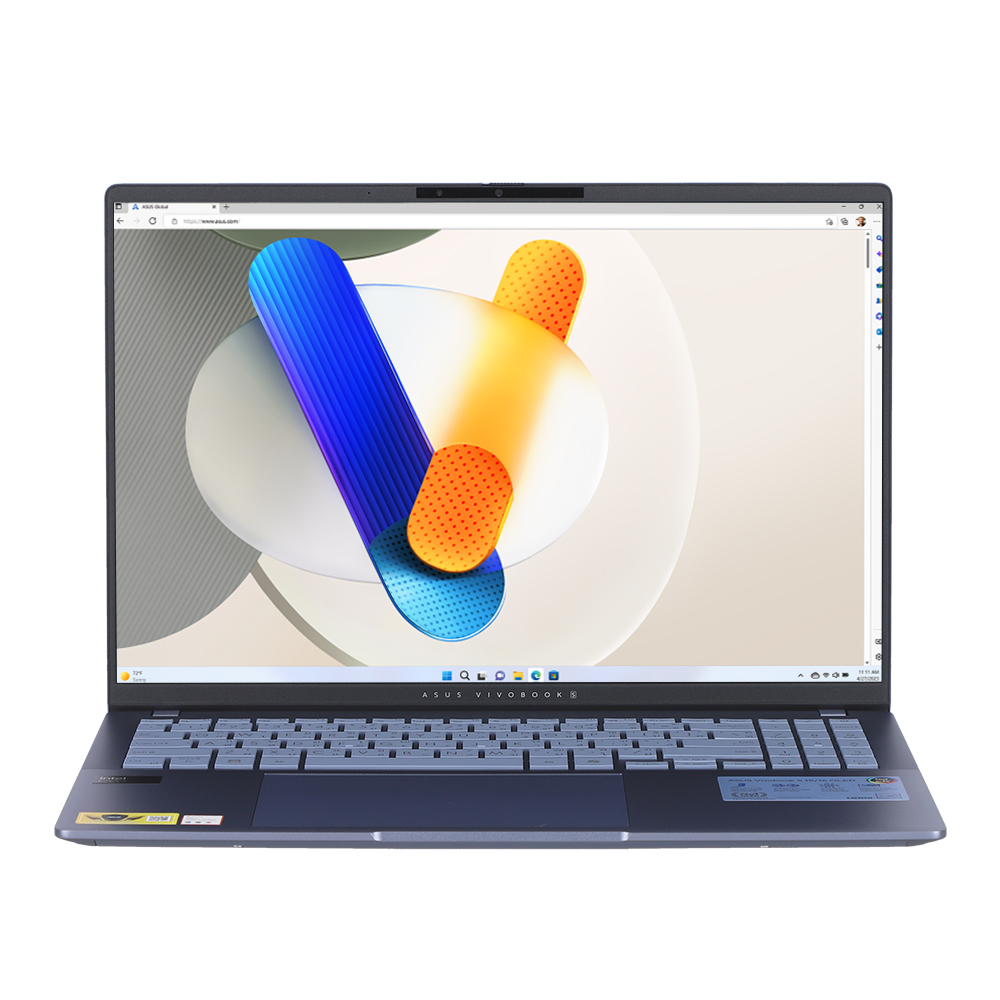
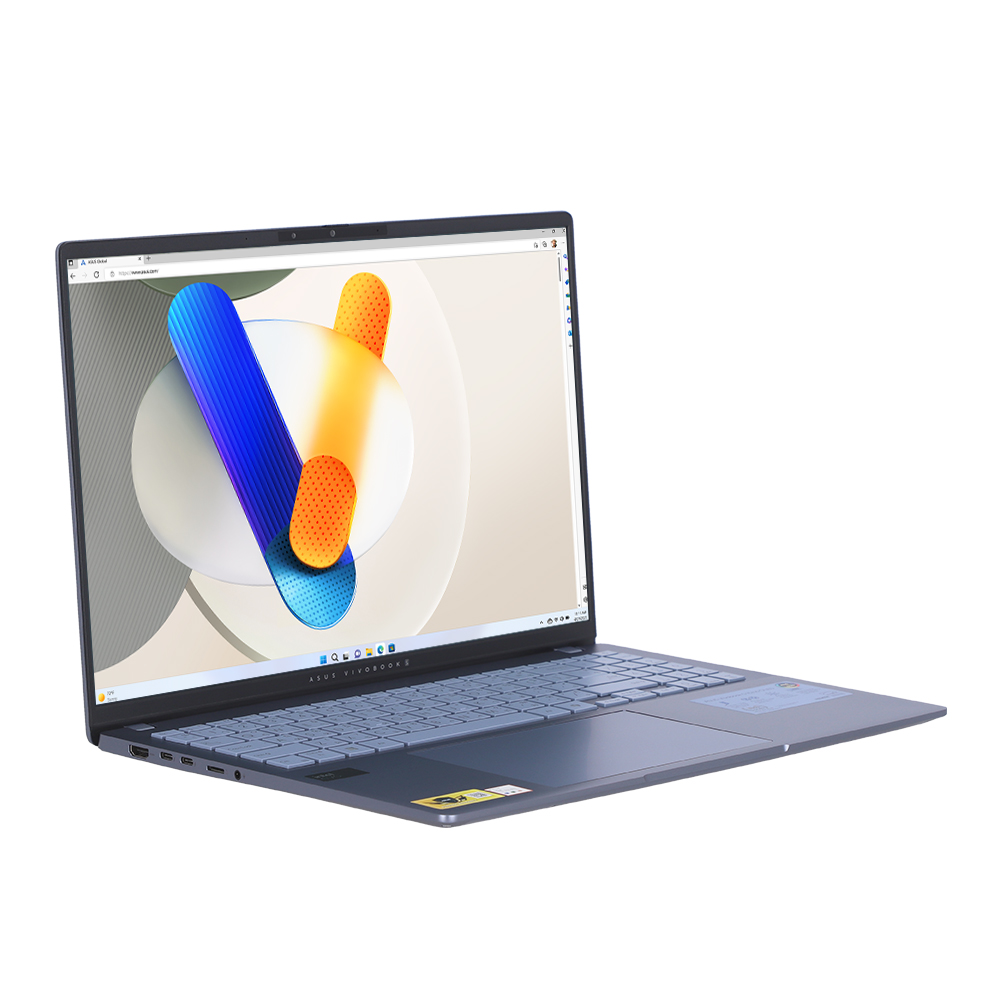
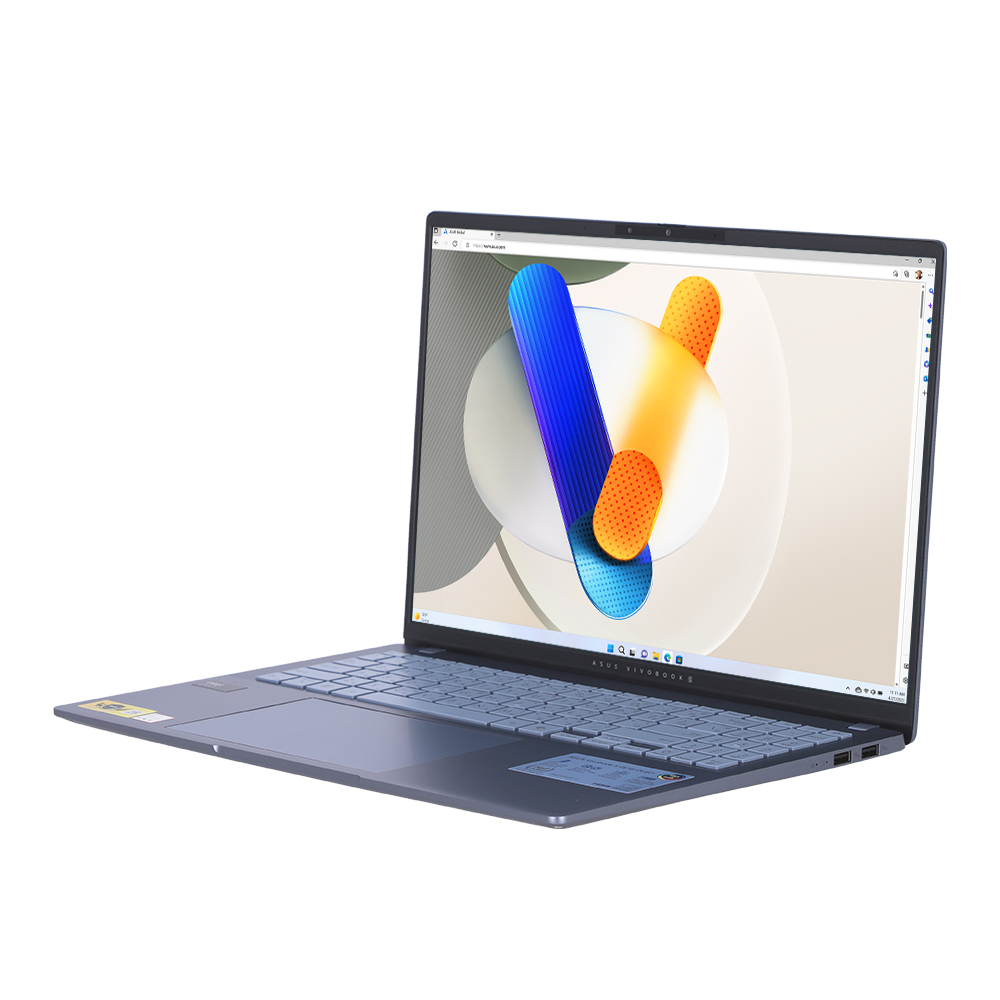
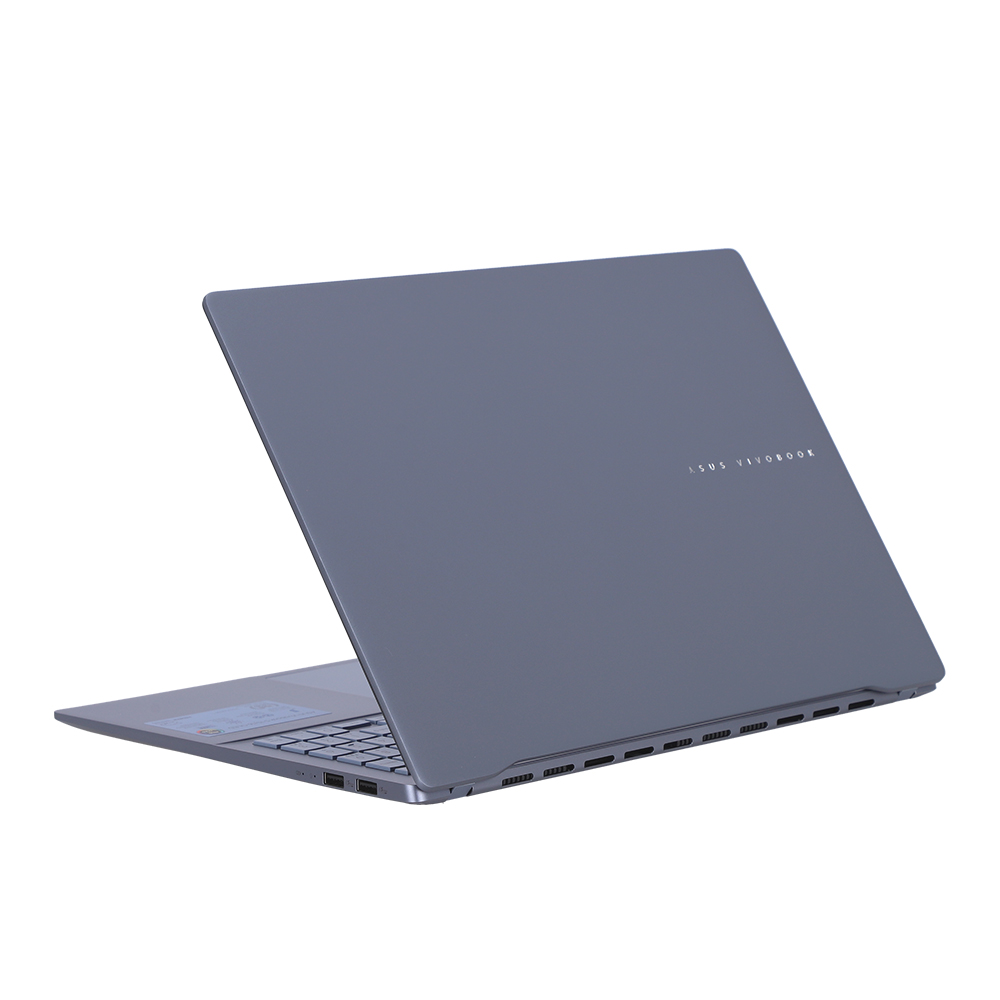
The ASUS Vivobook S 16 OLED elevates your laptop encounter, harmoniously blending advanced technology with a clean, minimalist design. It showcases the power of up to Intel® Core™ Ultra 9 processor for exceptional performance, a dedicated Copilot key1 for more AI exploration, a svelte 1.5 kg2 construction, a substantial 16-hour battery life3, and a captivating 3.2K ASUS Lumina OLED screen. It also includes an ergonomically designed keyboard with vibrant RGB backlighting, a generously sized touchpad, and an ASUS AiSense camera. This laptop is the perfect companion for modern life.
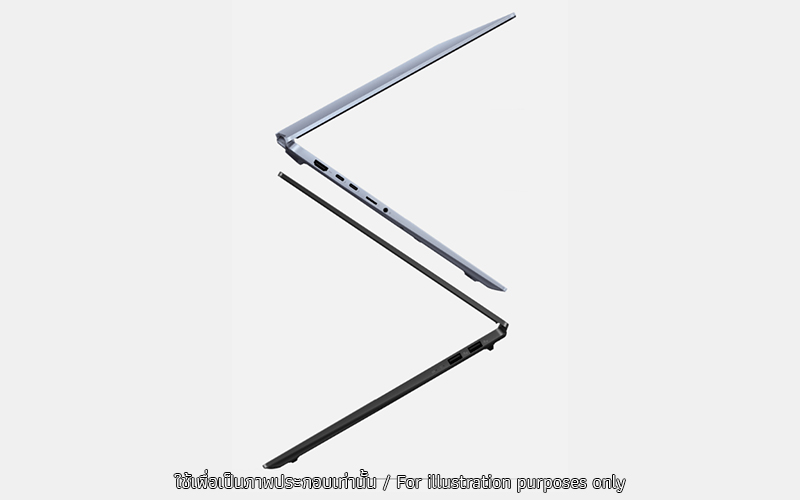
THIN AND LIGHT
Effortlessly sleek
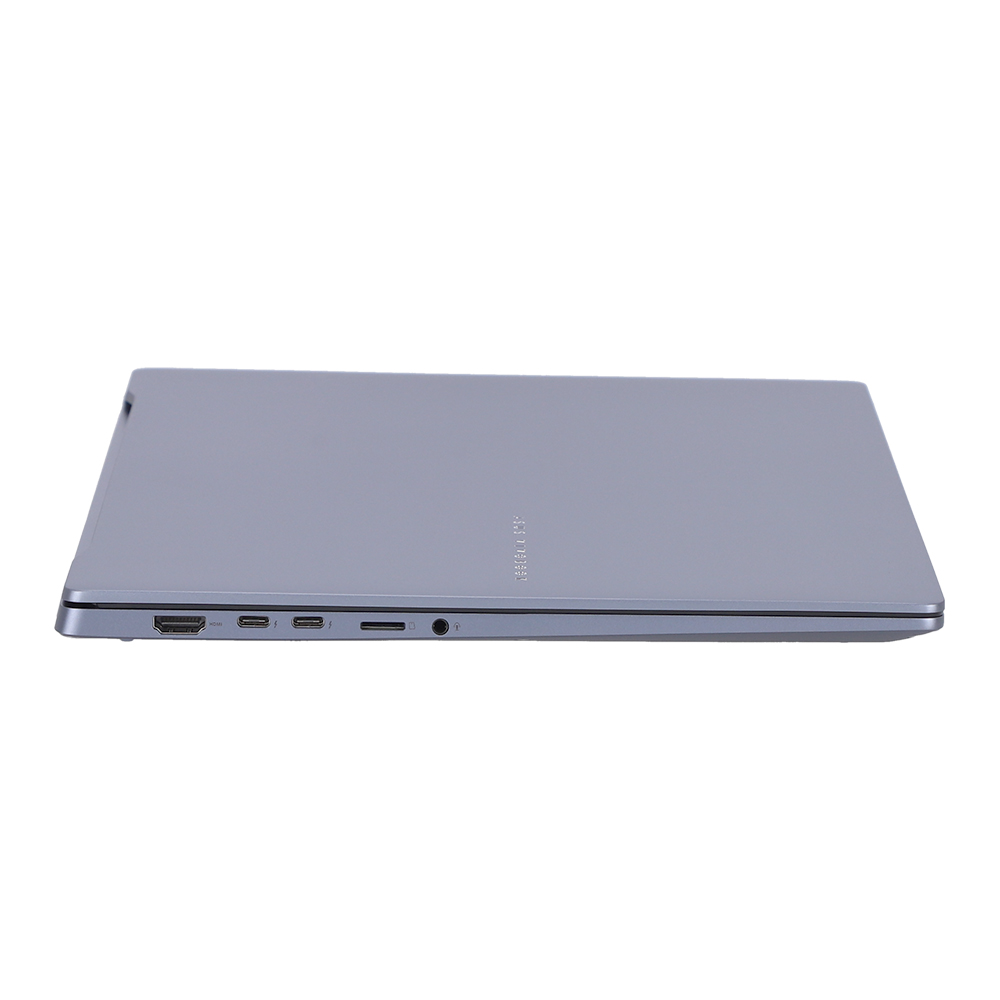
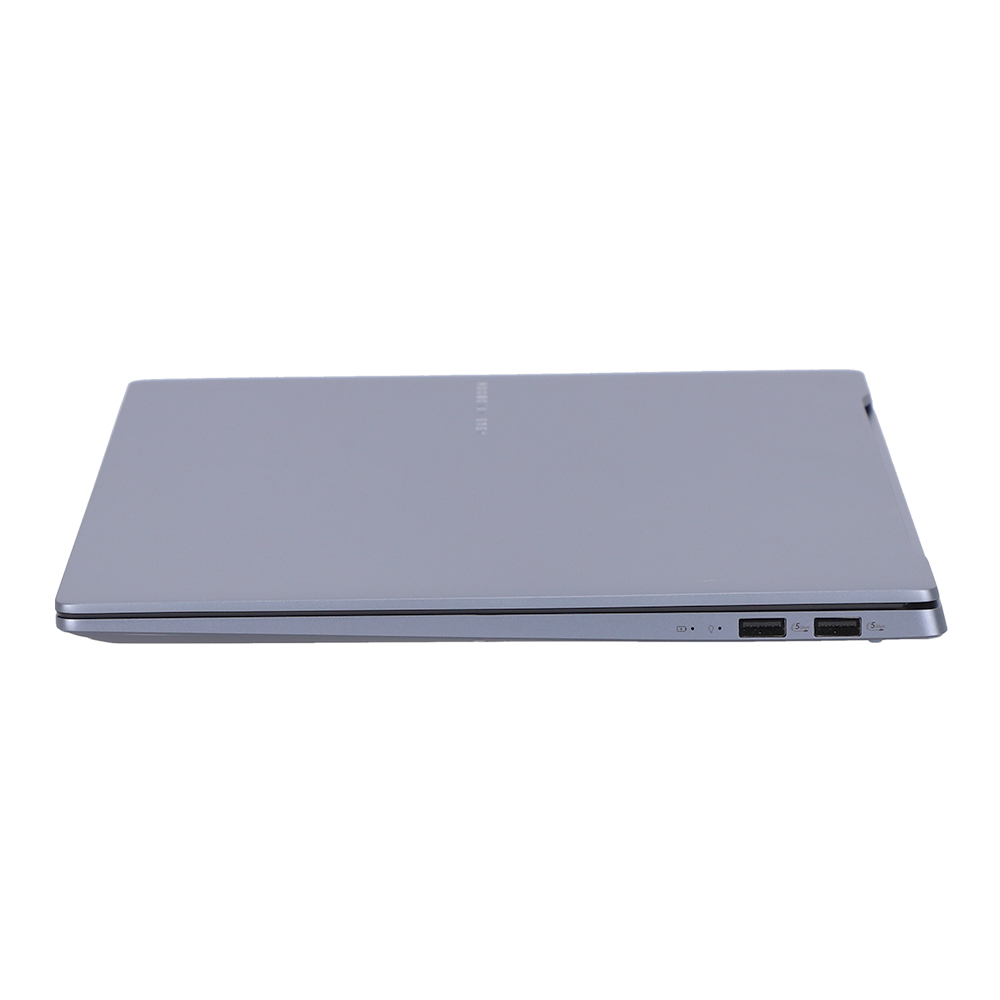
With a sleek 1.39 cm thin and a mere 1.5 kg profile2, ASUS Vivobook S 16 OLED embodies true portability. It’s incredibly easy to carry, whether you’re constantly on the move or changing locations. Relish the liberty to work and indulge in entertainment while on the move, without the burden of cumbersome equipment, in one exceptionally stylish package.
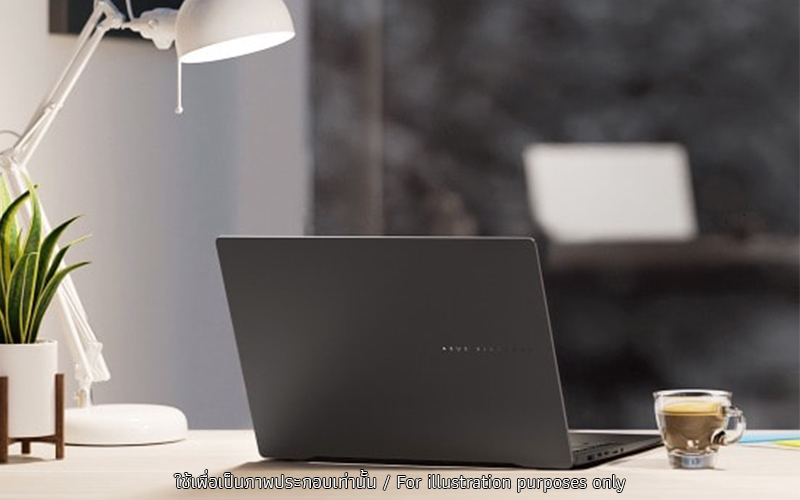
MINIMALIST DESIGN & MODERN COLOR
Simplicity meets sophistication
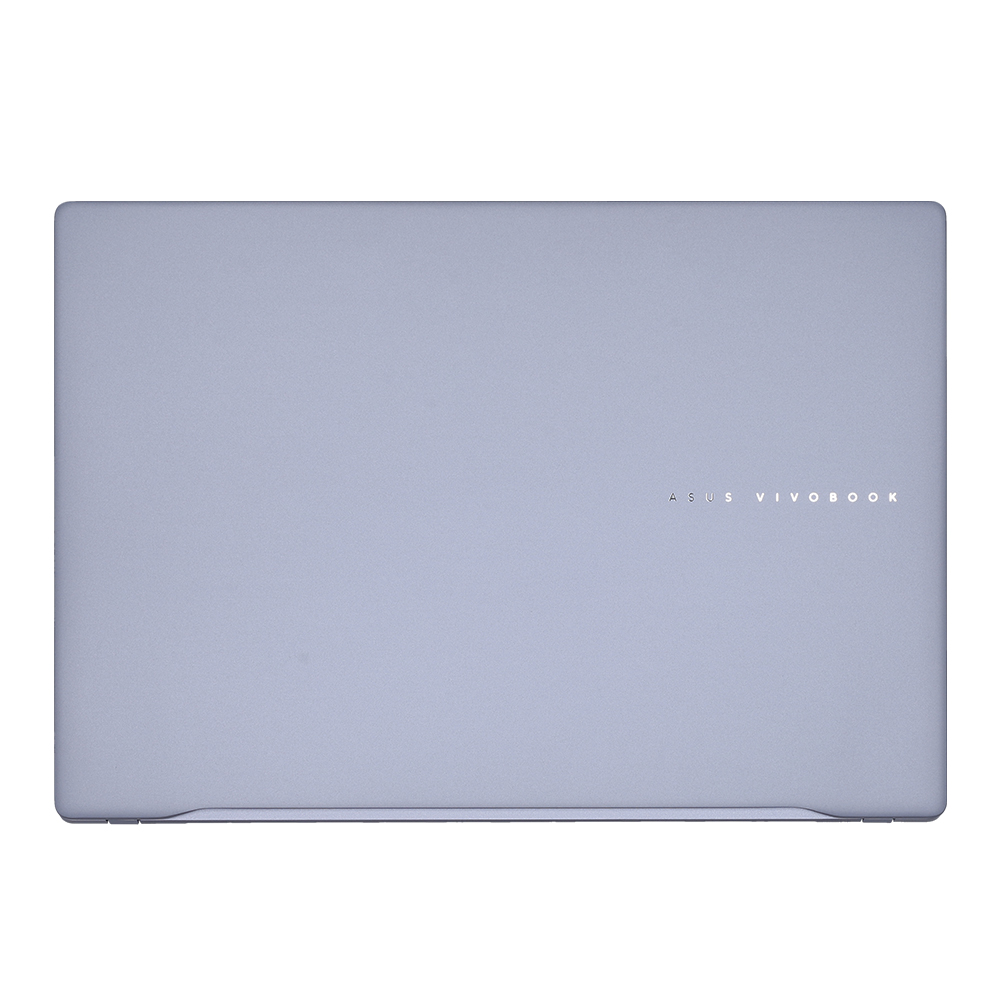
ASUS Vivobook S 16 OLED is effortlessly reflects your premium taste. Its elegant and uncluttered design, along with its refined CNC engraving logo, epitomizes the core of simplicity and sophistication. It’s available in two modern color options: Neutral Black or Mist Blue. Its versatile unibody tapered design improves the overall solidity and stability of the laptop.
.jpg)
PERFORMANCE
Punchy performance
ASUS Vivobook S 16 OLED isn’t just visually striking; it also delivers impressive performance. Whether you’re editing photos, crafting presentations, or streaming videos, this laptop handles it all with ease. By integrating ASUS Memory Allocation Management7, we ensure optimal memory resource utilization, thereby boosting performance in gaming, creating, and AI applications. Furthermore, ASUS Vivobook S 16 OLED features a dedicated Copilot key. Just one click for endless exploration.
.jpg)
AI Chip
Elevate efficient power to supreme levels
Harnessing the lightning-speed Intel® Core™ Ultra 9 processor, ASUS Vivobook S 16 OLED enhances every task. In Full Speed mode, it can elevate CPU performance up to 50 W TDP4, leveraging Intel CPU technology to boost frame rates in demanding situations. It’s tailored to match your speed!
.jpg)
WINDOWS 11
Your time is valuable
So, don’t waste it doing things the hard way. Windows 11 brings a fresh experience with new ways to get things done in a fast, fun, and easy kind of way.
* Screen simulated, subject to change. Feature availability and rollout timing varies by market and device.
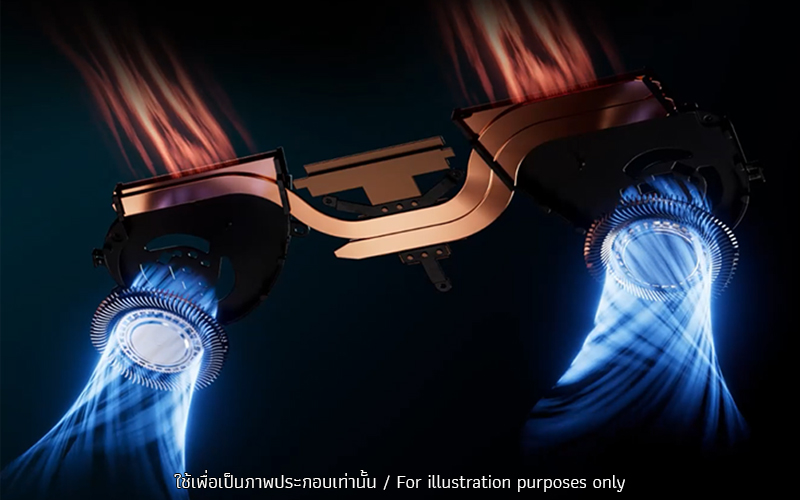
THERMAL TECHNOLOGY
Cool, cooler, coolest
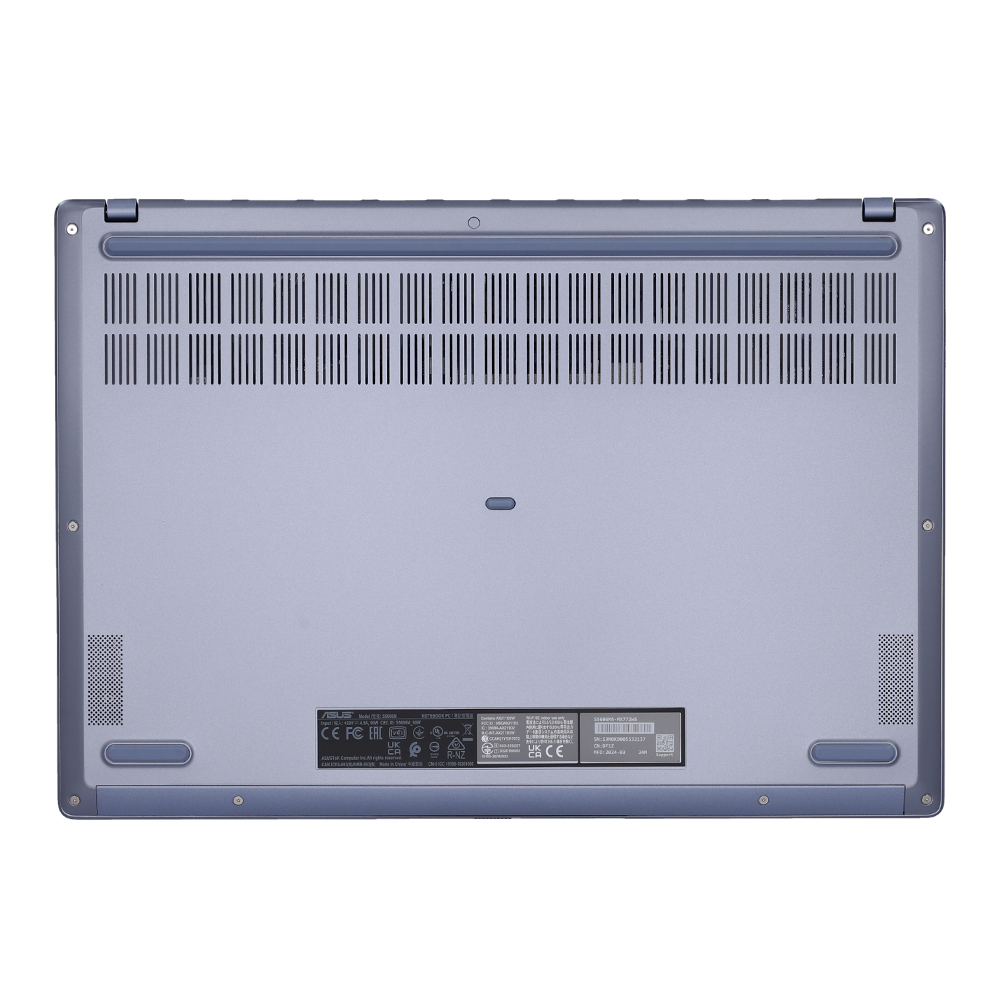
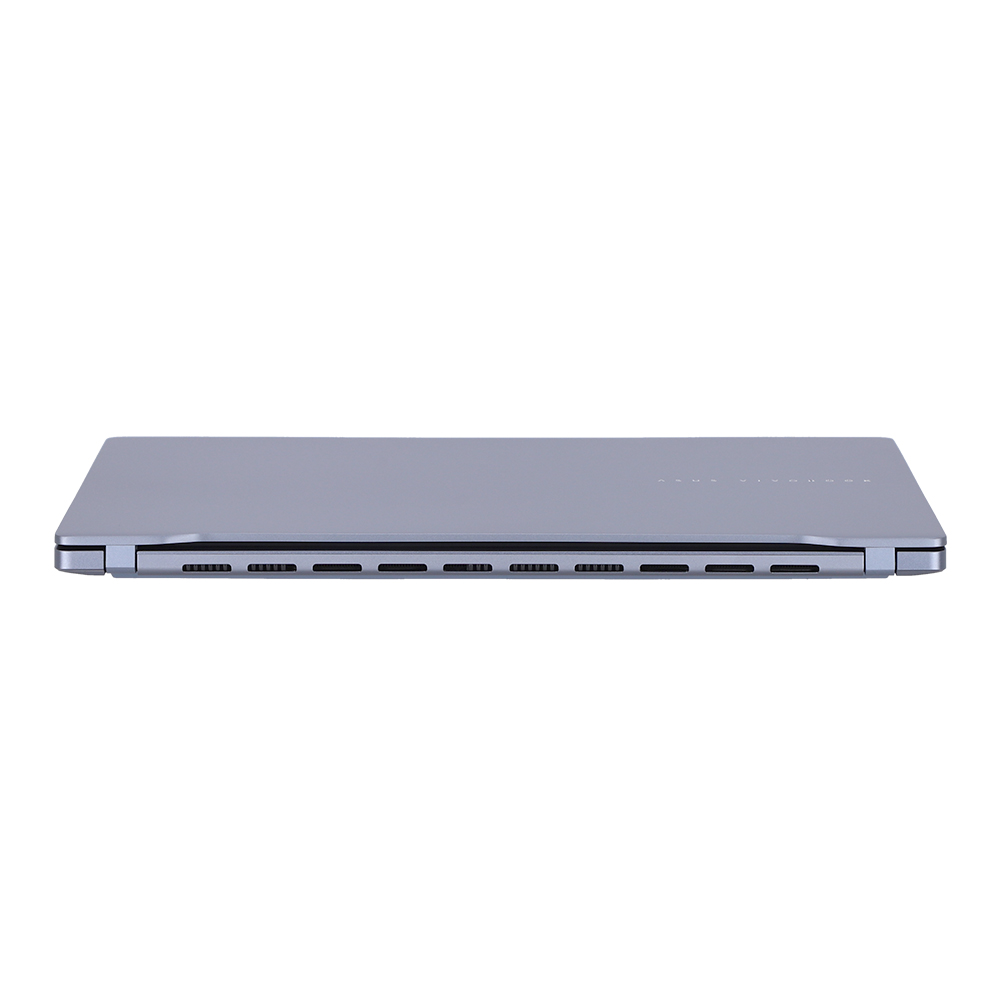
Concerned about your laptop overheating? You can be confident that the ASUS IceCool thermal technology guarantees that ASUS Vivobook S 16 OLED remains cool under pressure, allowing it to effectively manage even the most demanding tasks without any drop in performance. Moreover, it also comes with a dust filter for both of its fan, a filter helps to keep dust and fibers from being sucked into the chassis.
BATTERY
Big battery. Fast charging. No worries.
Say goodbye to battery anxiety! ASUS Vivobook S 16 OLED boasts a generous 75 Wh high-capacity battery5, providing long-lasting power for your entire day. What’s more, its fast-charging technology enables swift recharges so you can swiftly return to work or play without any delays.
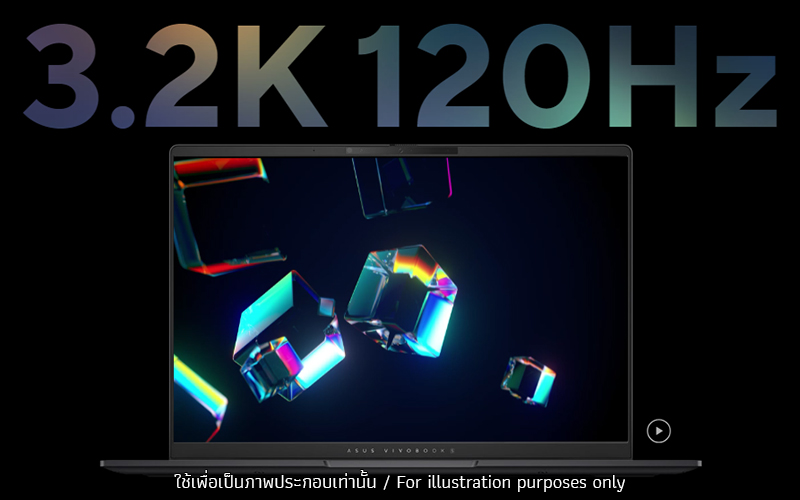
DISPLAY
Lifelike visuals on a stunning OLED
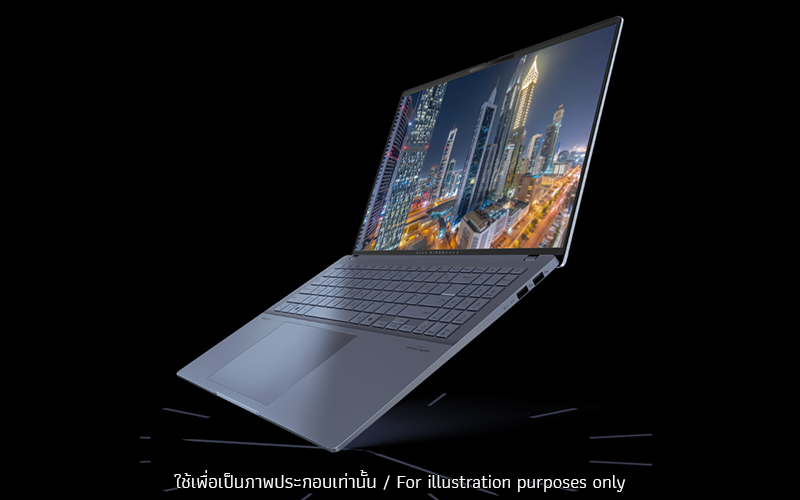
Experience visuals like never before with ASUS Vivobook S 16 OLED. Its 16-inch 3.2K 120 Hz OLED display delivers an exceptionally smooth and immersive gaming and entertainment experience.
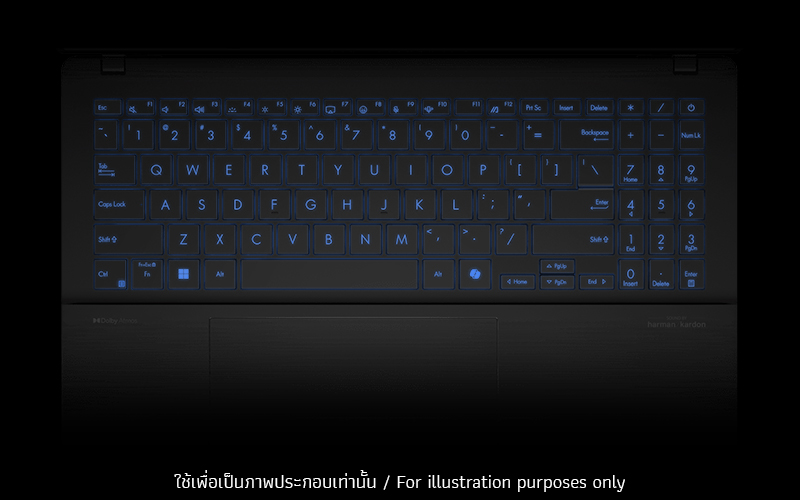
KEYBOARD & TOUCHPAD
The key to your unique vibe
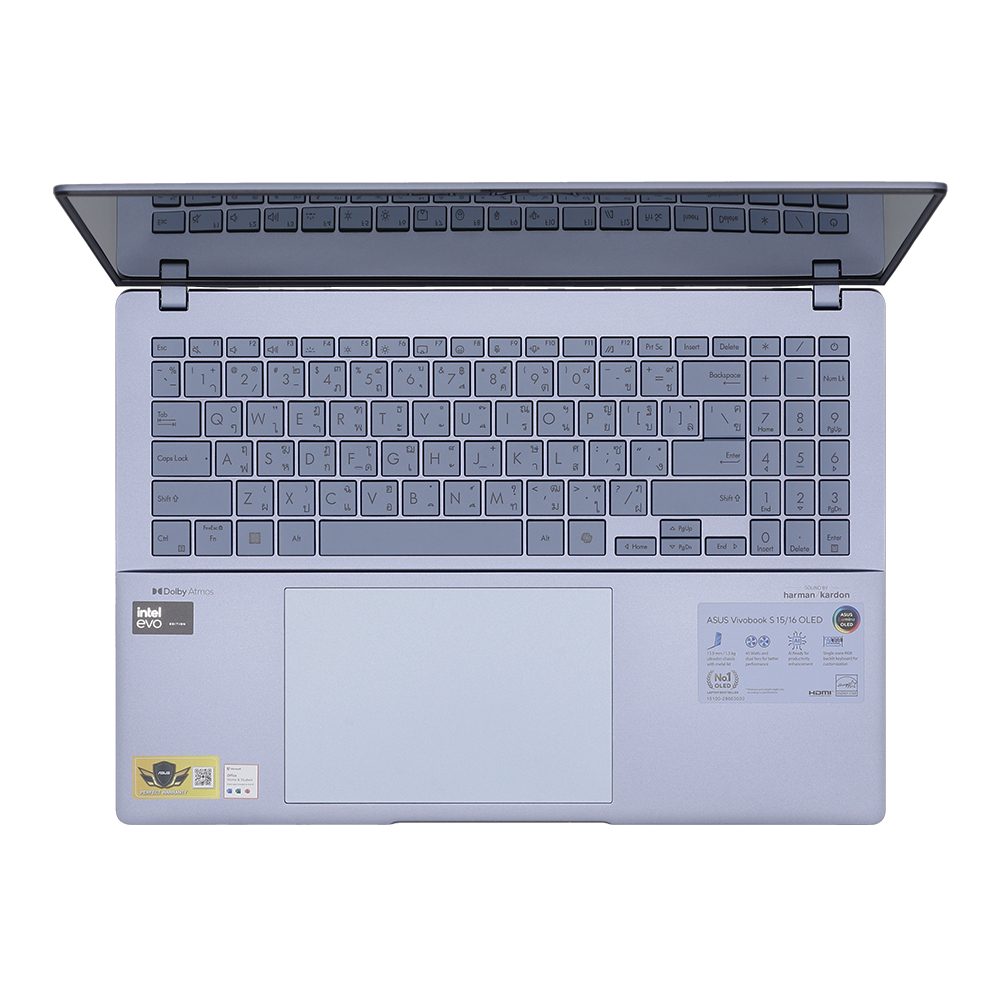
Want to express your uniqueness subtly? ASUS Vivobook S 16 OLED boasts a single-zone RGB backlit keyboard for customizing the backlight with stunning lighting effects that match your personality and mood. With Windows Dynamic Lighting21, you can easily adjust colors, modes, and brightness levels right in Windows setting to make your keyboard stand out.
.jpg)
KEYBOARD & TOUCHPAD
Your workspace just got bigger
ASUS Vivobook S 16 OLED has an enlarged touchpad for improved workflow and effortless navigation, ensuring precise and seamless interactions whether you’re working on projects, browsing the web, or relaxing.
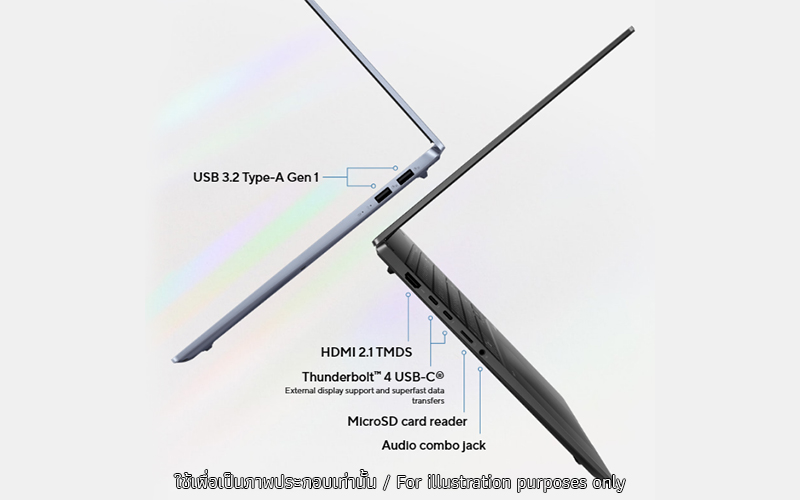
SMART CONFERENCING
ASUS AiSense camera and AI Noise Cancelation
Take back control of your meetings with our innovative camera system and ASUS AI noise-canceling audio technology, with new algorithms to make your conference calls even more productive. ASUS Vivobook S 16 OLED is perfect for any of your video conferencing.
.jpg)
AUDIO
Hear this!
ASUS Vivobook S 16 OLED delivers superb sound quality for your music and videos. Whether it’s entertainment or dialogue, everything sounds crystal-clear.
.jpg)
MILITARY GRADE
US military-grade laptop durability
ASUS consumer laptops meet the ultra-demanding MIL-STD 810H military standard23 for reliability and durability, undergoing a punishing test regime that includes extended tests for operation in harsh environments. These factors also help improve the laptops’ longevity and hence their sustainability, so you can work, travel or relax with the confidence that your ASUS laptop is ready for the real world — today, and long into the future.
.jpg)
SOFTWARE
Truly personalized workflow
ASUS offers a suite of software designed to take your computing experience up a notch. MyASUS provides a collection of handy apps and tools that help you get more out of your laptop, while GlideX enables you to get more done by sharing screens across devices. Plus, ScreenXpert helps you manage app windows across all connected displays for a smoother workflow.
-
Xbox Game Pass optional. 30-day trial for Xbox Game Pass for PC. Activation required. Credit card required. Unless you cancel, you will be charged the current subscription rate when your trial ends. Game catalog varies over time (xbox.com/gamepass). A conversion ratio applies for Xbox Game Pass Ultimate users. Limit: 1 per person/account.
-
The devices referred to on this web page are the most highly-specified models available. Some models and configurations may not have an OLED display option. Please check the product specifications to ensure that the correct type of display is configured before purchasing in-store or online.
-
The characteristics of an OLED display can eventually change over long periods of use, leading to visible changes. This is completely normal, and can cause behavior such as image burn-in or persistence: this means that a faint ghost of an image remains visible even when it’s replaced by a new image. These effects are more likely to occur if a non-moving (static) high-contrast image is displayed for an excessively long time. ASUS laptops with an OLED display minimize this risk by setting Windows Dark mode as default, as well as shortening the idle time before the screen is turned off — both on mains (AC) and battery (DC) power. This dual approach minimizes the potential for burn-in to maximize the lifespan of your OLED display lifespan, and also reduces unnecessary power draw for optimal battery life. We also recommended adjusting the brightness of your OLED display to complement the ambient lighting in your environment, rather than keeping the screen at maximum brightness at all times. You should also ensure that you have an animated, dark-background screensaver enabled in the Windows Settings tool.
-
The model shown is for reference purposes only. Actual models may differ.
-
Product weight may vary according to device configuration.
-
Copilot in Windows (in preview) is rolling out gradually within the latest update to Windows 11 in select global markets. Timing of availability varies by device and market. Copilot key feature availability varies by market. Learn more: https://www.microsoft.com/en-us/windows/copilot-ai-features?r=1#faq
-
Battery tests conducted by ASUS on January 24, 2024 using the 1080p Video Playback scenario. Test configuration: Vivobook S 14 OLED (S5406MA), OLED panel, Intel Core ultra 9 185H, 1 TB SSD, 16 GB RAM, 75 Wh battery. Test settings: WiFi disabled, Windows Power Plan set to Balanced, display brightness set to 150 cd/m2. Actual battery life may vary depending on product configuration, usage, operational conditions and power management settings. Battery life will decrease over the lifetime of the battery.
-
The figures are based on theoretical performance. Actual performance may vary in real-world situations.
-
Battery durability and charging speed will vary depending on usage.
-
The visual appearance of OLED displays may change over the product’s lifetime. This is expected behavior that can include image persistence or burn-in, where the display shows a faint remnant of an image even after a new image appears on the screen. This tends to occur only in extreme use cases, such as when a static, high-contrast image is continuously displayed for prolonged periods of time. ASUS laptops with an OLED display minimize this risk by setting Windows’s Dark mode as default, as well as shortening the idle time before the screen is turned off — both on mains (AC) and battery (DC) power. This dual approach minimizes the potential for burn-in to maximize the lifespan of your OLED display lifespan, and also reduces unnecessary power draw for optimal battery life. We also recommended adjust the brightness of your OLED display to complement the ambient lighting in your environment, rather than keeping the screen at maximum brightness at all times. You should also ensure that you have an animated, dark-background screensaver enabled in the Windows Settings tool.
-
Functionality may vary according to device configuration. For specific information on how Memory Allocation Management operates with your product configuration, please refer to www.asus.com/support/FAQ/1051790/
-
To use the Intel® ARC™ brand, the system must be populated with at least 16GB size in a 128 bit/dual channel memory configuration.
-
Maximum SSD capacity may vary according to device configuration.
-
Maximum RAM capacity may vary according to device configuration.
-
-
-
-
-
-
-
The component placement is for reference only, and may vary by model and configuration.
-
This data is derived from ASUS laboratory testing, which involves simulating daily charging frequency as the testing standard. The actual lifespan of the battery may differ depending on factors such as product configuration, usage patterns, operational conditions, and power management settings. Over time, the battery’s longevity will naturally decrease. For more comprehensive information, please refer to the provided link. https://www.asus.com/support/faq/1051114
-
Battery tests conducted by ASUS on January 24, 2024 using the 1080p Video Playback scenario. Test configuration: Vivobook S 14 OLED (S5406MA), OLED panel, Intel Core ultra 9 185H, 1 TB SSD, 16 GB RAM, 75 Wh battery. Test settings: WiFi disabled, Windows Power Plan set to Balanced, display brightness set to 150 cd/m2. Actual battery life may vary depending on product configuration, usage, operational conditions and power management settings. Battery life will decrease over the lifetime of the battery.
-
This data is derived from ASUS laboratory testing, which involves simulating daily charging frequency as the testing standard. The actual lifespan of the battery may differ depending on factors such as product configuration, usage patterns, operational conditions, and power management settings. Over time, the battery’s longevity will naturally decrease. For more comprehensive information, please refer to the provided link.
-
Average tested result in MyASUS Splendid Display P3 and sRGB color gamut: Delta E < 1, +/- 0.5, and may vary by specification. Please note that the actual performance also may vary under different test procedures, equipment and patterns.
-
Compared to average LCD displays in the market, measuring energy emission of blue light in between 415-455 nm wavelength.
-
To further maximize the protection of your OLED laptop, ASUS has included OLED Care settings such as pixel refresh and pixel shifting, which are turned on by default. It’s important to note that if any burn-in issues do occur within the warranty period, which might vary by countries, ASUS offers a free exchange service for the affected OLED laptop as long as the user did not manually turn off the OLED Care functions.
-
Model S5606 RGB single-zone keyboard lighting can fully supports the Solid Color, Breathing, Rainbow effects of Windows Dynamic Lighting. Learn more at https://www.asus.com/support/faq/1051652
-
Touchpad is 40% larger compared to Vivobook S 15 OLED K5504.
-
The testing regime includes the requirements of both military-grade standards and ASUS quality tests, and varies depending on device. MIL-STD-810 testing is conducted on selected ASUS products only. Note that the MIL-STD-810 testing helps to ensure the quality of ASUS products but does not indicate a particular fitness for military use. The test is performed under laboratory conditions. Any damage caused by attempts to replicate these test conditions would be considered accidental, and would not be covered by the standard ASUS warranty. Additional coverage is available with ASUS Premium Care.
-
EPEAT registered where applicable. EPEAT registration varies by country. See www.epeat.net for registration status by country.
-
Percentage varies according to device configuration.
Source : ASUS Vivobook S 16 OLED (S5606)