

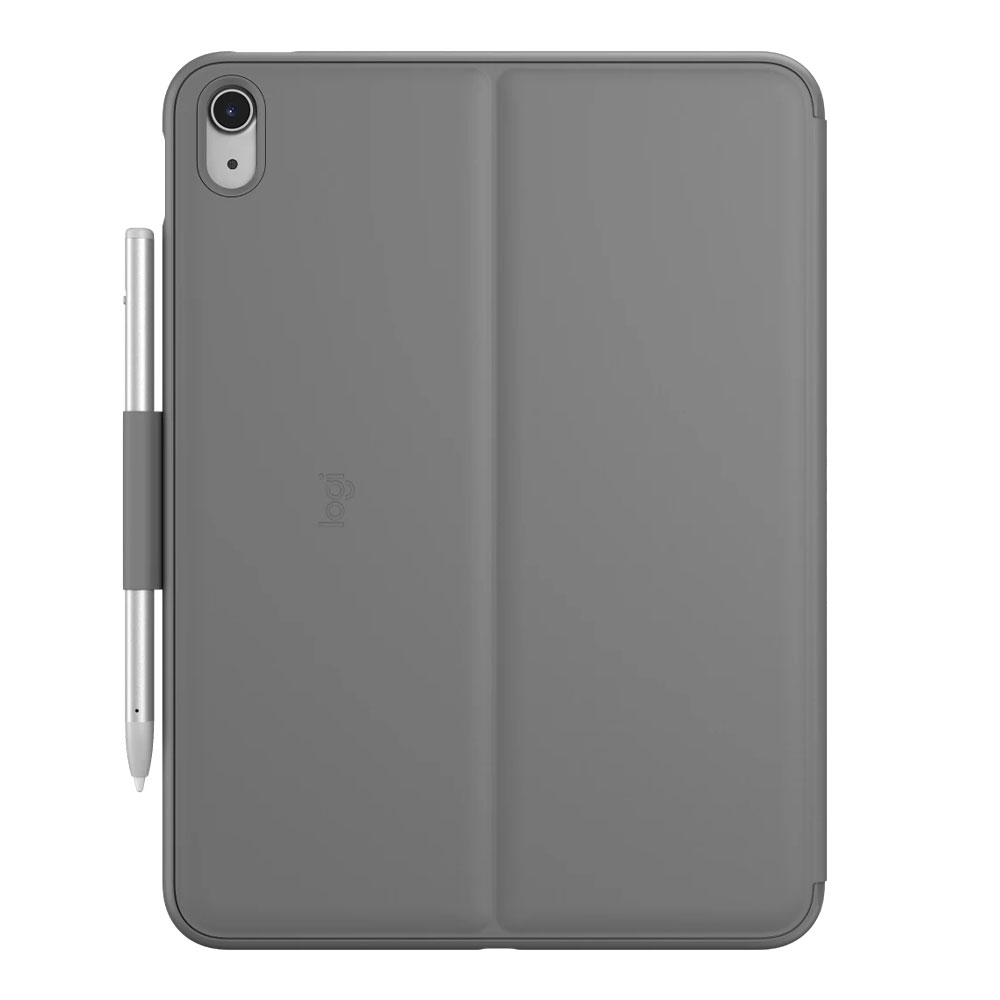

CASE & KEYBOARD (เคสคีย์บอร์ด) LOGITECH SLIM FOLIO FOR IPAD GEN10

CASE & KEYBOARD (เคสคีย์บอร์ด) LOGITECH SLIM FOLIO FOR IPAD GEN10

รายละเอียดสินค้าโดยย่อ

Logitech Slim Folio คือเคสคีย์บอร์ดสำหรับ iPad ที่ออกแบบมาเพื่อเพิ่มประสิทธิภาพในการทำงาน ด้วยคีย์บอร์ดแบบเต็มแถวที่มีระยะการกดสะดวก และดีไซน์หุ้มรอบตัวเครื่องเพื่อป้องกันการกระแทกหรือขีดข่วน อีกทั้งยังมีช่องเก็บ Apple Pencil หรือ Logitech Crayon ทำให้พร้อมใช้งานในทุกสถานการณ์โดยไม่ต้องกลัววางอุปกรณ์ลืมไว้

สำหรับ : iPad Gen 10
*สินค้านี้มีเฉพาะเคสและคีย์บอร์ดเท่านั้น

CASE & KEYBOARD (เคสคีย์บอร์ด) LOGITECH SLIM FOLIO FOR IPAD GEN10
(#1024001029)

รับประกัน 1 - y
ราคา
บาท
2,990
ราคาล่าสุดเมื่อ 2025-08-21
ส่งฟรี

ระบุข้อมูลใส่ช่องว่างเพื่อแจ้งเตือนเมื่อมีสินค้าเข้ามา

จำนวนที่ต้องการ

ชิ้น

คุณสมบัติ
Specification
Detail

Dimensions : Height 253 mm. / Width 186.7 mm. / Depth 20 mm. / Weight 449 grams

Modes : Print / Draw / Read

Keyboard Type : Integrated keyboard

Backlight Keys : None

Power & Connectivity : 2 replaceable button batteries / 3-year battery life (typing 2 hours per day) / Keyboard pairs with iPad via Bluetooth LE

Case : Holds Logitech Crayon or Apple Pencil / Protects front and back / Water resistant / Easy-to-clean fabric / Durable plastic material / Access to all ports such as camera and USB-C

Keyboard : Standard size (iPad 10 and A16 models, 18 mm key spacing / 7th, 8th, 9th generation models, 17 mm key spacing) / Scissor keys (1 mm key travel) / Standard row of iPadOS shortcut keys / Specific shortcut keys such as Home, Brightness control, On-screen keyboard, Search, Music control, Volume control, Lock device, Bluetooth LE connection, Check keyboard battery

Viewing Angles : Fixed / Print Mode 58° / View Mode 10°

รายละเอียดสินค้า


Sleek style with standard keyboard
Enjoy a premium typing experience wherever you take your iPad® (10th generation). This all-in-one case is easy to use and carry while keeping your iPad safe from bumps and scratches. Whether you want to work in the backyard, at your desk, or even on your lap, the Slim Folio gives you the perfect angle for typing, viewing, or drawing.



  1. Home: Go to the home screen.
  2. Screen brightness: Adjust the brightness up or down.
  3. On-Screen Keyboard: Show/hide the on-screen keyboard.
  4. Search: Brings up the iPadOS search field.
  5. Control mode: Back, Play/Pause, Forward
  6. Volume control: mute, volume up, volume down
  7. Lock Screen: Lock iPad screen
  8. Bluetooth Low Energy Connection: Pair devices
  9. Check the keyboard battery


*รูปภาพทั้งหมดมีวัตถุประสงค์เพื่อเป็นภาพประกอบเท่านั้น