×

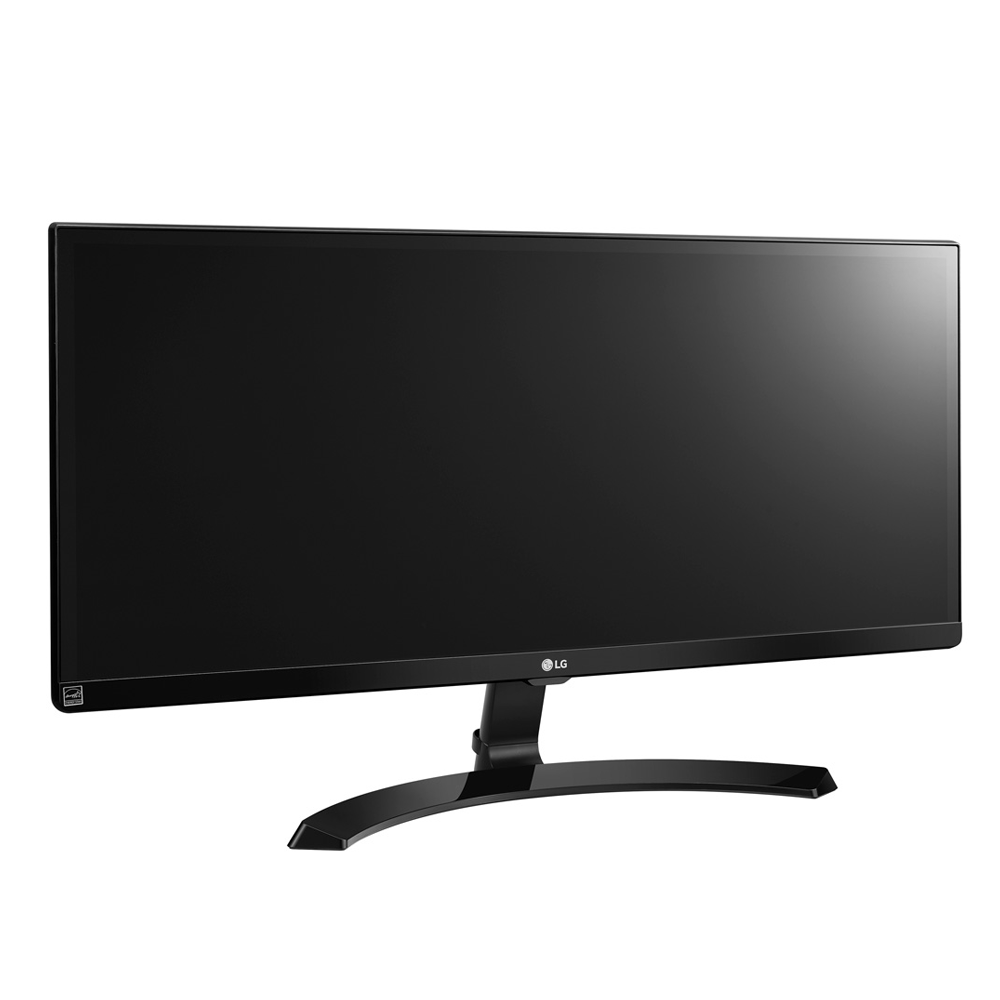
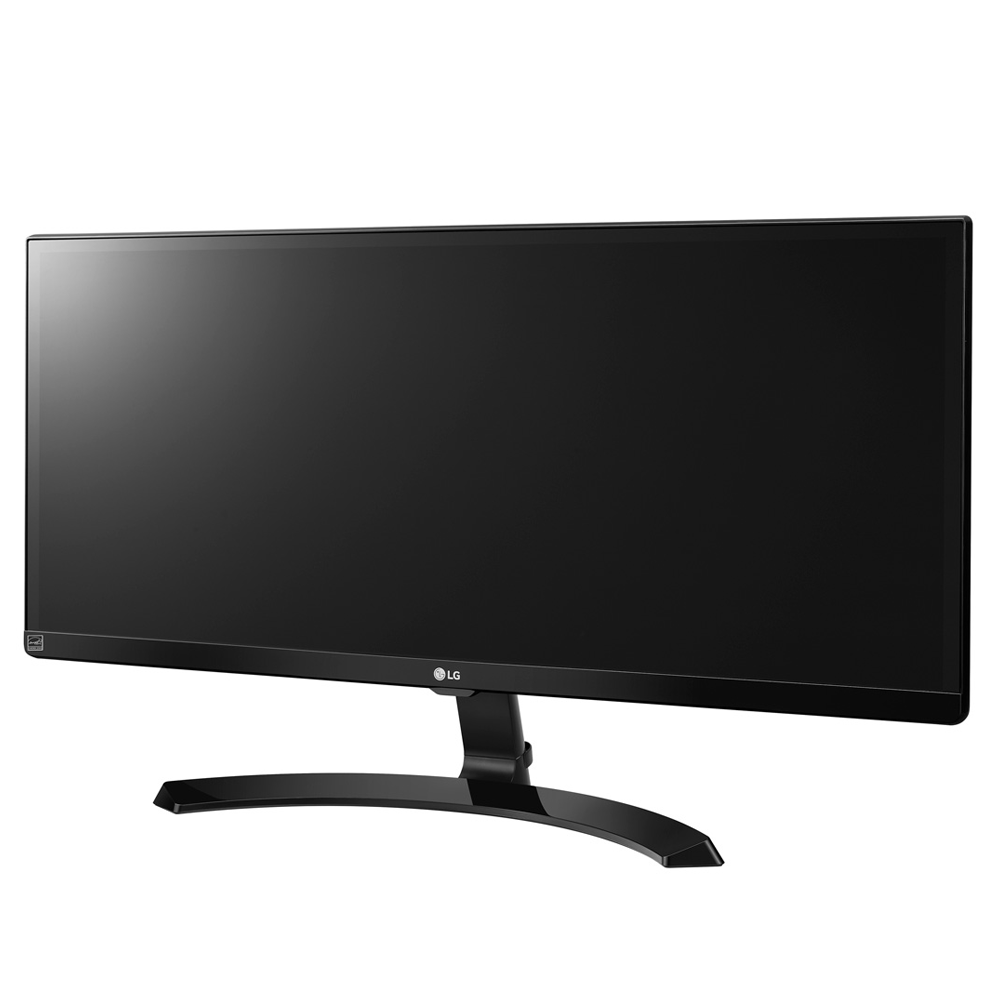
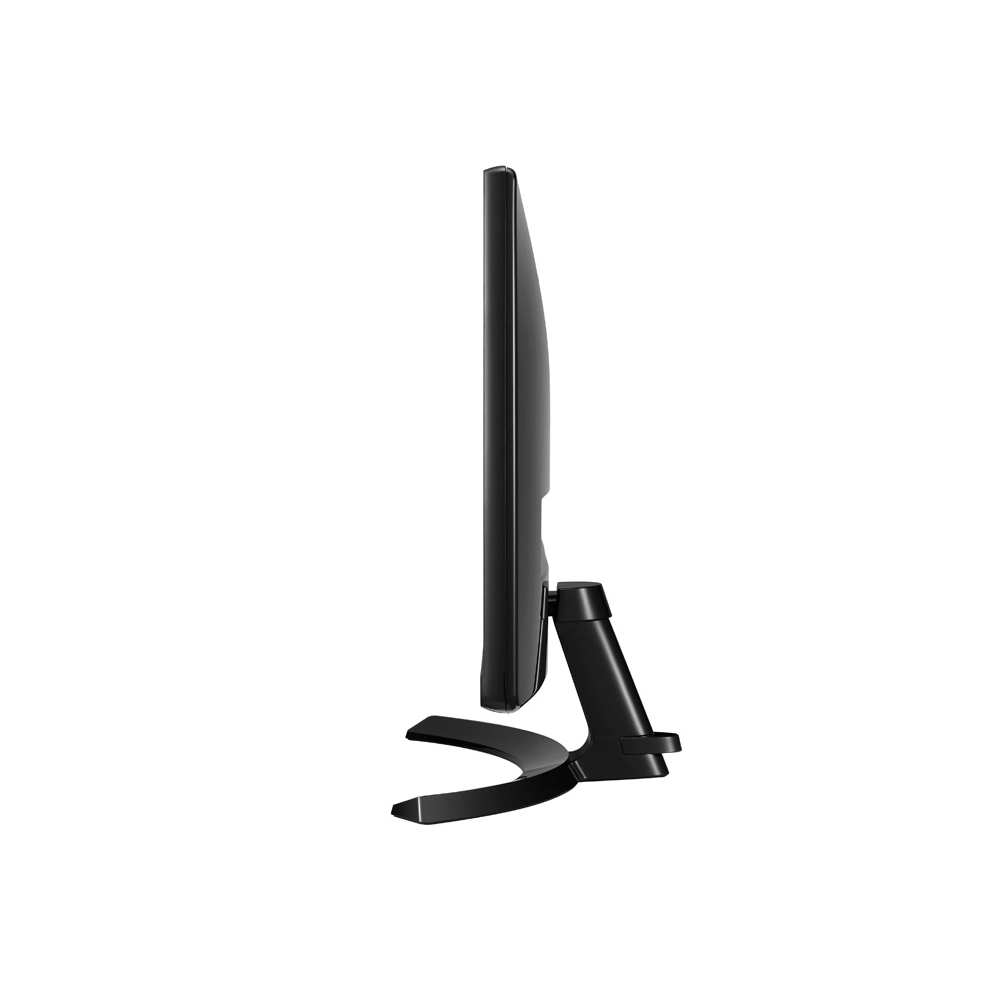
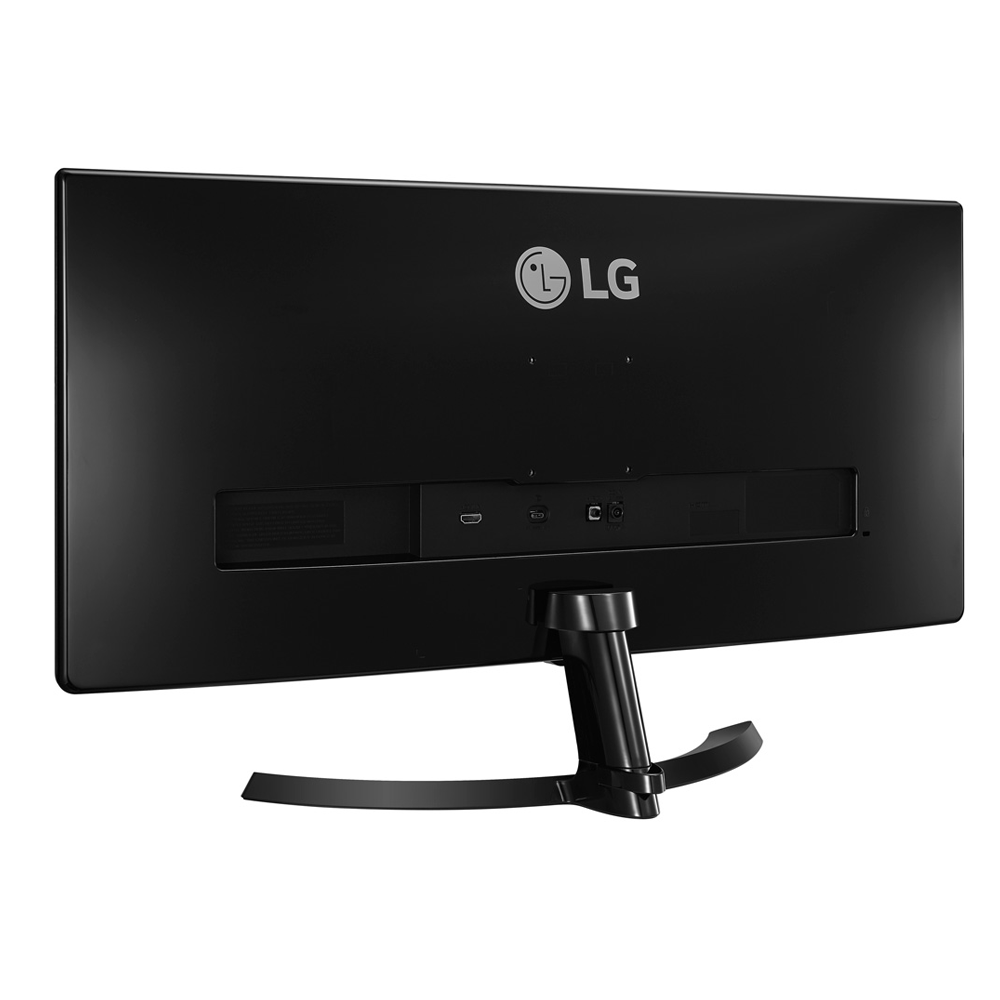
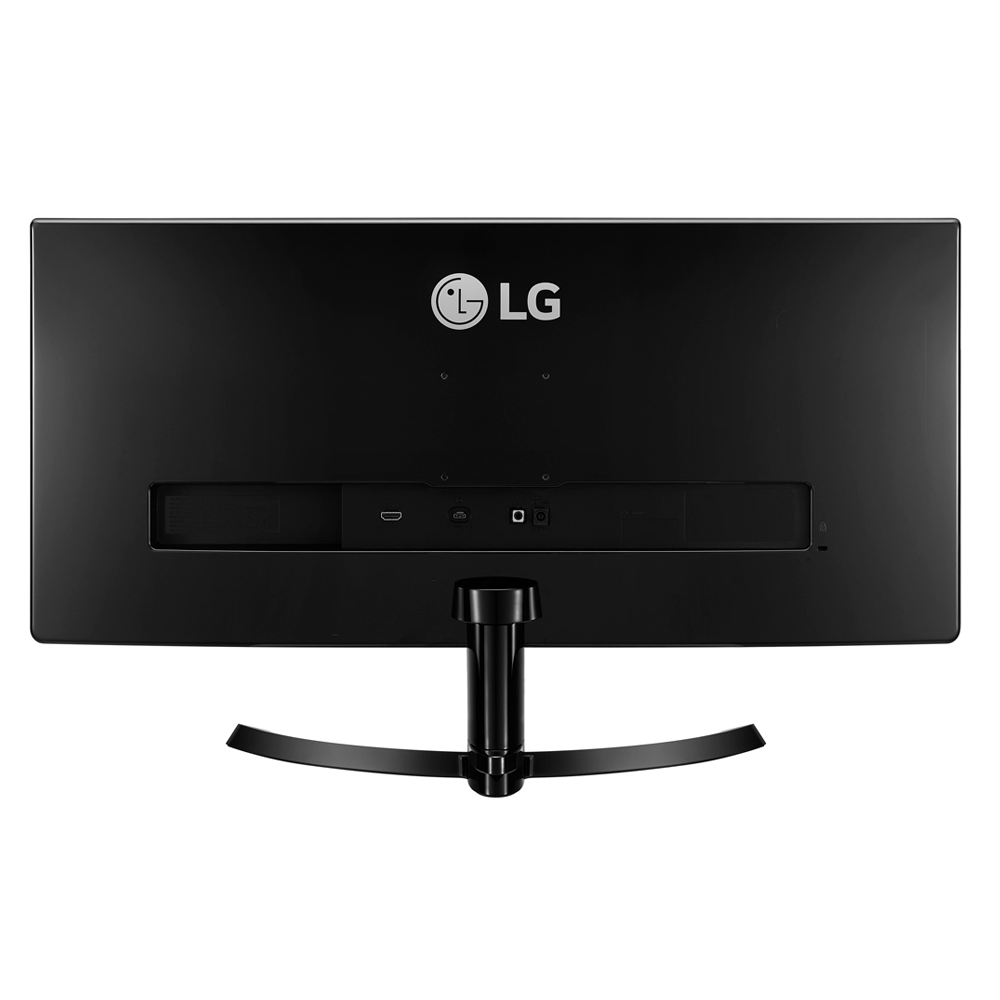
MONITOR (จอมอนิเตอร์) LG 29UM59A-P 29 INCH IPS

MONITOR (จอมอนิเตอร์) LG 29UM59A-P 29 INCH IPS

รายละเอียดสินค้าโดยย่อ

Size : 29"
Brightness : 250 cd/m²
Contrast : 1000 : 1
Response Time : 5 ms

MONITOR (จอมอนิเตอร์) LG 29UM59A-P 29 INCH IPS
(#1446080386)

รับประกัน 3 - y
ราคา
บาท
7,400
ราคาล่าสุดเมื่อ 2018-10-11
ส่งฟรี
คุณสมบัติ
specification
Size
29 ''
Panel Type
IPS
Touch screen
No
Max Resolution
2560 x 1080
Aspect Ratio
21 : 9
Refresh Rate
75 Hz
Response Time
5 ms
Brightness
250 cd/m2
Contrast Ratio (static/dynamic)
1,000 : 1
Color Support
No
Color Gamut
sRGB >99%
Viewing Angle (Vertical/Horizontal)
178 /178 °
Speaker
No
USB Hub
USB 3.0 x 1 Port(s)
Hood
No
HDR
No
AMD FreeSync
FreeSync
NVIDIA G SYNC
No
DyAc (Dynamic Accuracy)
No
Flicker Free
Yes
Low Blue Light/Eye Care
No
Backlight Type
LED
Panel Surface
Anti-Glare (3H)
Mount Interface
VESA 75 x 75 mm
Dimension (W/H/D)
703 x 414 x 213 mm
Weight (Net/Gross)
5.2 kg
Power Consumption (Operate/Stand by)
27 W
Input Voltage
100 - 240 VAC
Adjustability
Height
- mm
Tilt
-5 to 20 °
Swivel
- °
Pivot
- °
Input & Output Connectors
VGA
- Port(s)
DVI
- Port(s)
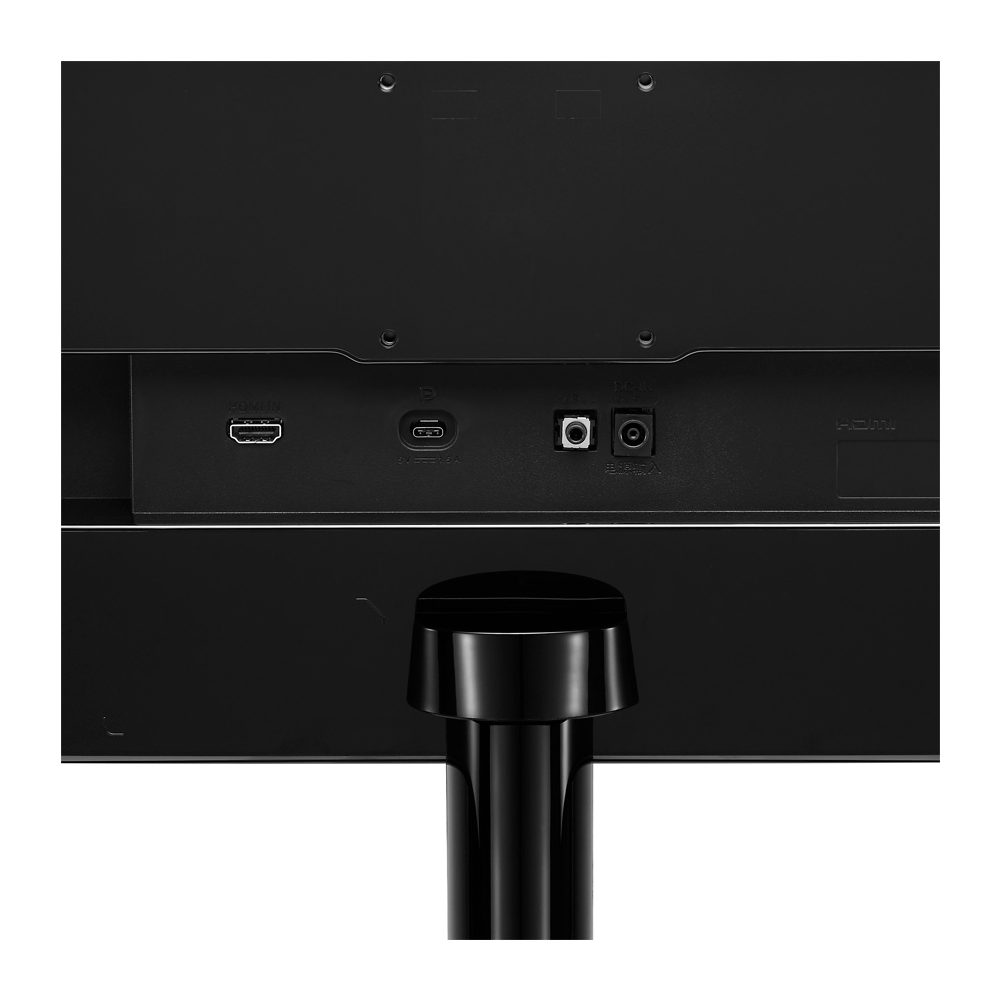
HDMI
1 Port(s)
DisplayPort
- Port(s)
mini DisplayPort
- Port(s)
USB Type C
- Port(s)
Audio In
- Port(s)
Audio Out
- Port(s)
Microphone jack
- Port(s)
What's in the box
Monitor
1 Unit (s)
Stand
1 Unit (s)
AC Power cord
1 Unit (s)
AC Adapter
No
VGA cable
No
DVI cable
No
HDMI cable
1 Unit (s)
DisplayPort cable
No
mini DisplayPort cable
No
mini DisplayPort to DisplayPort cable
No
USB Type C cable
No
USB Upstream Cable
No
Audio In cable
No
Audio Out cable
No
Driver and/or Documentation (CD/DVD)
Yes
Setup Guide
Yes
Factory Calibration
No
Additional Info
No
รายละเอียดสินค้า


21: 9 จอแสดงผล IPS UltraWide® Full HD
อัตราส่วนภาพอัลตร้าไวด์ 21: 9 ทำให้เกมและภาพยนตร์ดูน่าจดจำมากขึ้นกว่าที่เคย ความละเอียด 1080p pixel Full HD ที่มี IPS เป็นเกมเปลี่ยน ใส่ได้จากมุมมองภาพทุกมุมทุกอย่างดูคมชัดและมีรายละเอียดมากขึ้นใน Full HD

การควบคุมบนหน้าจอ
การควบคุมบนหน้าจอทำให้การตั้งค่าจอภาพสำคัญเป็นหน้าต่างที่มีประโยชน์สำหรับการเข้าถึงที่รวดเร็วและง่ายดาย ขณะนี้คุณสามารถปรับระดับความสว่างการตั้งค่าโหมดภาพการแบ่งหน้าจอ 2.0 และตัวควบคุมแบบคู่และอื่น ๆ ได้โดยใช้เมาส์เพียงไม่กี่ครั้ง

แบ่งหน้าจอ 2.0
ปรับแต่งเค้าโครงจอภาพของคุณสำหรับการทำงานหลายอย่างพร้อมกับแบ่งหน้าจอของ LG รุ่นล่าสุด ปรับขนาดและแสดงหน้าต่างหลาย ๆ ครั้งพร้อมด้วย 14 ตัวเลือกรวมถึงสี่ตัวเลือกภาพในภาพ (PIP) ที่แตกต่างกัน


อ้างอิงจาก : https://www.lg.com/