


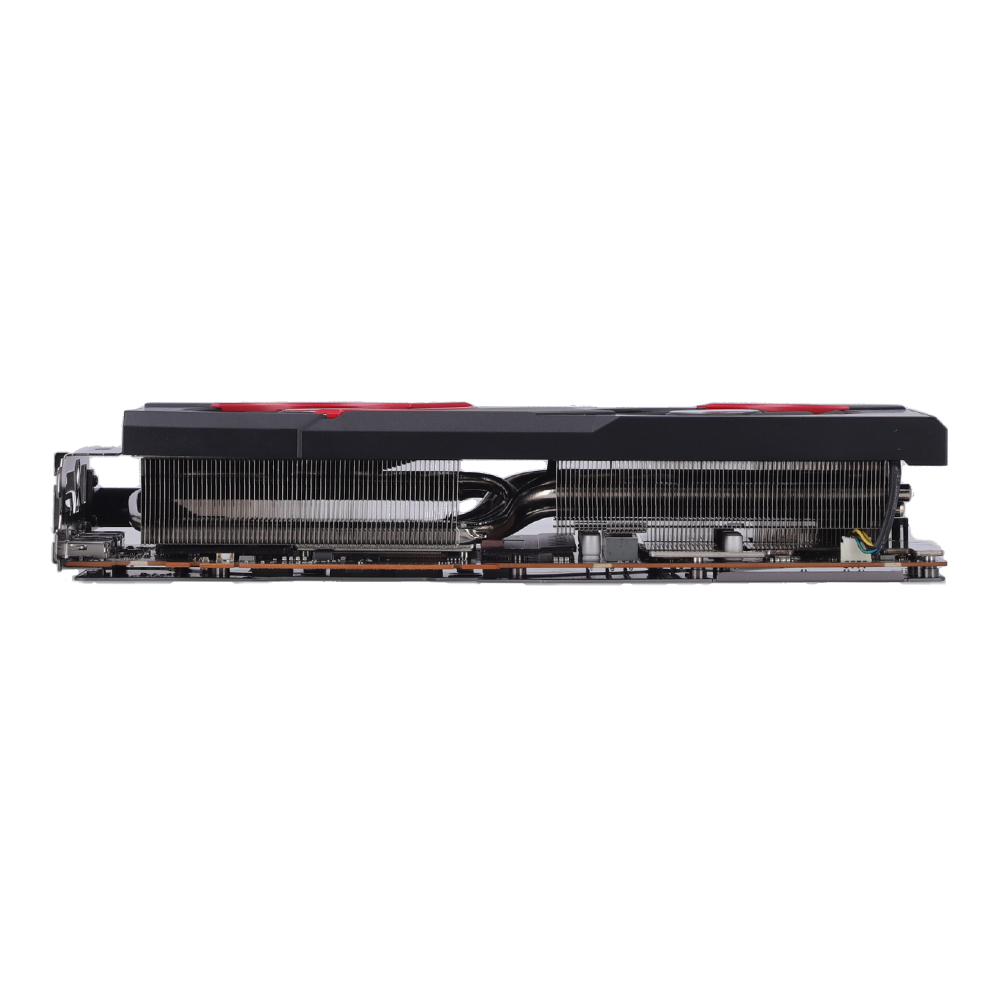
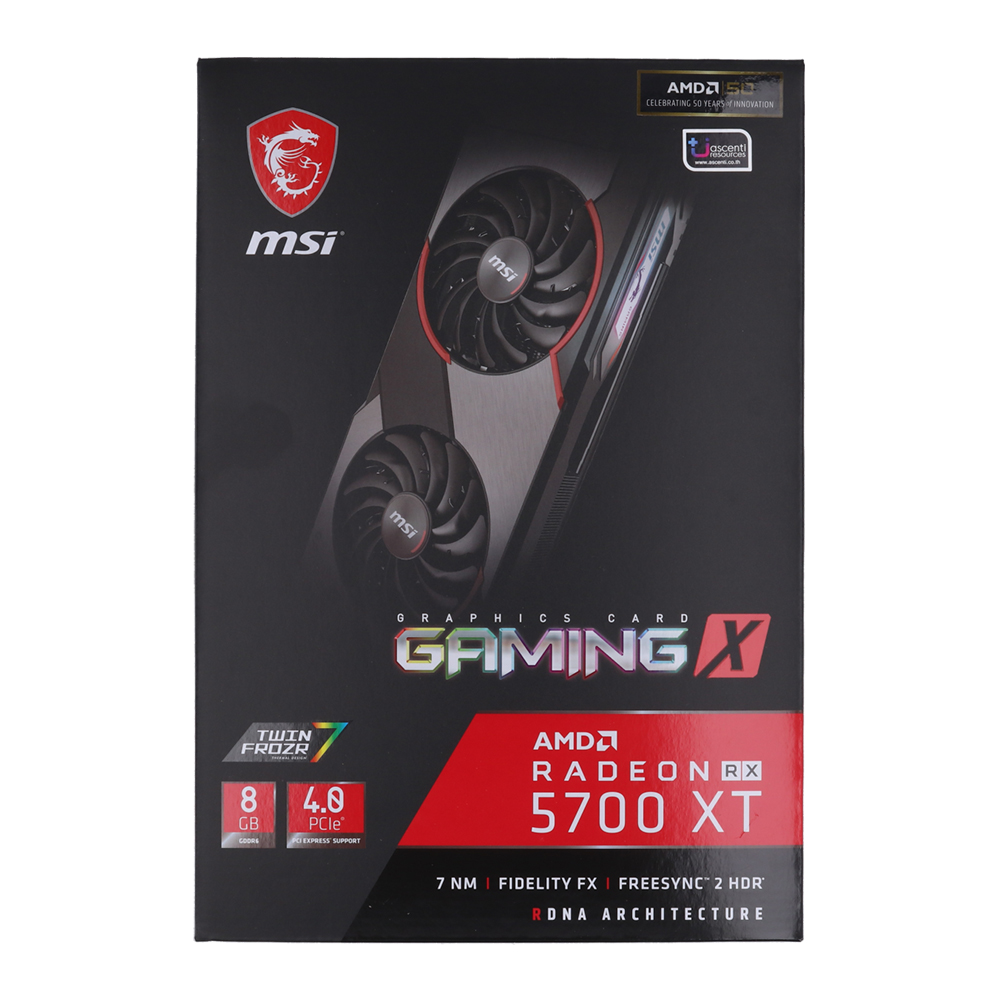


PLAY HARD STAY SILENT
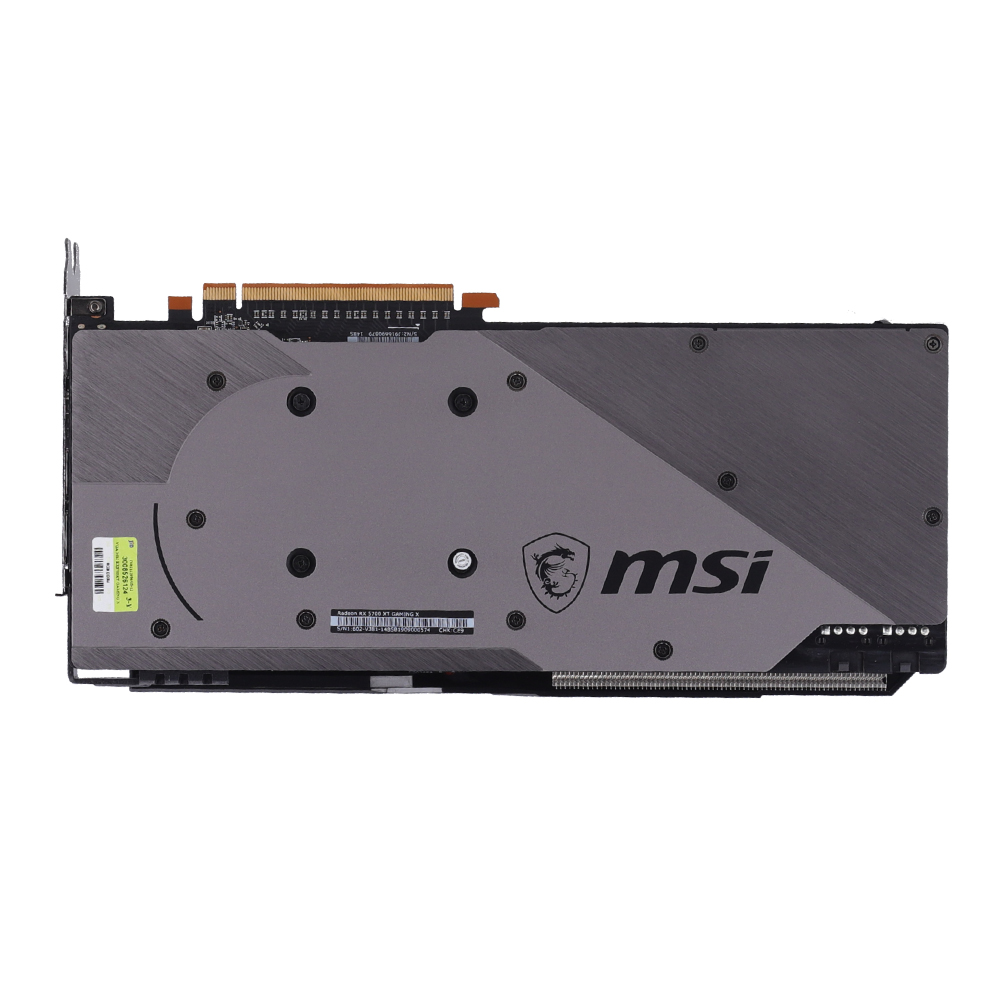
The much anticipated return of MSI’s iconic dual fan GAMING series. Combining a mix of black and gunmetal grey with a classy brushed metal backplate, this masterpiece provides you premium design with magnificent and smooth RGB light effects on the outside. The new MSI GAMING card is designed to amaze you!

BRILLIANT DISPLAY OF COLORS
Put on a colorful display using the MSI Mystic Light utility. Choose your unique look from millions of available colors and provide a finishing touch with any of the predefined animated effects. A fresh new look & feel is just a few clicks away. Not feeling the hype or just prefer to go dark for a bit? Turning the LEDs off is just as easy.

WE’VE GOT YOUR BACK
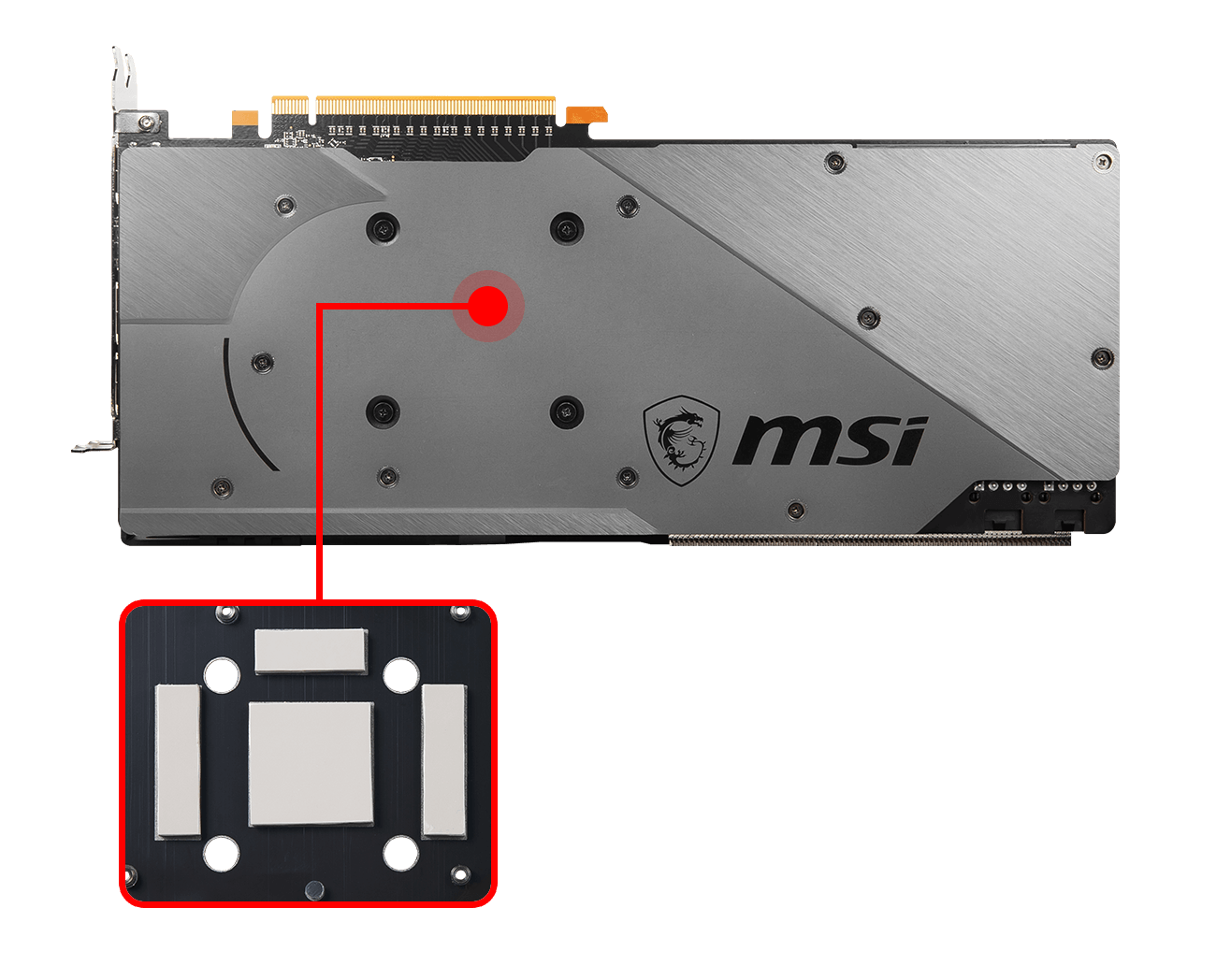
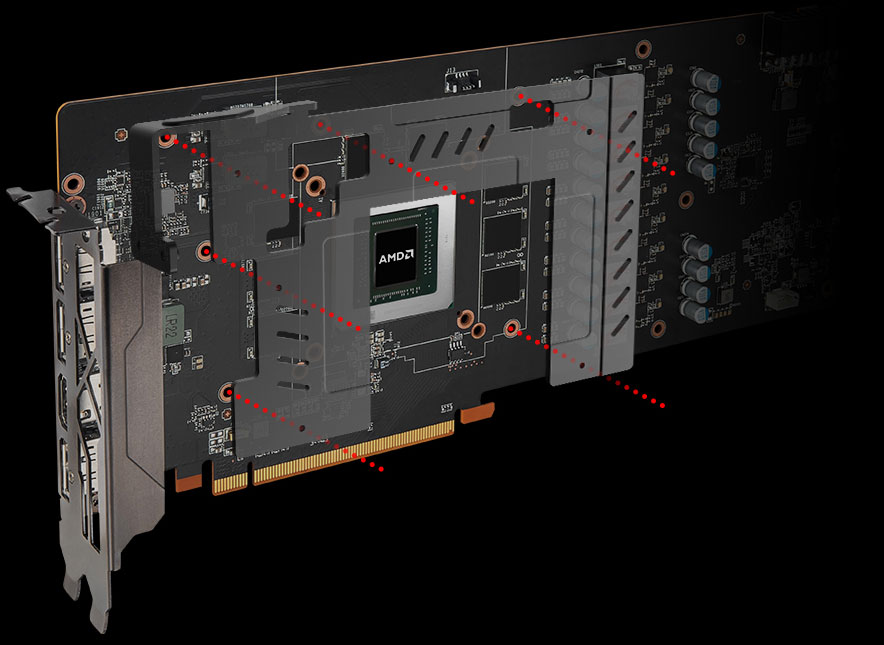
Rocking a classy brushed look, the backplate on the GAMING series provides a nice visual finish to the card. It also strengthens the card and thanks to some cleverly placed thermal pads even helps to keep temperatures low.
SPACED ARMOUR
Airflow is everything when it comes to cooling a graphics card. By slightly increasing the space between the backplate and PCB, more air can pass through the gap, which enables the backplate to dissipate more heat from the graphics card.

TWIN FROZR 7 THERMAL DESIGN
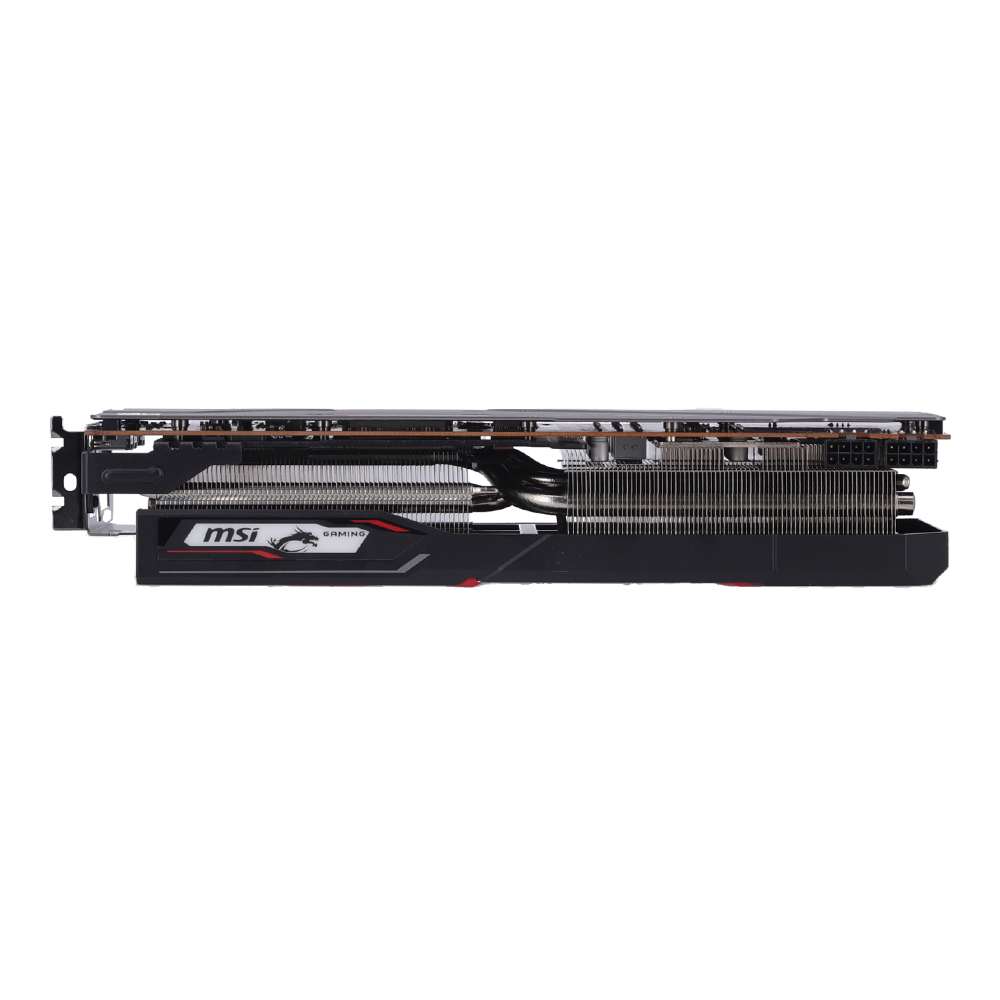
The 7th generation of the famous MSI TWIN FROZR Thermal Design brings the most advanced technology for ultimate cooling performance. It features the new TORX FAN 3.0 combined with groundbreaking aerodynamic feats. This means stable performance and a silent experience are guaranteed thanks to low temperatures.
SOLID THERMALS
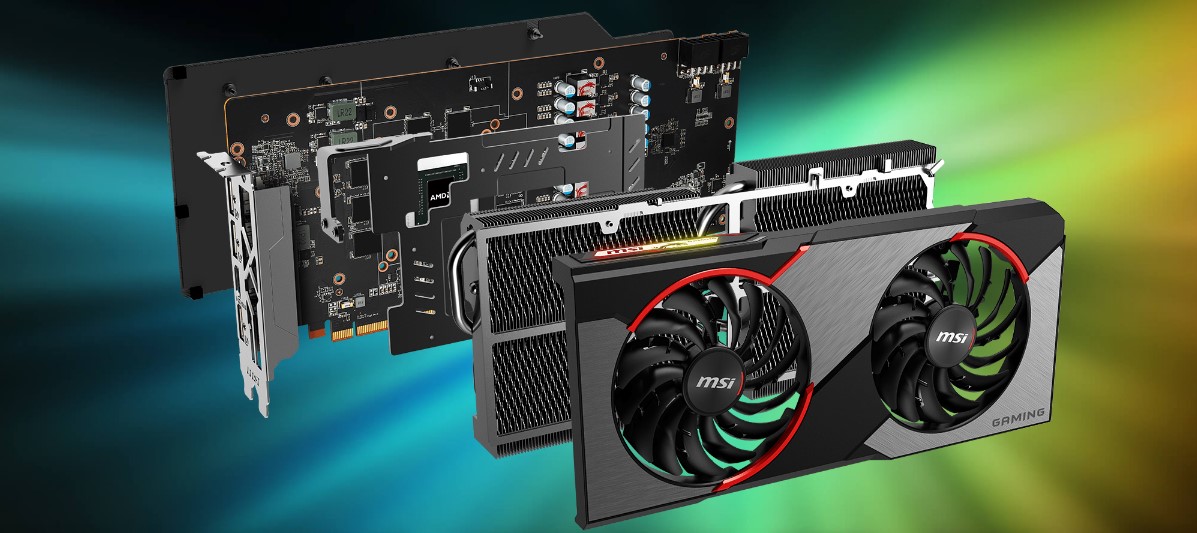
Combining aerodynamics and structural strength, the thermal module helps to prevent bending and improves cooling performance.
TORX FAN 3.0
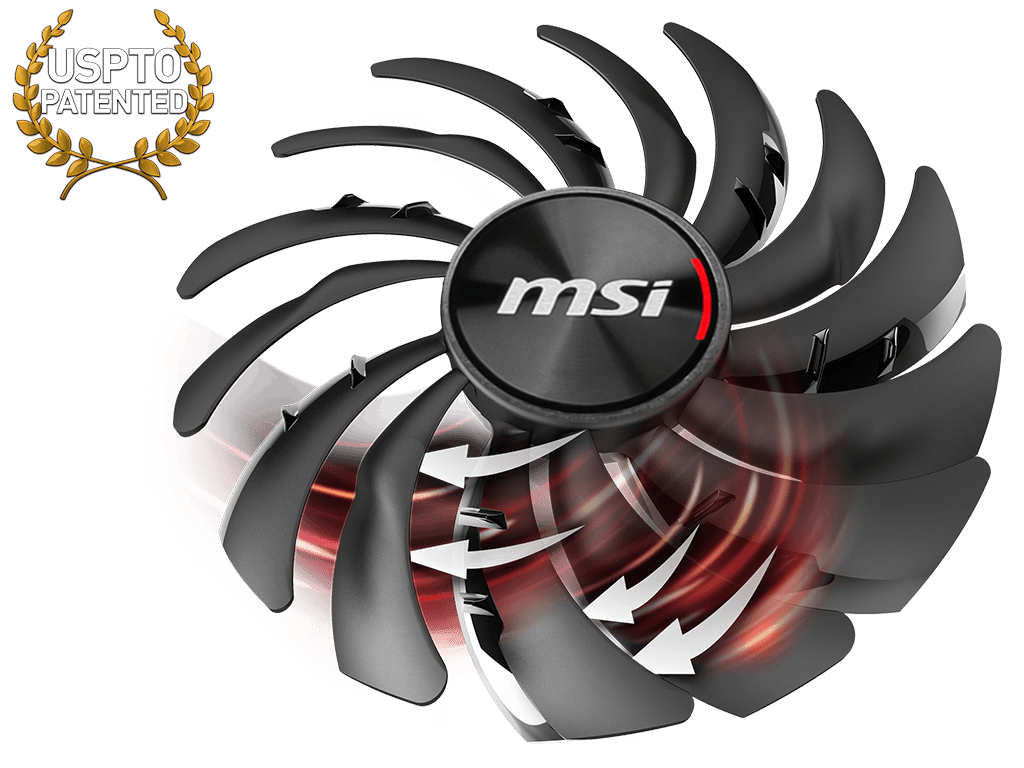
A brand new version of the iconic MSI TORX fan pushes the limits of thermal performance yet further than before. The new trims clearly visible on the traditional fan blade create a focused airflow which in turn is pushed down by the dispersion fan blades for increased static pressure.
ZERO FROZR: STAY UNDETECTED
First introduced in 2008 by MSI, ZERO FROZR technology stops the fans completely when temperatures are relatively low, eliminating all fan noise when no cooling is needed. When the heat is on during gaming, the fans will automatically start spinning again to keep your powerhouse cool.

POWER COOLING PLATE
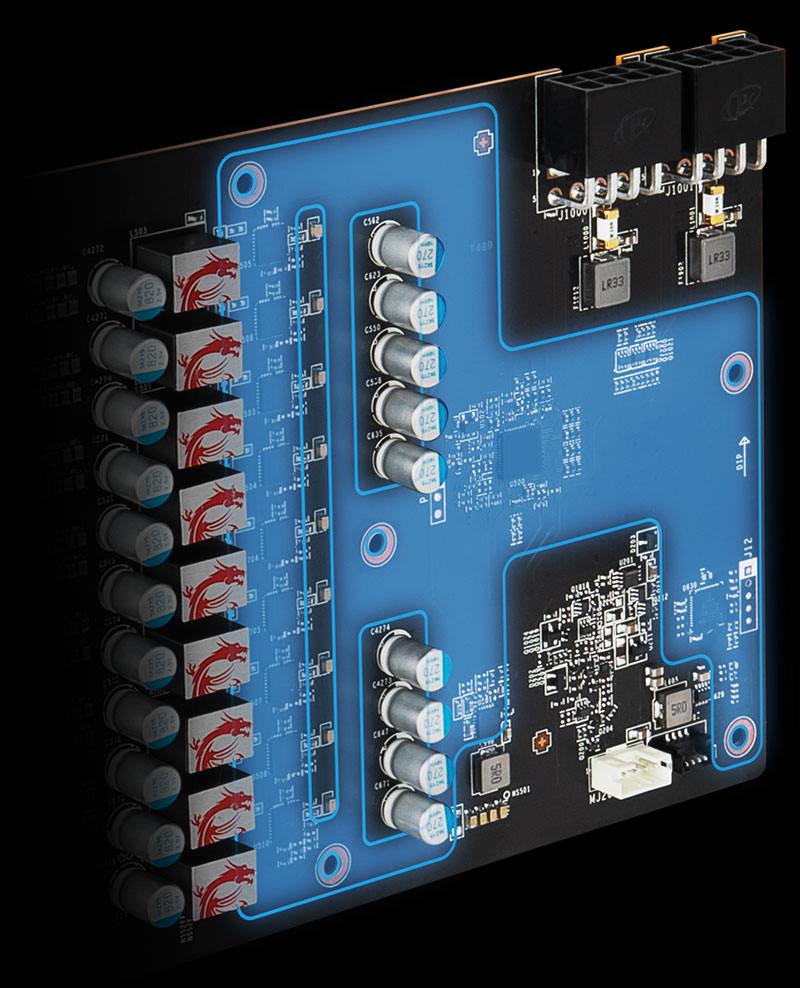
A dedicated aluminum plate covers the power delivery components to provide direct cooling for optimized performance.
MASTERY OF AERODYNAMICS
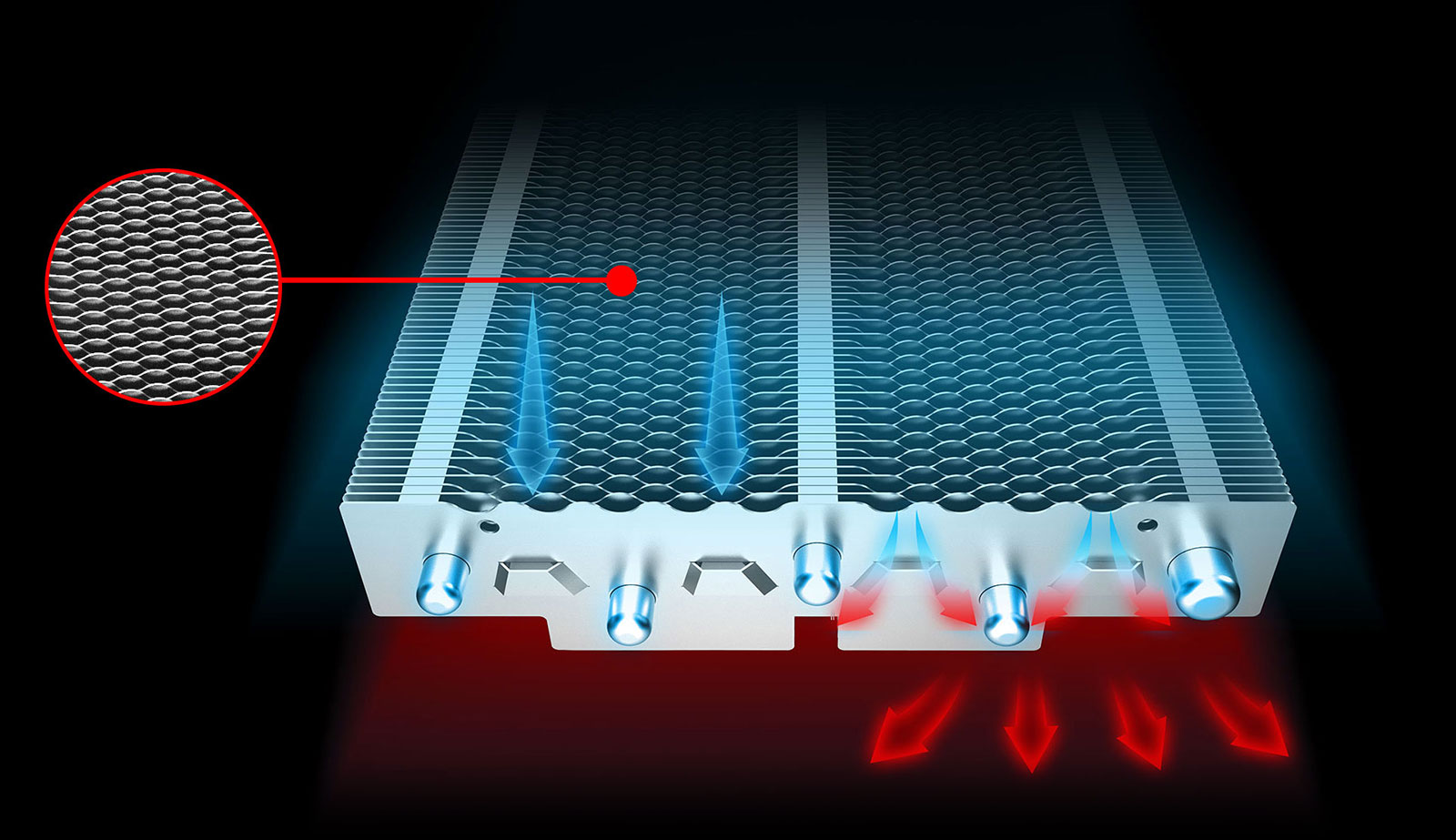
In our quest to provide the best cooling, we have mastered the art of Aerodynamics.
TENSE COOLING
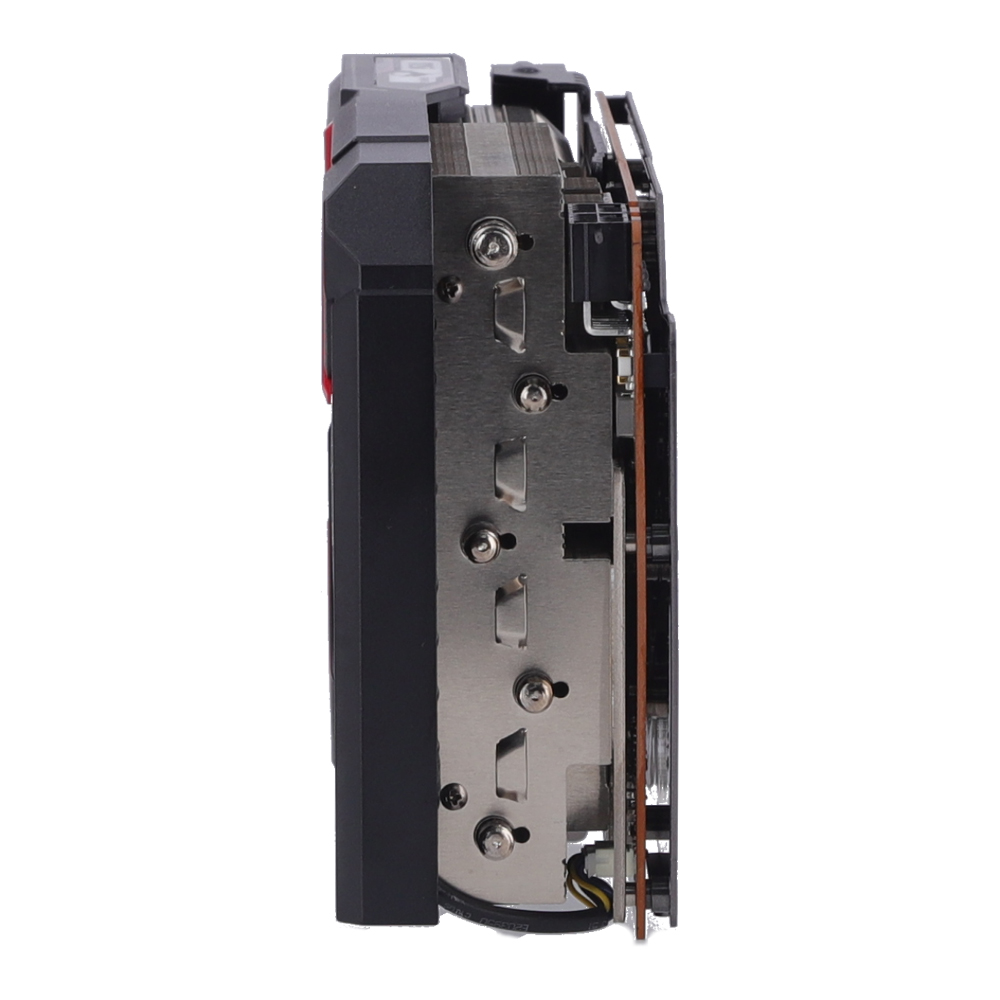
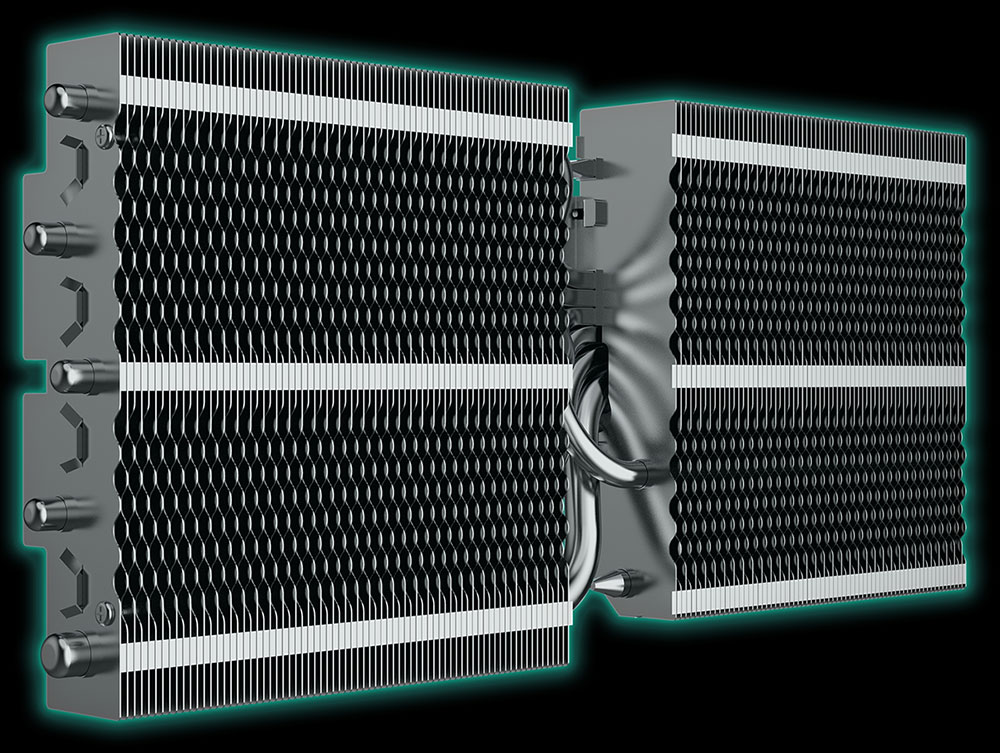
Tightly bolted onto the PCB, the heatsink provides better heat dissipation and strengthens the card.
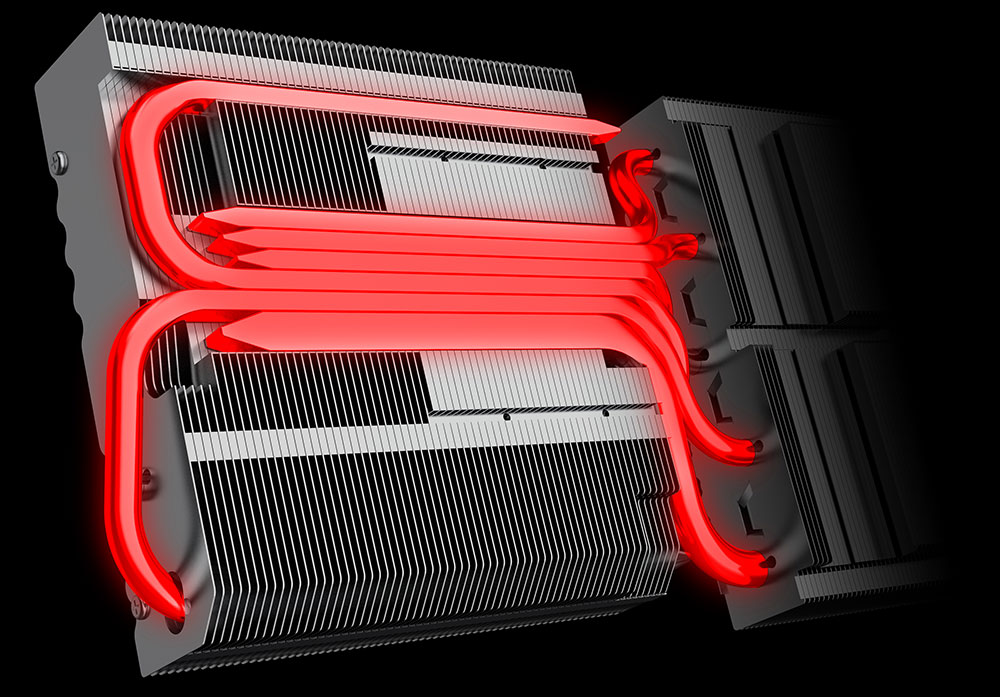
CONCENTRATED HEATPIPES
The copper heatpipes running through the massive array of aluminum fins are the key to spreading the heat along the full length of the heatsink. At the point where they touch base and collect the heat, they are consolidated as close as possible for maximum effect.
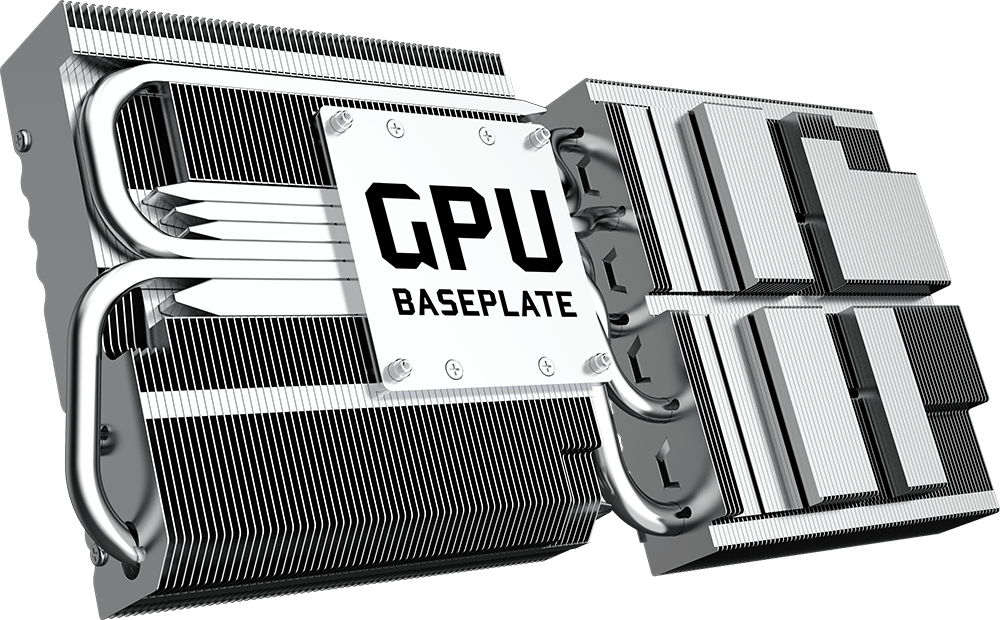
COPPER BASEPLATES
To temper the heat generated by a powerful GPU, MSI GAMING series graphics cards use a solid nickel-plated copper base plate. The base plate catches the heat from the GPU and transfers it to the heat pipes for dissipation so you can keep cool.
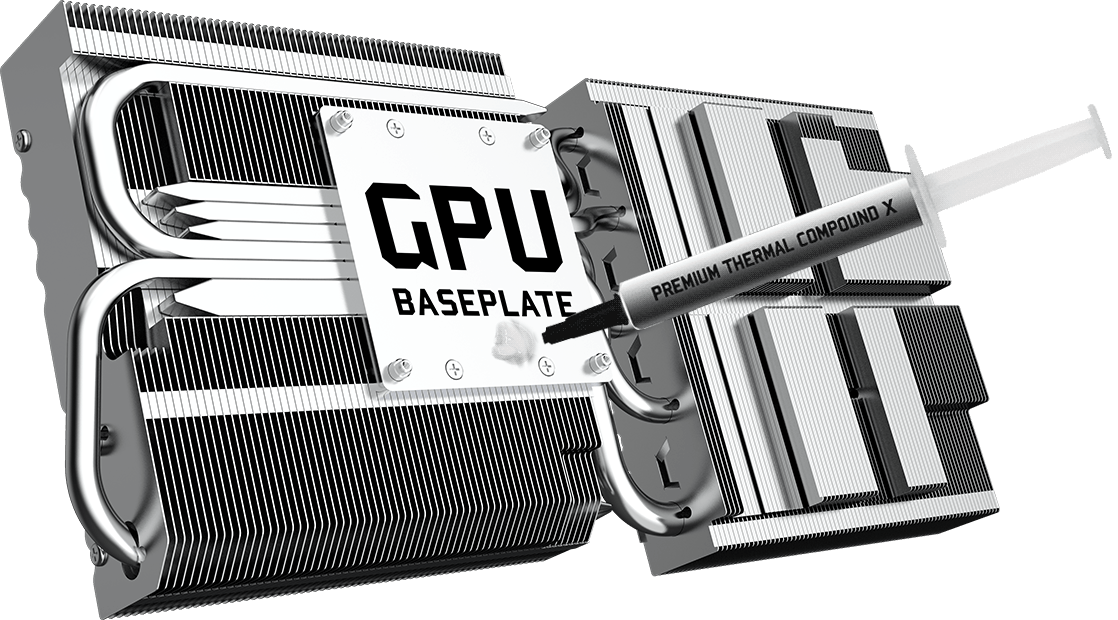
THERMAL COMPOUND X
Every detail counts when it comes to creating the ultimate thermal design, which is why MSI Graphics Cards use a premium thermal compound to make sure it outlives the competition.
THERMAL PADDING
Ample amounts of thermal pads are used to allow various components to transfer heat to the heatsink for better cooling.
TRACES OF BRILLIANCE
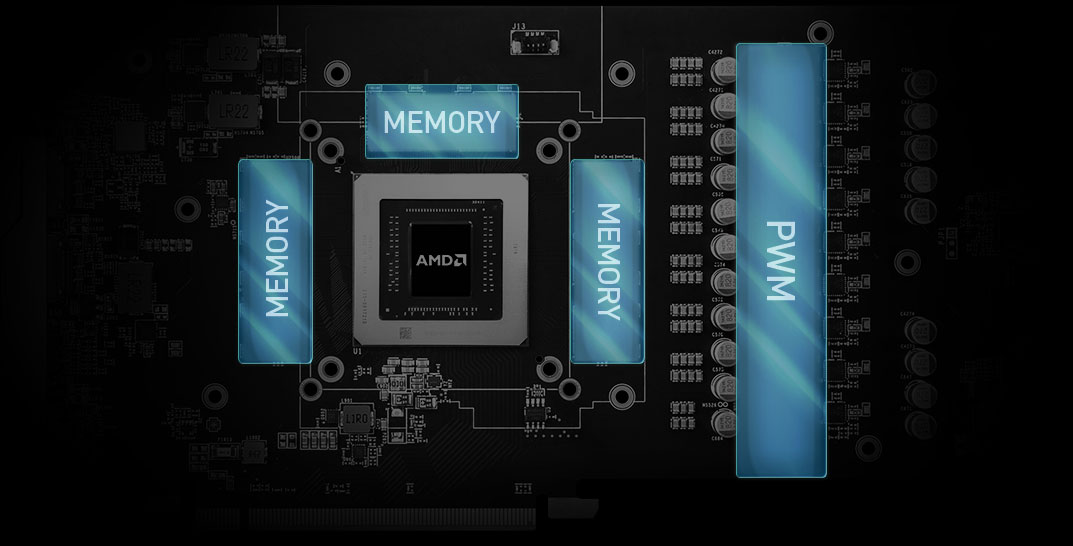
Underneath all the metal are the multilayered electric highways that make up the Printed Circuit Board. They connect all the vital components and allow them to communicate at lightning speed.

CLOSE QUARTERS COOLING + ANTI BENDING
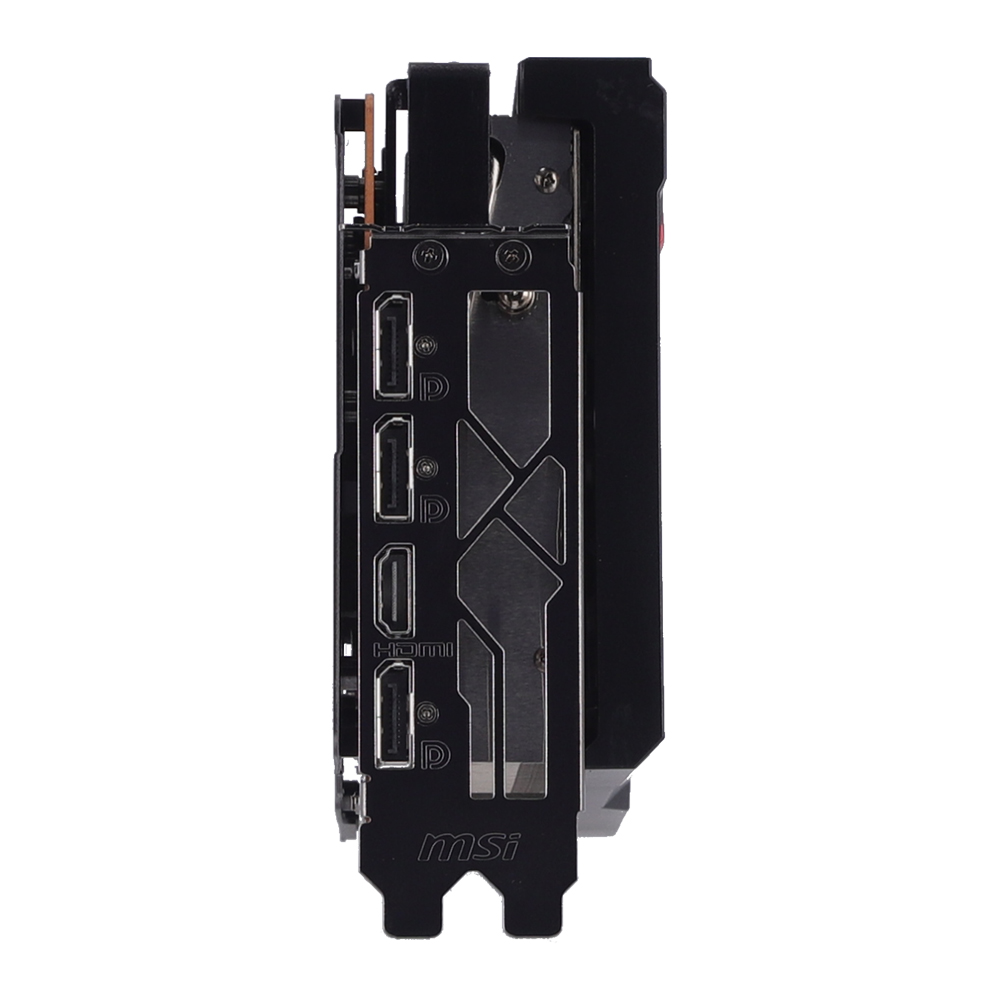
A die-cast metal sheet acts as a Close Quarters Heatsink for the memory modules and doubles as an Anti-Bending safeguard by connecting to the IO Bracket. The power phases towards the right side are covered by a plate that is fused directly to the heatsink for excellent cooling.

CUSTOM PCB DESIGN
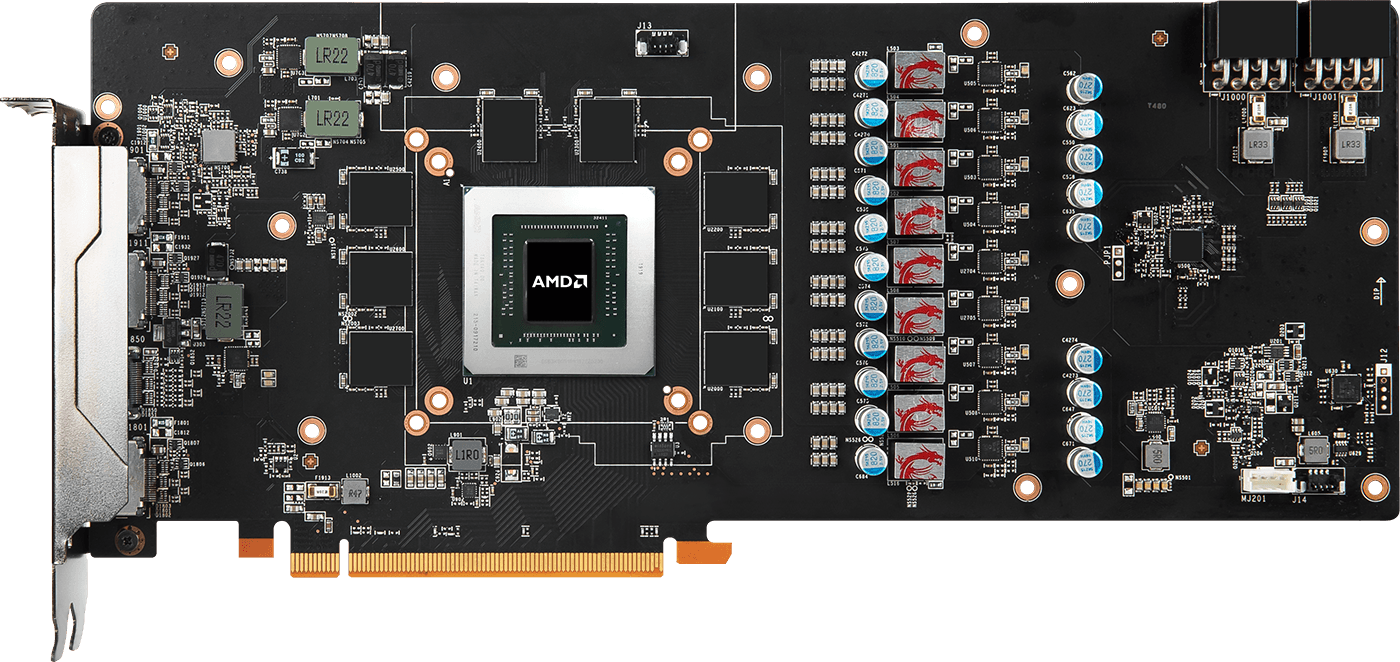
Not all circuit boards are created equal. MSI custom PCB Design provides a beefed up power delivery for pushing the card to its limits and uses more layers and a larger surface area to provide ultimate stability.
INNOVATIVE POWER ALLOCATION TECHNOLOGY
A brand new feature embedded in the custom PCB enables the card to draw more power from the external PCIe connectors instead of the PCIe slot on the motherboard. This helps to prevent overloading the motherboard and provides the card with a cleaner power signal to ensure optimal performance.

EXPERIENCE
Get the most out of your MSI graphics card in terms of performance and experience almost unlimited customization options with the included software.
DRAGON CENTER
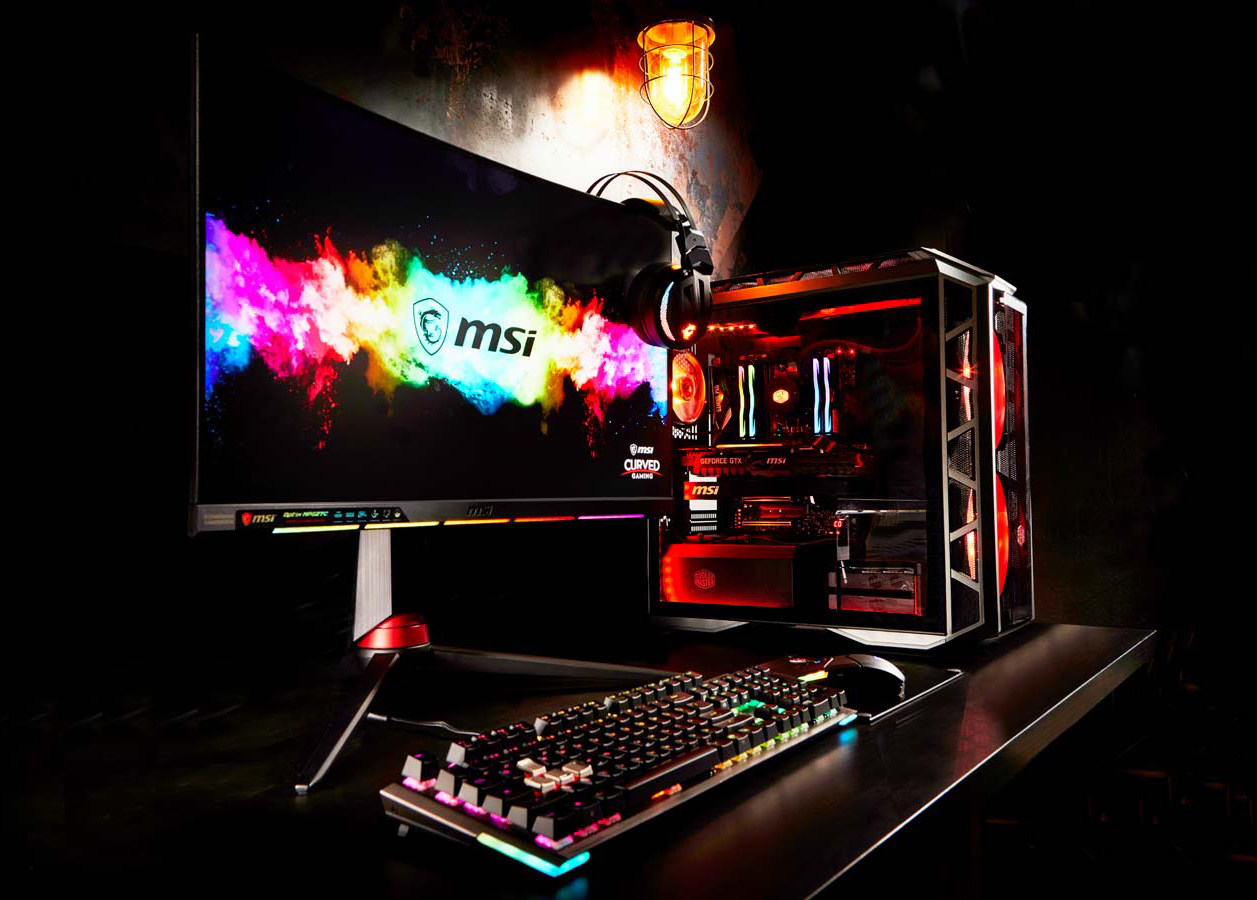
To improve the experience with MSI software, we have embarked on a quest to consolidate as much of our software as possible into one unified suite. We are excited to share the first version of this gargantuan project which will be known as Dragon Center.
Eventually Dragon Center will be the only MSI software you need to install for full functionality of your MSI Desktop, Graphics Card, Motherboard or even Gaming Gear. Thanks to a modular concept, the application will automatically detect new MSI hardware once added. Based on the hardware in your system it will offer the relevant software drivers for your specific setup.
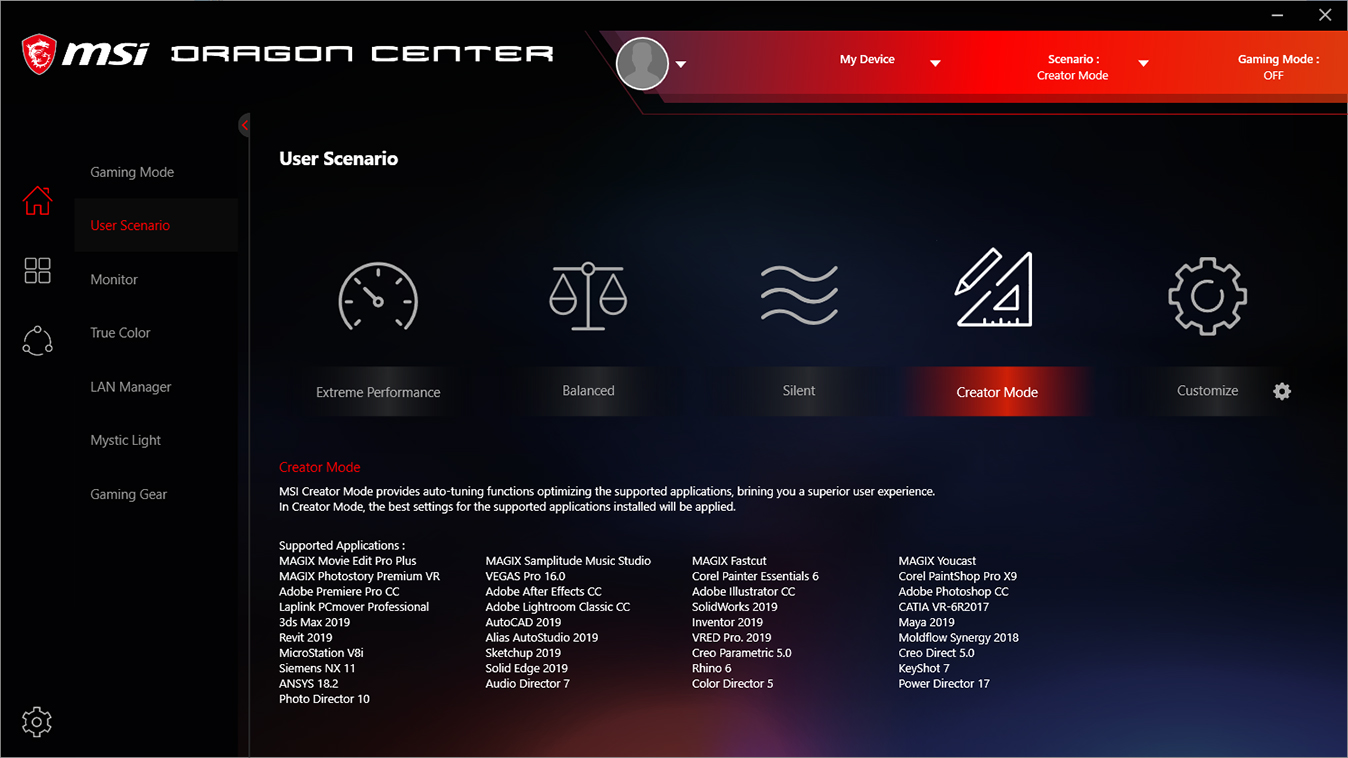
CREATOR MODE IN DRAGON CENTER
A new feature called Creator Mode has been built into MSI Dragon Center. Creator Mode provides auto-tuning function for you to use your applications with the best possible settings and brings you a superior user experience and enhanced productivity.
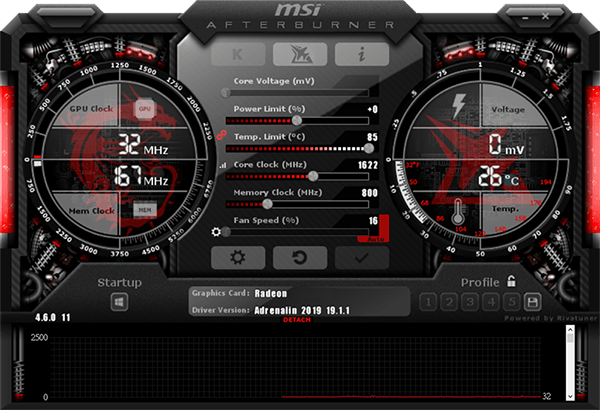
AFTERBURNER
MSI Afterburner is the world's most recognized and widely used graphics card Overclocking software. It gives you full control of your graphics card and enables you to monitor your system's key metrics in real-time.
อ้างอิงจาก : https://www.msi.com/