


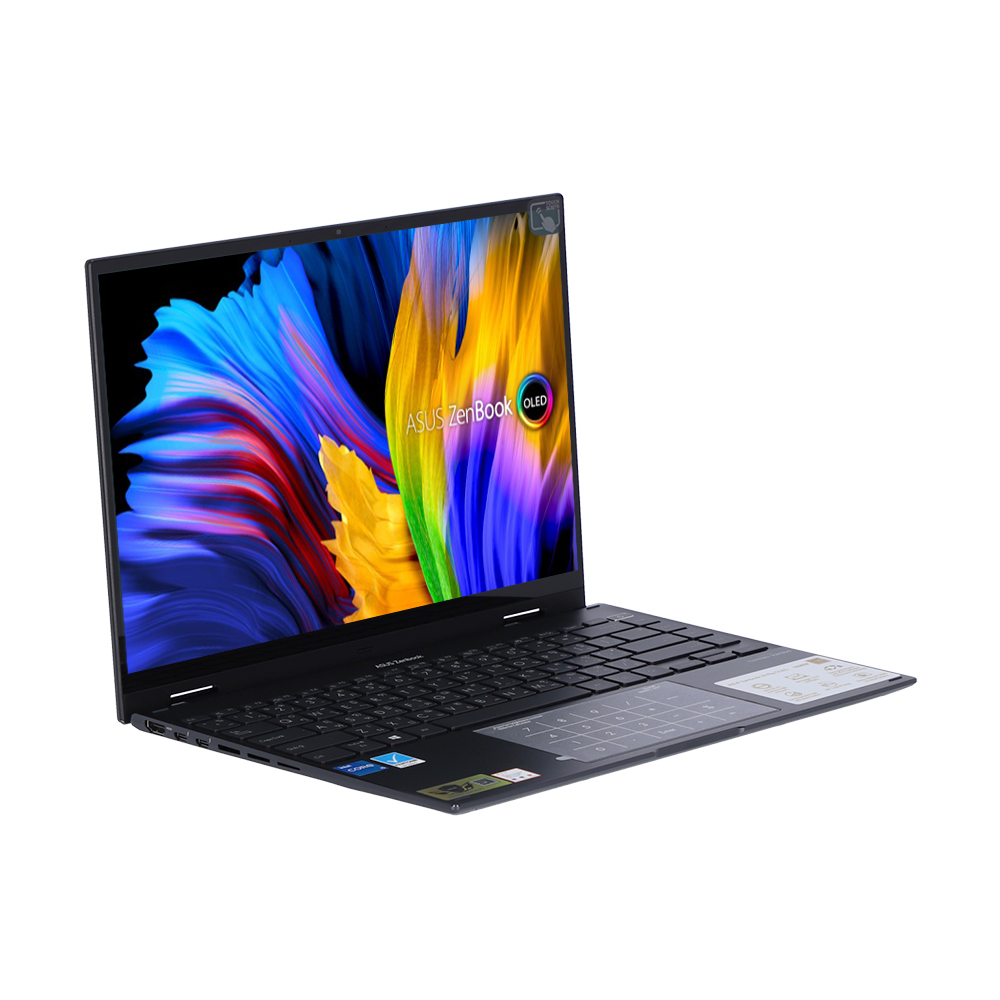
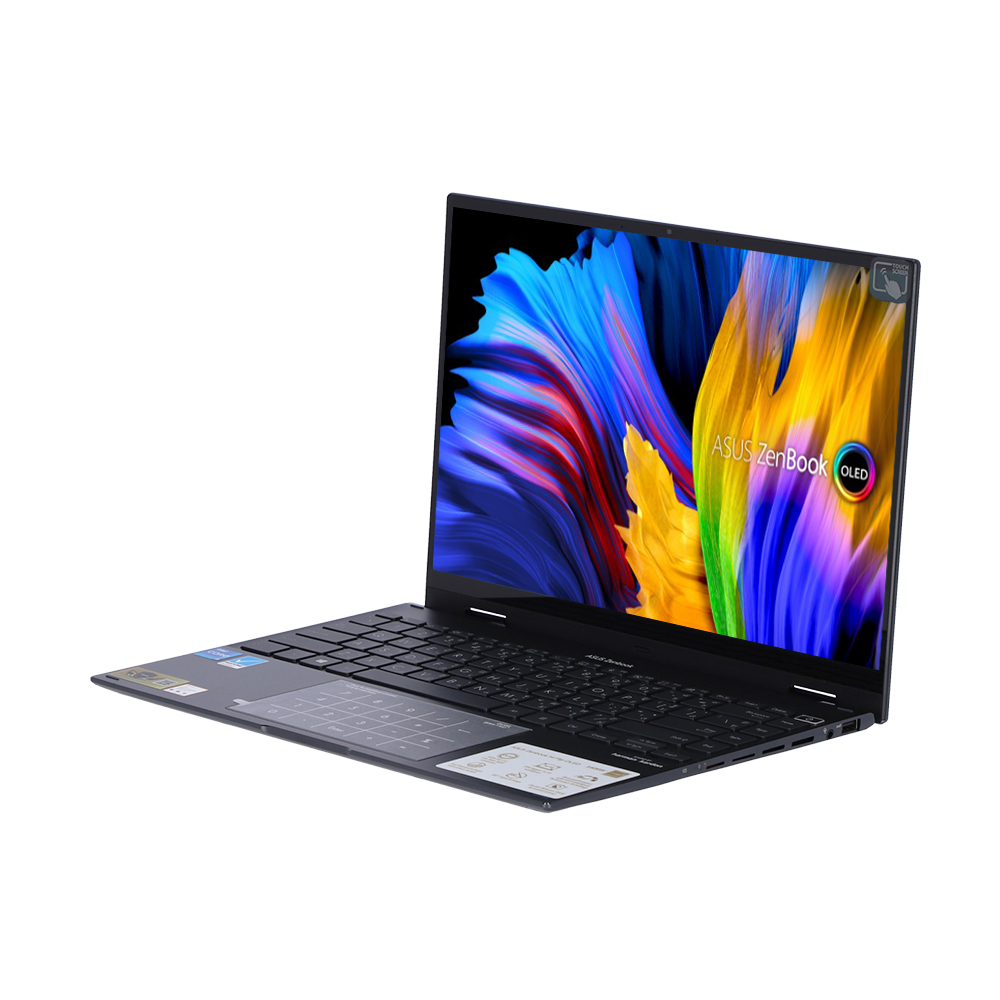
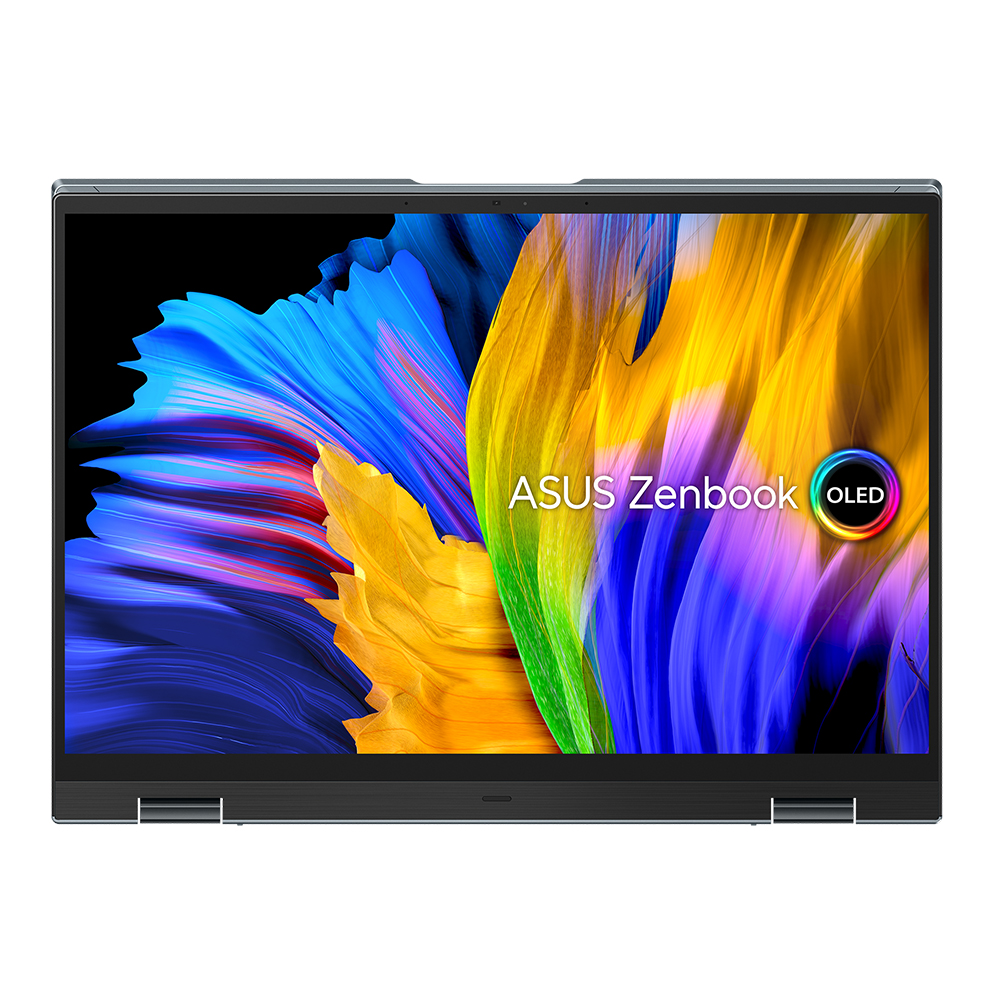
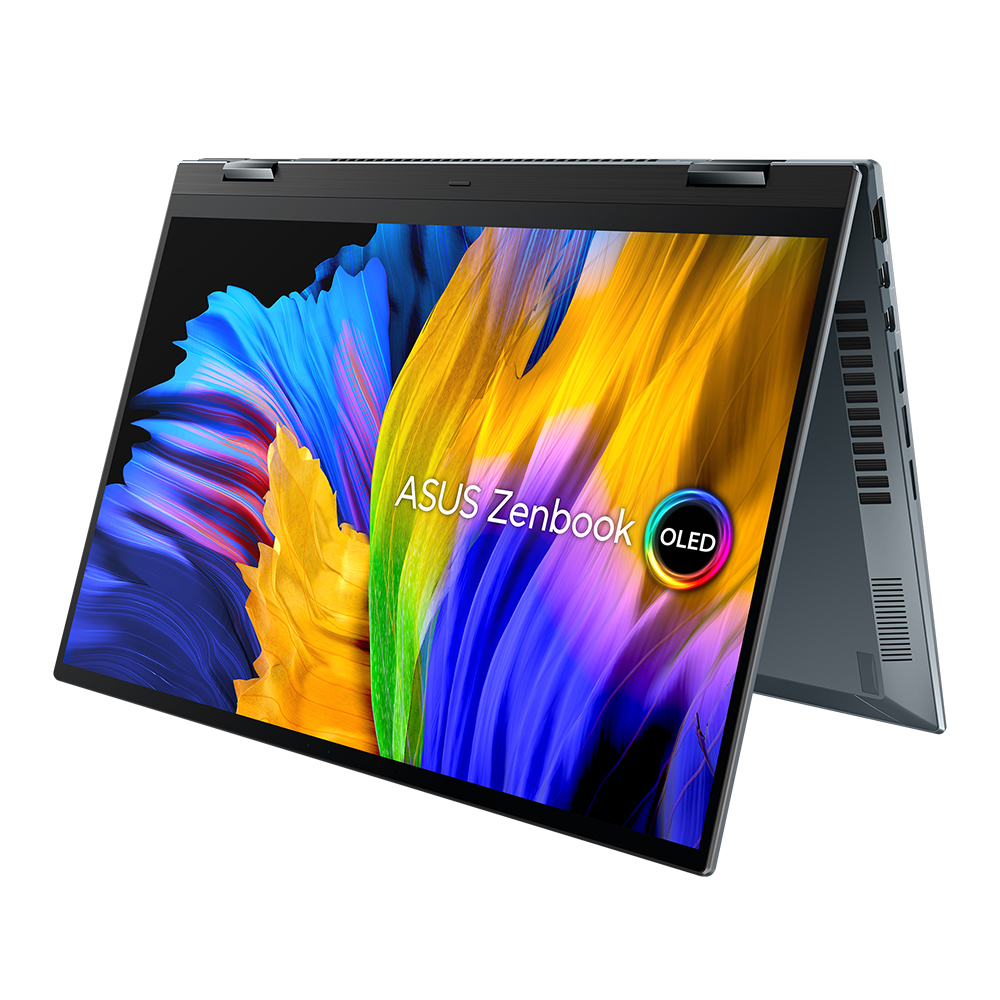
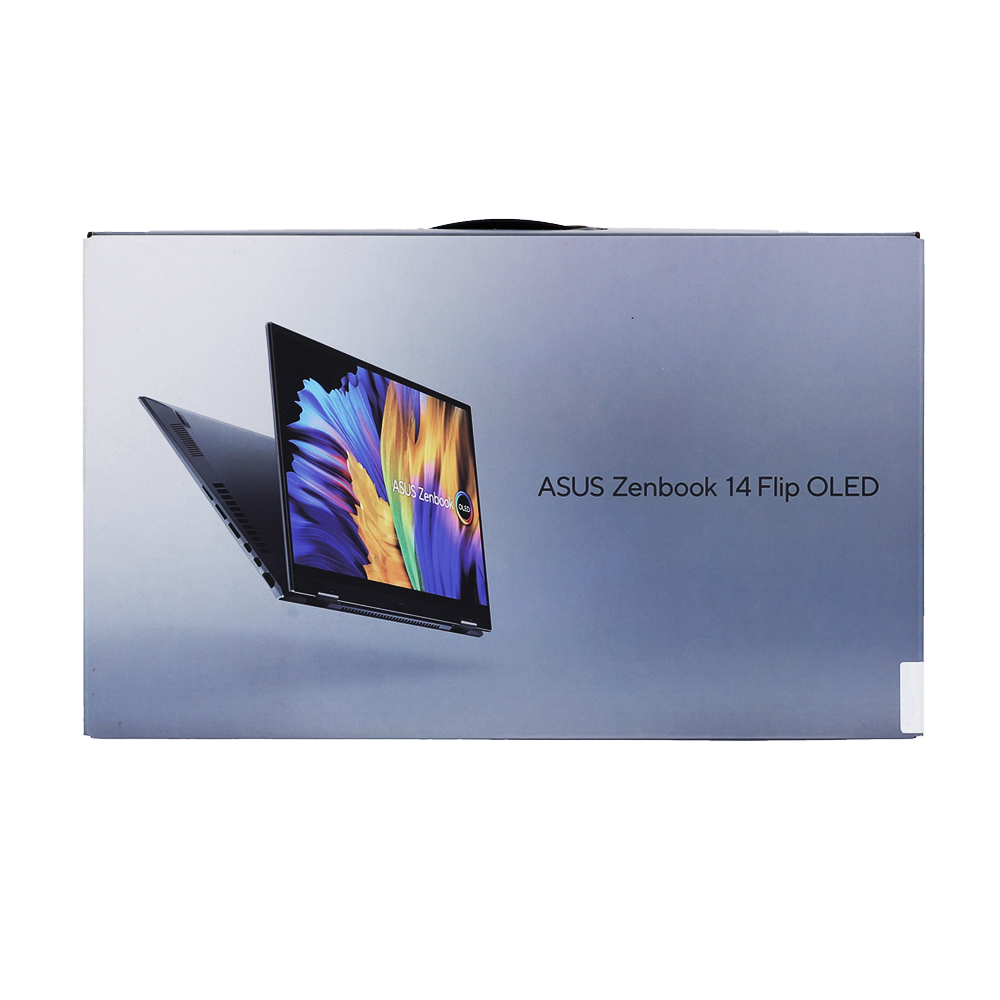


Zenbook 14 Flip OLED
A vision of brilliance
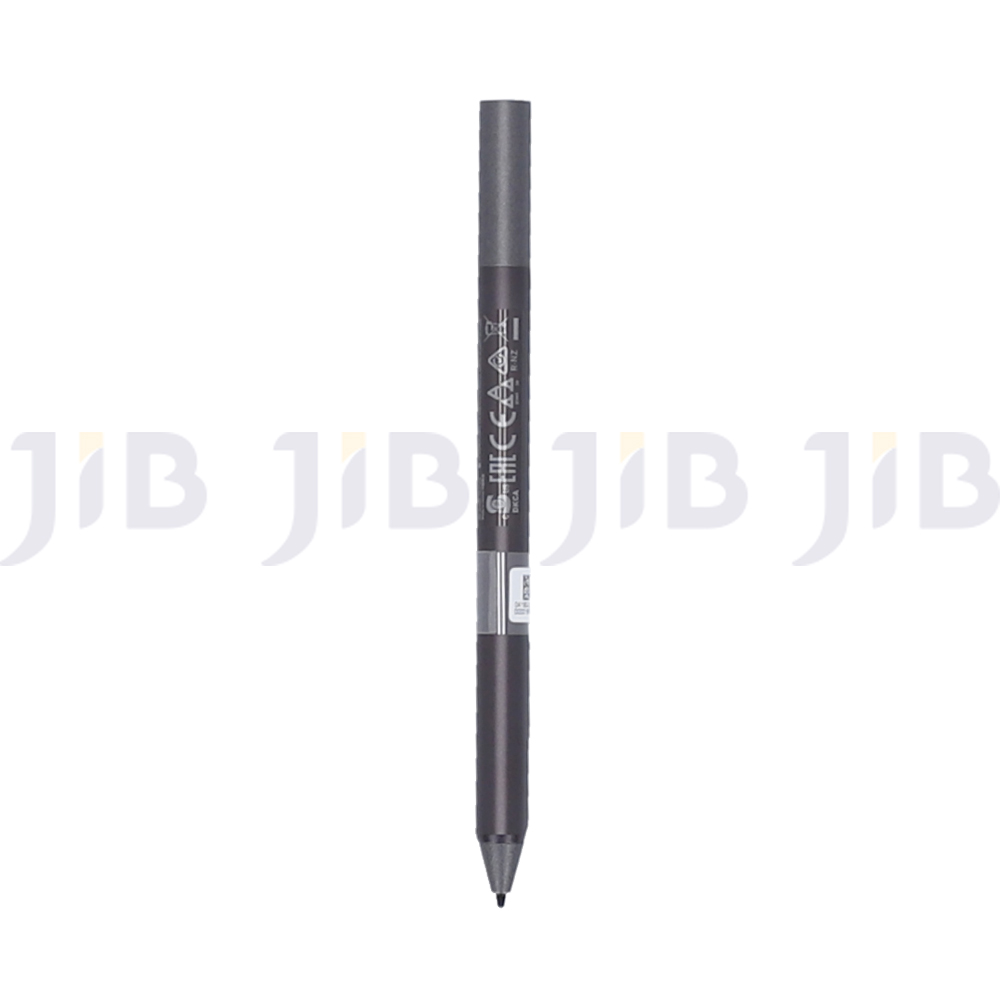
Add a touch of brilliance to your life with Zenbook 14 Flip OLED, the slim, light and ultra-versatile convertible laptop with a gorgeous 16:10 4K OLED HDR NanoEdge touchscreen that gives you the deepest blacks and the most vivid colors. Powered by the latest 11th Gen Intel® Core™ processors, Zenbook 14 Flip OLED features ASUS Intelligent Performance Technology to enable maximum performance. The precision-engineered 360° ErgoLift hinge lets you work or play in whatever mode you wish — laptop, stand, tent, tablet, or anything in between — and for natural creative input the touchscreen supports a 4096-pressure-level stylus. With Zenbook 14 Flip OLED your productivity can really shine, anywhere.

DISPLAY
Bring everything to life in vivid color
Everything comes to life with Zenbook 14 Flip OLED’s1 amazing up to 4K OLED HDR NanoEdge2 touchscreen, which has a 16:10 aspect ratio to give you a bigger visual workspace than a standard 16:9 display. It has a cinema-grade 100% DCI-P3 color gamut and is PANTONE® Validated for ultra-vivid, ultra-accurate colors. OLED technology gives you true blacks for enhanced realism, and it cares for your eyes with TÜV-certified for low blue-light emissions.

COLOR
Ultimate professional-grade colors
ASUS OLED laptops deliver exceptionally detailed and realistic visuals, with a cinema-grade 100% DCI-P3 color gamut. This means that the colors reproduced on the display are richer and more vivid: it’s ideal for color-intensive projects, but also enhances any kind of content.

EYE CARE
70% blue-light reduction for eye care
Blue light is known to cause visual discomfort and disrupt sleep quality. However, due to the nature of the special organic lighting materials in an OLED display, ASUS OLED laptops emit 70% less harmful blue light3, and they’re also certified by TÜV Rheinland and SGS. More importantly, unlike traditional blue-light filters, shifting the spectrum means there’s no need to compromise color accuracy.
EYE CARE
Eye care, even more critical for children
Since children’s eyes are not fully developed, with a more transparent lens and cornea, harmful blue light can penetrate the eye more easily, potentially causing premature aging of the retina. Research6 has shown that in a five-year-old child’s eyes, approximately 60% of the received blue-light emissions pass through to the retina, compared to only around 20% for a 60-year-old adult. With ASUS OLED displays, the significantly lower blue light levels mean better eye care for children.

PERCEPTUAL BRIGHTNESS
OLED has much higher perceptual brightness
On conventional LCD displays, detail and color quality usually decrease dramatically as the brightness is reduced. But ASUS OLED laptops are able to show great detail at lower brightness settings due to their high contrast and their ability to maintain a wide color gamut at low brightness. ASUS OLED laptops can maintain good color reproduction at any brightness level, so you can freely adjust the screen’s brightness to suit your working environment, while still enjoying exceptionally vivid colors. For example, in the living room environment (usually illuminated at about 100 lux), you only need 177 nits brightness in an OLED display to produce the same clear image as 400 nits brightness in an LCD display. At the lower brightness levels needed on OLED displays, there’s less harmful blue light emitted.
.jpg)
CONTRAST
True black: See the unseen
ASUS OLED laptops reproduce blacks perfectly. An OLED pixel consists of three sub-pixels, each with its own self-generated illumination: a 4K (3840 x 2400) display has 9,216,000 pixels, which means it has 27,648,000 self-illuminated sub-pixels, compared to just a few dozen LED backlights in most LCD displays. When displaying black on an OLED display, the pixel is simply turned off to produce the darkest possible black. This enables extremely crisp and clear images even in the darkest scenes. You’ll be surprised to see how many new details you’ll spot in your favorite movies!
.jpg)
RESPONSE TIME
Fastest response time on any laptop for motion clarity
For a display, response time is the time taken to replace one color with another: the faster the time, the better motion is reproduced. The diagram below shows a color transition from purple to blue. On an ASUS OLED, this transition takes only 0.2 milliseconds, while on an LCD, it might take 10 ms or longer. This makes a lot of difference, since OLED colors and images look correct for most of the time a frame is displayed, whereas LCD images may be blurry during the transition process.
ASUS OLED displays have a 0.2 ms response time – the fastest of any laptop, and 50x faster7 than the average laptop LCD display. This ensures smoother fast-paced action scenes, low-latency gameplay, and subtle details like blur-free text scrolling. In effect, the smooth visuals on an OLED display can rival those on an LCD display with a much higher refresh rate.

PERFORMANCE
Superb all-round performance
Powered by the latest 11th Generation Intel® Core™ processors, up to 16 GB RAM and Intel Iris Xe integrated graphics, Zenbook 14 Flip OLED gives all the all-round performance you need for smooth multitasking and effortless productivity. Ultrafast PCIe® 4.0 x4 SSD storage and gigabit-class Intel WiFi 6 (802.11ax) mean you won’t be waiting for apps or websites to load, either! ASUS IceCool Plus thermal technology maximizes performance in thin and light laptops, with three fan performance profiles to choose from in MyASUS.

HIGHLIGHTS
Versatile, fast and secure
The versatile Zenbook 14 Flip OLED has all the performance and versatility you need to be fully productive or creative, wherever you are. It’s designed for peace of mind, too, with convenient privacy and security features.

MOBILITY
Versatile, everywhere
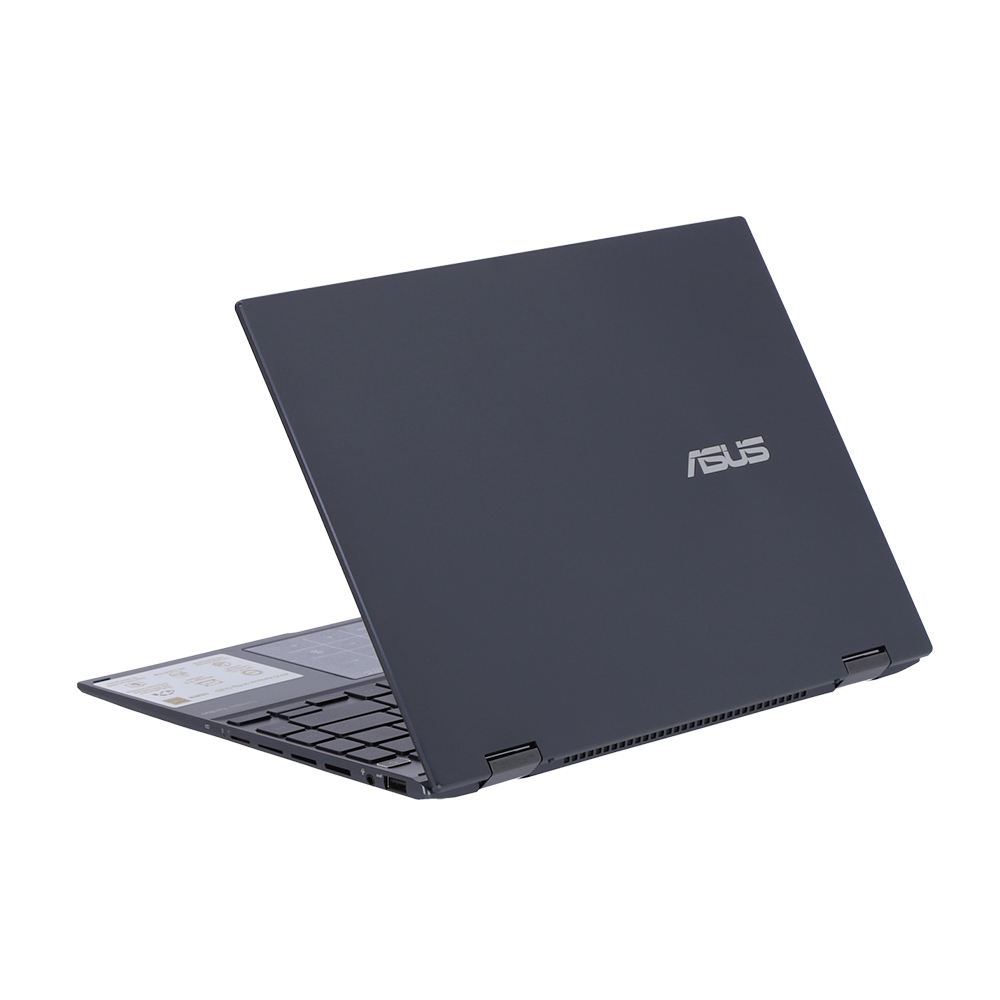
Weighing only 1.4 kg12 and measuring a slim 15.9 mm, Zenbook 14 Flip OLED is supremely portable and versatile. And its comprehensive I/O ports mean you can connect to anything you want, wherever you are.
.jpg)
USER EXPERIENCE
Thoughtful design
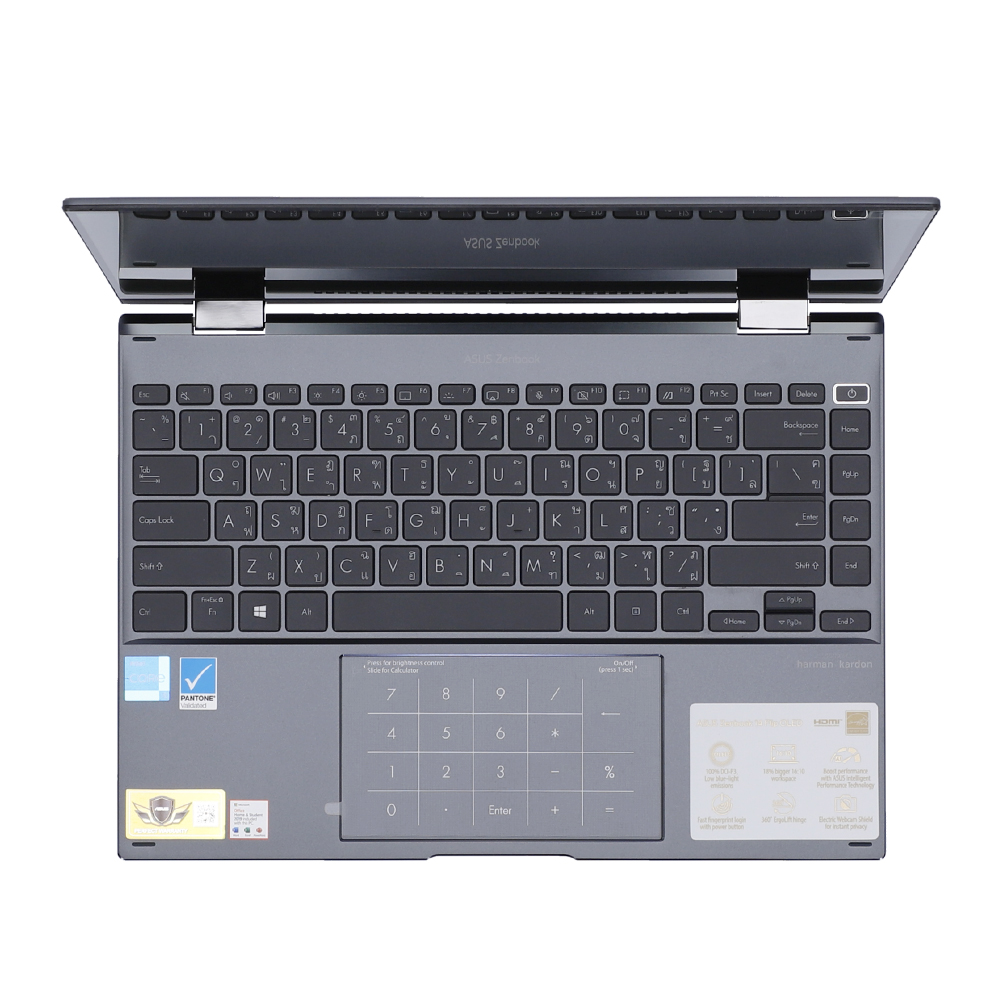
We’ve made the user experience on Zenbook 14 Flip OLED even better with some thoughtful design features. For easy data entry, there’s the ASUS NumberPad 2.013 that integrates a full-size LED-illuminated numeric keypad into the touchpad. There’s secure fingerprint login, too, with a handy sensor on the power button.

CONNECTIVITY
Convenient connections
Zenbook 14 Flip OLED is packed with all the I/O ports you need for easy connectivity to your devices and peripherals. The latest ultrafast Thunderbolt™ 4 USB-C® ports support fast charging, 4K UHD external displays and up to 40 Gbps data transfers, and there’s also an HDMI port and a USB 3.2 Gen 2 Type-A port alongside a microSD card reader. Communications and audio I/O are taken care of by the convenient audio combo jack.

SOFTWARE
MyASUS & ScreenXpert: Your exclusive app collection
Zenbook 14 Flip OLED is bundled with the latest versions of ASUS-exclusive software, including MyASUS and ScreenXpert. MyASUS hosts a collection of handy ASUS apps and tools that help you get more out of your Zenbook 14 Flip OLED. Use it to team up your iOS or Android phone with your laptop, optimize your laptop’s performance, or contact after-sales service and support. ScreenXpert is a multi-screen organizer app that allows seamless organization of your apps on any connected external monitors for the ultimate efficiency.

AUDIO
Powerful, immersive sound
For unrivaled audio quality, Zenbook 14 Flip OLED has a stereo sound system certified by the audio experts at Harman Kardon. It delivers powerful, immersive sound that’s crystal-clear, giving you superbly immersive entertainment and communications.

* Based on currently available 14” 4K OLED HDR laptop displays as of September 2021.
* According to overall laptop thickness, as of April 7, 2021 based on internal ASUS market analysis comparing Zenbook 14 Flip OLED to competing convertible OLED laptops with a 14-inch OLED screen from vendors including Dell, HP, and Lenovo. Zenbook 14 Flip OLED ranked first in terms of thickness.
- The visual appearance of OLED displays may change over the product’s lifetime. This is expected behavior that can include image persistence or burn-in, where the display shows a faint remnant of an image even after a new image appears on the screen. This tends to occur only in extreme use cases, such as when a static, high-contrast image is continuously displayed for prolonged periods of time. ASUS laptops with an OLED display minimize this risk by setting Windows’s Dark mode as default, as well as shortening the idle time before the screen is turned off — both on mains (AC) and battery (DC) power. This dual approach minimizes the potential for burn-in to maximize the lifespan of your OLED display lifespan, and also reduces unnecessary power draw for optimal battery life. We also recommended adjust the brightness of your OLED display to complement the ambient lighting in your environment, rather than keeping the screen at maximum brightness at all times. You should also ensure that you have an animated, dark-background screensaver enabled in the Windows Settings tool.
- The stated 2.9 mm width of the side bezel is the distance between the edge of the non-active screen display area and the inside edge of the case. If the case width is included, the side bezel width is 4.3 mm. Measured based on standard (OLED) display configuration. The top bezel width is 5.76 mm and the bottom bezel width is 15.78 mm.
- Compared to average LCD displays in the market, measuring energy emission of blue light in between 415-455 nm wavelength.
- See: https://www.nature.com/articles/srep05223
- See: http://large.stanford.edu/courses/2017/ph240/kersten2
- See: https://www.essilorpro.com/content/dam/essilor-redesign/product-resources/crizal/Blue-Light-Roundtable_White-Paper.pdf
- Compared to average LCD laptop panel. Average LCD display has 10 ms response time.
- The 70% performance increase is compared to the Cinebench R20 multicore score of an 11th generation CPU at fixed 15W TDP. Data is from ASUS internal laboratories.
- Test score may vary according to specifications.
- To enable Performance Mode, please keep the laptop plugged in for the best performance, set the Windows power option as ASUS Recommended Mode, and select Performance Mode in the MyASUS software.
- The results are compared to a 10th generation Intel Core CPU at a fixed 15W TDP. Data is from ASUS internal laboratories.
- Weight might vary by specifications.
- Please note that all versions of NumberPad only work with the Microsoft Windows operating system.
- The charging speed of a Power Delivery charger will match the connected adapter’s power output, up to a maximum of [100] watts. USB-C® Easy Charge provides 4.5 watt charging when connected to a non-Power Delivery charger, including most portable and USB Type-A to USB-C® chargers. Some portable chargers may not support such features, depending on the configuration.
- Unless otherwise stated, all performance claims are based on theoretical performance. Actual figures may vary in real-world situations.
- Zenbook 14 Flip OLED UP5401EA with an Intel 11th Gen processor can support a maximum of four displays: the laptop’s own display, plus three external displays attached to the two Thunderbolt 4 ports and the HDMI port.
Source : ASUS Zenbook 14 FLIP OLED