


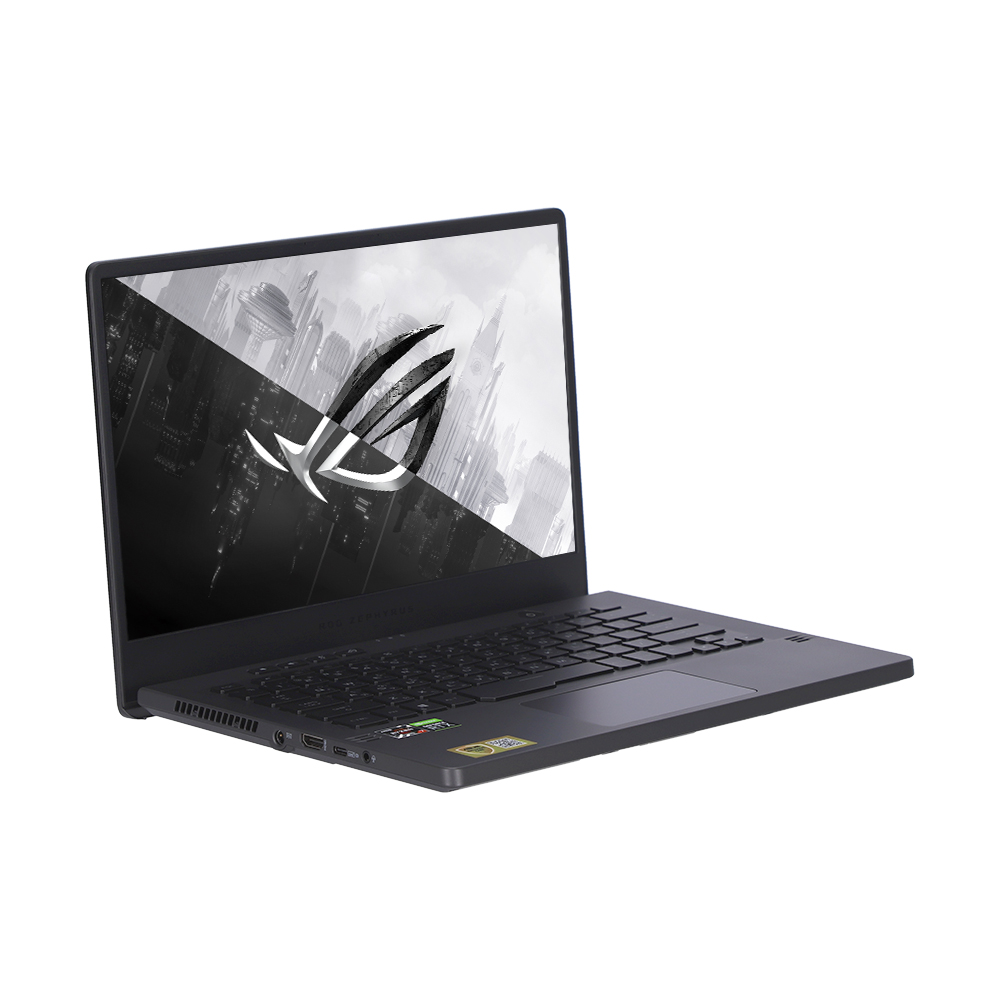
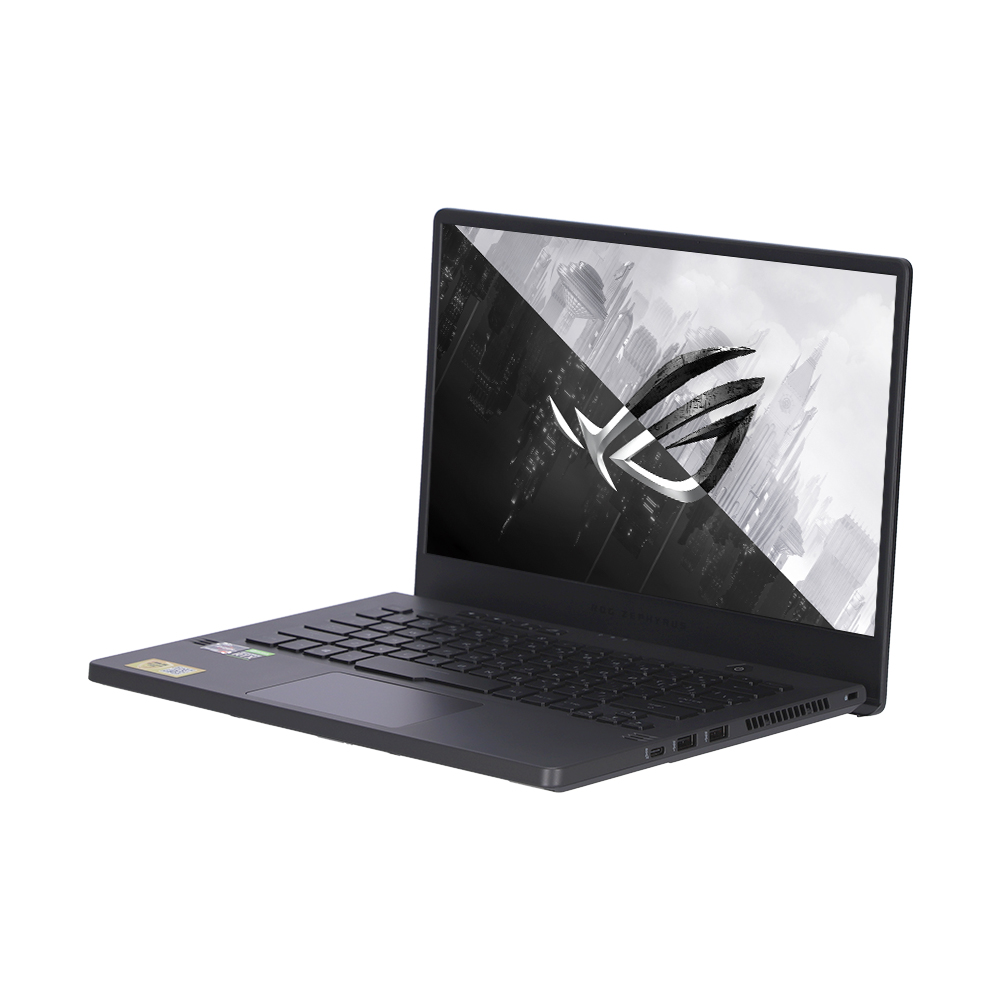
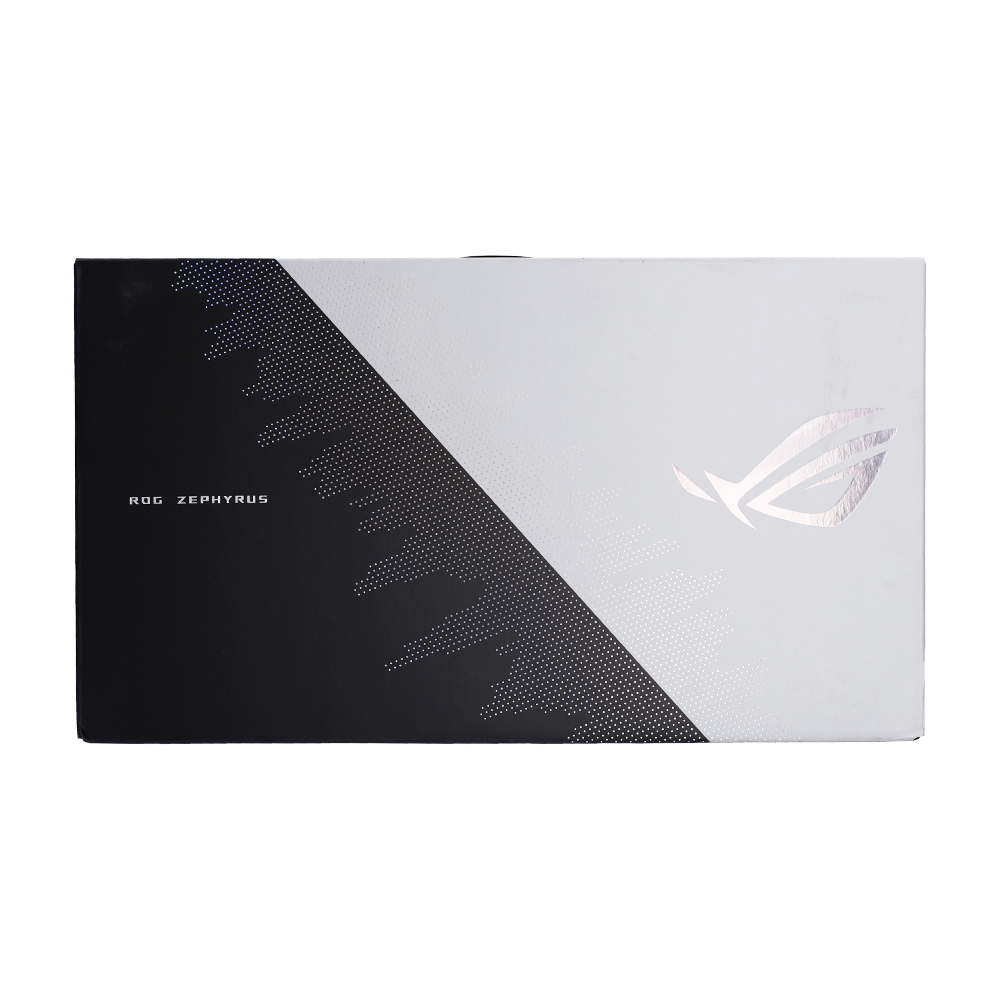


The ROG Zephyrus G14 makes powerful, ultraportable Windows 10 Pro gaming accessible to everyone. Featuring up to an 8-core AMD Ryzen™ 9 5900HS CPU and GeForce RTX™ 3060 GPU, this slim and stylish powerhouse rips through the most demanding apps and games. Two gorgeous display options—high-res, high-refresh 120Hz WQHD or ultra-fluid 144Hz Full HD—keep you immersed with lifelike, Pantone® validated colors. Quad speakers pump out lush Dolby Atmos audio, while exclusive Two-Way AI Noise Cancelation makes voice chat crystal clear. Live life at Zephyrus speed with the ultimate blend of power and portability.
*AniMe Matrix™ LED display only available on select models.
BUILT UP
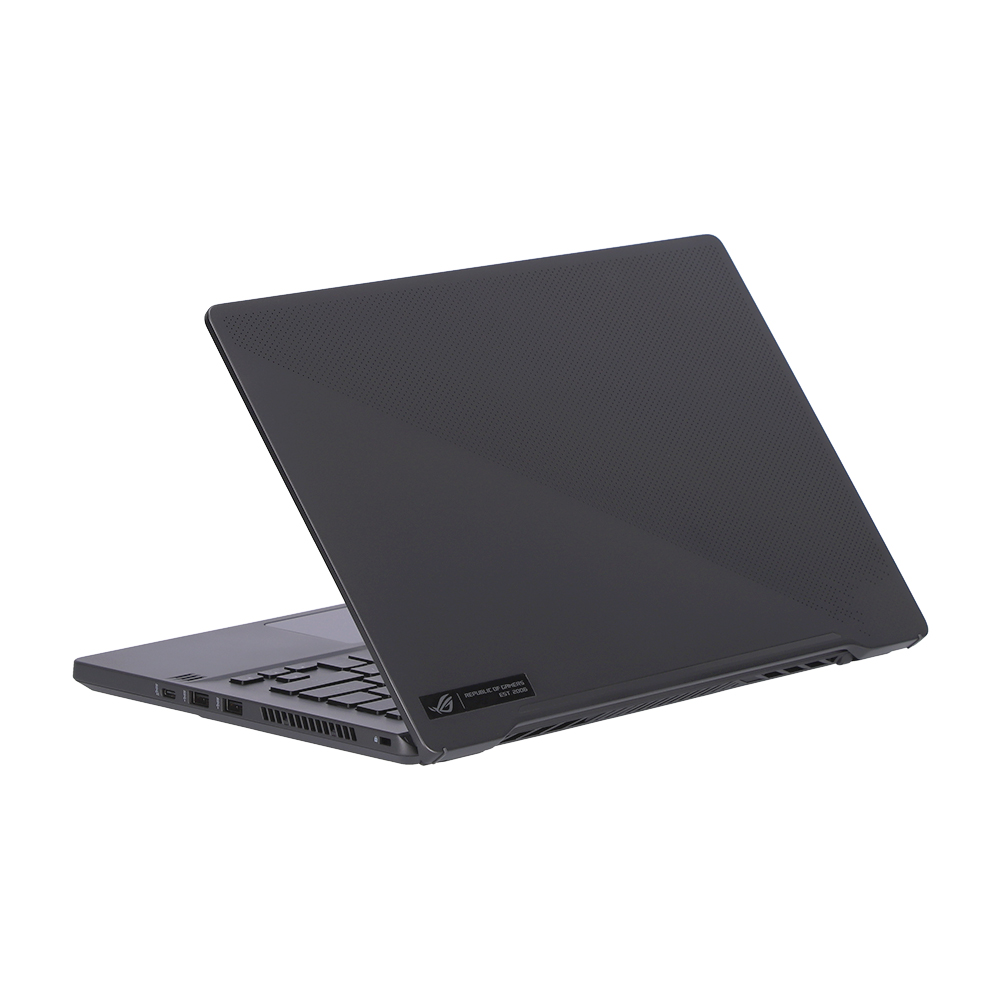
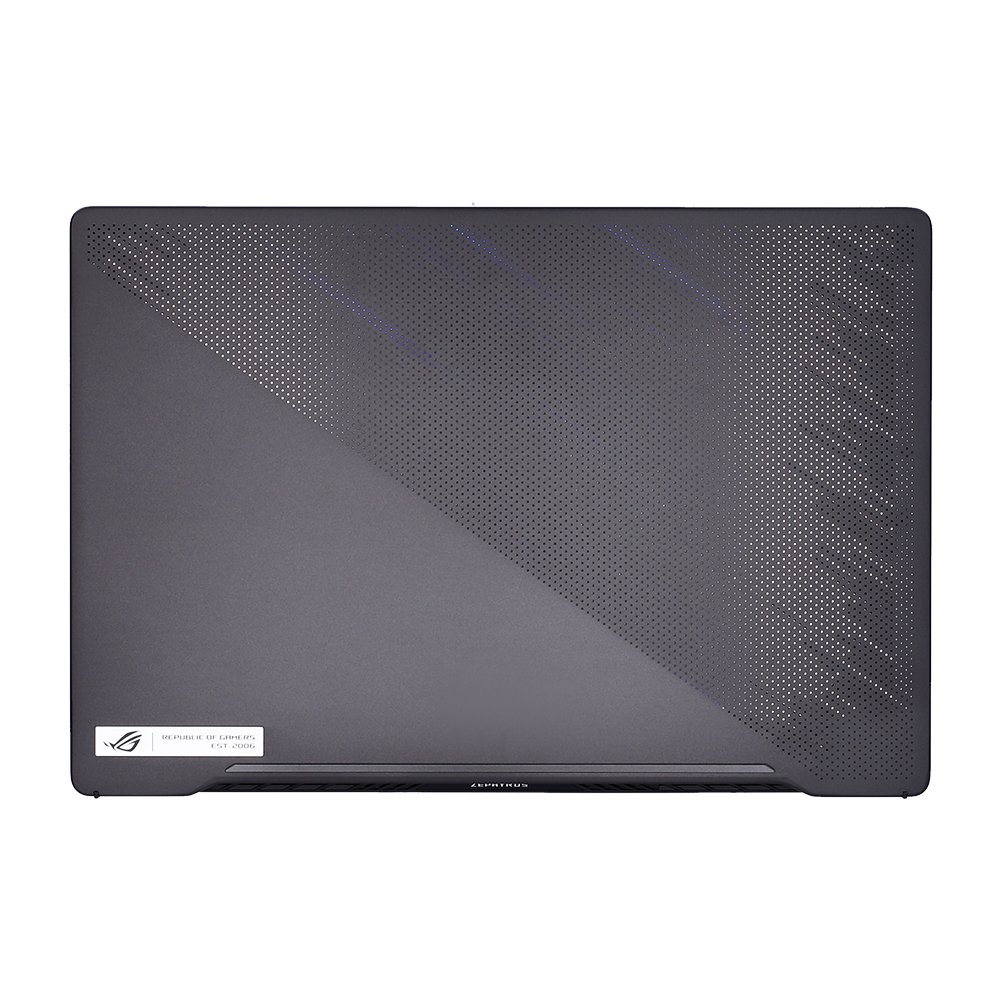
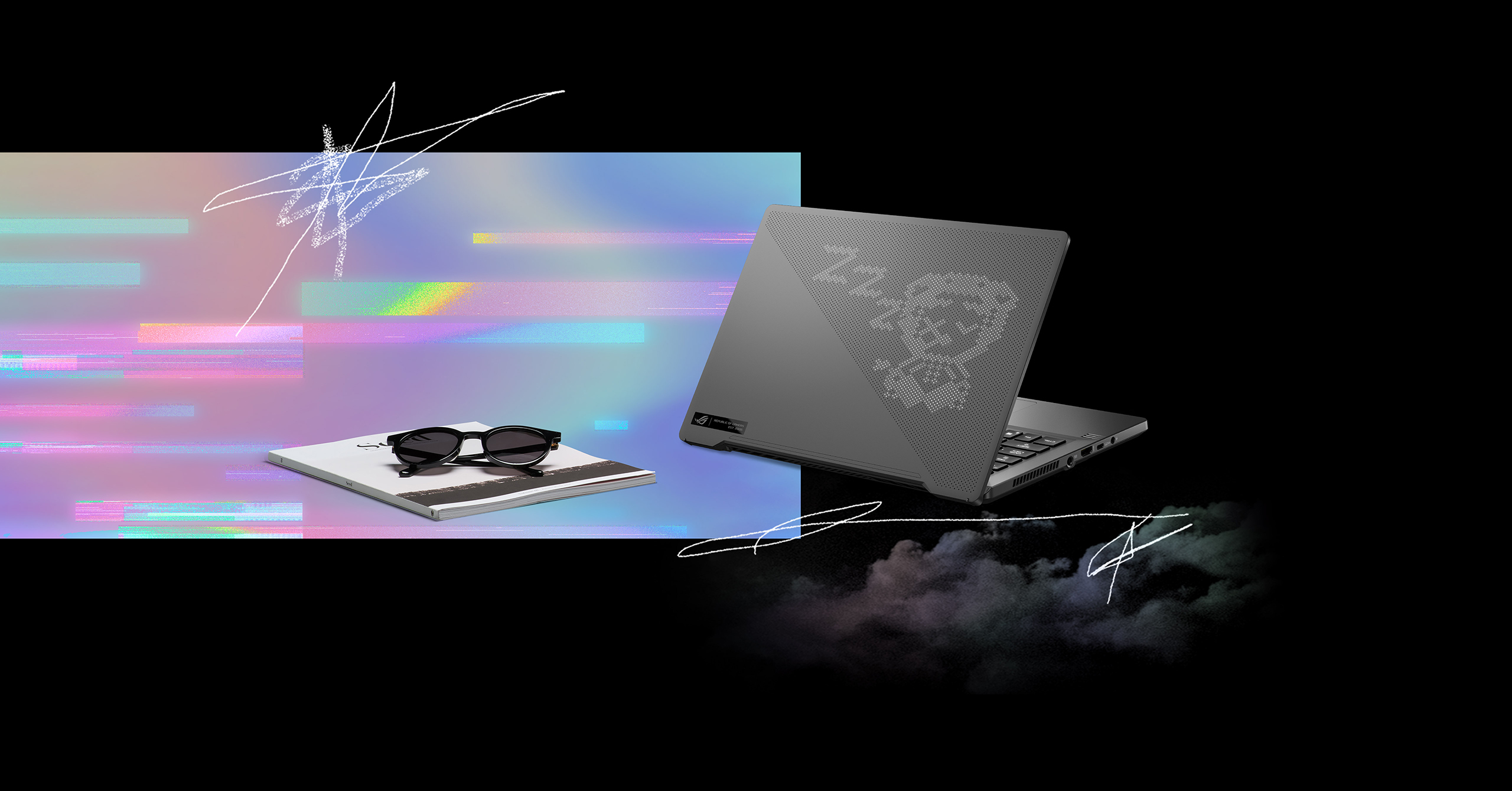
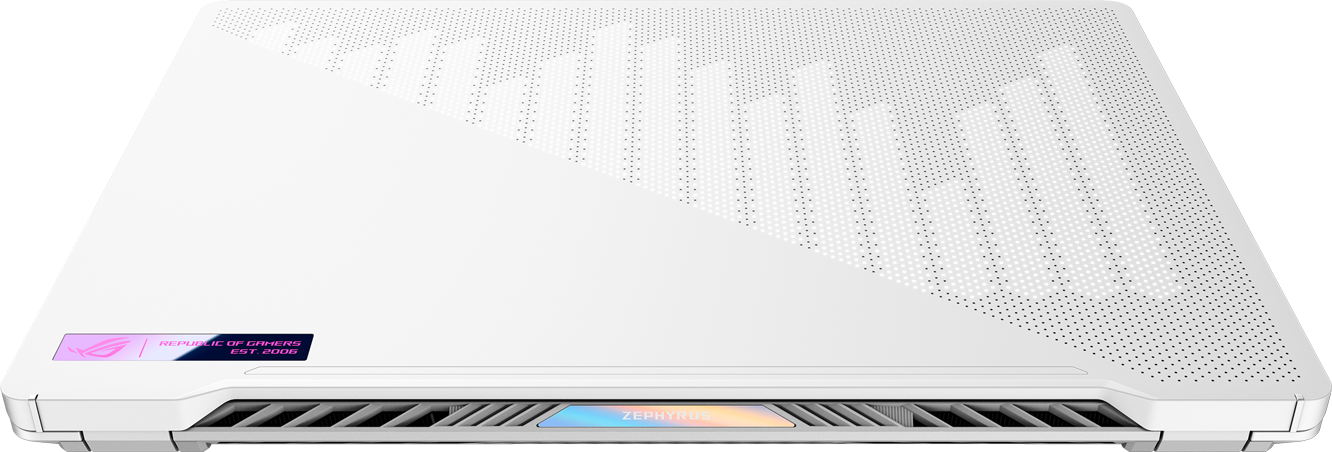
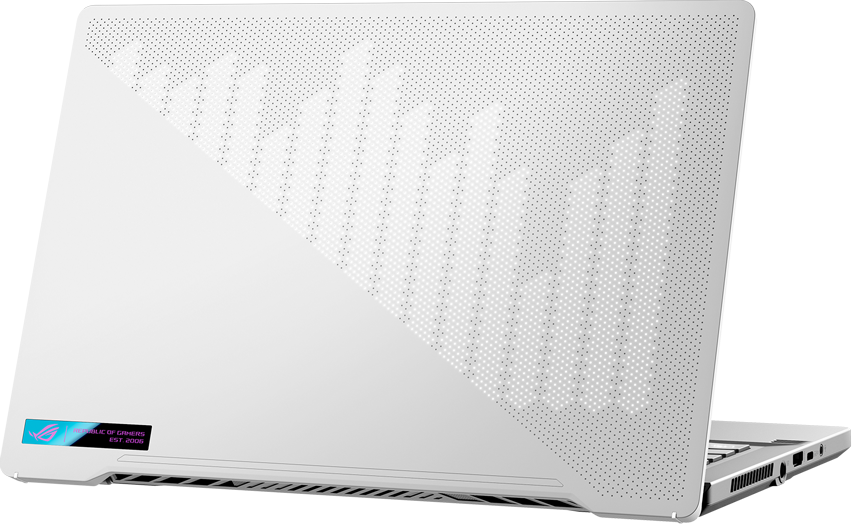
With clean aesthetics distilled into four unique flavors, the Zephyrus G14 is a stunner. Choose Moonlight White or Eclipse Gray, which both light up the 6,536 precision-milled perforations in the lid with a programmable AniMe Matrix™ mini-LED display. Or go with Holographic White or Holographic Gray for a subtler prismatic effect. A magnesium-aluminum alloy with honeycomb reinforcements keeps the chassis both strong and light.
PRECISION MACHINING
The striking dot matrix design on the lid is made with a precision CNC milling process that creates 6,536 perfectly spaced perforations in an incredibly small surface area. The unique pattern is stylish yet subtle, with the diameter of the openings carefully chosen to emit just the right amount of light from the 1,215 mini-LEDs that lie below on the optional AniMe Matrix™ display.
PERFORMANCE
POWER UP
The Zephyrus G14 changes the game for portability by packing unprecedented power into a 14-inch body weighing just 1.6kg. Its AMD Ryzen™ 9 5900HS CPU is tuned with lower power consumption and thermals that enable superior performance for ultra-slim laptops. Cutting-edge 7nm process technology puts up to 8 cores and 16 threads on a single chip, allowing you to muscle through heavy workloads. Add up to a GeForce RTX™ 3060 GPU that can unlock even more performance with ROG Boost, and move from fast-paced gaming to content creation in a flash.

PORTABILITY
LIVE IT UP
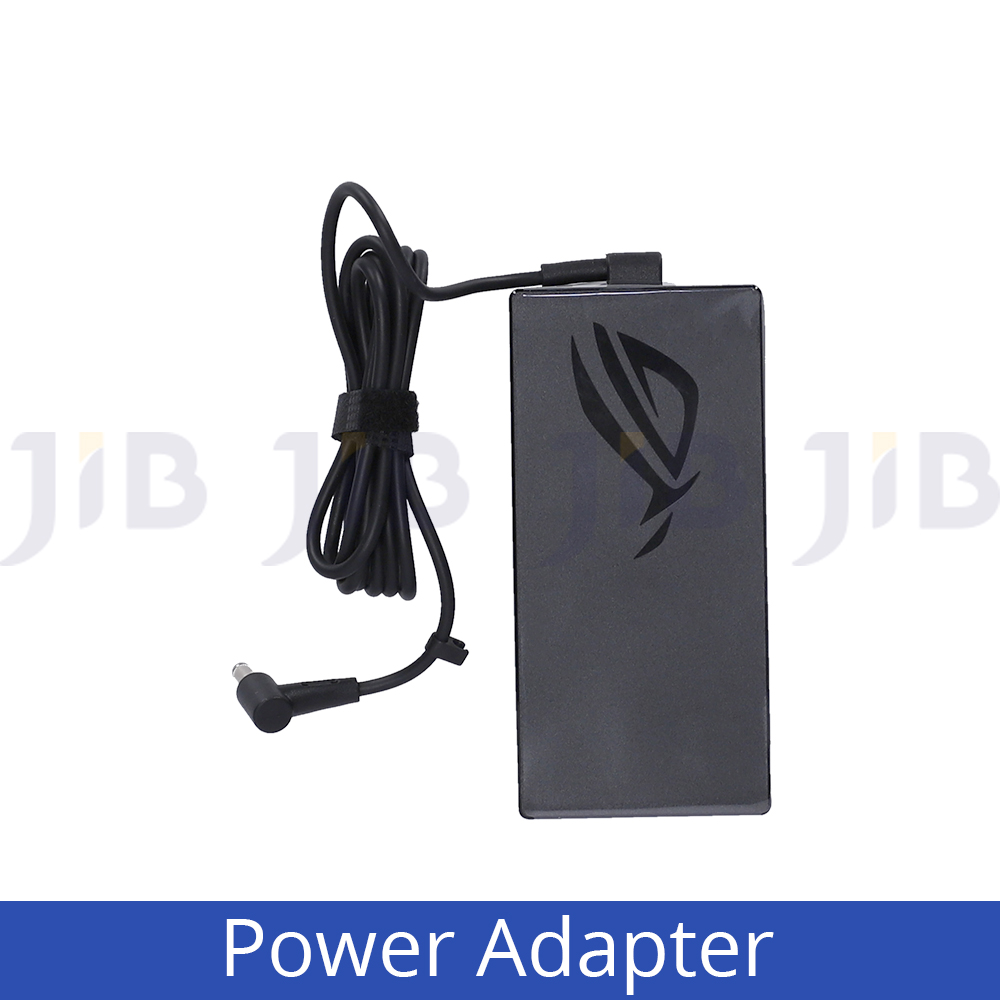
Gaming laptops typically struggle to stay alive without a massive power brick, but the Zephyrus G14’s energy-efficient AMD Ryzen™ 9 5900HS CPU lets you finish up work, watch videos, and stay productive without the weight. USB Power Delivery gives you the flexibility to charge the battery with portable Type-C power packs and adapters, or quickly rejuvenate compatible smartphones and other devices. Say goodbye to fighting over sockets in crowded cafes, and live life untethered.
DISPLAY
SPEED UP
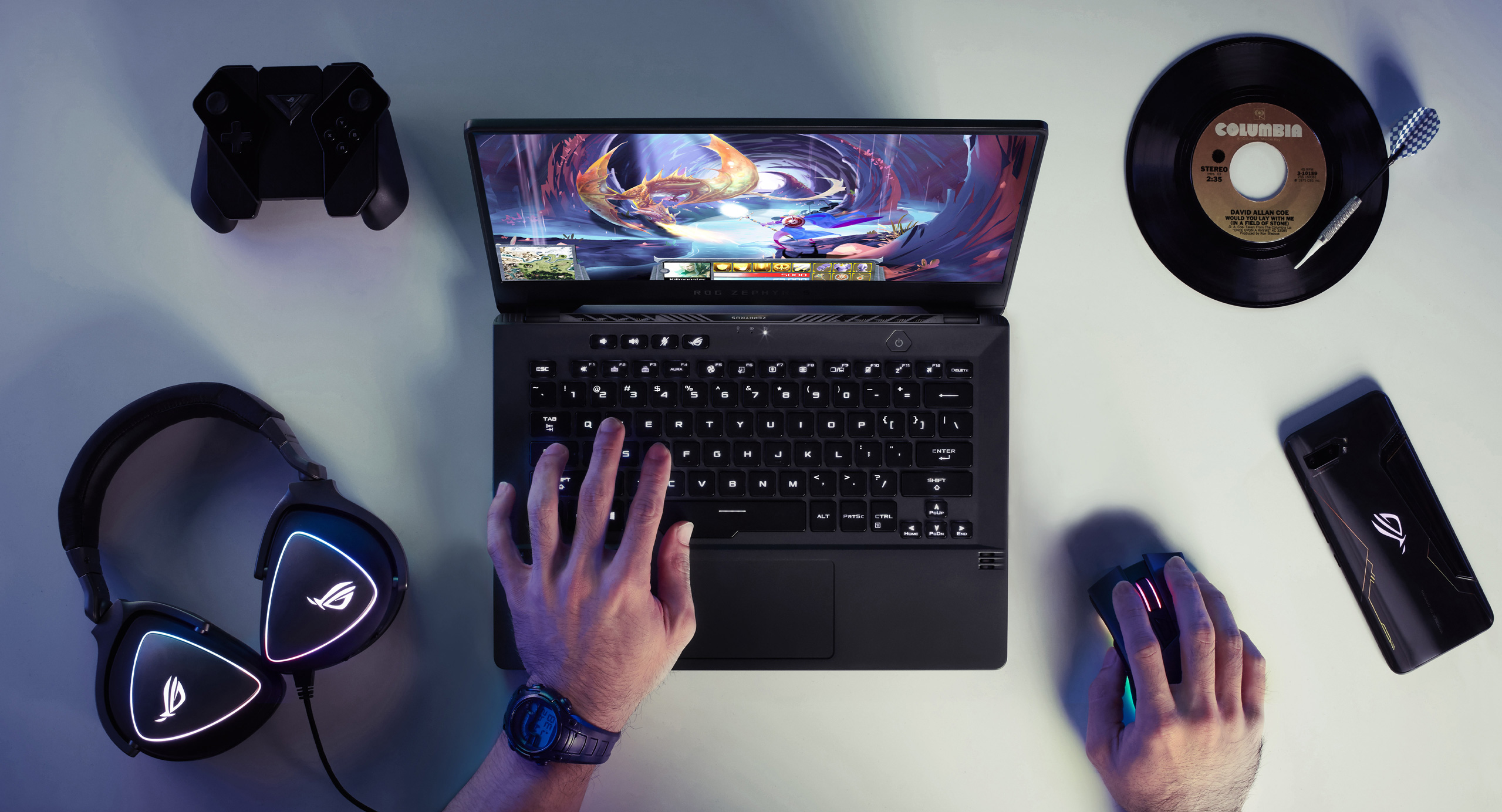
Choose the display that fits your needs. For the best of both worlds, the 120Hz WQHD panel blends high refresh rates with high resolution and a pro-grade DCI-P3 color gamut. For lightning-fast gaming, the 144Hz Full HD panel mixes even higher refresh with vibrant sRGB color. Both are Pantone® Validated for color accuracy. The two panels also support Adaptive-Sync, synchronizing the display and GPU to eliminate tearing and make gameplay silky smooth. Super-narrow bezels around the display practically fade into the background, keeping you fully engrossed in what’s on-screen.
See how ROG pioneers the latest display technologies
KEYBOARD
MASH UP
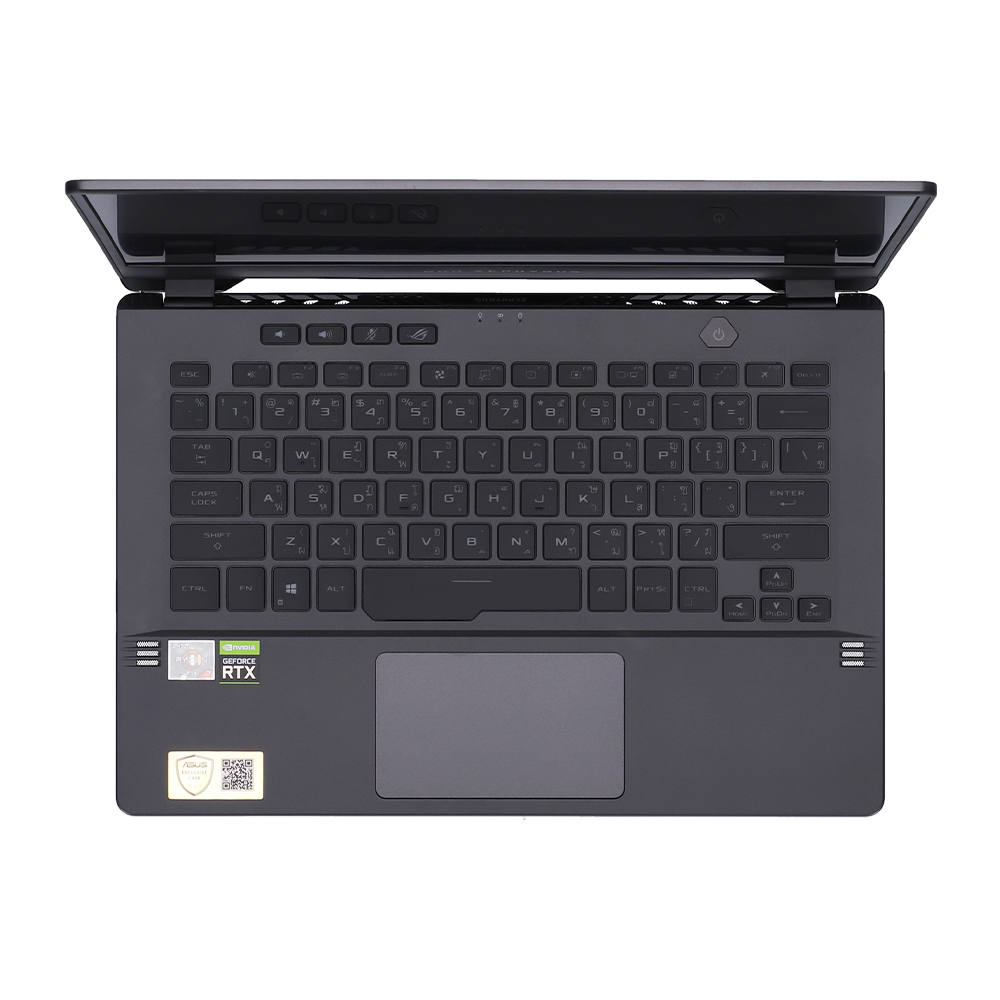
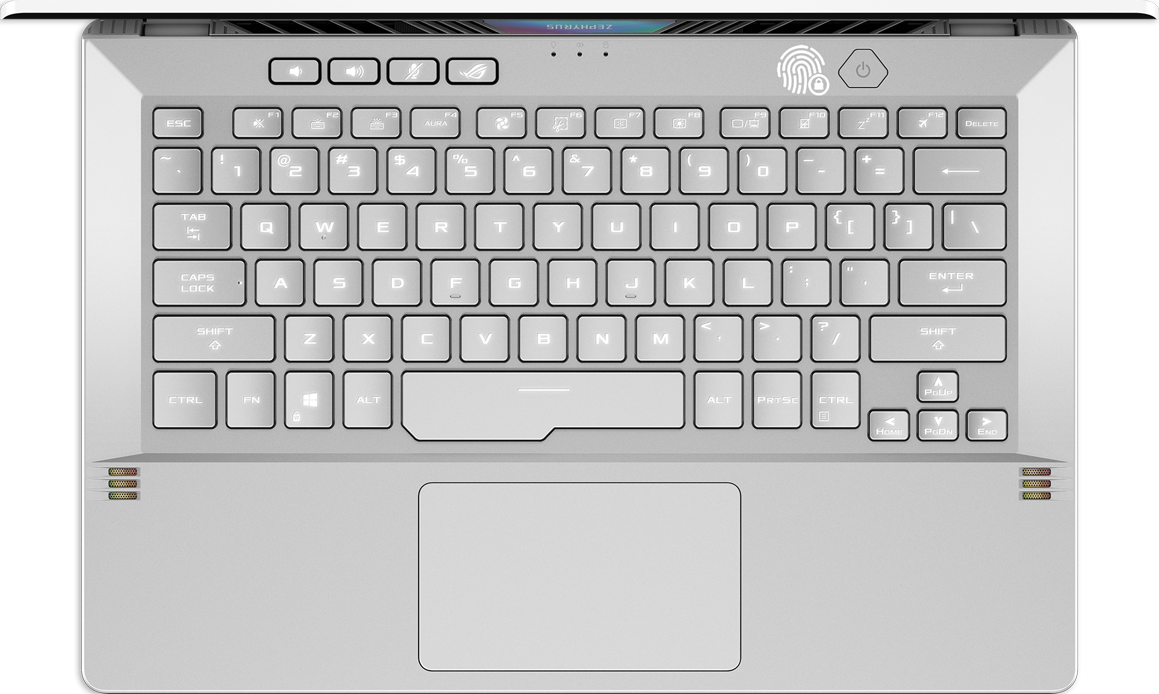
The Zephyrus G14 comes with an uncompromised keyboard that fits full-size functionality into a much smaller machine. It’s the first ROG laptop to feature fingerprint login on the power button, making waking up the laptop as simple as unlocking your phone. The desktop-inspired layout makes you feel right at home with dedicated hotkeys that put volume, microphone mute, and ROG Armoury Crate software within easy reach. Overstroke technology triggers higher in each keystroke for faster responsiveness, and the ErgoLift design raises the keyboard at an angle to make typing more comfortable than ever.
AUDIO
TURN IT UP
Virtual 5.1.2-channel surround sound powered by Dolby Atmos technology puts you in the center of the action. Twin tweeters fire sound directly at you, while dual Smart Amp woofers bounce sound off the table. Switch between 6 preset modes that optimize settings based on the type of game and media, or make manual modifications that fit your preferences. Two-Way AI Noise Cancelation filters both input and output audio, making streams, chats, and recording clearer than ever.
WIRELESS
KEEP UP
Equipped with the latest Wi-Fi 6 (802.11ax), you can game reliably at LAN speeds wherever compatible connections are available. Wi-Fi 6 boosts network speed and efficiency, providing a better connection for crowded spaces like coffee shops and libraries. It also reduces latency, meaning less lag for network-sensitive activities like online gaming.
*Unless otherwise stated, claimed Wi-Fi speeds are based on theoretical performance. Actual performance may vary in real-world situations.

THERMAL
DON’T HEAT UP
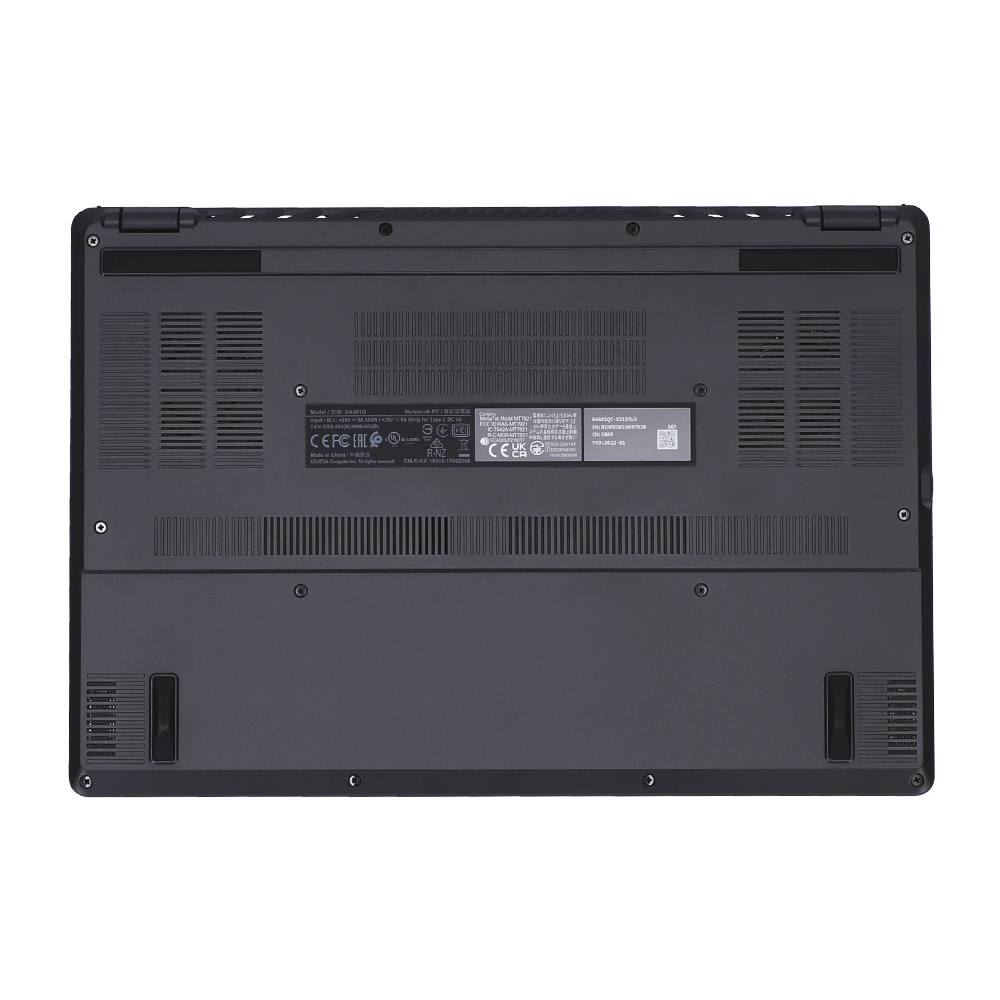
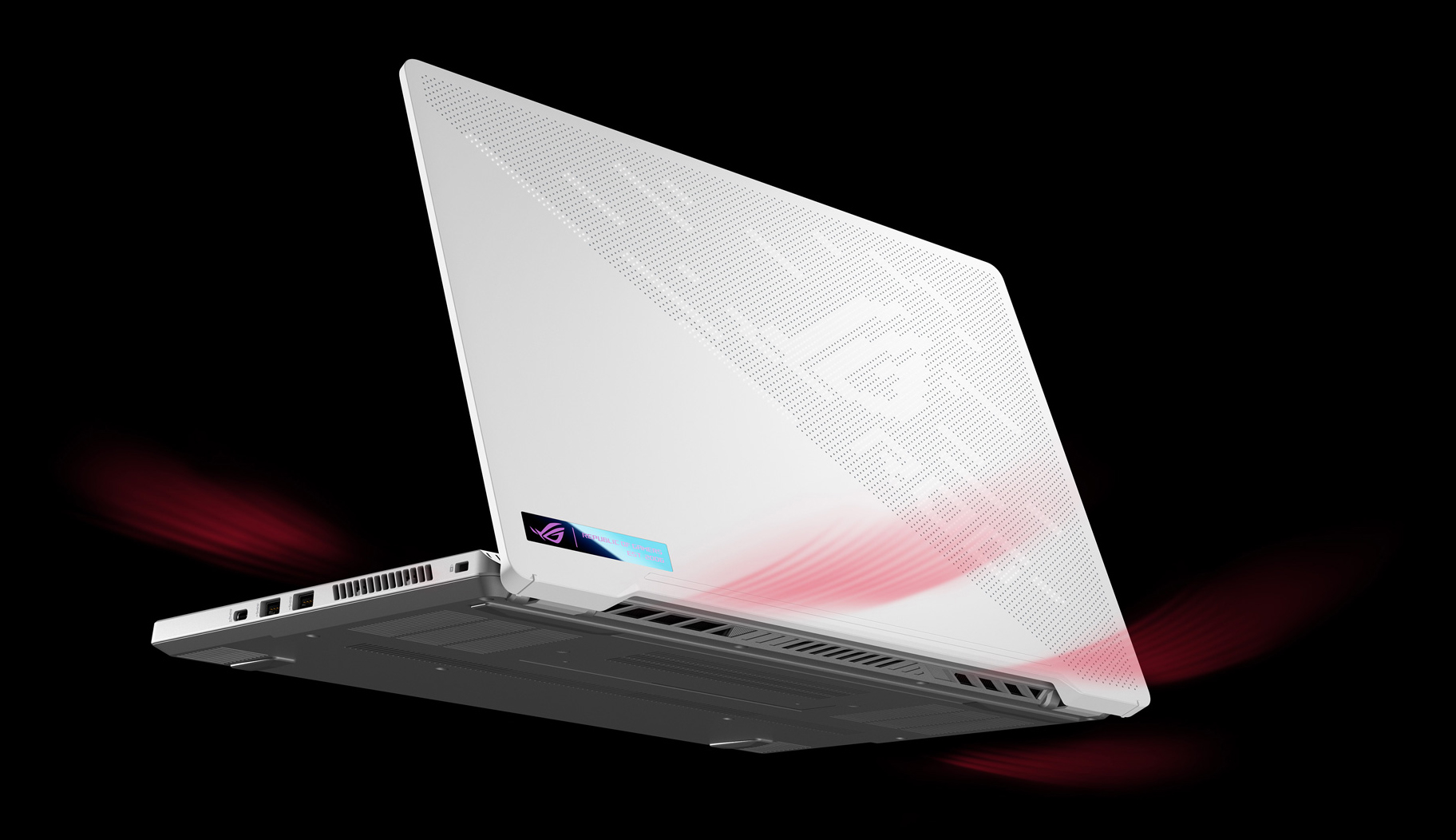
Unleashing the peak performance of high-end components is especially difficult in ultra-slim laptops. Innovative solutions are needed to ensure reliable, sustained performance, so ROG’s Intelligent Cooling philosophy mixes the right features and system settings to ensure the best experience no matter what you’re doing. In the Zephyrus G14, self-cleaning cooling prevents dust build up from compromising long-term performance, while dual Arc Flow fans spin 84 blades each to generate impressive airflow within the slim frame. ROG Armoury Crate software seamlessly switches between operating modes to optimize performance and acoustics for the task.
I/O PORTS
LOAD UP
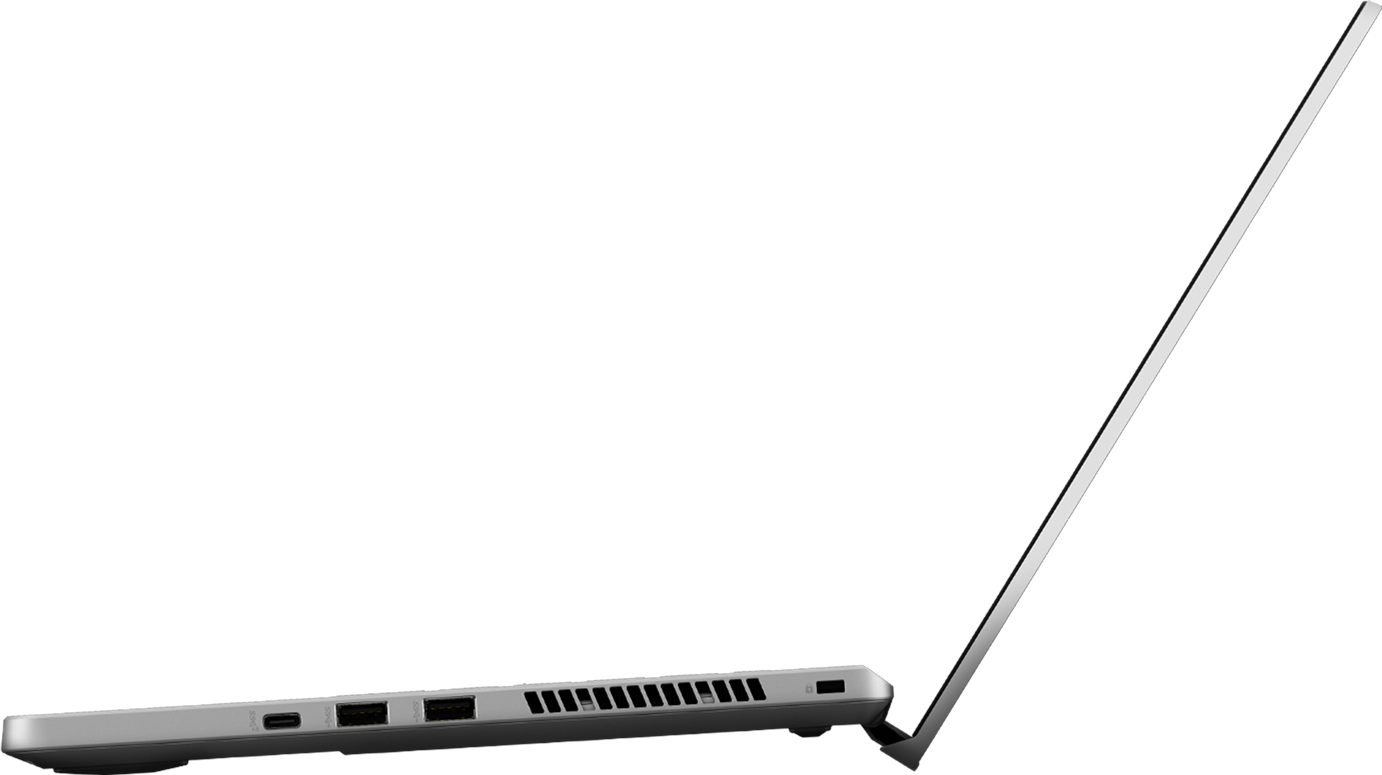
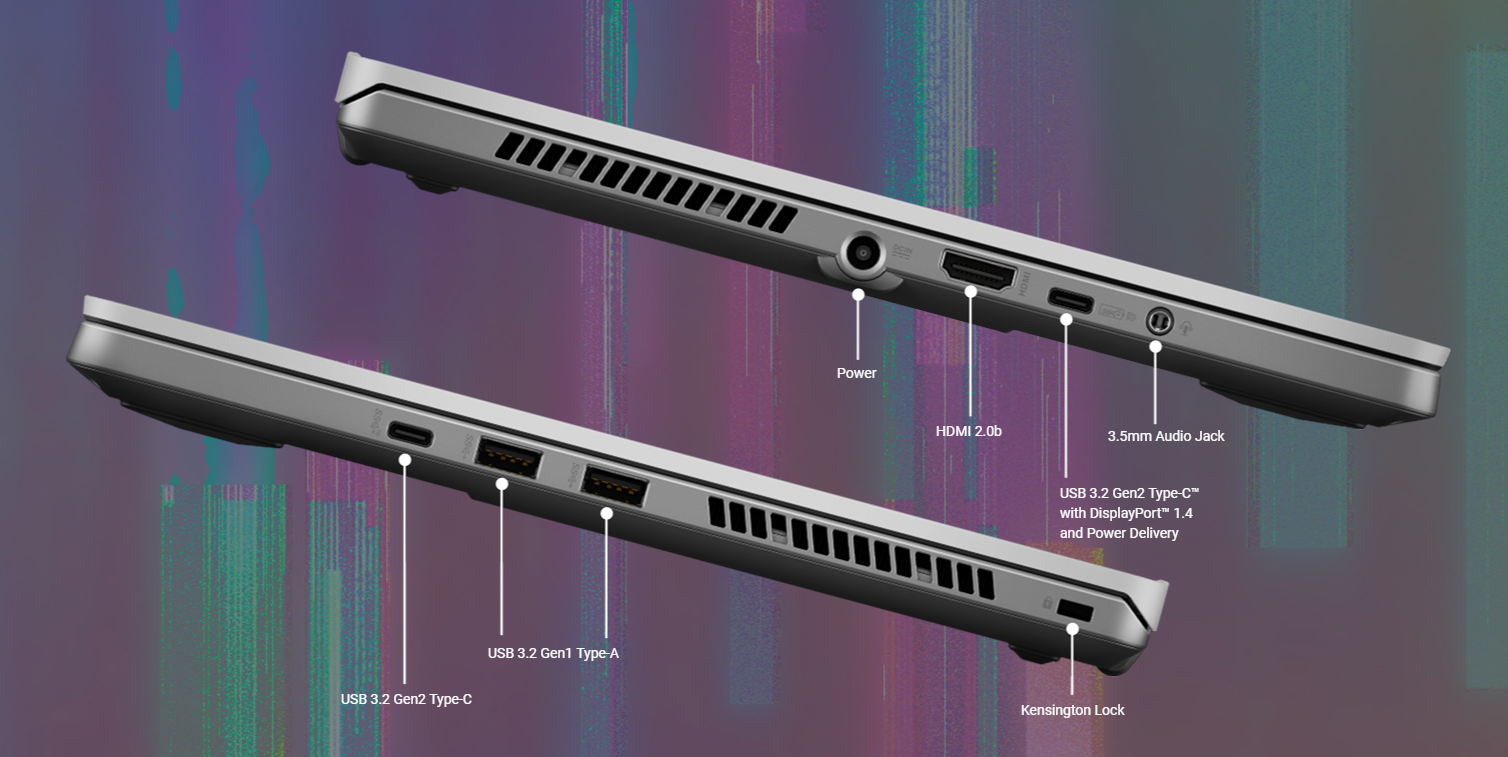
A wide variety of ports makes the G14 especially flexible. Drive a second display to multitask more efficiently via the USB-C port with DisplayPort 1.4. Watch 4K UHD movies on the big screen or easily connect a projector with HDMI 2.0b. Hook up your mouse, gamepad, drawing tablet, and other peripherals to play or be creative anywhere. There’s no need for dongles with a 3.5mm headset jack built in.
- The standard Asus test environment for battery life is as follows: Windows operating system, display module with 150 nits of brightness, lighting off, and other application settings.
- Video Playback: Testing is done with Wi-Fi/Bluetooth off, Windows Power Plan set to Balanced, Taskbar Power Mode set to Battery Saver, system volume at 67%, and video at full screen, 1080p resolution
- Web Browsing: Testing is done with Wi-Fi/Bluetooth, Windows Power Plan set to Balanced, Taskbar Power Mode set to Better Battery, and using the Weblooper Top50 website in Google Chrome to play the video with a refresh time of 10 seconds.
- Factors that affect battery life include laptop configuration, power settings, and the way it is used. Battery capacity fades with its cycle count and age.
- Quick-charging times apply when using the proper ASUS/ROG adapter included alongside the select model and the system is powered off (via the "shut down" command). In compatible scenarios, batteries can be recharged to 50% within 30 minutes under the optimal temperature range of 20-45 degrees Celsius. Charging times may vary +/- 10% due to system tolerance.
- The terms HDMI and HDMI High-Definition Multimedia Interface, and the HDMI Logo are trademarks or registered trademarks of HDMI Licensing Administrator, Inc. in the United States and other countries.
- Products certified by the Federal Communications Commission and Industry Canada will be distributed in the United States and Canada. Please visit the ASUS USA and ASUS Canada websites for information about locally available products.
- All specifications are subject to change without notice. Please check with your supplier for exact offers. Products may not be available in all markets.
- Specifications and features vary by model, and all images are illustrative. Please refer to specification pages for full details.
- PCB color and bundled software versions are subject to change without notice.
- Brand and product names mentioned are trademarks of their respective companies.
- Unless otherwise stated, all performance claims are based on theoretical performance. Actual figures may vary in real-world situations.
- The actual transfer speed of USB 3.0, 3.1, 3.2, and/or Type-C will vary depending on many factors including the processing speed of the host device, file attributes and other factors related to system configuration and your operating environment.
อ้างอิงจาก : https://rog.asus.com/