


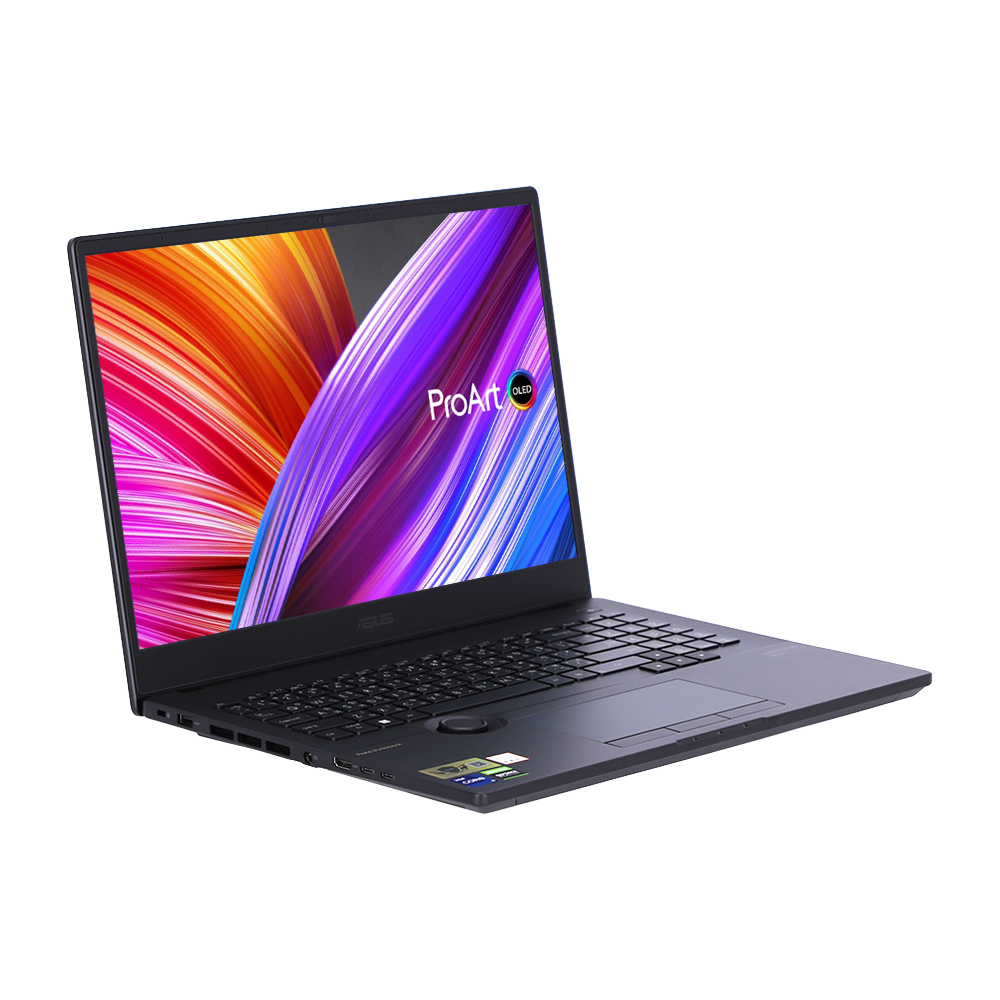
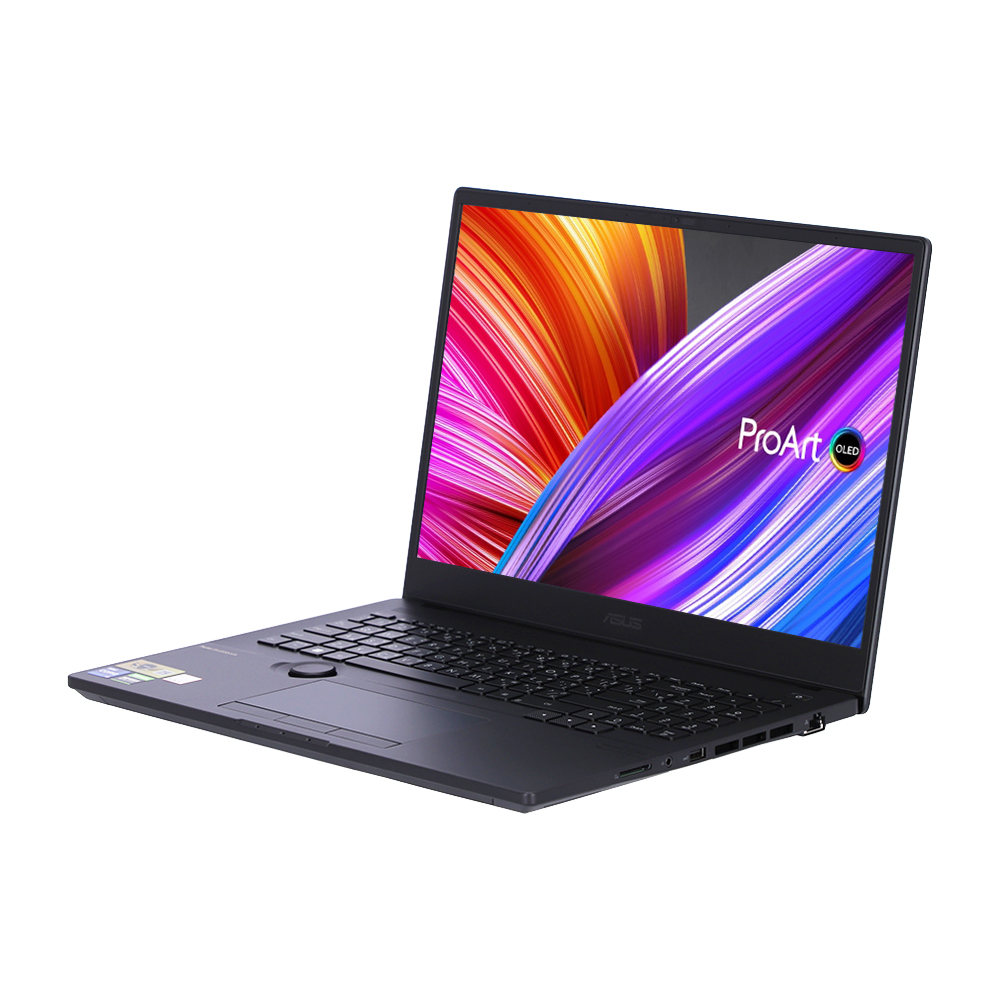
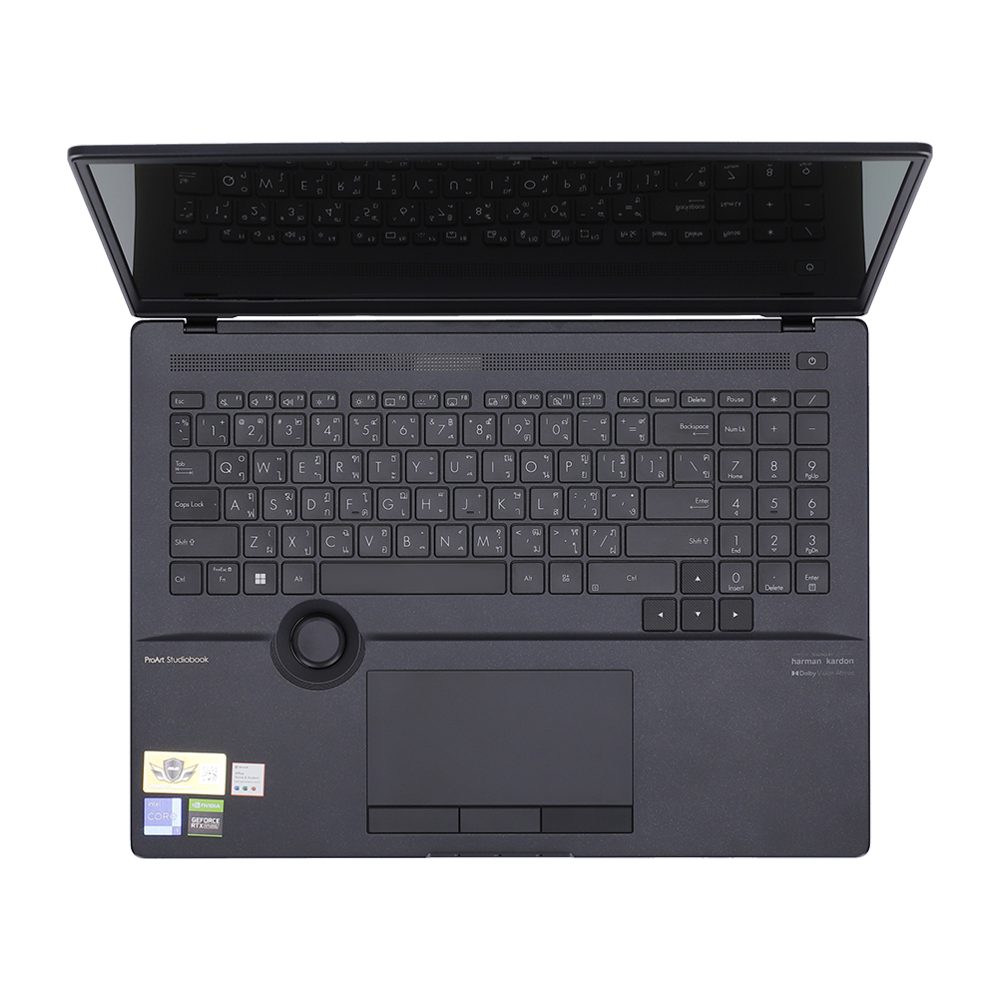
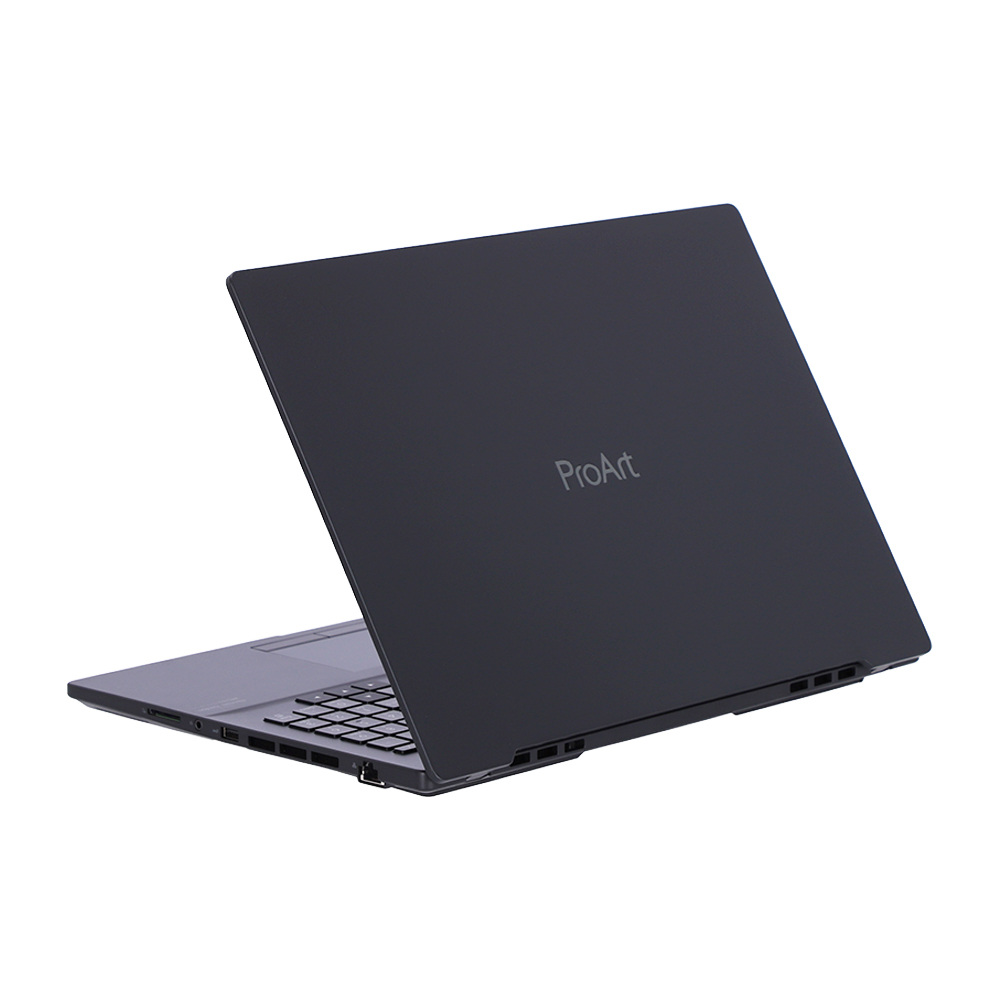
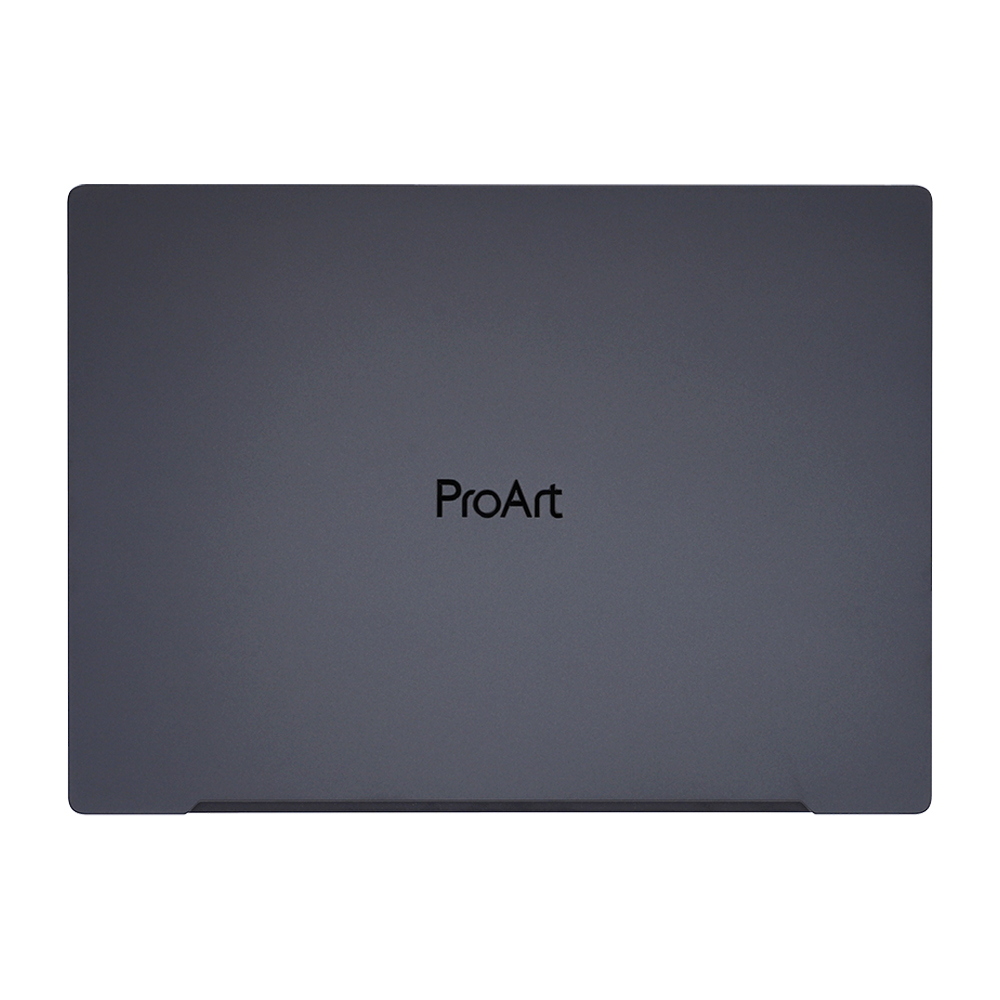
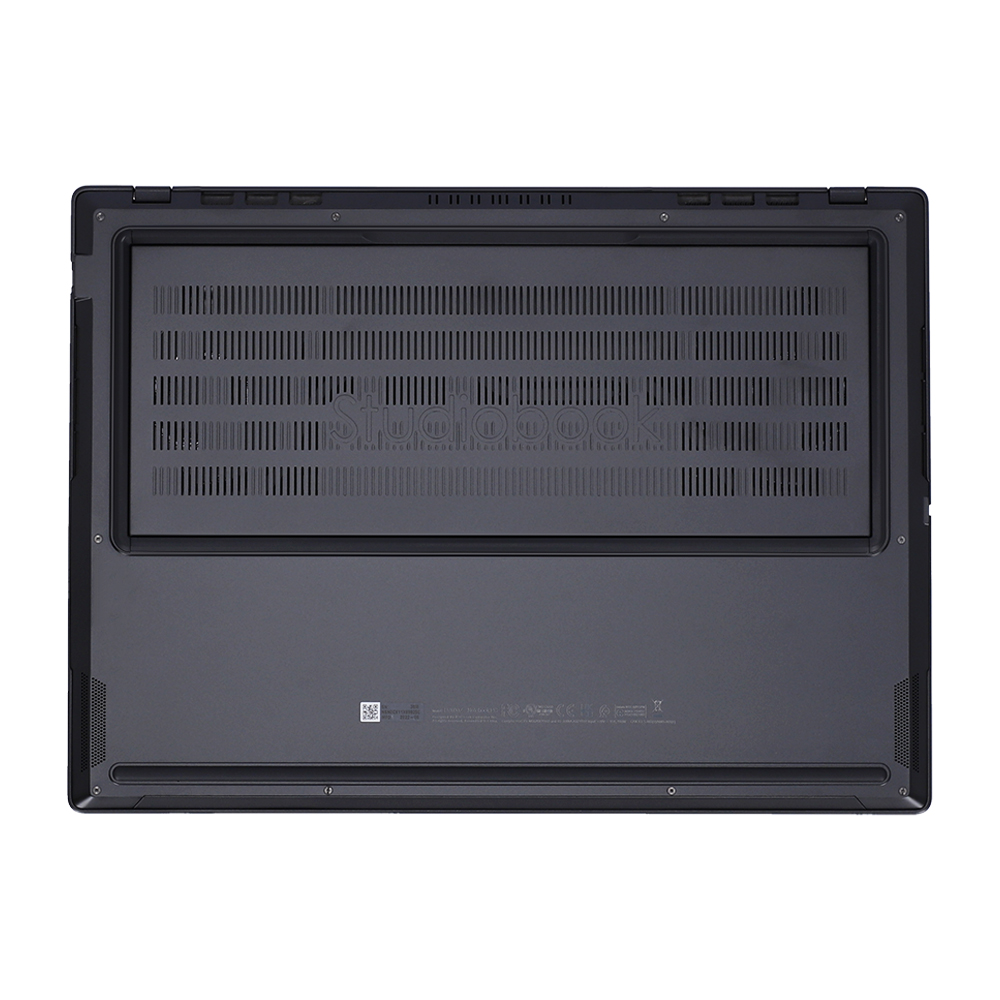


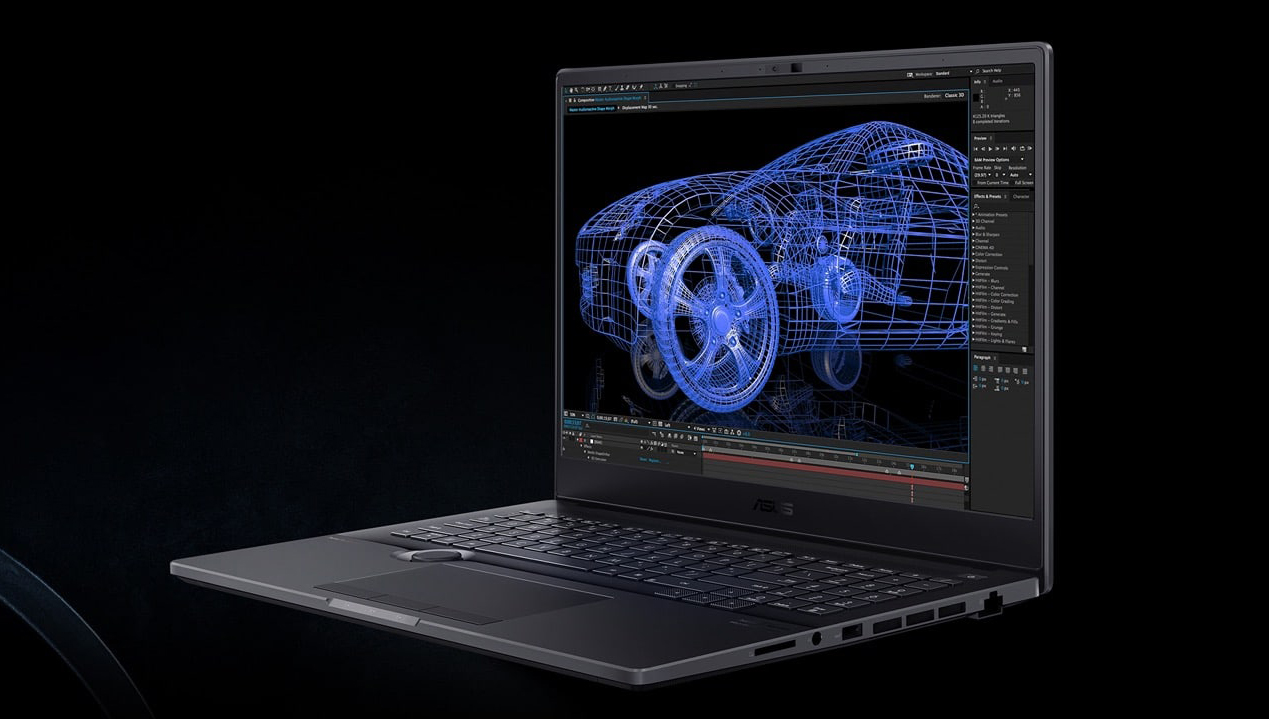
Turn your creative vision into reality with the ProArt Studiobook 16 OLED studio laptop: it pushes every boundary to give you the effortless creative experience you’ve always wanted, but never thought possible. With a certified color-accurate 16-inch 3.2K 120 Hz or 4K 60 Hz OLED HDR 16:10 display, up to a breathtakingly powerful Intel® Core™ i9 processor, fast NVIDIA® GeForce RTX™ 3080 Ti graphics, huge amounts of memory, advanced ultrafast storage, superb I/O connectivity, and ultra-precise fingertip control over your creative apps with the groundbreaking new ASUS Dial, ProArt Studiobook 16 OLED is simply the best creator laptop we’ve ever made.
.jpg)
PERFORMANCE
Performance for professionals
ProArt Studiobook 16 OLED was designed with one goal in mind: to give you all the raw performance you need to handle even the toughest, most resource-hungry projects. It’s equipped with up to a mighty Intel Core i9 processor, fast NVIDIA GeForce RTX™ 3080 Ti graphics, one of the world’s fastest SSDs, and has a flexible memory configuration with up to a massive 64 GB of high-speed RAM. It’s the ultimate professional laptop, built for the ultimate professional.
CPU
Fire up your imagination
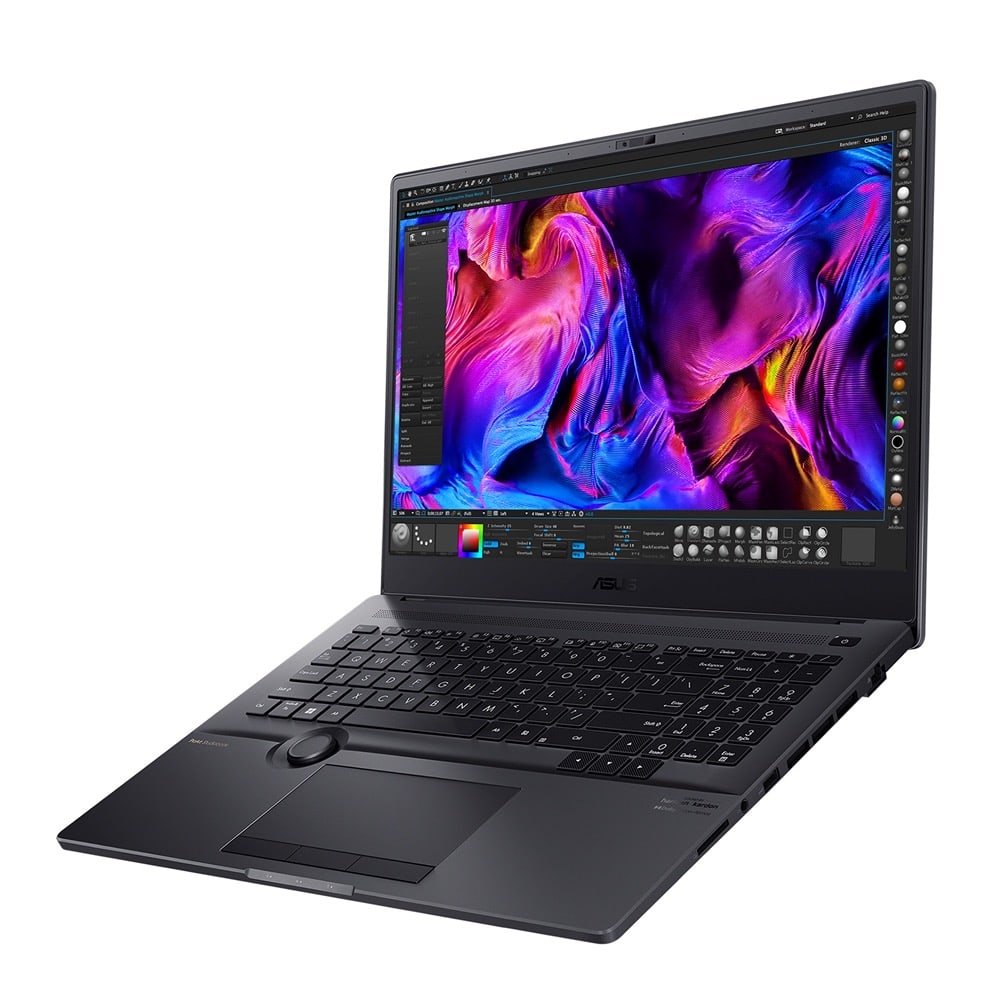
ProArt Studiobook 16 OLED is powered by up to a 12th Generation Intel Core i9-12900H processor that makes light work of super-complex, heavily multithreaded, photorealistic rendering, visualization, simulation or analysis applications. This 14-core processor gives you a mobile workstation with professional performance, easily outperforming mainstream models to make your creative workflow effortless. For the ultimate performance, you can enable Performance mode, which automatically increases the CPU power limit value from 45 to 75 W sustained, or 95 W temporarily, and adjusts the fan speed setting to keep the processor cool enough for maximum performance.
GPU
Fast graphics, stable drivers
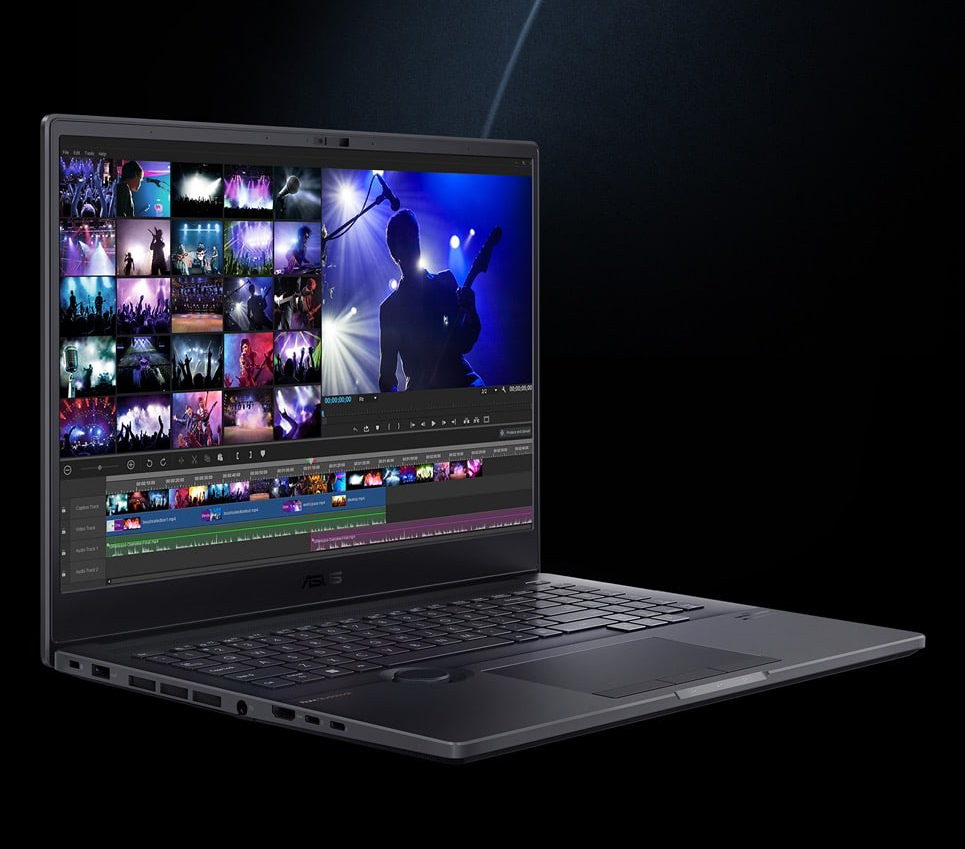
Fast 3D graphics processing power is provided by NVIDIA GeForce RTX 3080 Ti GPU, which is based on the NVIDIA Ampere architecture, NVIDIA’s second-generation of RTX technology. Whether you’re working on complex 3D scenes, high resolution video, or high-quality livestreaming, ProArt Studiobook 16 OLED is more than equal to the task thanks to the advanced features in the GPU including ray tracing and AI acceleration and fast GDDR6 memory, along with the ability to increase GPU power from 80 W to 115 W, adjusting the system fan speed as needed for optimum performance. For outstanding driver stability, we use NVIDIA Studio Drivers to ensure maximum performance, rock-solid reliability, and wide software compatibility.
THERMAL
It’s cool to be quiet
Keeping a powerhouse like ProArt Studiobook 16 OLED cool is vital for top performance, but unwanted noise is the enemy of creativity. We’ve designed the ASUS IceCool Pro cooling system to let the mighty Intel CPU run comfortably at a blistering 140 watts total TDP (50 W CPU and 90 W GPU) in Performance mode — with no throttling. This remarkable feat of engineering uses dual 102-aerofoil blade fans, the world’s first to use over 100 blades3. The slim aerofoil blades are made from side-chain liquid crystal epoxy polymer (SCP): the quiet, power-efficient 3D-curved design increases airflow by 16%4. The precision-applied liquid metal on the CPU cooler maximizes heat dissipation, enabling a 29% package power improvement. Six heat pipes and seven intelligent sensors ensure optimum cooling performance, while keeping everything quiet — under 40 dBA in Standard mode — so you can concentrate on the task at hand without distractions. In addition, ProArt Studiobook 16 OLED features NVIDIA’s AI-powered WhisperMode 2.0, which gives you even more control over the laptop’s fans so you can balance performance and acoustics.
.jpg)
ASUS OLED DISPLAY
World’s first 16” 3.2K 120 Hz OLED HDR 16:10 display7
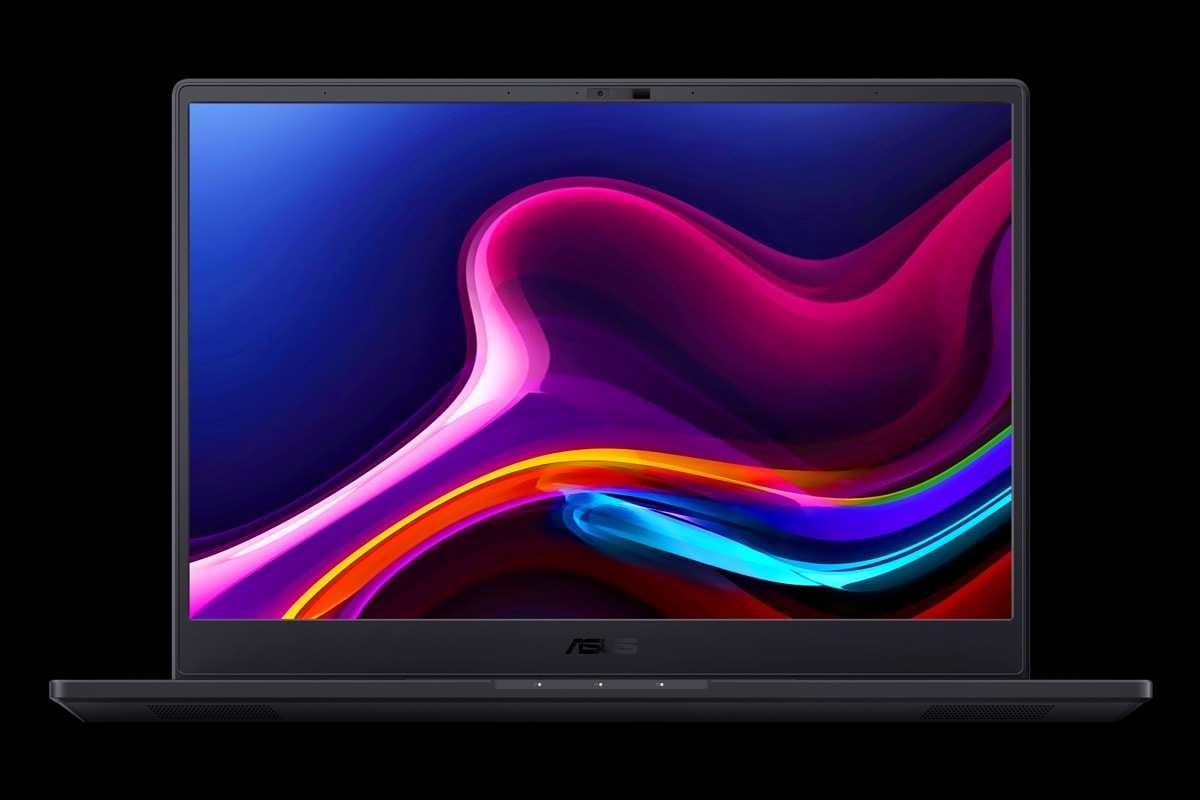
Your creations demand visual perfection, and ProArt Studiobook 16 OLED delivers it with a 3.2K 120 Hz or 4K 60 Hz OLED HDR8 display that’s in a class of its own. This display delivers truly photorealistic visuals that are VESA DisplayHDR™ True Black 500 certified for ultra-high contrast and deep blacks, and the 100% DCI-P3 industry-standard color gamut ensures you’re seeing as many vivid, true-to-life colors as possible. Dolby Vision® revolutionizes your creative process with realistic and ultravivid visuals. This next-level HDR technology helps you discover more detail in both dark and bright scenes for a viewing experience without compromise. For delivering precise color accuracy, this remarkable display is Calman verified, PANTONE® Validated, and has a Delta-E color-accuracy value of less than 29. ProArt Studiobook 16 OLED is also easier on your eyes for those long late-night sessions, with 70% lower blue-light emissions compared to LCD models, and it’s certified for eye care by TÜV Rheinland.
ASUS OLED DISPLAY
Cinematic OLED brilliance
ProArt Studiobook 16 OLED’s display has a best-in-class color gamut. It reproduces colors with superb real-life accuracy for professional-grade visuals, making it perfect for professional and creative work, or anyone who simply wants to enjoy the very best color fidelity. An OLED display, due to the nature of the special organic light-emitting compounds it uses, reduces harmful blue light by up to 70%10 compared to LCD displays, making it extra gentle on your eyes to reduce the risk of retinal damage.
.jpg)
MOTION CLARITY
Ultimate 120 Hz / 0.2 ms for exceptional motion clarity
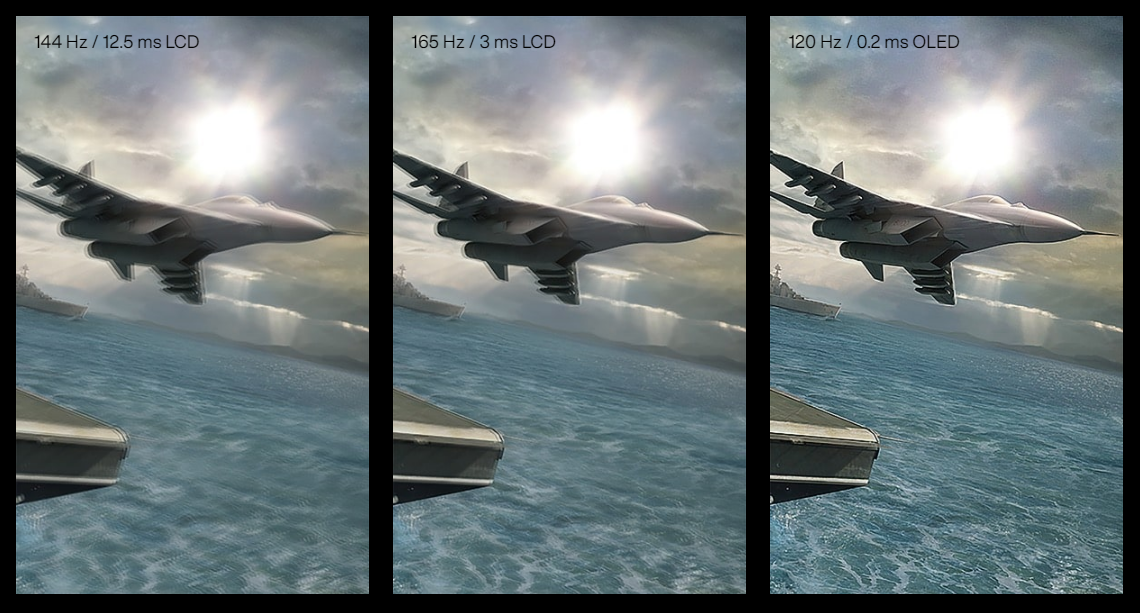
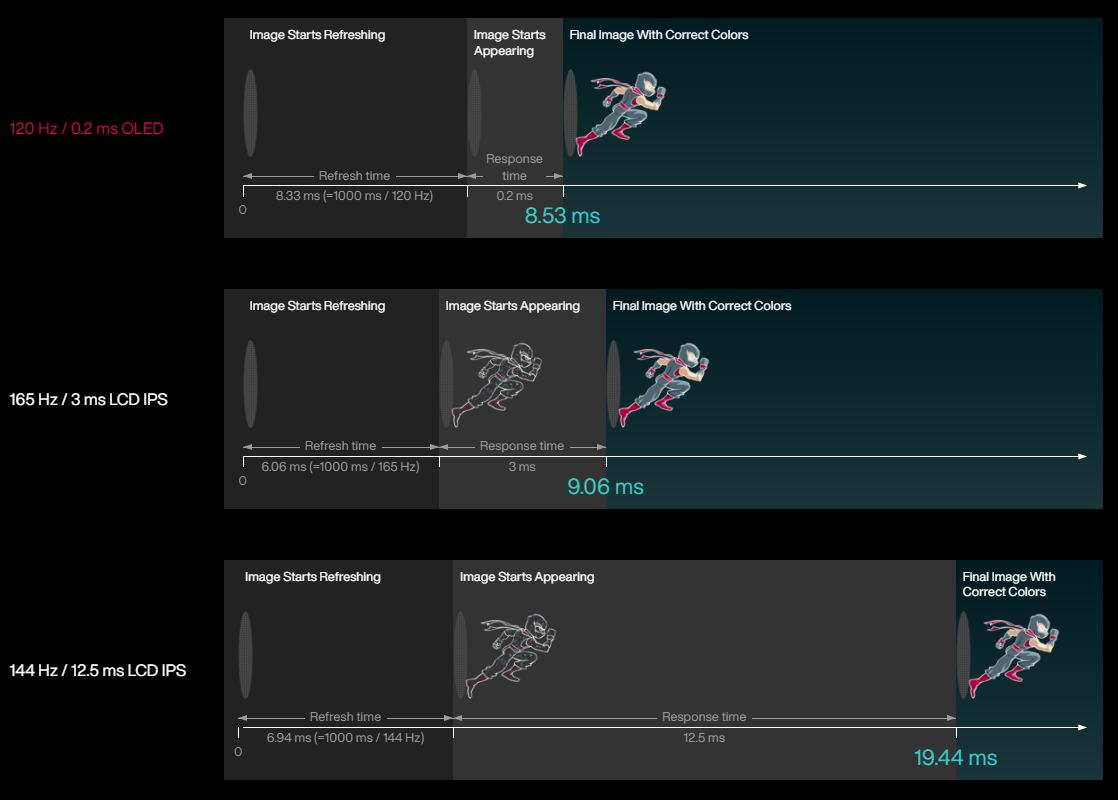
The new premium ASUS OLED display with up to 120 Hz refresh rate and 0.2 ms pixel response time is incredibly smooth and clear. In fact, both surprisingly and counter-intuitively, the 120 Hz / 0.2 ms OLED display is faster than a 165 Hz / 3 ms LCD IPS display — because it reduces ghosting to an indiscernible level. Simply put, this means even fast-moving visuals are smoother and clearer than ever.
MOTION CLARITY
How 120 Hz / 0.2 ms OLED display has better motion clarity than 165 Hz / 3 ms LCD display
It seems counter-intuitive that a 120 Hz / 0.2 ms OLED display could outperform a 165 Hz / 3 ms LCD display rival — so how is this possible? Well, the LCD panel takes precisely 6.06 ms to refresh each frame, but it takes another 3 ms of response time to process the correct colors. That’s a total of 9.06 ms to fully load the image. A 144 Hz / 12.5 ms LCD display takes even longer, at 19.44 ms to show the full, final frame of each image. But with its extreme-speed response, a 120 Hz / 0.2 ms OLED display takes just 8.5 ms to process the same — making it even faster than a 165 Hz / 3 ms LCD display.
ASUS SPLENDID TECHNOLOGY
Customizable color gamut for every need
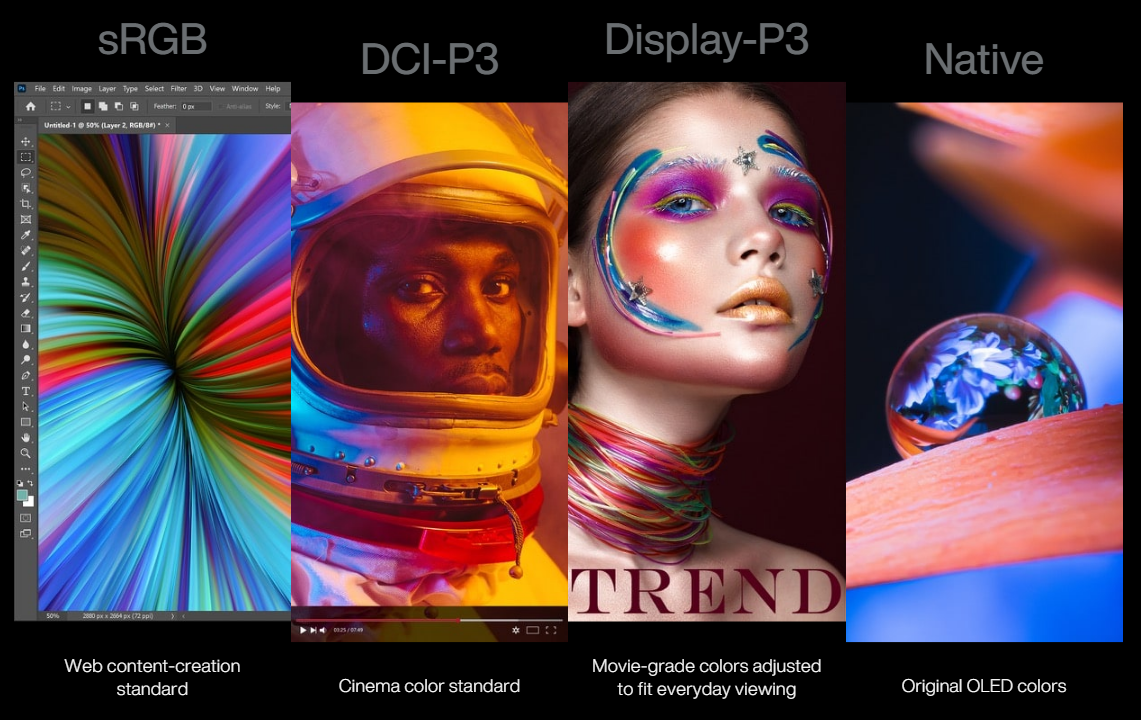
The display’s color gamut can be quickly and easily switched for different tasks or preferences. On top of the ultravivid native color setting, choose sRGB for creating web content or browsing, DCI-P3 for cinema content, or Display P3 for movie-grade colors finessed to fit everyday viewing in the real world.
DIAL
Make magic happen with ASUS Dial
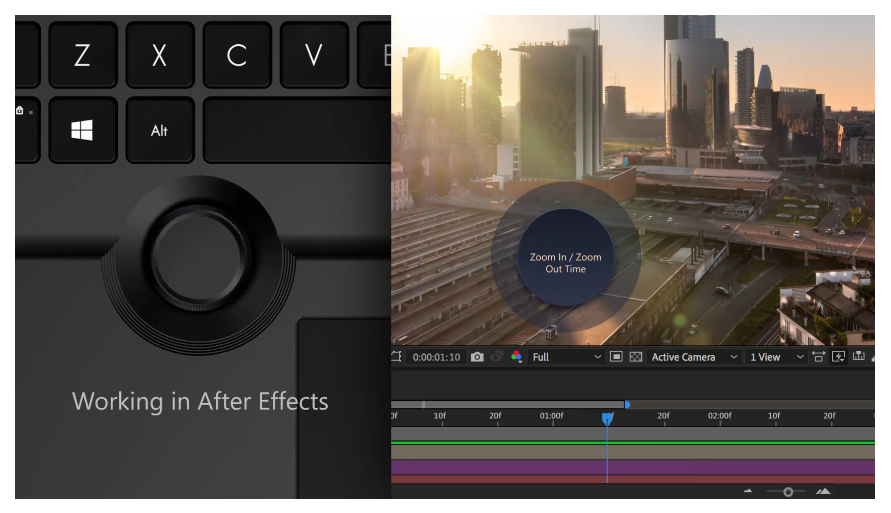
Discover new ways to work with the brand-new and exclusive ASUS Dial, an intuitive physical controller that gives you instant and precise fingertip control over parameters in your creative apps. You can easily change brush size, change saturation, adjust layer opacity, or rapidly undo actions. You can also adjust screen brightness and volume, or vertical scroll to make your creative workflow smoother. There are over 95 functions available to help smooth your creative workflow. ASUS Dial is currently compatible with five Adobe apps: Adobe Photoshop, Premiere Pro, Photoshop Lightroom Classic, After Effects and Illustrator. It’s fully customizable — and there are more compatible apps on the way!
PROART CREATOR HUB
Power up your imagination
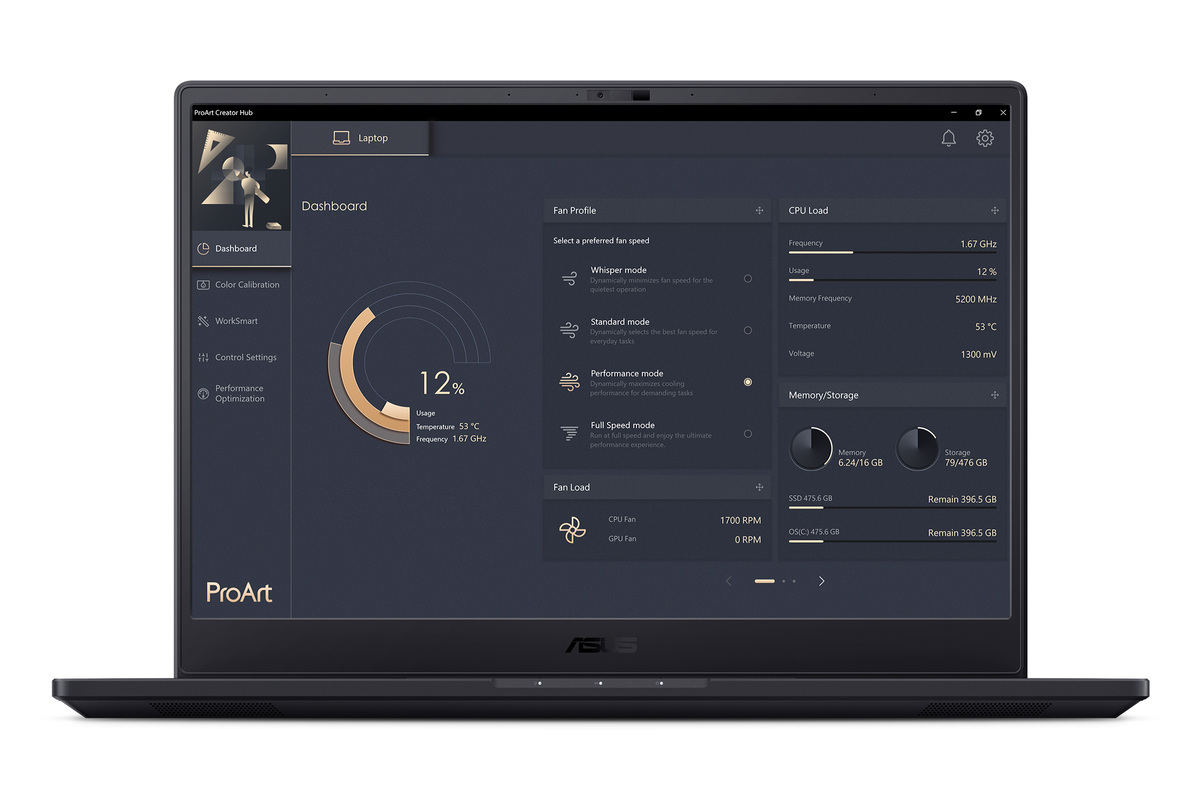
ProArt Creator Hub features an overview dashboard, and allows you switch to different performance modes, calibrate your screen color, or customize your ASUS Dial. It’s a personal portal where you can monitor your laptop’s status, personalize settings, or optimize your workflow. You can also personalize your ASUS Dial for your preferred features, or setup the Customized Keys in Control Settings for endless creativity.
EXPERIENCE
Thoughtful, innovative design
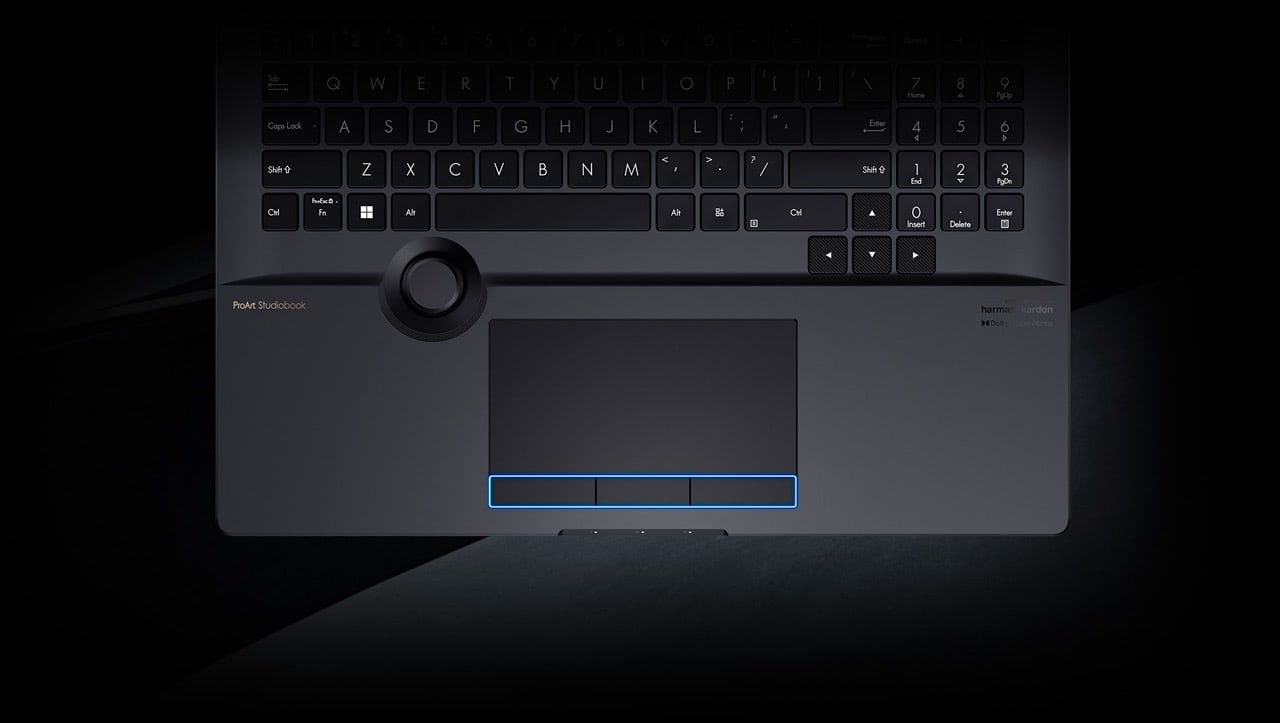
To streamline your creative workflows, your laptop needs to be an extension of yourself. ProArt Studiobook 16 OLED incorporates several hardware features specially crafted for creators, to give you intuitive, precise control over every action.
CONNECTIVITY
All the right connections
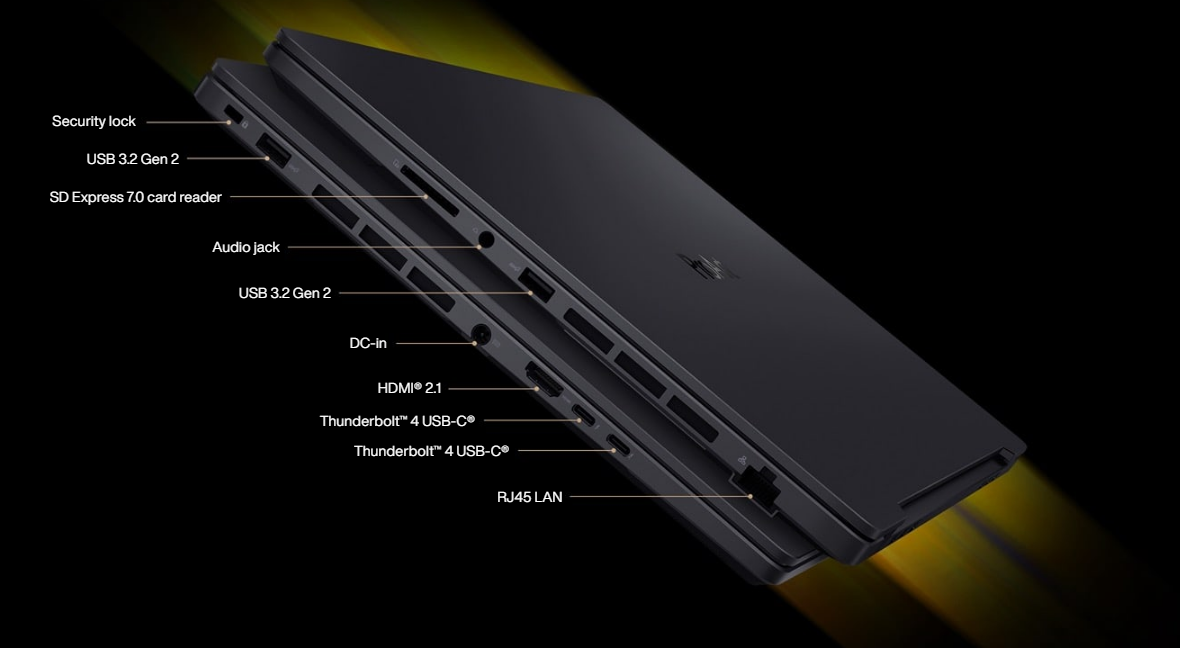
With a full complement of I/O ports, connecting your ProArt Studiobook 16 OLED to your studio peripherals, display devices and networks is easy. There two Thunderbolt™ 4 USB-C® ports, two USB 3.2 Gen 22 ports, with Power Delivery, DisplayPort and VR support, a standard RJ45 Gigabit Ethernet LAN port, the latest HDMI® 2.1 port, and an SD Express 7.0 card reader that puts your connectivity leagues ahead of the pack. ProArt Studiobook 16 OLED also includes WiFi 6E14 (802.11ax), so you can easily connect, create and share on the go.
AUDIO
Break the sound barrier
Sound by Harman Kardon and Dolby Atmos®
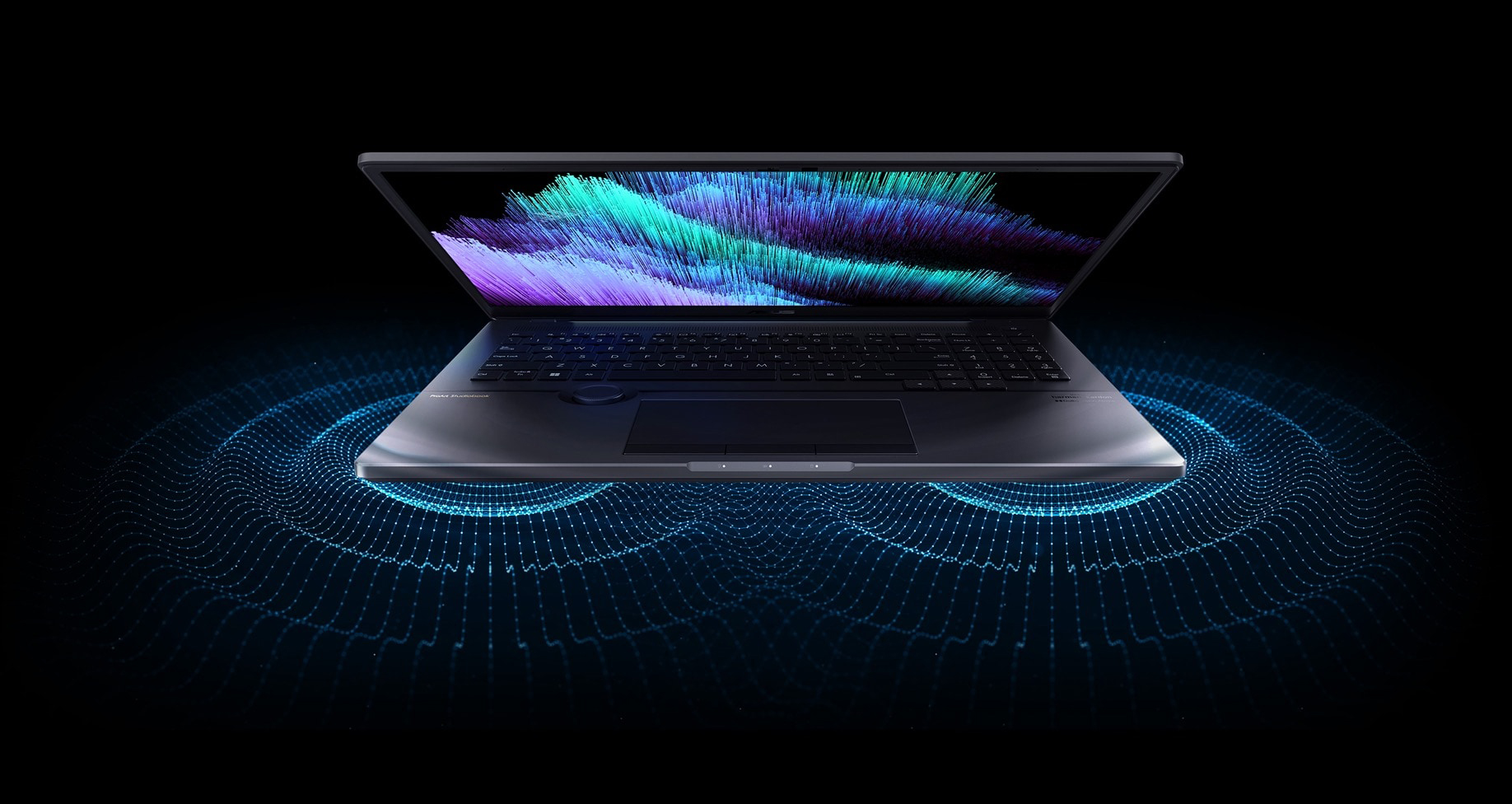
For unrivaled audio quality, ProArt Studiobook 16 OLED has a stereo sound system certified by the audio experts at Harman Kardon. It delivers powerful sound that’s crystal-clear, giving you superbly immersive entertainment and communications.
The immersive sound of Dolby Atmos® indulges you in your favorite entertainment with sound that moves all around you with breathtaking realism in music, movies and TV.
ANTI-FINGERPRINT COATING
Looks like new, always
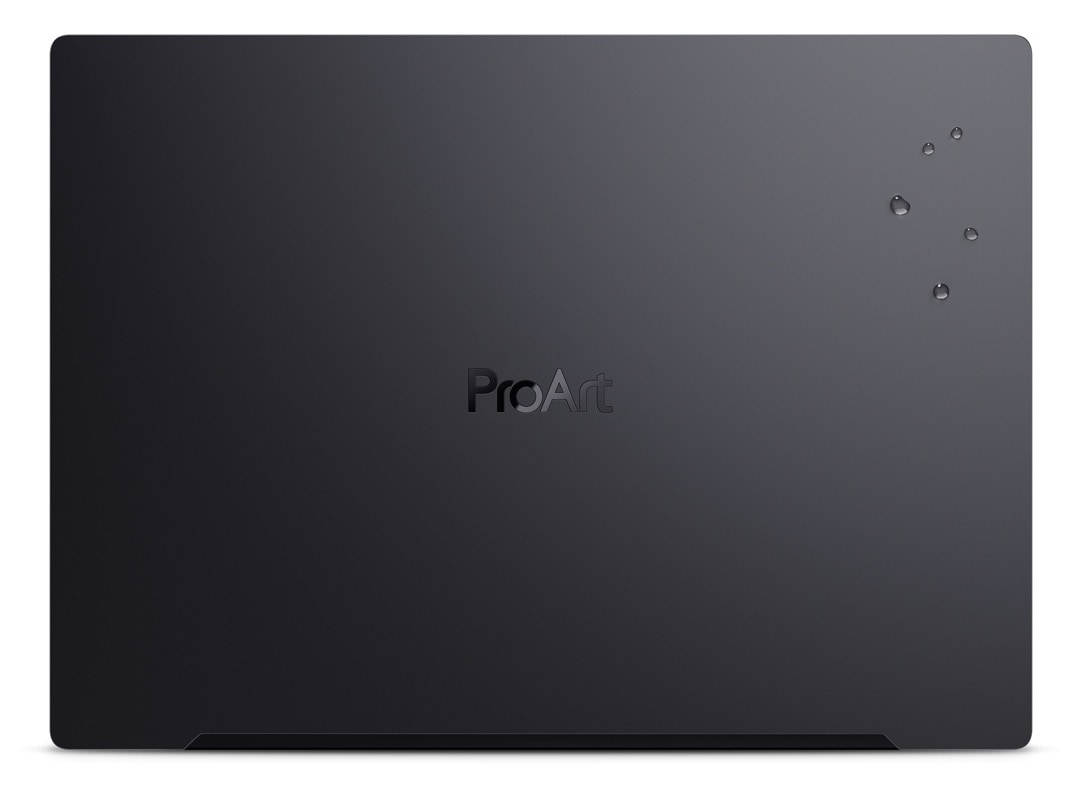
A high-tech anti-fingerprint nano-coating preserves the clean and minimalist matte Mineral Black finish of your ProArt Studiobook 16 OLED. This coating is not only tough and durable, but it also reduces reflectivity and gives your laptop a premium silky feel. Any water on the surface can simply be wiped off, thanks to the water-beading properties of the coating.
QUALITY TEST
Ultratough, military-grade durability
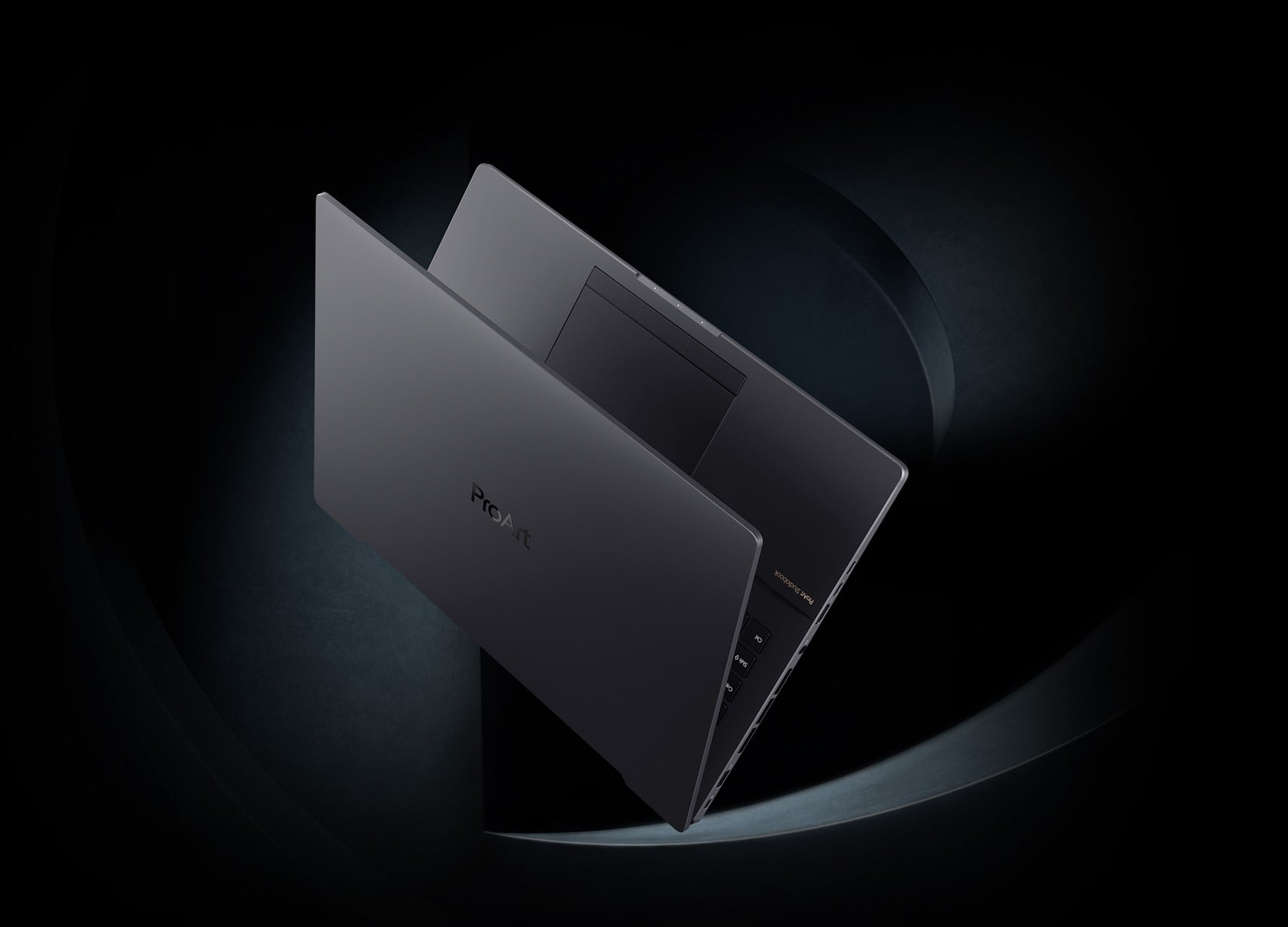
ProArt Studiobook 16 OLED meets the ultra-demanding MIL-STD 810H military standard for reliability and durability, undergoing a punishing test regime that includes extended tests for operation in harsh environments. It also passes ASUS laptop tests that far exceed standards set by the industry.
-
Based on currently available creator laptops as of September 2021, having a built-in physical rotary control that works in conjunction with the 3-button touchpad and stylus-enabled touchpad to provide total creative control.
-
Unless otherwise stated, data read and write speeds are based on theoretical performance. Actual performance may vary in real-world situations.
-
Based on currently available laptop cooling fans as of September 2021.
-
Compared to a 71-blade standard cooling fan of same size.
-
Temperature improvements compared to the previous gen thermal grease compound, as tested internally by ASUS.
-
Average performance score of 10 consecutive test results on Intel® Core™ i9-12900H CPU models.
-
Based on currently available 16” 3.2K 120 Hz OLED HDR laptop displays as of April 2022.
-
The visual appearance of OLED displays may change over the product’s lifetime. This is expected behavior that can include image persistence or burn-in, where the display shows a faint remnant of an image even after a new image appears on the screen. This tends to occur only in extreme use cases, such as when a static, high-contrast image is continuously displayed for prolonged periods of time. ASUS laptops with an OLED display minimize this risk by setting Windows’s Dark mode as default, as well as shortening the idle time before the screen is turned off — both on mains (AC) and battery (DC) power. This dual approach minimizes the potential for burn-in to maximize the lifespan of your OLED display lifespan, and also reduces unnecessary power draw for optimal battery life. We also recommended adjust the brightness of your OLED display to complement the ambient lighting in your environment, rather than keeping the screen at maximum brightness at all times. You should also ensure that you have an animated, dark-background screensaver enabled in the Windows Settings tool.
-
Average tested result: Delta-E < 2, +/- 0.5.
-
Compared to average LCD displays in the market, measuring energy emission of blue light in between 415-455 nm wavelength.
-
Specifications may vary among different models.
-
Compared to average LCD laptop panel. Average LCD display has 10 ms response time.
-
Specifications may vary among different models.
-
Testing done on discrete parts, using soda-lime glass as comparative reference. Figures and tests provided by Corning.