






.jpg)
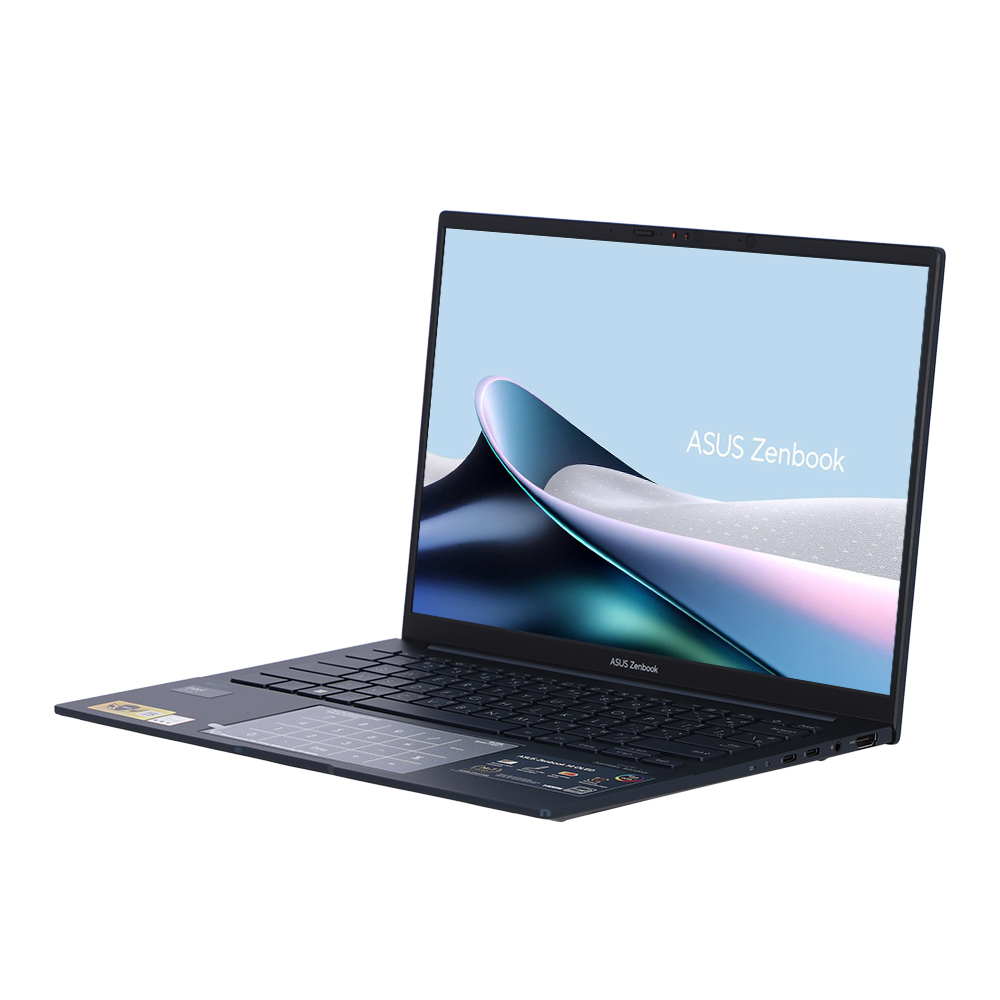
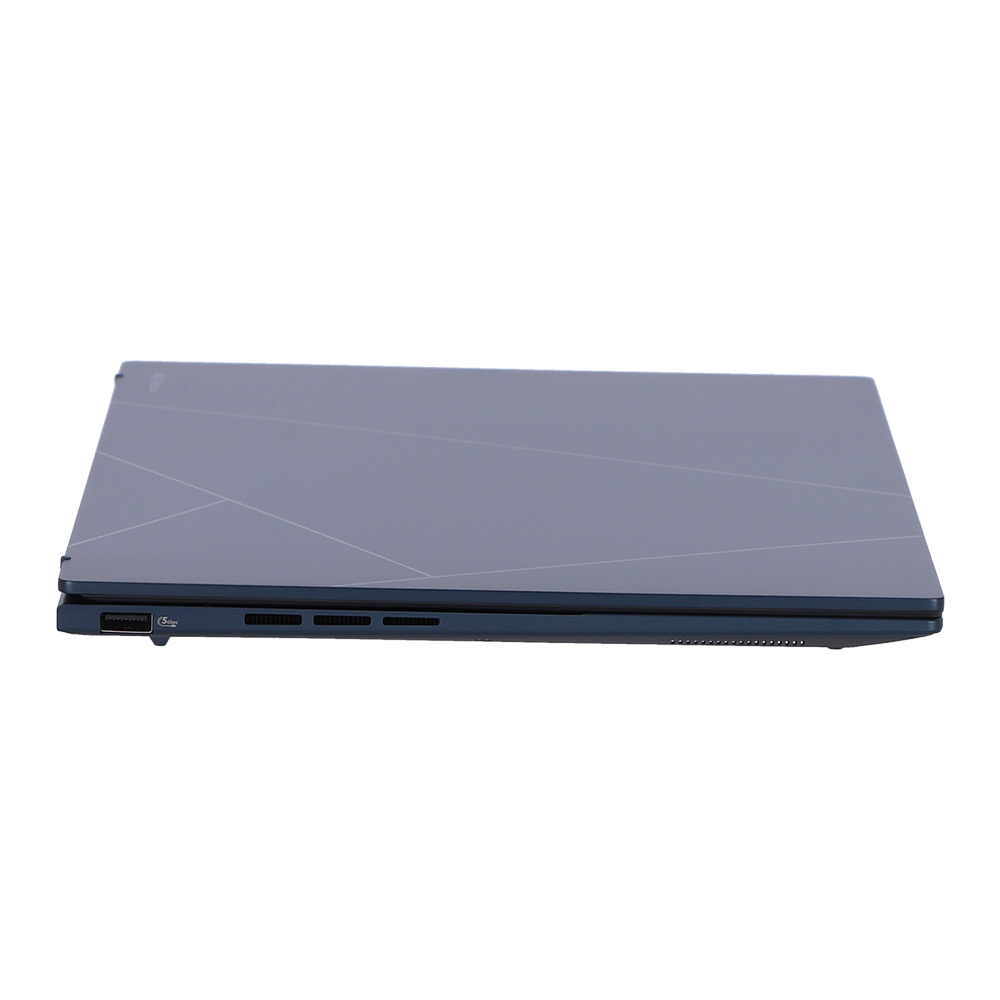
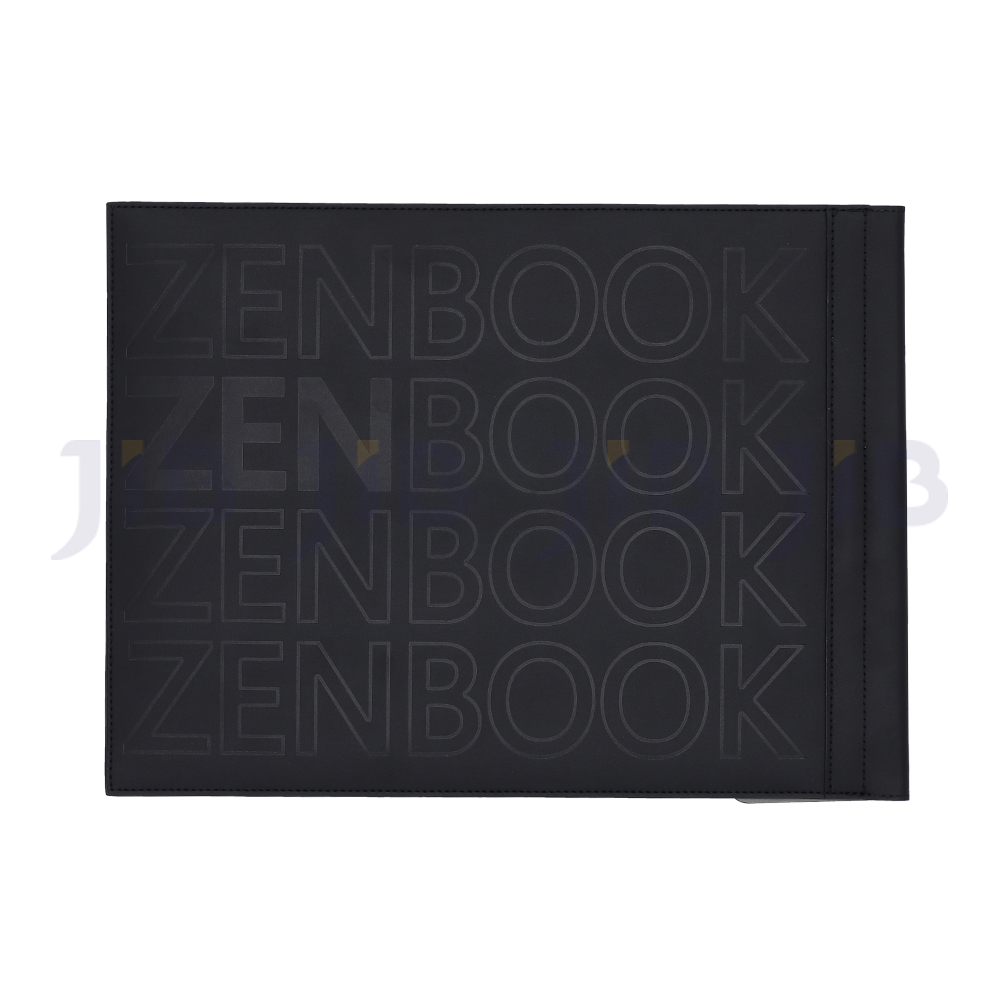
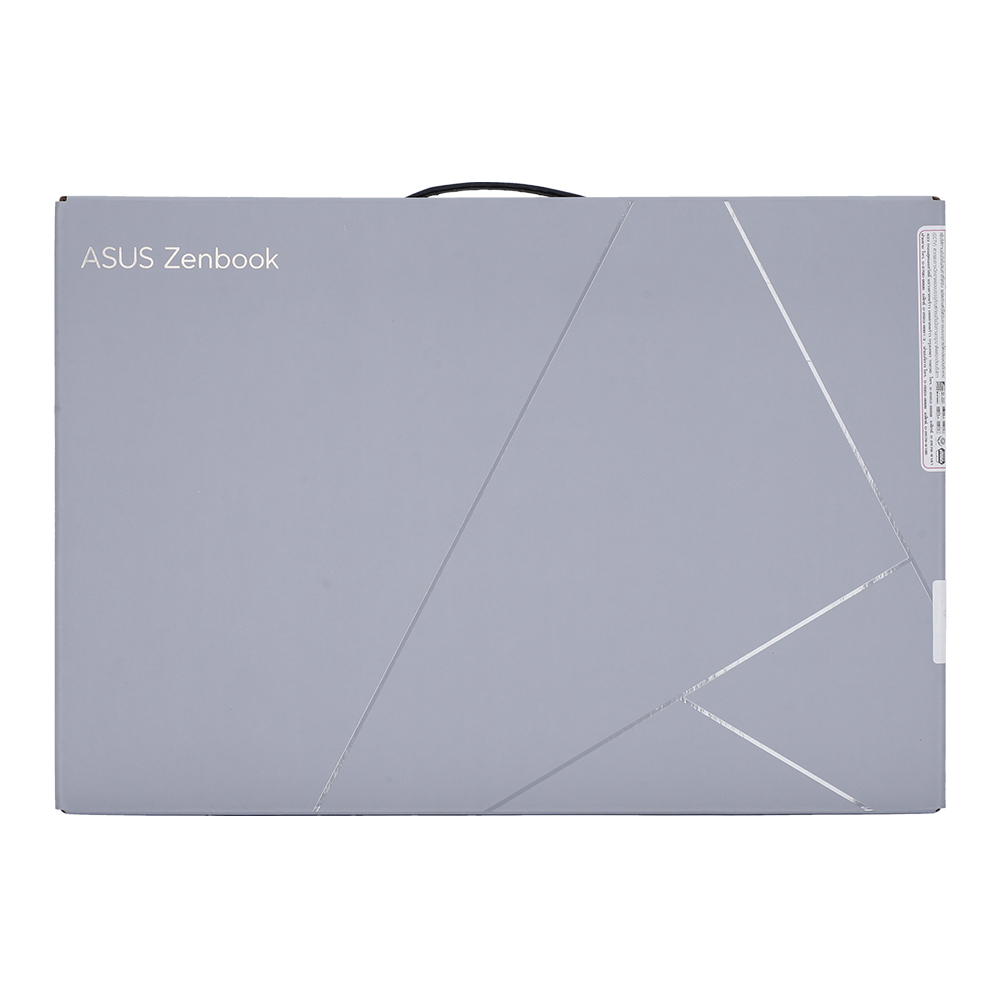
ก้าวไปอีกขั้นด้วย Zenbook 14 OLED โน้ตบุ๊กดีไซน์พรีเมียมเบาบาง พกไปทำงานนอกสถานที่ก็สะดวก แบตเตอรี่ใช้งานได้ยาวนาน และมอบประสิทธิภาพการทำงานในระดับสูงด้วยโปรเซสเซอร์ Intel® Core™ Ultra processor Series 1 และกราฟิก Intel Arc™ ดื่มด่ำกับหน้าจอ ASUS Lumina OLED1 แสดงภาพสีสันสดใส และลำโพง Super-linear ใหม่อันทรงพลัง ให้เสียงมีมิติมากขึ้น คุณจะได้รับประสบการณ์ที่ยอดเยี่ยมทั้งทำงานและความบันเทิง
Mobility
Enjoy your freedom
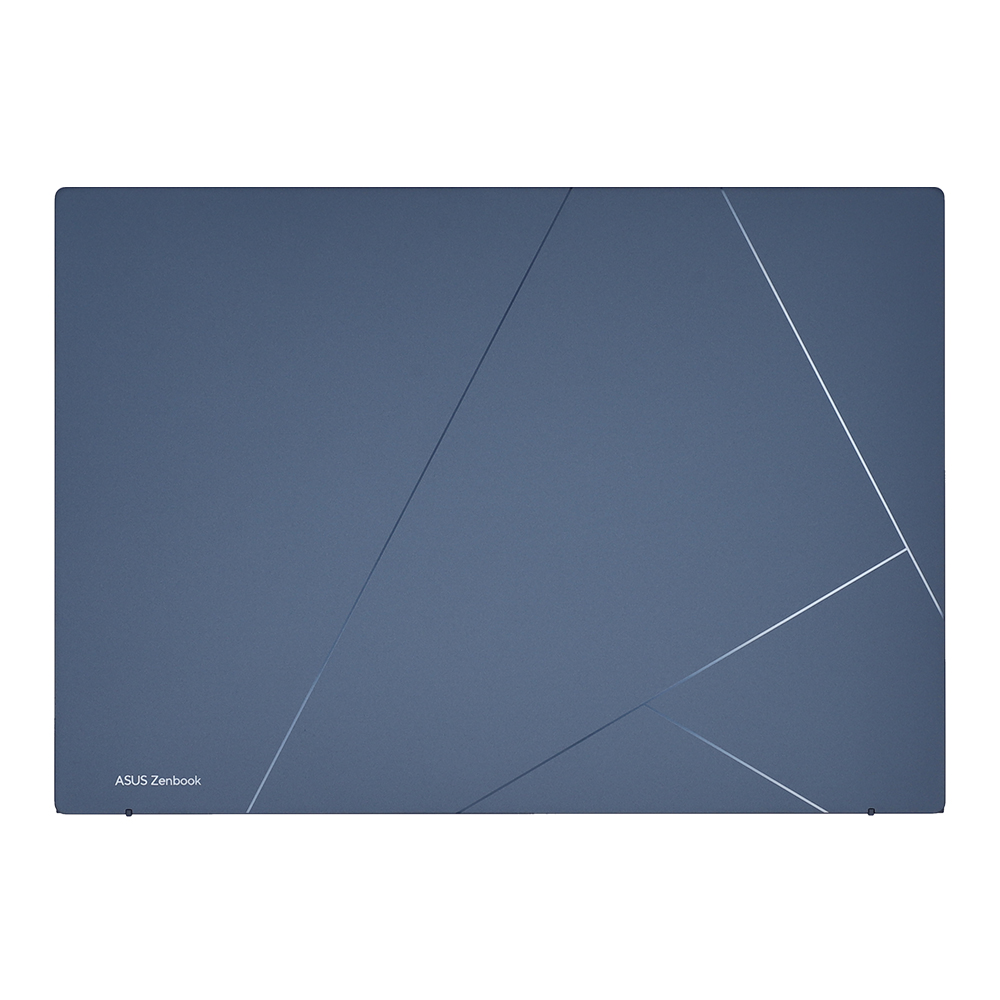
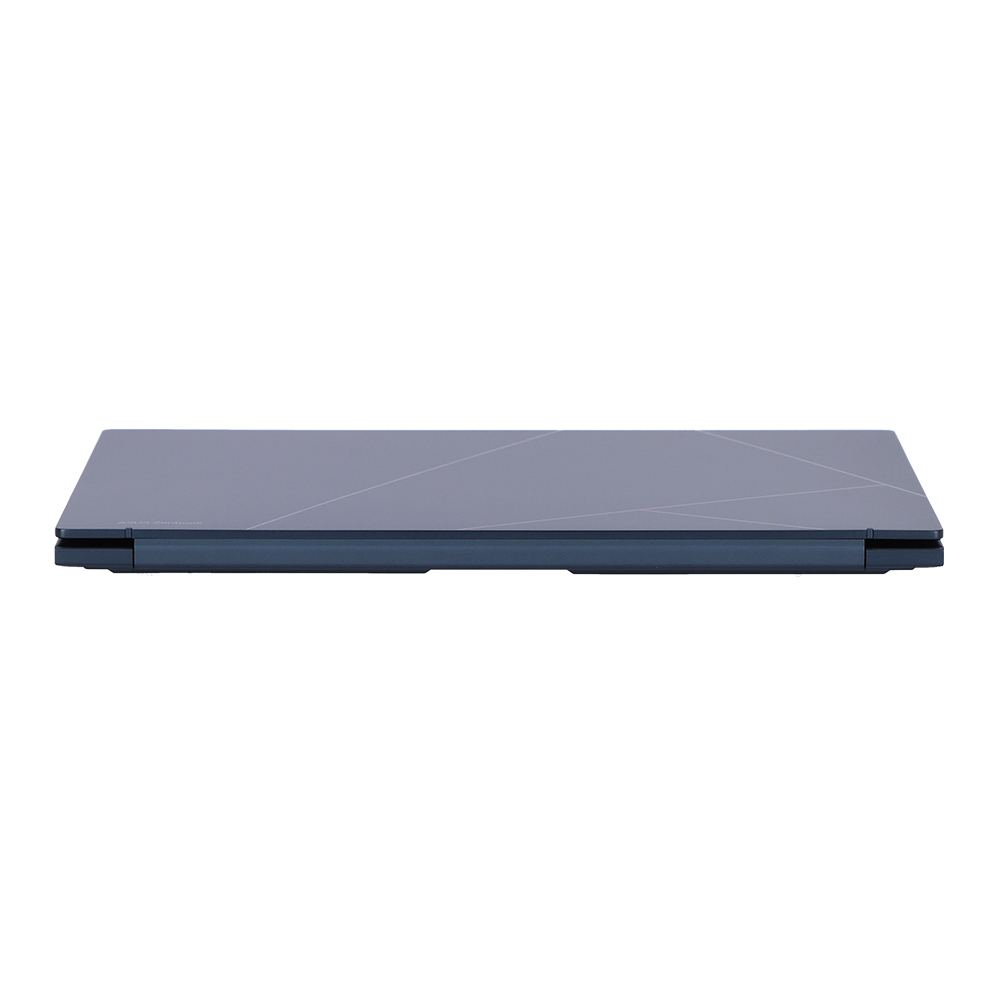
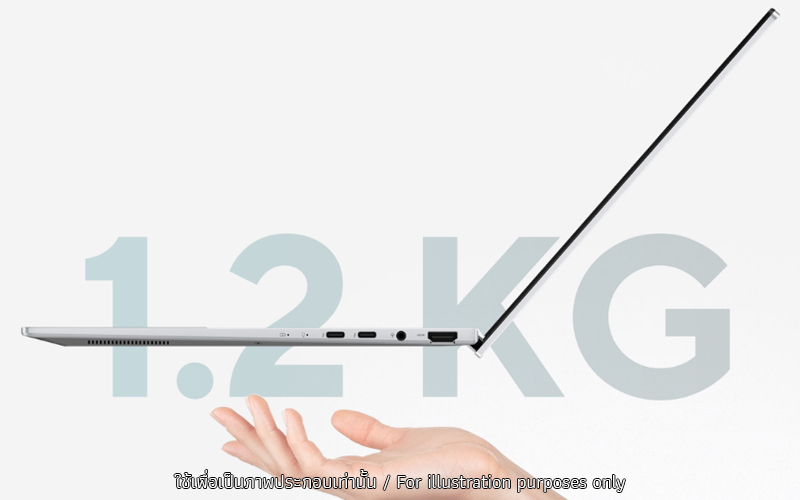
เพลิดเพลินกับความคล่องตัวที่เหนือชั้นด้วยดีไซน์อลูมิเนียมที่ทนทานล้ำสมัย น้ำหนักเบา พกไปทำงานนอกสถานที่ก็สะดวกไร้กังวล และพื้นผิวด้านข้างที่ออกแบบเป็นพิเศษไร้รอยต่อมอบประสบการณ์การสัมผัสที่นุ่มนวลยิ่งขึ้น Zenbook 14 OLED ยกระดับผู้ถือ ผู้ใช้งานได้เป็นอย่างดี พร้อมเสมอสำหรับความท้าทายทุกที่!
Performance
Unleash new AI experiences
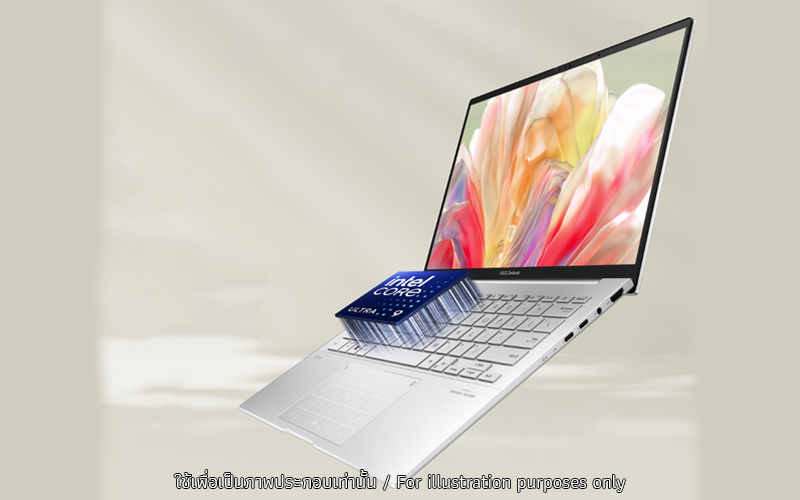
จัดการงานต่างๆ ได้อย่างง่ายดายด้วยความสามารถมัลติทาสก์รองรับการประมวลผล AI ของ Zenbook 14 OLED ด้วยเอ็นจิ้น NPU AI ในตัวในโปรเซสเซอร์ Intel Core Ultra สำหรับแอพที่ใช้ AI จะช่วยให้ประสิทธิภาพการใช้งานราบรื่นยิ่งขึ้น ให้พื้นที่จัดเก็บข้อมูล SSD ที่เร็วสุดถึง 1 TB, RAM สูงสุดขนาด 32 GB และ WiFi 6E6 หมายความว่าคุณสามารถทำงานได้เร็วขึ้นไม่ว่าคุณจะอยู่ที่ใด
.jpg)
Display
View the incredible
จอแสดงผล ASUS Lumina OLED แสดงรายละเอียดสูงสุด 3K ทำให้ทุกช่วงเวลาน่าทึ่งด้วย ความสว่างสูงสุด 600 นิต16 อัตราส่วนภาพ 16:10 อัตราส่วนหน้าจอต่อตัวเครื่อง 87% และ การซิงค์แบบอะแดปทีฟจะปรับอัตราการรีเฟรชโดยอัตโนมัติ เพื่อภาพที่ราบรื่นตลอดเวลา
Audio
Everything sounds better
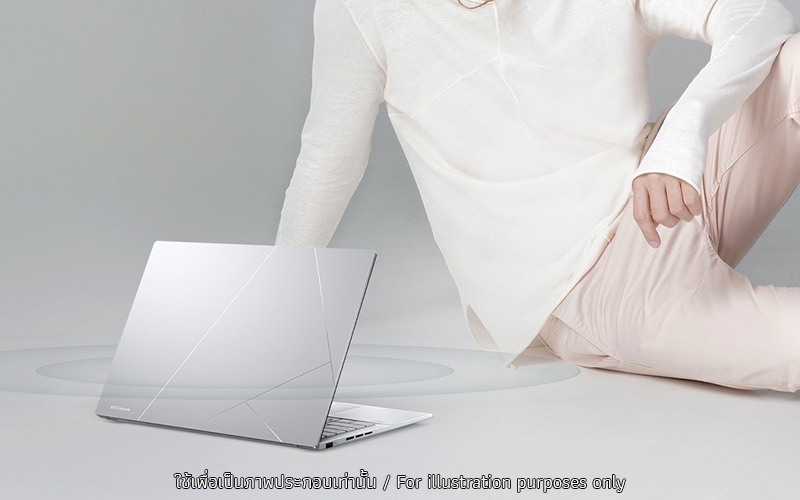
ไม่ว่าคุณกำลังฟังอะไรอยู่ เสียงที่ทรงพลังและชัดใสจากลำโพง Super-linear speakers, Smart Amplifier และ ASUS Audio Booster จะทำให้หูของคุณเพลิดเพลิน
Keyboard
More comfort, less distraction
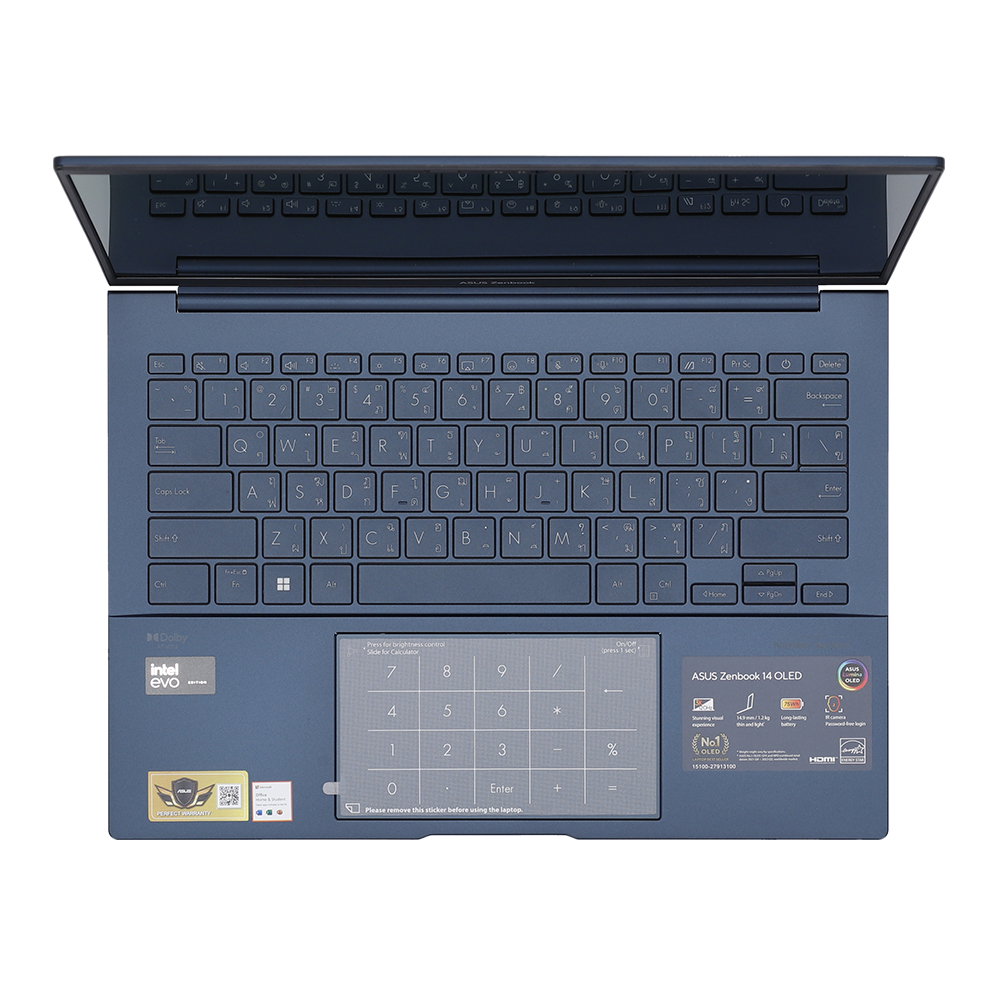
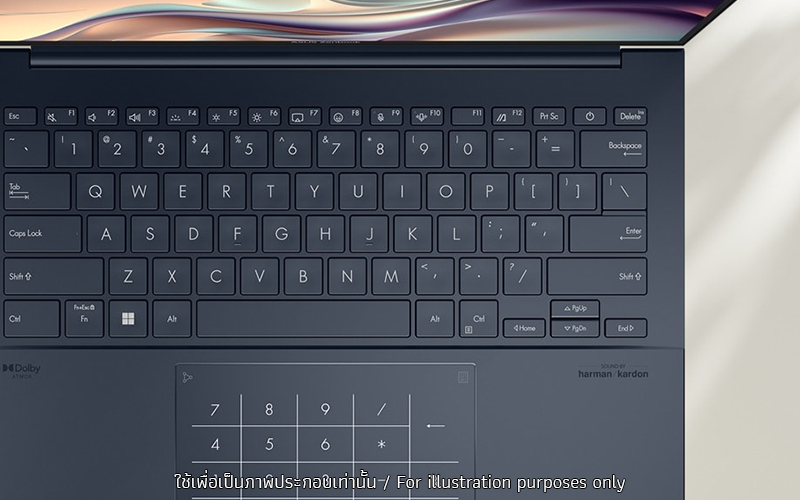
เทคโนโลยี Quiet Keyboard เฉพาะจากเอซุสที่ช่วยในการพิมพ์งานราบรื่นขึ้น กดสนุก เงียบ ลื่นไหล ไร้เสียงรบกวนผู้อื่นอีกทั้งยังมีปุ่ม emoji hotkey อีกทั้งมาพร้อม ASUS NumberPad22,23 2.0 แป้นตัวเลขพร้อมไฟ LED บนทัชแพด สามารถกดตัวเลขได้อย่างสะดวก
*NumberPad 2.0 ติดตั้งเฉพาะรุ่น
I/O ports
Convenient connections
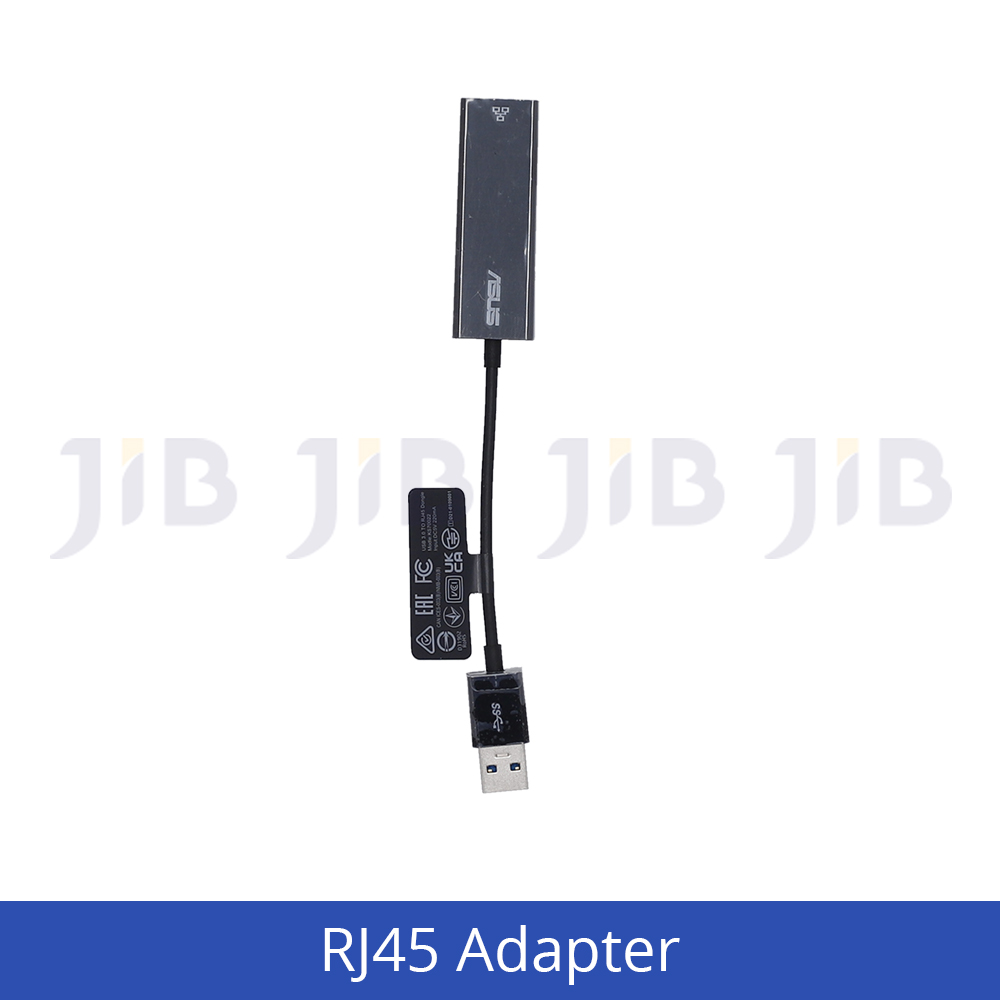
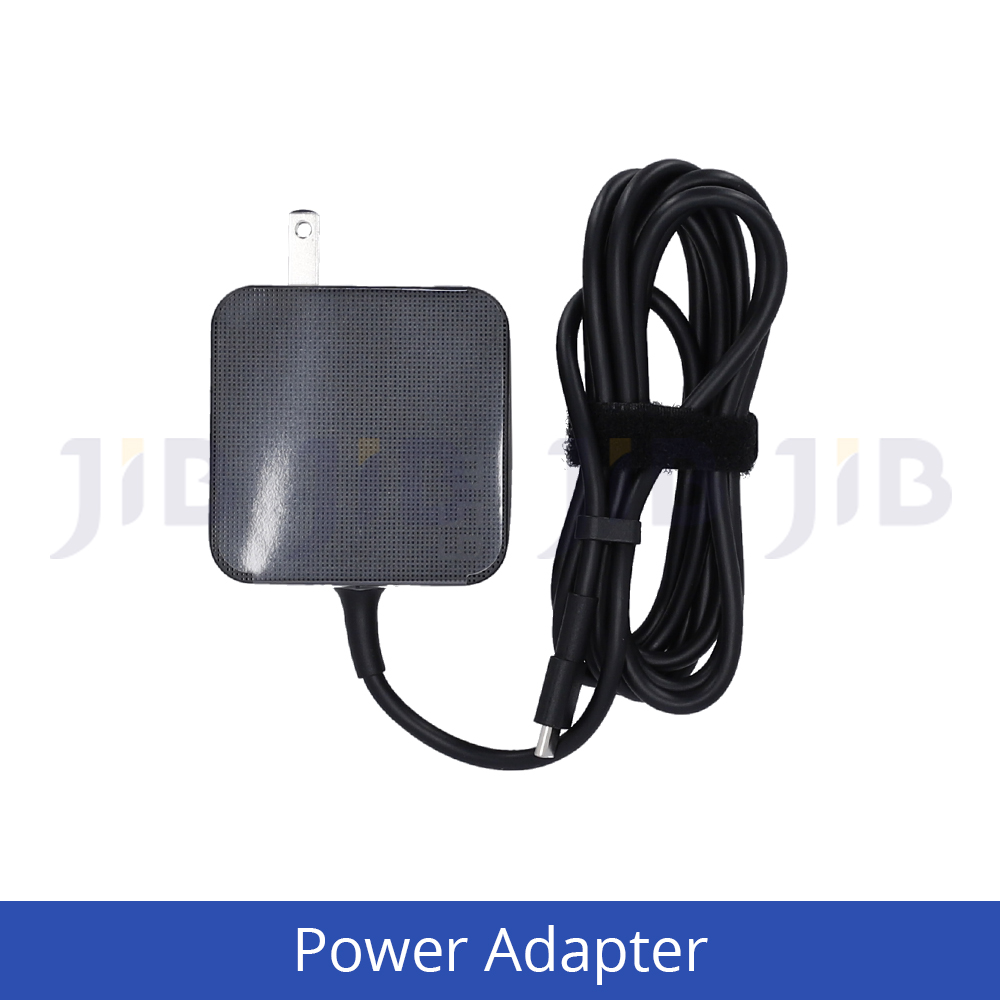
Zenbook 14 OLED ให้พอร์ตเชื่อมต่อครบครัน มีพอร์ต Thunderbolt™ 4 รองรับการชาร์จ การต่อจอภายนอกและการโอนถ่ายข้อมูลความเร็วสูง ให้คุณทำงานได้ราบรื่นและสะดวกสบาย!
.jpg)
Environment
Made for the Earth. Made for you.
ASUS is committed to driving progress toward a more sustainable future. Zenbook 14 OLED incorporates sustainable materials in the product and its packaging. Top ecolabels and compliance, including EPEAT Gold21, ENERGY STAR®, and RoHS, prove our commitment to protecting the earth and giving you the best.
.jpg)
Military Grade
US Military-Grade Laptop Durability
โน้ตบุ๊กของ ASUS ได้รับการออกแบบทางวิศวกรรมที่มีความแข็งแรงคงทนเป็นพิเศษตรงตามมาตรฐานทางทหารของสหรัฐอเมริกา MIL-STD 810H โดยผ่านการทดสอบถึง26 ขั้นตอน ซึ่งสูงกว่ามาตรฐานของอุตสาหกรรม - ปัจจัยเหล่านี้ยังส่งผลดีต่ออายุการใช้งานและความคงทน ดังนั้นคุณจึงสามารถทำงาน เดินทาง หรือพักผ่อนด้วยความมั่นใจว่าโน้ตบุ๊ก ASUS ของคุณพร้อมทุกสถานการณ์
.jpg)
Software
Truly personalized workflow
ASUS นำเสนอชุดซอฟต์แวร์ที่ออกแบบมาเพื่อยกระดับประสบการณ์การใช้คอมพิวเตอร์ของคุณ MyASUS มีคอลเลกชันแอพและเครื่องมือที่มีประโยชน์มากมายที่ช่วยให้คุณได้รับประโยชน์ ในขณะที่ GlideX ช่วยให้คุณทำงานได้มากขึ้นด้วยการแชร์หน้าจอระหว่างอุปกรณ์ต่างๆ นอกจากนี้ ScreenXpert ยังช่วยให้คุณจัดการหน้าต่างแอปบนจอแสดงผลที่เชื่อมต่อทั้งหมดเพื่อขั้นตอนการทำงานที่ราบรื่นยิ่งขึ้น
* The model shown is for reference purposes only. Actual models may differ.
-
The visual appearance of OLED displays may change over the product’s lifetime. This is expected behavior that can include image persistence or burn-in, where the display shows a faint remnant of an image even after a new image appears on the screen. This tends to occur only in extreme use cases, such as when a static, high-contrast image is continuously displayed for prolonged periods of time. ASUS laptops with an OLED display minimize this risk by setting Windows’s Dark mode as default, as well as shortening the idle time before the screen is turned off — both on mains (AC) and battery (DC) power. This dual approach minimizes the potential for burn-in to maximize the lifespan of your OLED display lifespan, and also reduces unnecessary power draw for optimal battery life. We also recommended adjust the brightness of your OLED display to complement the ambient lighting in your environment, rather than keeping the screen at maximum brightness at all times. You should also ensure that you have an animated, dark-background screensaver enabled in the Windows Settings tool.
-
Touchscreen is optional
-
Weight might vary by specifications.
-
Battery tests conducted by ASUS on Oct, 2023 using the 1080p Video Playback scenario. Test configuration: Zenbook UX3405MA, FHD OLED panel, Intel Intel® Core™ Ultra 5-125H processor, 512GB SSD, 8GB RAM. Test settings: WiFi enabled but disconnected (not connected to any access point), Windows Power Plan set to Balanced, display brightness set to 150 cd/m2. Actual battery life may vary depending on product configuration, usage, operational conditions and power management settings. Battery life will decrease over the lifetime of the battery.
-
This data is derived from ASUS laboratory testing, which involves simulating daily charging frequency as the testing standard. The actual lifespan of the battery may differ depending on factors such as product configuration, usage patterns, operational conditions, and power management settings. Over time, the battery’s longevity will naturally decrease. For more comprehensive information, please refer to the provided link. https://www.asus.com/support/faq/1051114
-
WiFi 6E availability may vary by country and their specific regulations. Feature only supported by Windows 11 or later.
-
Intel® Arc™ Graphics is only available in models with Intel® Core™ Ultra 9-185H/ Ultra 7-155H/ Ultra 5-125H processors and at least 16 GB of dual-channel memory.
-
The model shown is for reference purposes only. Actual models may differ.
-
Performance claim is based on the Cinebench R23 Multi Core benchmark, comparing the score of Zenbook 14 UX3405MA tested by ASUS in Nov 2023 (configured with Intel Core Ultra 7 155H, 16 GB LPDDR5x RAM, a 1 TB PCIe 4.0 x4 SSD) and Zenbook 14 UX3402VA (with an Intel Core i7-1360P processor, 16 GB LPDDR5 RAM, and a 1 TB PCIe 4.0 x4 SSD). Test settings: select Performance mode under Fan profile in MyASUS, and idle the laptop for 10mins prior to running the benchmark under AC mode. It’s important to note that results may vary based on different specifications and testing environments.
-
Screen simulated, subject to change. Feature availability and rollout timing may vary.
-
Performance claim is based on the 3DMark Time Spy overall score, comparing the score of Zenbook 14 UX3405MA tested by ASUS in Nov 2023 (configured with Intel Core Ultra 7 155H, 16 GB LPDDR5x RAM, a 1 TB PCIe 4.0 x4 SSD) and Zenbook 14 UX3402VA (with an Intel Core i7-1360P processor, 16 GB LPDDR5 RAM, and a 1 TB PCIe 4.0 x4 SSD). Test settings: select Performance mode under Fan profile in MyASUS, and idle the laptop for 10mins prior to running the benchmark under AC mode. It’s important to note that results may vary based on different spec
-
Performance claim is based on Microsoft Teams 3x3 video conference call testing with background blur effect enabled, comparing the score of Zenbook 14 UX3405MA tested by ASUS in Nov 2023 with NPU on and NPU off (configured with Intel® Core Ultra 7 155H, 32 GB LPDDR5x RAM, a 1 TB PCIe 4.0 x4 SSD, with 2880 by 1800 OLED display, and 75 Wh battery capacity). Test settings: select Balance mode under Microsoft battery settings, 150-nits brightness, with AI Noise canceling and keyboard backlit off. It’s important to note that results may vary based on different models, specifications, and testing environments.
-
Touchscreen is up to 500-nit brightness, non-touchscreen is up to 600-nit brightness
-
Average tested result in MyASUS Splendid Display P3 and sRGB color gamut: Delta E < 1, +/- 0.5, and may vary by specification.
-
Compared to average LCD displays in the market, measuring energy emission of blue light in between 415-455 nm wavelength.
-
To further maximize the protection of your OLED laptop, ASUS has included OLED Care settings such as pixel refresh and pixel shifting, which are turned on by default. It’s important to note that if any burn-in issues do occur within the warranty period, which might vary by countries, ASUS offers a free exchange service for the affected OLED laptop as long as the user did not manually turn off the OLED Care functions.
-
The color-temperature-adjustment feature is available with OLED models only.
-
Testing done on discrete parts, using soda-lime glass as comparative reference. Figures and tests provided by Corning.
-
NumberPad 2.0 is optional.
-
Please note that all versions of NumberPad only work with the Microsoft Windows operating system.
-
EPEAT registered where applicable. EPEAT registration varies by country. See www.epeat.net for registration status by country.
-
Percentage varies according to device configuration.
-
The testing regime includes the requirements of both military-grade standards and ASUS quality tests, and varies depending on device. MIL-STD-810 testing is conducted on selected ASUS products only. Note that the MIL-STD-810 testing helps to ensure the quality of ASUS products but does not indicate a particular fitness for military use. The test is performed under laboratory conditions. Any damage caused by attempts to replicate these test conditions would be considered accidental, and would not be covered by the standard ASUS warranty. Additional coverage is available with ASUS Premium Care.
Source : ASUS Zenbook 14 OLED (UX3405)