


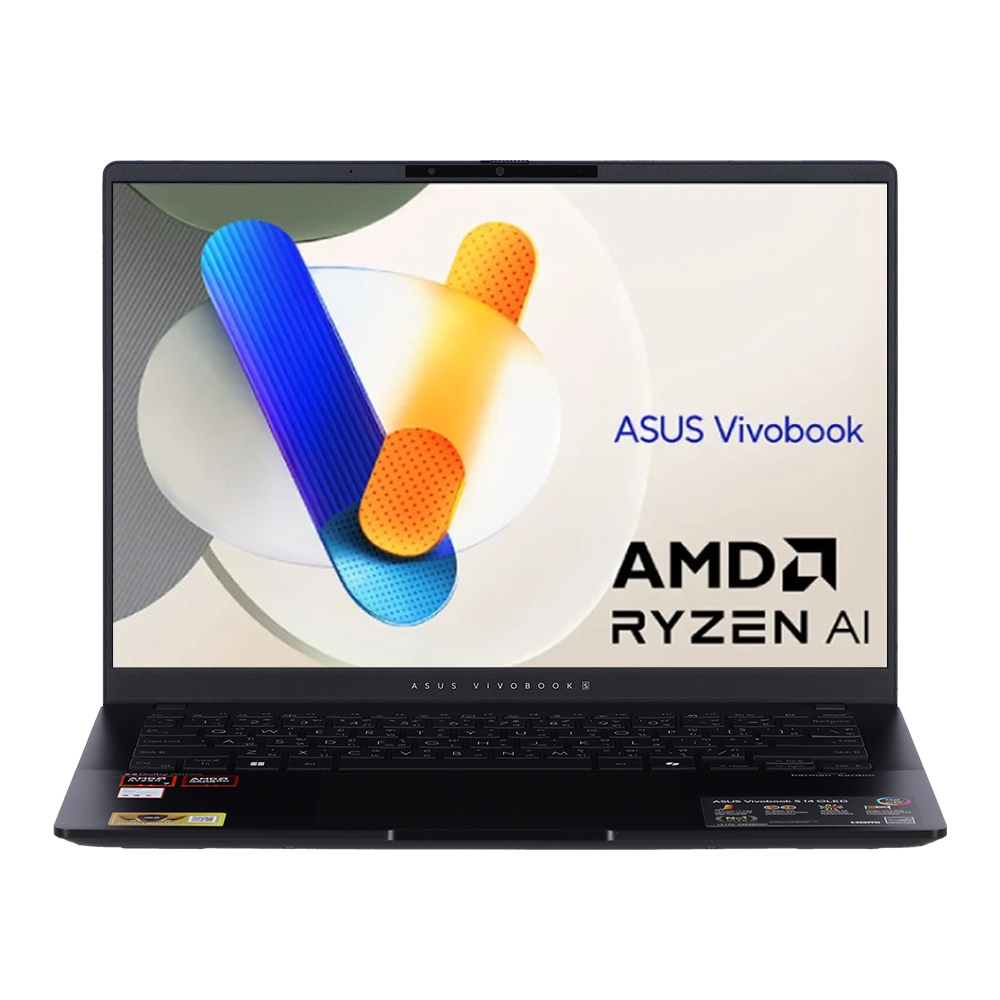

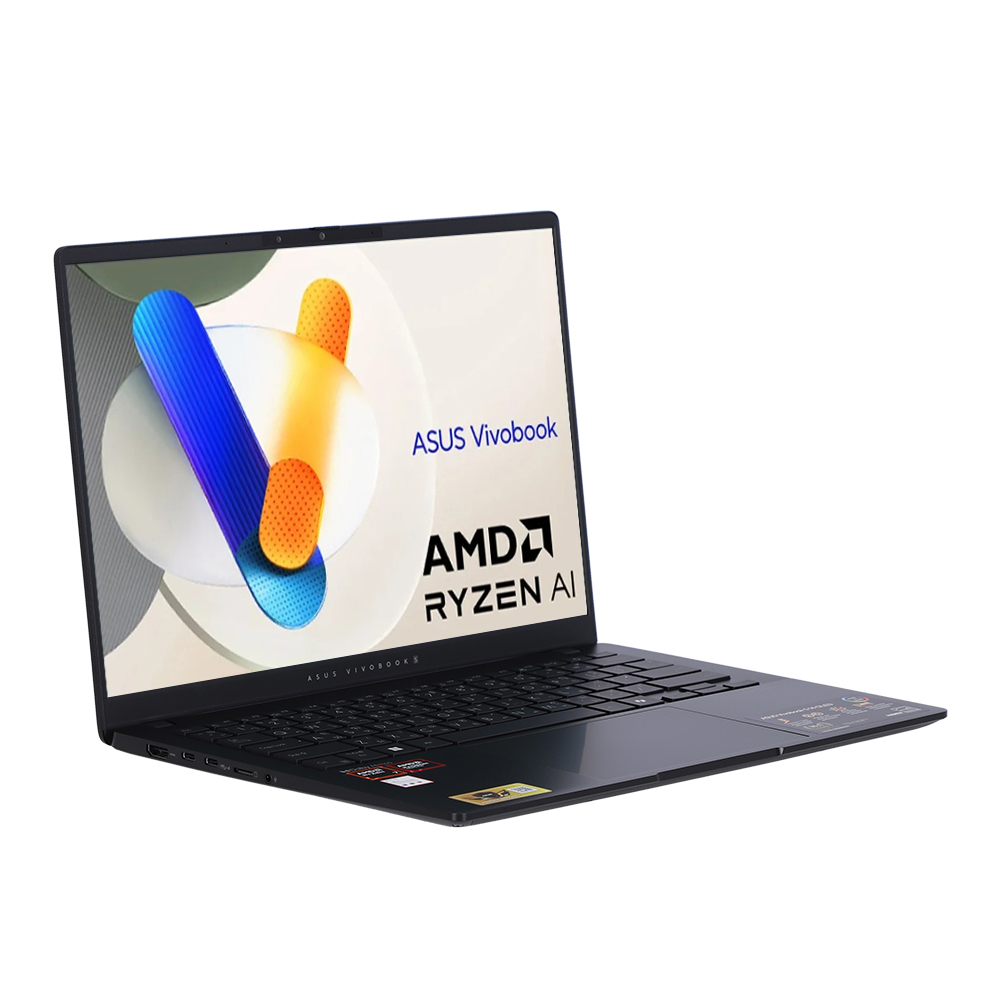
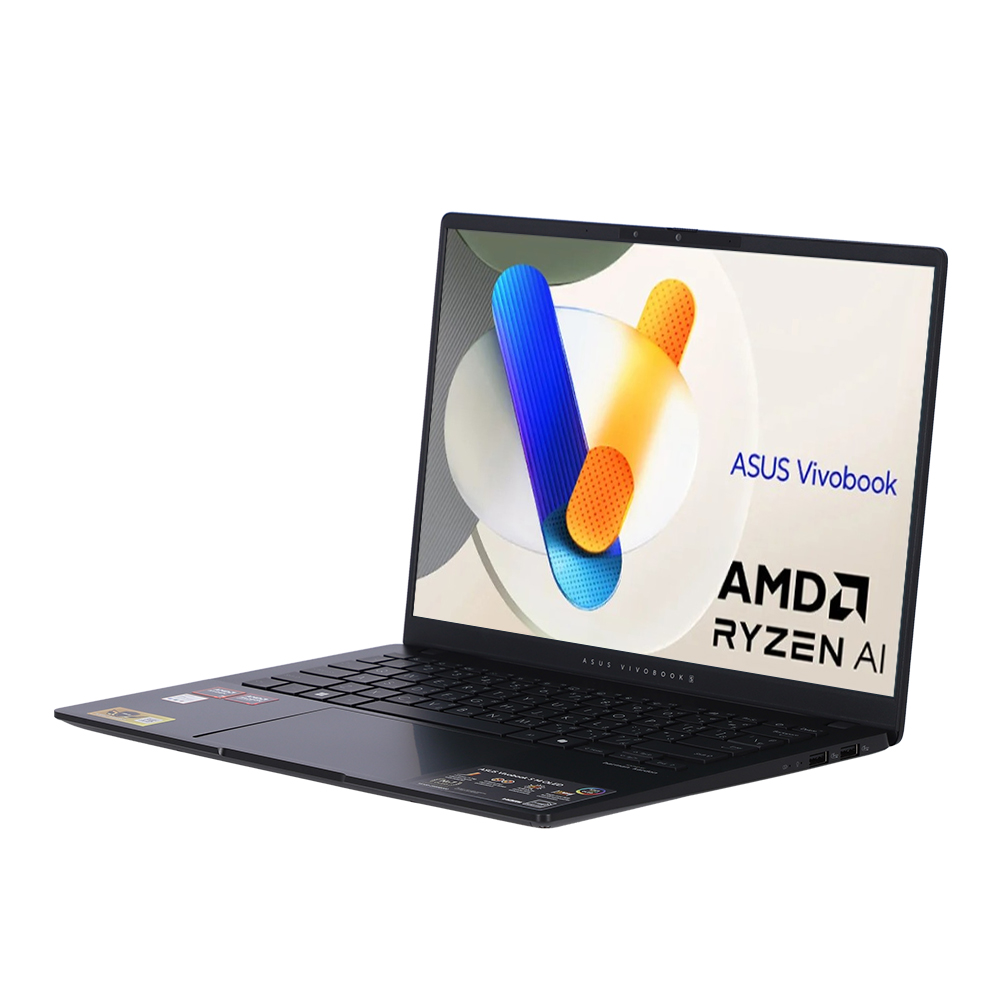
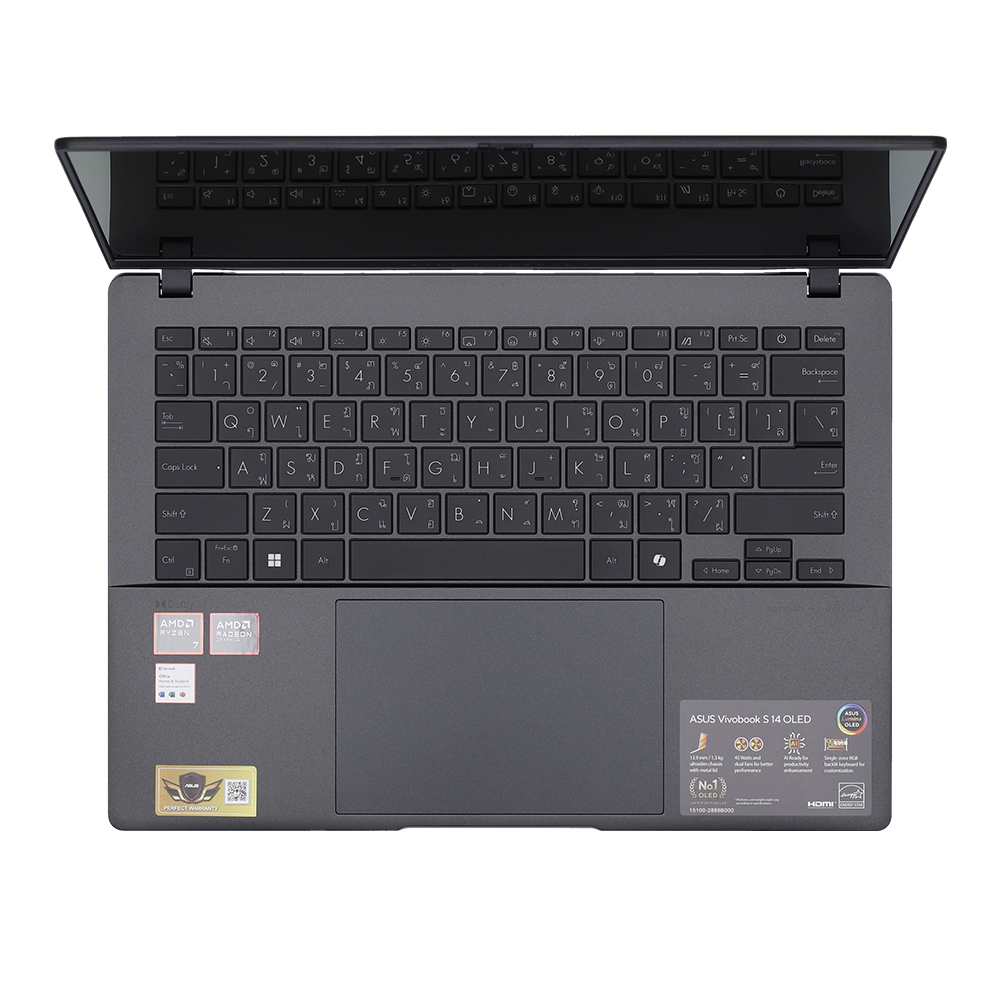
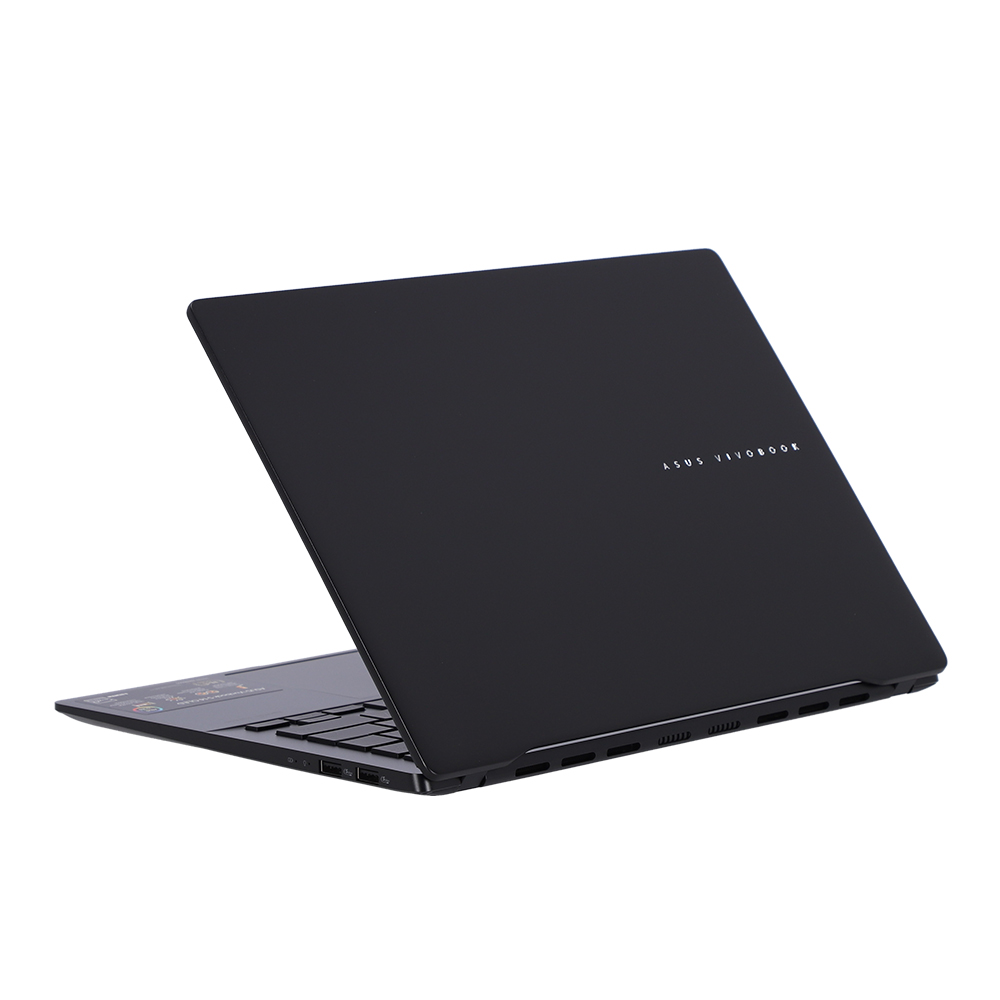
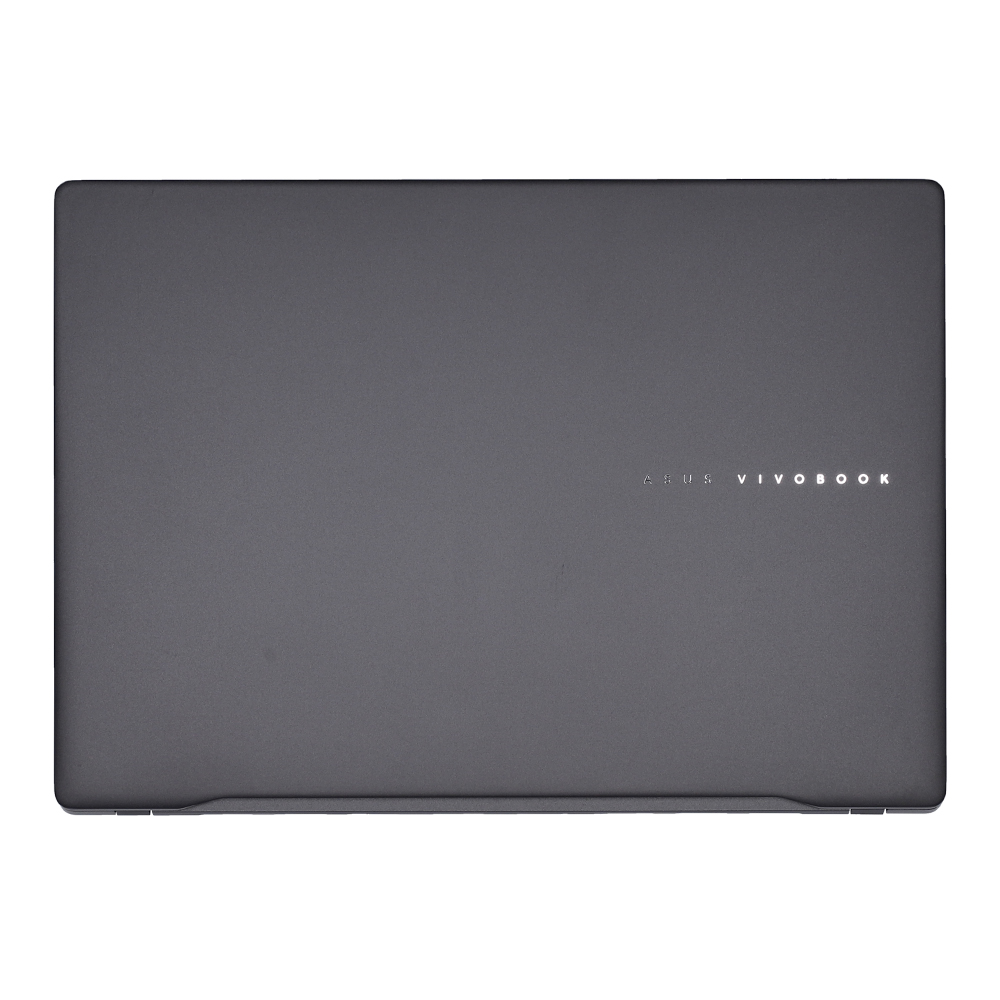
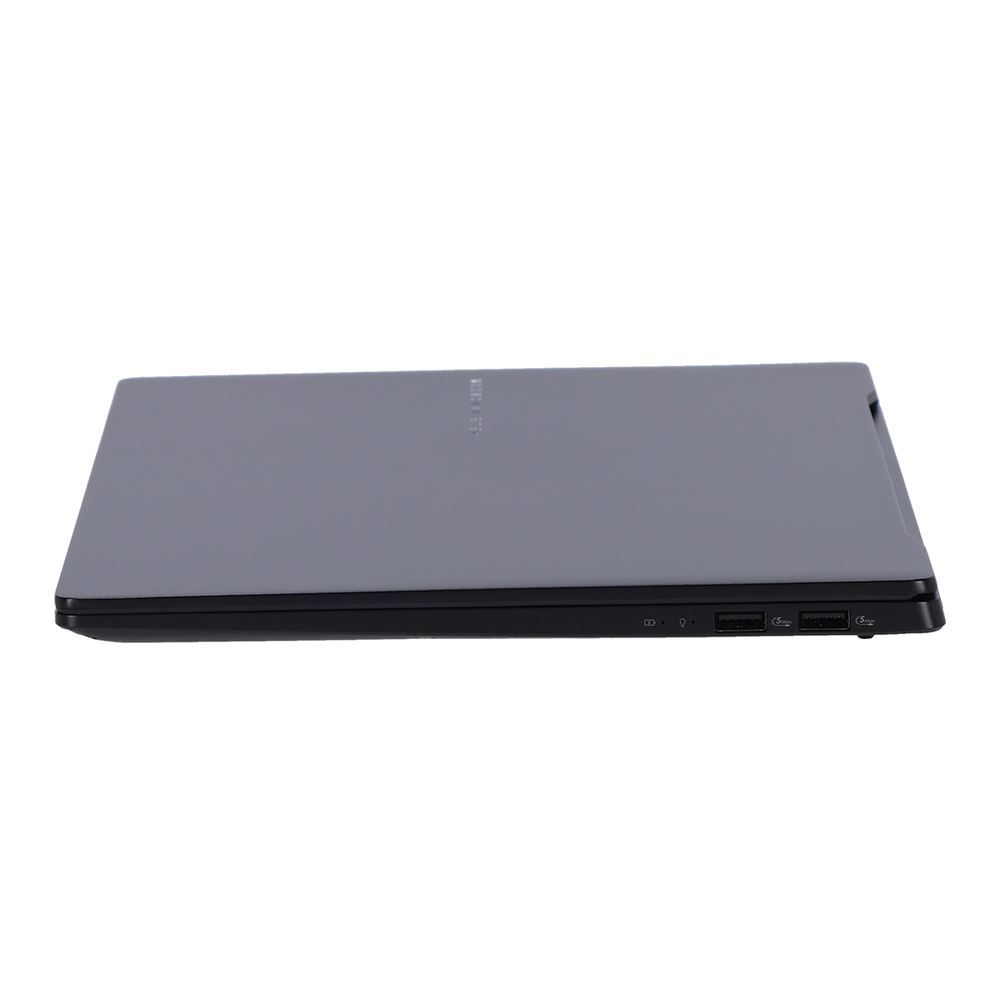
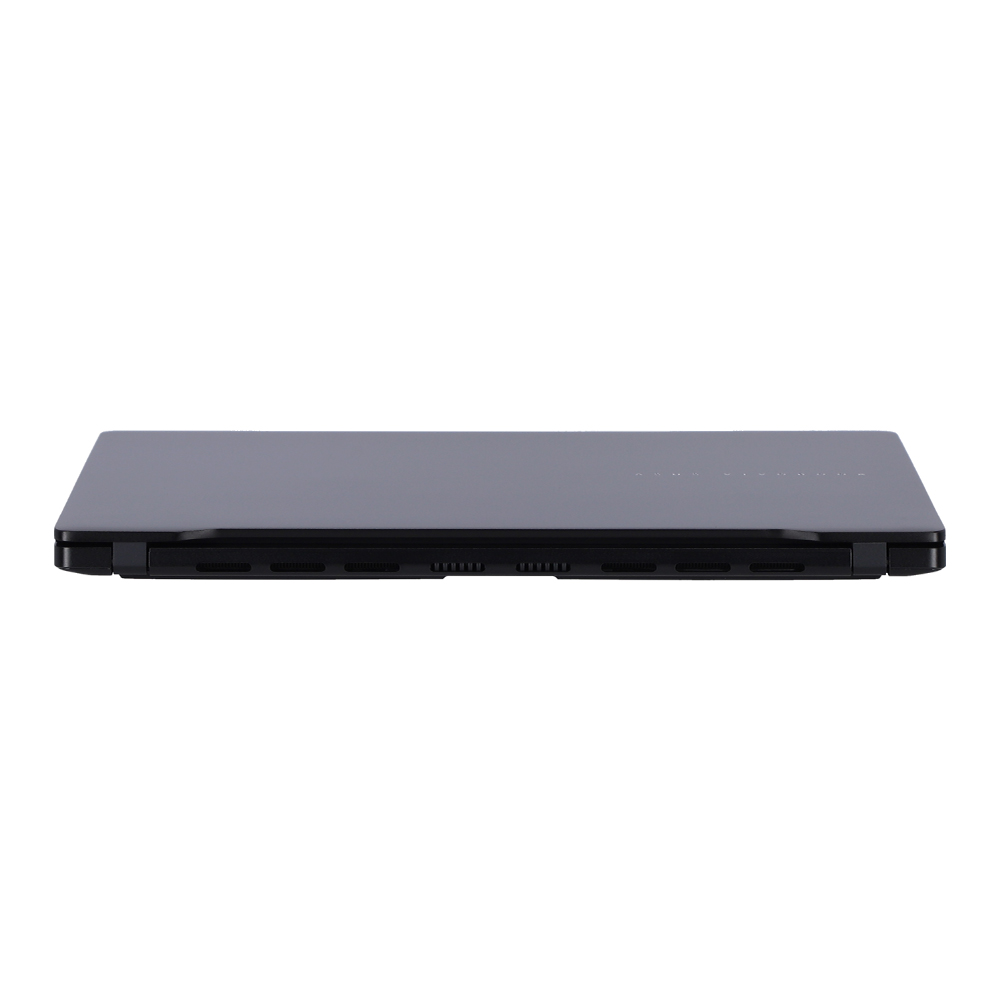


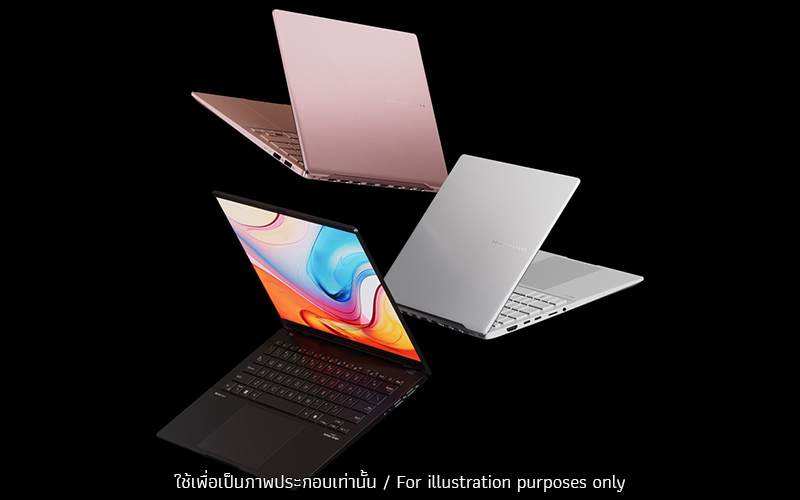
ASUS Vivobook S 14 OLED เปิดประสบการณ์การใช้งานโน้ตบุ๊กใหม่โดยการผสานรวมเทคโนโลยีล้ําสมัยเข้ากับการออกแบบที่โดดเด่น ทำงานเต็มประสิทธิภาพด้วยโปรเซสเซอร์เรือธงรุ่นล่าสุด AMD Ryzen™ 5 7535HS H-series อีกทั้งยังมีปุ่ม Copilot7 ให้ผู้ใช้สามารถเรียกใช้งานเครื่องมือที่ขับเคลื่อนด้วย AI ได้อย่างง่ายดายด้วยการกดเพียงครั้งเดียว นอกจากนี้ตัวเครื่องมีขนาดกะทัดรัด โดยบางเพียง 1.39 ซม. และมีน้ำหนักเพียง 1.3 กก.1 อายุการใช้งานแบตเตอรี่ 14 ชั่วโมง9 มาพร้อมจอแสดงผล 14นิ้ว ASUS Lumina OLED ความละเอียด 3K และยังมีคีย์บอร์ดที่เหมาะกับสรีระพร้อมไฟแบ็คไลท์ RGB ทัชแพดขนาดใหญ่พิเศษ และกล้อง ASUS AiSense ที่เป็นคู่หูในอุดมคติของคุณสำหรับชีวิตยุคใหม่
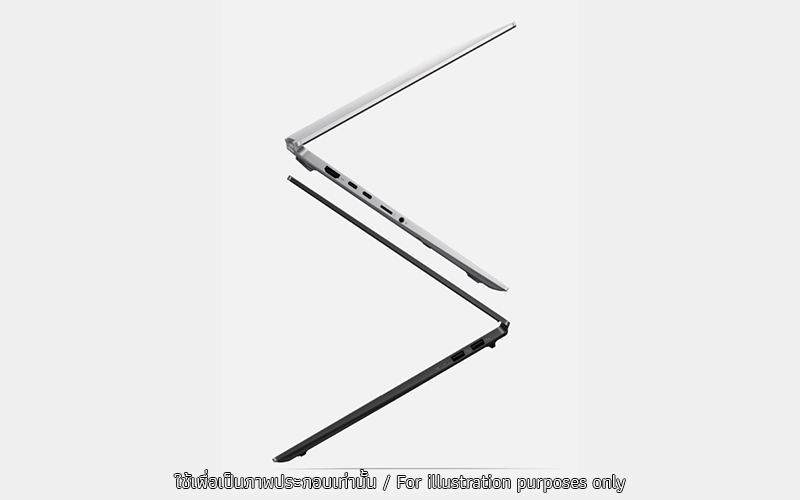
THIN AND LIGHTEffortlessly sleek
ด้วยขนาดที่บางเพียง 1.39 ซม. และน้ําหนักเพียง 1.3 กก.1 ASUS Vivobook S 14 OLED เป็นโน้ตบุ๊กสำหรับการพกพา ติดตัวไปได้อย่างง่ายดายไม่ว่าคุณจะเดินทางหรือทำงานนอกสถานที่ เพลิดเพลินกับอิสระในการทํางานและโดดเด่นได้ทุกที่เพียงเครื่องเดียว
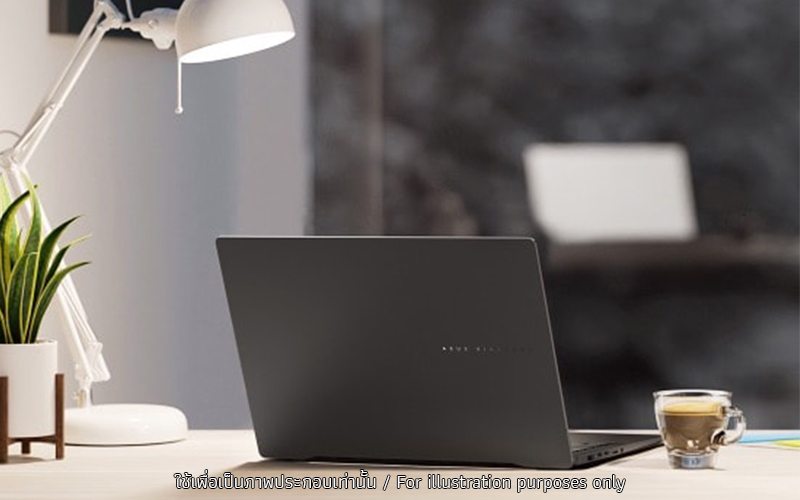
MINIMALIST DESIGN & MODERN COLOR
ASUS Vivobook S 14 OLED เป็นตัวเลือกในอุดมคติของคุณสําหรับการแสดงรสนิยมระดับพรีเมียมผ่านการใช้งานโน้ตบุ๊ก การออกแบบที่เพรียวบาง สะอาดตา และโลโก้แกะสลัก CNC ที่ประณีตเป็นตัวอย่างของความเรียบง่ายและมีเอกลักษณ์
.jpg)
PERFORMANCE
Punchy performance
ASUS Vivobook S 14 OLED ไม่เพียงแต่ดูสวยงามเท่านั้น ด้วยโปรเซสเซอร์ AMD Ryzen™ 5 7535HS ที่รวมหน่วยความจําที่รวดเร็วเป็นพิเศษไม่ว่าคุณจะใช้งานแอปคลาวด์ AI แก้ไขรูปภาพสร้างงานนําเสนอหรือสตรีมวิดีโอ นอกจากนี้ ASUS Vivobook S 14 OLED ยังมีคีย์ Copilot โดยเฉพาะ7
.jpg)
CPU
Elevate efficient power to supreme levels
ปลดปล่อยพลังการประมวลผลที่เหนือชั้นด้วยโปรเซสเซอร์ AMD Ryzen™ 5 7535HS ประสิทธิภาพที่โดดเด่นไม่เพียงแต่จัดการกับงานที่ซับซ้อนได้อย่างง่ายดาย แต่ยังมอบการทำงานที่รวดเร็วสำหรับงาน ความบันเทิง และความพยายามสร้างสรรค์ของคุณผ่านเทคโนโลยี CPU ระดับสูงของ AMD และสัมผัสประสบการณ์ประสิทธิภาพการประมวลผลระดับสูงสุดของโปรเซสเซอร์ AMD Ryzen™ 5 7535HS ได้เลย
.jpg)
WINDOWS 11
Your time is valuable
อย่าเสียเวลาไปกับการทำสิ่งที่ยาก Windows 11 นำเสนอประสบการณ์ใหม่ด้วยวิธีใหม่ๆ ในการทำสิ่งต่างๆ ให้สำเร็จในขั้นตอนการทำงานที่รวดเร็วและง่ายดาย
* Screen simulated, subject to change. Feature availability and rollout timing varies by market and device.
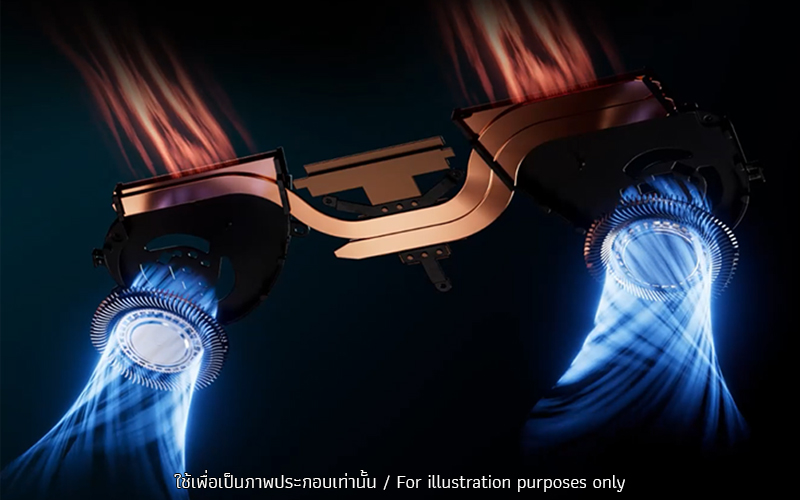
THERMAL TECHNOLOGY
Cool, cooler, coolest
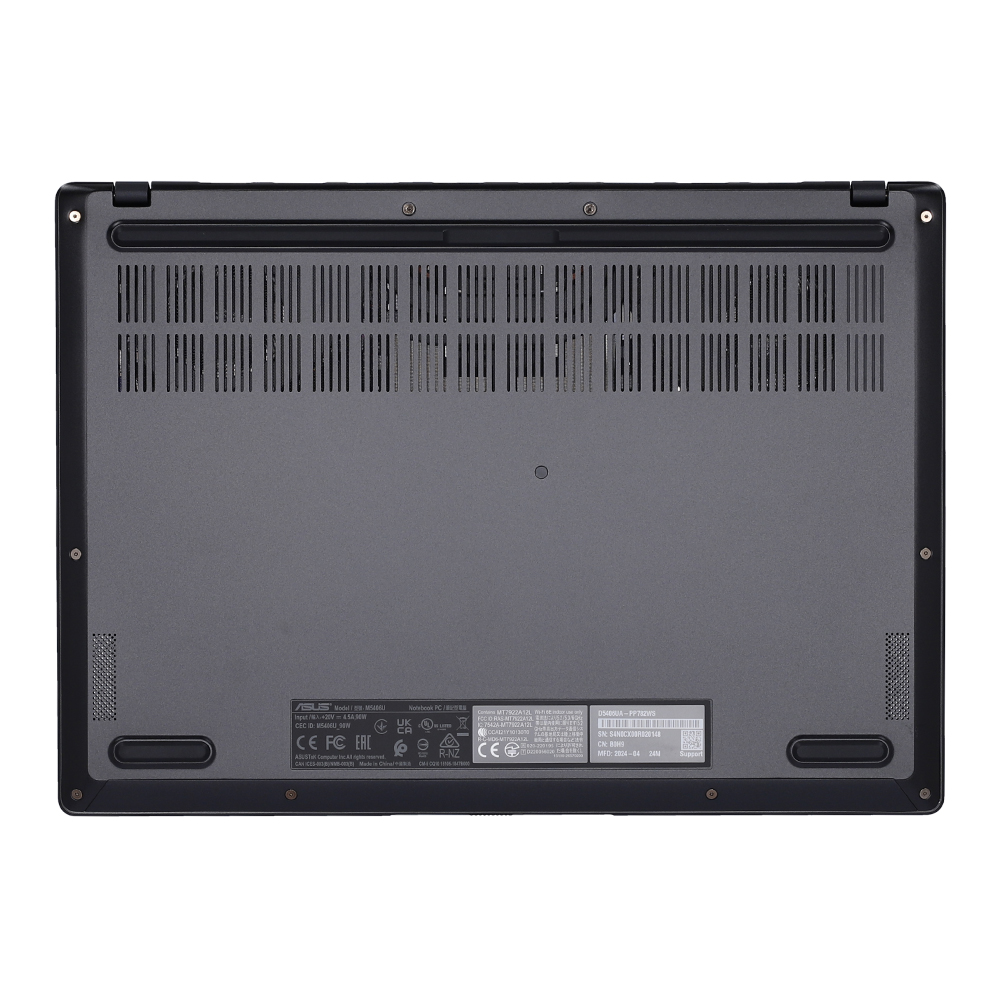
กังวลว่าโน้ตบุ๊กของคุณร้อนเกินไปใช่ไหม? มั่นใจได้เลยว่าเทคโนโลยีระบายความร้อน ASUS IceCool ช่วยให้มั่นใจได้ว่า ASUS Vivobook S 14 OLED จะรักษาความเย็นอยู่ตลอด ดังนั้นจึงสามารถจัดการกับงานหนักได้อย่างราบรื่นโดยคงประสิทธิภาพ นอกจากนี้ยังมีตัวกรองฝุ่นสำหรับพัดลมแต่ละตัว ซึ่งช่วยป้องกันฝุ่นและเส้นใยไม่ให้ดึงเข้าไปในตัวเครื่อง
BATTERY CAPACITY
Big battery. Fast charging. No worries.
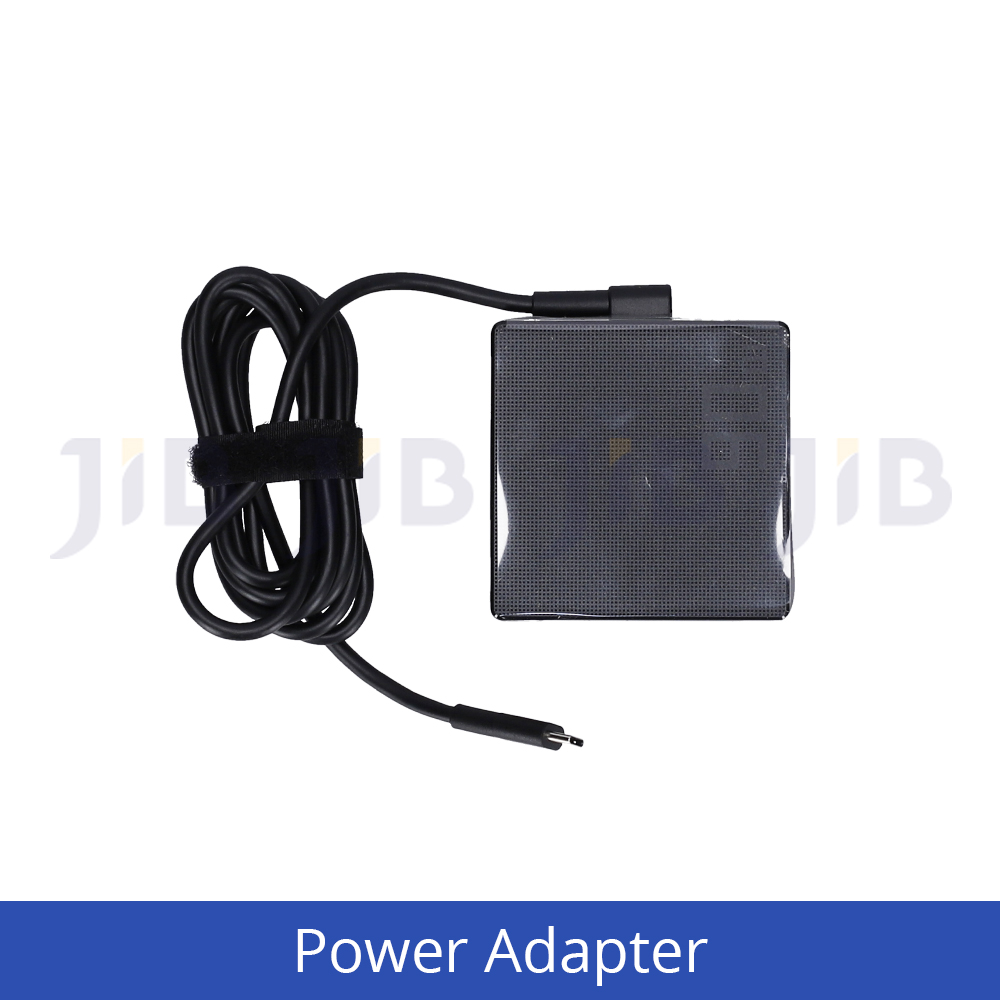
บอกลาความกังวลเรื่องแบตเตอรี่! ASUS Vivobook S 14 OLED มีแบตเตอรี่ความจุสูง 75 Wh3 ซึ่งให้พลังงานที่ยาวนานตลอดทั้งวัน ยิ่งไปกว่านั้น เทคโนโลยีการชาร์จที่รวดเร็วยังช่วยให้คุณทำงานได้อย่างรวดเร็วโดยไม่เกิดความล่าช้าใดๆ
DISPLAY
Lifelike visuals on a stunning OLED
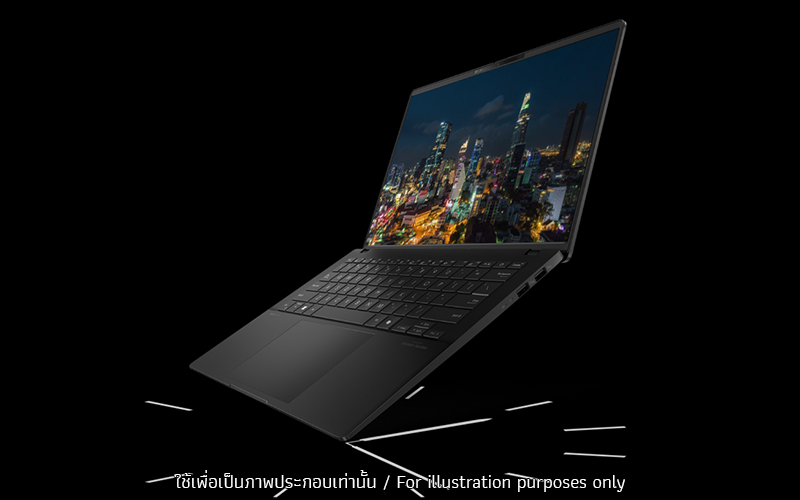
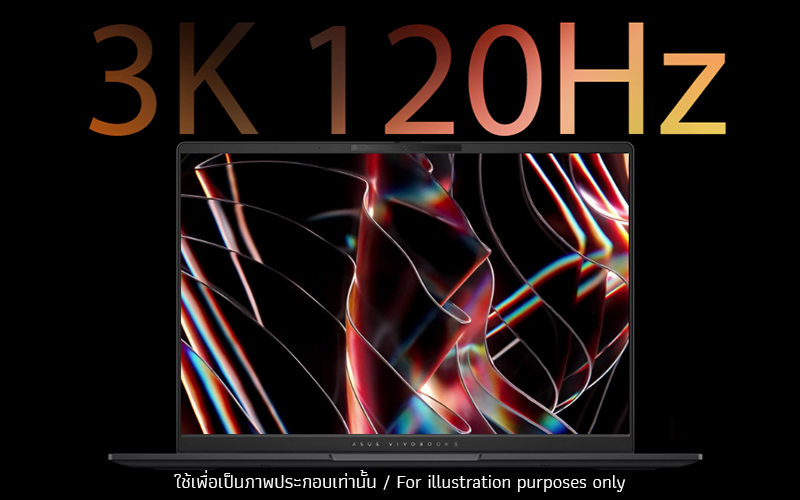
สัมผัสประสบการณ์ภาพอย่างที่ไม่เคยมีมาก่อนด้วย ASUS Vivobook S 14 OLED จอแสดงผล OLED ขนาด 14 นิ้ว 3K 120 Hz มอบประสบการณ์ความบันเทิงที่นุ่มนวลและดื่มด่ำเป็นพิเศษ
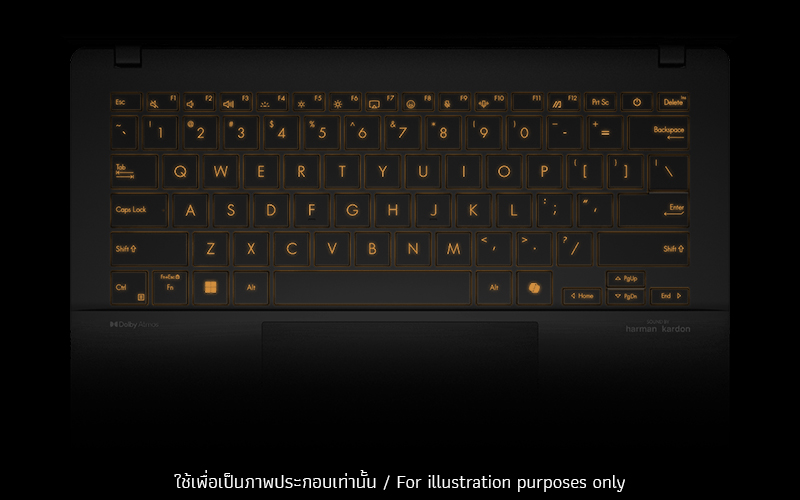
KEYBOARD & TOUCHPAD
The key to your unique vibe
ต้องการแสดงเอกลักษณ์ของคุณอย่างละเอียดหรือไม่? ASUS Vivobook S 14 OLED มีคีย์บอร์ดเรืองแสง RGB โซนเดียวสำหรับปรับแต่งแบ็คไลท์ด้วยเอฟเฟกต์แสงที่น่าทึ่งซึ่งตรงกับบุคลิกและอารมณ์ของคุณ ด้วย Windows Dynamic Lighting11 คุณสามารถปรับแต่งสี โหมด และระดับความสว่างได้อย่างง่ายดายในการตั้งค่า Windows เพื่อทำให้คีย์บอร์ดของคุณโดดเด่น
KEYBOARD & TOUCHPAD
Your workspace just got bigger
ASUS Vivobook S 14 OLED มาพร้อมทัชแพดขนาดใหญ่สำหรับการใช้งานที่ราบรื่น แม่นยำไม่ว่าคุณจะทำงานอะไรก็ตาม
CONNECTIVITY
Easier and faster connections
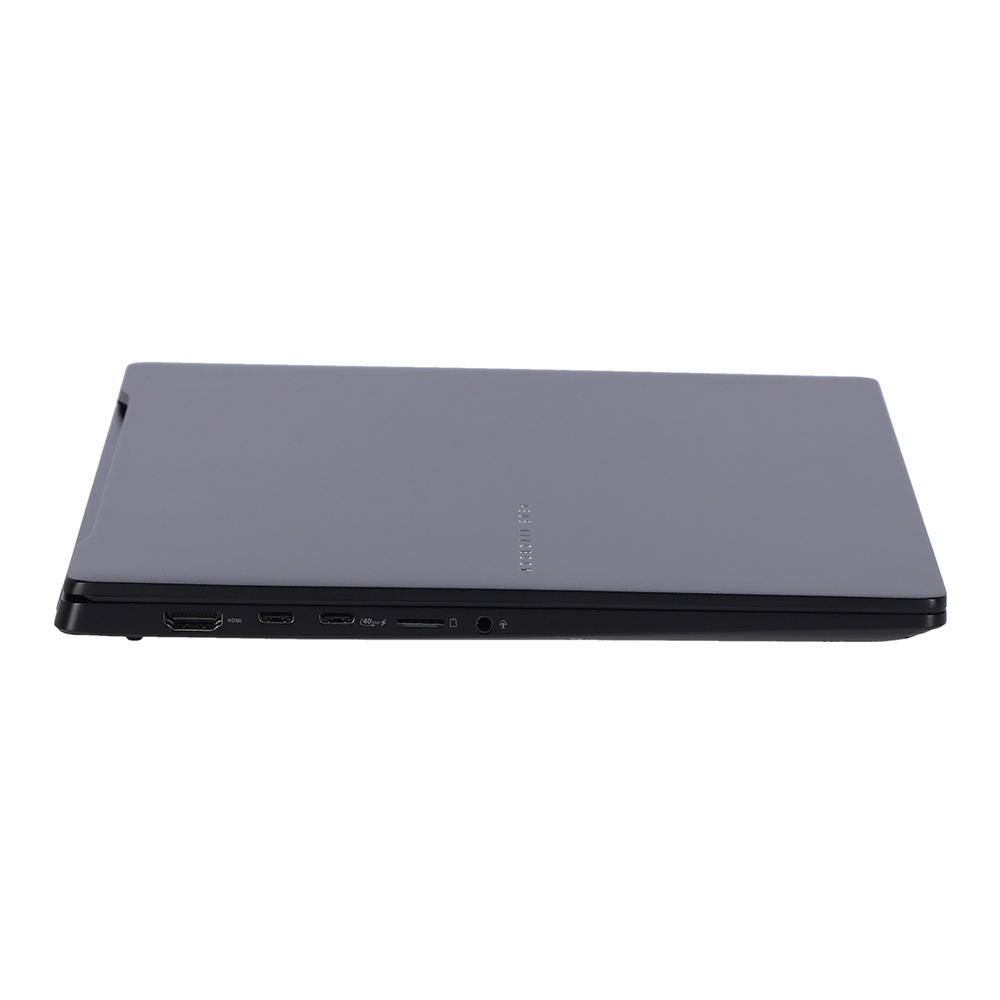
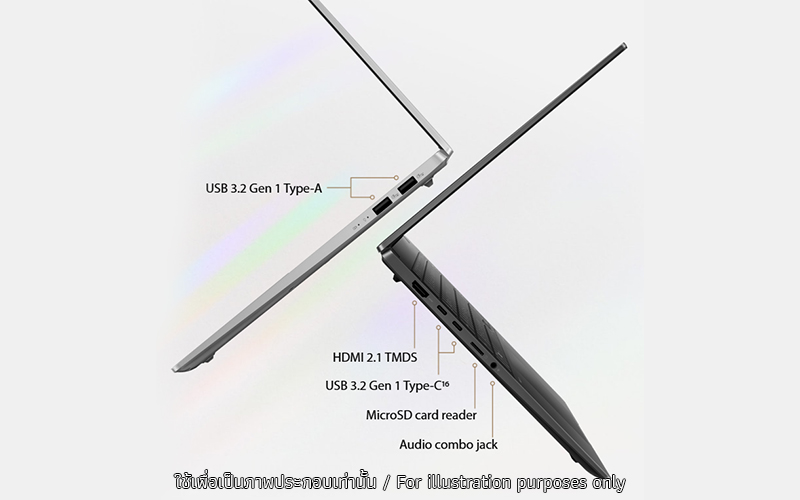
ASUS Vivobook S 14 OLED มีพอร์ตทั้งหมดที่คุณต้องการเพื่อเชื่อมต่ออุปกรณ์ของคุณเข้าด้วยกัน ไม่ว่าคุณจะต้องการเชื่อมต่อจอแสดงผลภายนอก เมาส์ คีย์บอร์ด ลำโพง หรือชุดหูฟัง คุณก็ทำได้อย่างง่ายดาย
.jpg)
AUDIO
Hear this!
ASUS Vivobook S 14 OLED มอบคุณภาพเสียงที่ยอดเยี่ยมสำหรับเพลงและวิดีโอไม่ว่าจะเป็นความบันเทิงหรือบทสนทนา ทุกอย่างจะฟังดูชัดเจน
.jpg)
MILITARY GRADE
US military-grade laptop durability
โน้ตบุ๊กของ ASUS ได้รับการออกแบบทางวิศวกรรมโดยมีความคงทนเป็นพิเศษตรงตามมาตรฐานทางทหารของสหรัฐอเมริกา MIL-STD-810H17 ผ่านการทดสอบอย่างเข้มงวด ให้ผลลัพธ์ที่คุณสามารถเชื่อมั่นถึงความแข็งแรงคงทน ปัจจัยเหล่านี้ยังส่งผลดีต่อการมีการใช้งานที่ยาวนานและความยั่งยืน ดังนั้นคุณจึงสามารถทำงาน เดินทาง หรือพักผ่อนด้วยความมั่นใจว่าคอมพิวเตอร์โน้ตบุ๊ก ASUS ของคุณพร้อมทุกสถานการณ์
.jpg)
SOFTWARE
Truly personalized workflow
ASUS นำเสนอซอฟต์แวร์ที่ออกแบบมาเพื่อยกระดับประสบการณ์การใช้คอมพิวเตอร์ของคุณ MyASUS มีแอพและเครื่องมือที่มีประโยชน์มากมายที่ช่วยให้คุณได้รับประโยชน์สูงสุดจากคอมพิวเตอร์โน้ตบุ๊กของคุณ ในขณะที่ GlideX ช่วยให้คุณทำงานได้มากขึ้นด้วยการแชร์หน้าจอระหว่างอุปกรณ์ต่างๆ นอกจากนี้ ScreenXpert ยังช่วยให้คุณจัดการหน้าต่างแอปบนจอแสดงผลที่เชื่อมต่อทั้งหมดเพื่อขั้นตอนการทำงานที่ราบรื่นยิ่งขึ้น
- Xbox Game Pass optional. 30-day trial for Xbox Game Pass for PC. Activation required. Credit card required. Unless you cancel, you will be charged the current subscription rate when your trial ends. Game catalog varies over time (xbox.com/gamepass). A conversion ratio applies for Xbox Game Pass Ultimate users. Limit: 1 per person/account.
-
The devices referred to on this web page are the most highly-specified models available. Some models and configurations may not have an OLED display option. Please check the product specifications to ensure that the correct type of display is configured before purchasing in-store or online.
-
The characteristics of an OLED display can eventually change over long periods of use, leading to visible changes. This is completely normal, and can cause behavior such as image burn-in or persistence: this means that a faint ghost of an image remains visible even when it’s replaced by a new image. These effects are more likely to occur if a non-moving (static) high-contrast image is displayed for an excessively long time. ASUS laptops with an OLED display minimize this risk by setting Windows Dark mode as default, as well as shortening the idle time before the screen is turned off — both on mains (AC) and battery (DC) power. This dual approach minimizes the potential for burn-in to maximize the lifespan of your OLED display lifespan, and also reduces unnecessary power draw for optimal battery life. We also recommended adjusting the brightness of your OLED display to complement the ambient lighting in your environment, rather than keeping the screen at maximum brightness at all times. You should also ensure that you have an animated, dark-background screensaver enabled in the Windows Settings tool.
-
The model shown is for reference purposes only. Actual models may differ.
-
Product weight may vary according to device configuration.
-
The figures are based on theoretical performance. Actual performance may vary in real-world situations.
-
Battery durability and charging speed will vary depending on usage.
-
The visual appearance of OLED displays may change over the product’s lifetime. This is expected behavior that can include image persistence or burn-in, where the display shows a faint remnant of an image even after a new image appears on the screen. This tends to occur only in extreme use cases, such as when a static, high-contrast image is continuously displayed for prolonged periods of time. ASUS laptops with an OLED display minimize this risk by setting Windows’s Dark mode as default, as well as shortening the idle time before the screen is turned off — both on mains (AC) and battery (DC) power. This dual approach minimizes the potential for burn-in to maximize the lifespan of your OLED display lifespan, and also reduces unnecessary power draw for optimal battery life. We also recommended adjust the brightness of your OLED display to complement the ambient lighting in your environment, rather than keeping the screen at maximum brightness at all times. You should also ensure that you have an animated, dark-background screensaver enabled in the Windows Settings tool.
-
Maximum SSD capacity may vary according to device configuration.
-
Maximum RAM capacity may vary according to device configuration.
-
Copilot in Windows (in preview) is rolling out gradually within the latest update to Windows 11 in select global markets. Timing of availability varies by device and market. Copilot key feature availability varies by market. Learn more: https://www.microsoft.com/en-us/windows/copilot-ai-features?r=1#faq
-
The component placement is for reference only, and may vary by model and configuration.
-
Battery tests conducted by ASUS on January 23, 2024 using the 1080p Video Playback scenario. Test configuration: Vivobook S 14 OLED (M5406NA), OLED panel, AMD R5-7535HS, 1 TB SSD, 16 GB RAM, 75 Wh battery. Test settings: WiFi disabled, Windows Power Plan set to Balanced, display brightness set to 150 cd/m2. Actual battery life may vary depending on product configuration, usage, operational conditions and power management settings. Battery life will decrease over the lifetime of the battery.
-
This data is derived from ASUS laboratory testing, which involves simulating daily charging frequency as the testing standard. The actual lifespan of the battery may differ depending on factors such as product configuration, usage patterns, operational conditions, and power management settings. Over time, the battery’s longevity will naturally decrease. For more comprehensive information, please refer to the provided link.
-
Model M5406 RGB single-zone keyboard lighting can fully supports the Solid Color, Breathing, Rainbow effects of Windows Dynamic Lighting. Learn more at https://www.asus.com/support/faq/1051652
-
This data is derived from ASUS laboratory testing, which involves simulating daily charging frequency as the testing standard. The actual lifespan of the battery may differ depending on factors such as product configuration, usage patterns, operational conditions, and power management settings. Over time, the battery’s longevity will naturally decrease. For more comprehensive information, please refer to the provided link.
-
Average tested result in MyASUS Splendid Display P3 and sRGB color gamut: Delta E < 1, +/- 0.5, and may vary by specification. Please note that the actual performance also may vary under different test procedures, equipment and patterns.
-
Compared to average LCD displays in the market, measuring energy emission of blue light in between 415-455 nm wavelength.
-
To further maximize the protection of your OLED laptop, ASUS has included OLED Care settings such as pixel refresh and pixel shifting, which are turned on by default. It’s important to note that if any burn-in issues do occur within the warranty period, which might vary by countries, ASUS offers a free exchange service for the affected OLED laptop as long as the user did not manually turn off the OLED Care functions.
-
I/O ports might vary according to specifications.
-
The testing regime includes the requirements of both military-grade standards and ASUS quality tests, and varies depending on device. MIL-STD-810 testing is conducted on selected ASUS products only. Note that the MIL-STD-810 testing helps to ensure the quality of ASUS products but does not indicate a particular fitness for military use. The test is performed under laboratory conditions. Any damage caused by attempts to replicate these test conditions would be considered accidental, and would not be covered by the standard ASUS warranty. Additional coverage is available with ASUS Premium Care.
Source : ASUS Vivobook S 14 OLED (D5406)