



Tireless Eyes
auto-ecoview-sensor.jpgTo prevent eye fatigue, a brightness sensor called Auto EcoView detects the changes in the ambient brightness that occur throughout the day and automatically adjusts the screen to the ideal brightness level. Auto EcoView cuts power by almost 40% compared to operating the monitor at maximum brightness.
A Clear View from All Angles
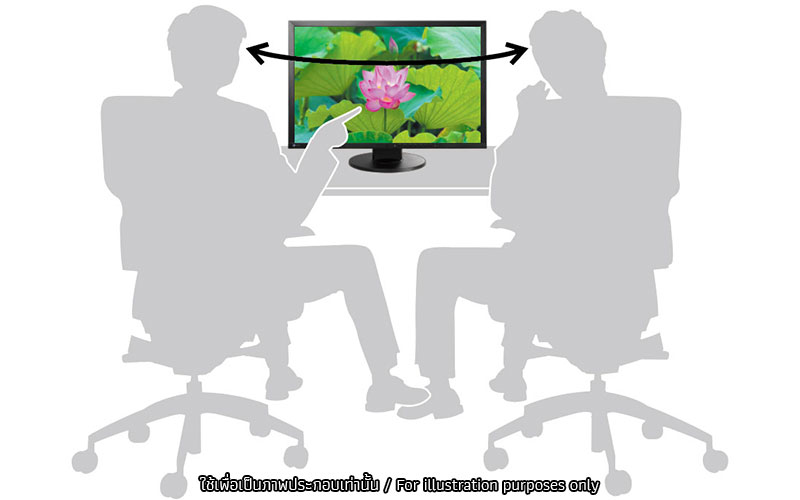
wide viewing anglesThe FlexScan EV2430 has 178° horizontal and vertical viewing angles which makes it suitable for most business use.
Adjustable to Almost 1 cd/m2 Brightness
In a dimly-lit work environment, a monitor with low brightness settings will be more comfortable to use. This monitor comes with an LED backlight that allows for adjusting the brightness to about 1 cd/m2. With typical CCFL backlights the lowest you could adjust to would be much brighter.
Paper Mode Reduces Eye Fatigue
Paper Mode is a preset color mode that simulates the look of printed paper and helps prevent eyestrain when reading documents by reducing the amount of blue light emitted from the monitor.
Flicker-Free Images
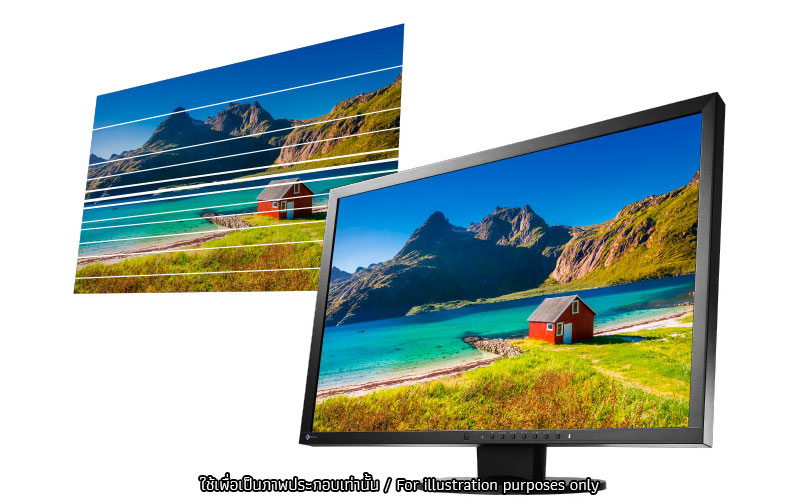
flicker freeDue to the way brightness is controlled on LED backlights, a small number of people perceive flicker on their screen which causes eye fatigue. The FlexScan EV2430 utilizes a hybrid solution to regulate brightness and make flicker unperceivable without any drawbacks like compromising color stability.
Preset Modes for Optimum Viewing
Five preset modes (including two with user adjustable settings) ensure you always get the right setting for any application. You can switch modes with just the touch of a button.
Slim bezels
A thin bezel design saves space on the desktop and minimizes eye movement between screens in a multi-monitor environment.
Ergonomic Stand
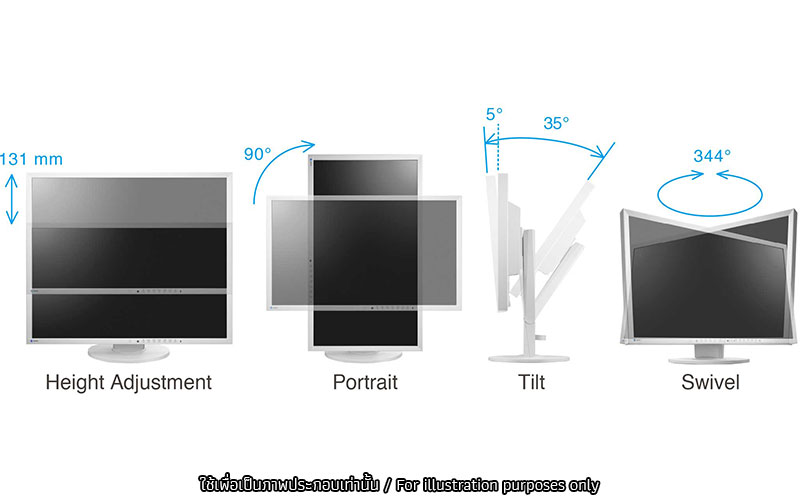
Adjust the screen to your ideal viewing position with EIZO’s versatile FlexStand.
Source : EIZO FlexScan EV2430