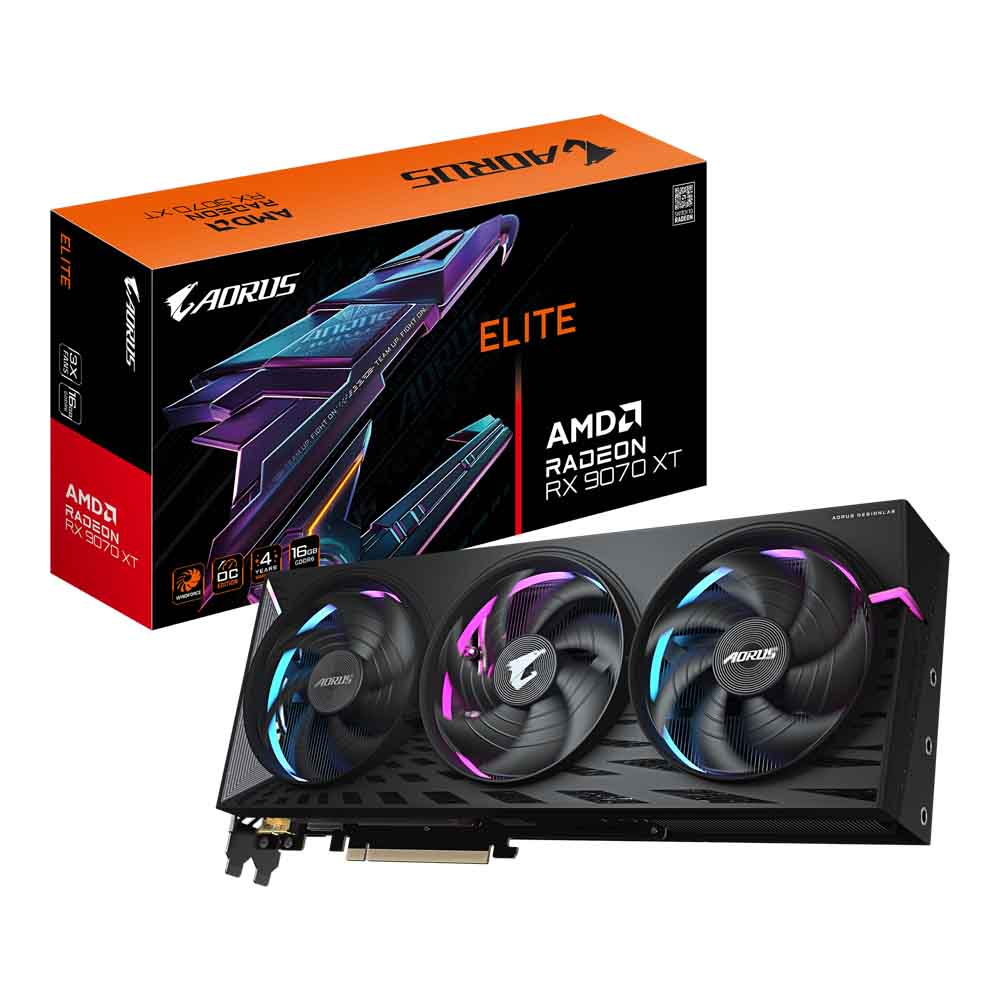
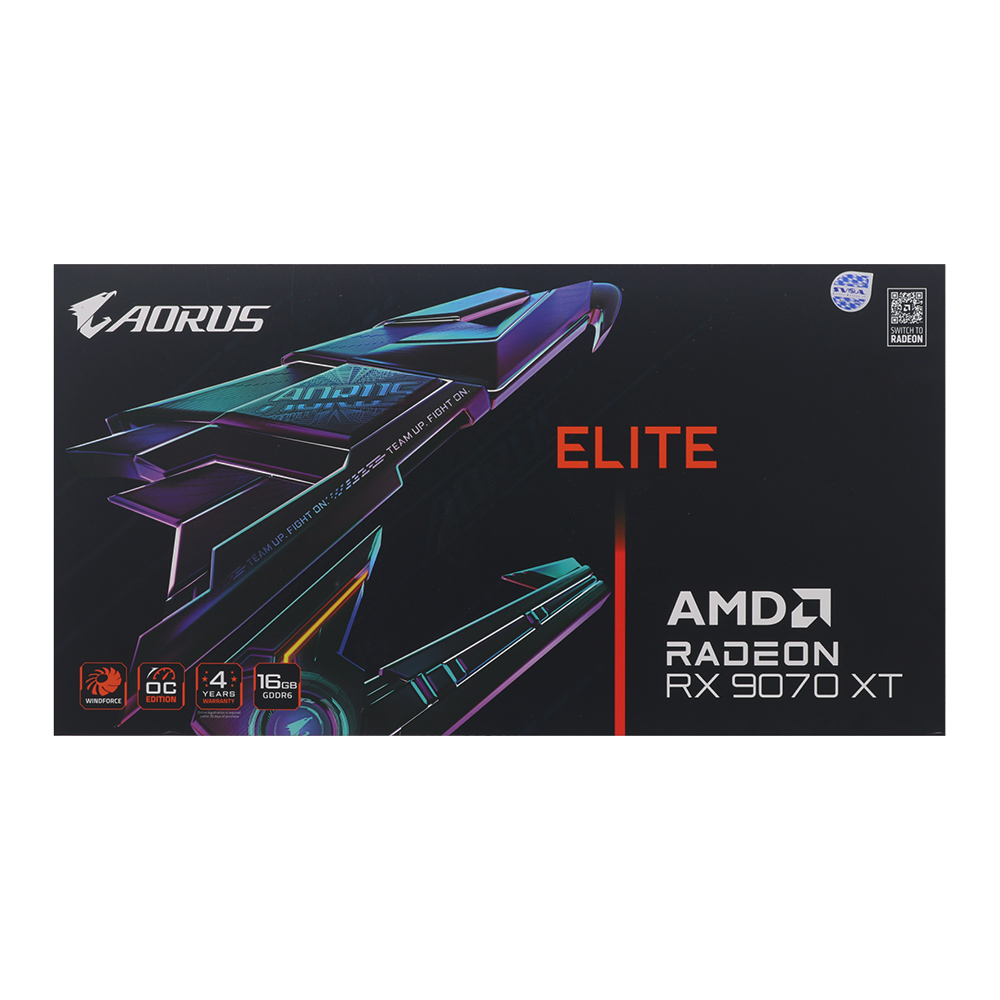
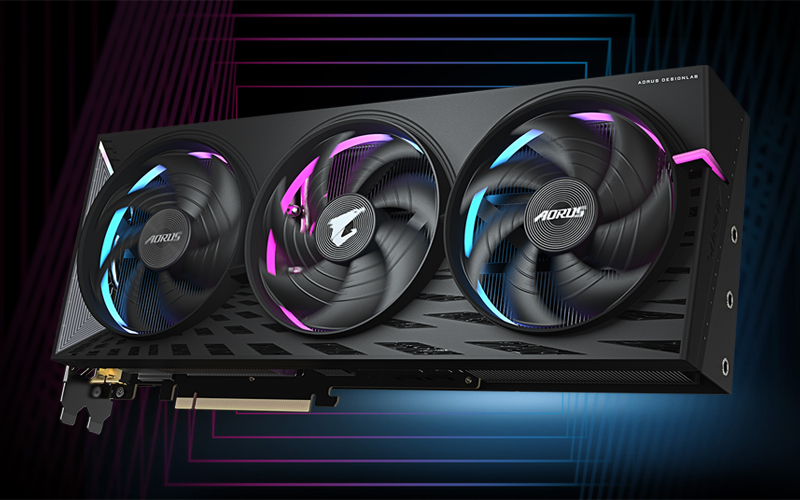
VGA (การ์ดแสดงผล) GIGABYTE AORUS RADEON RX 9070 XT ELITE 16G - 16GB GDDR6 (GV-R9070XTAORUS E-16GD)

VGA (การ์ดแสดงผล) GIGABYTE AORUS RADEON RX 9070 XT ELITE 16G - 16GB GDDR6 (GV-R9070XTAORUS E-16GD)

Sub description

• Powered by Radeon RX 9070 XT
• Integrated with 16GB GDDR6 256bit memory interface
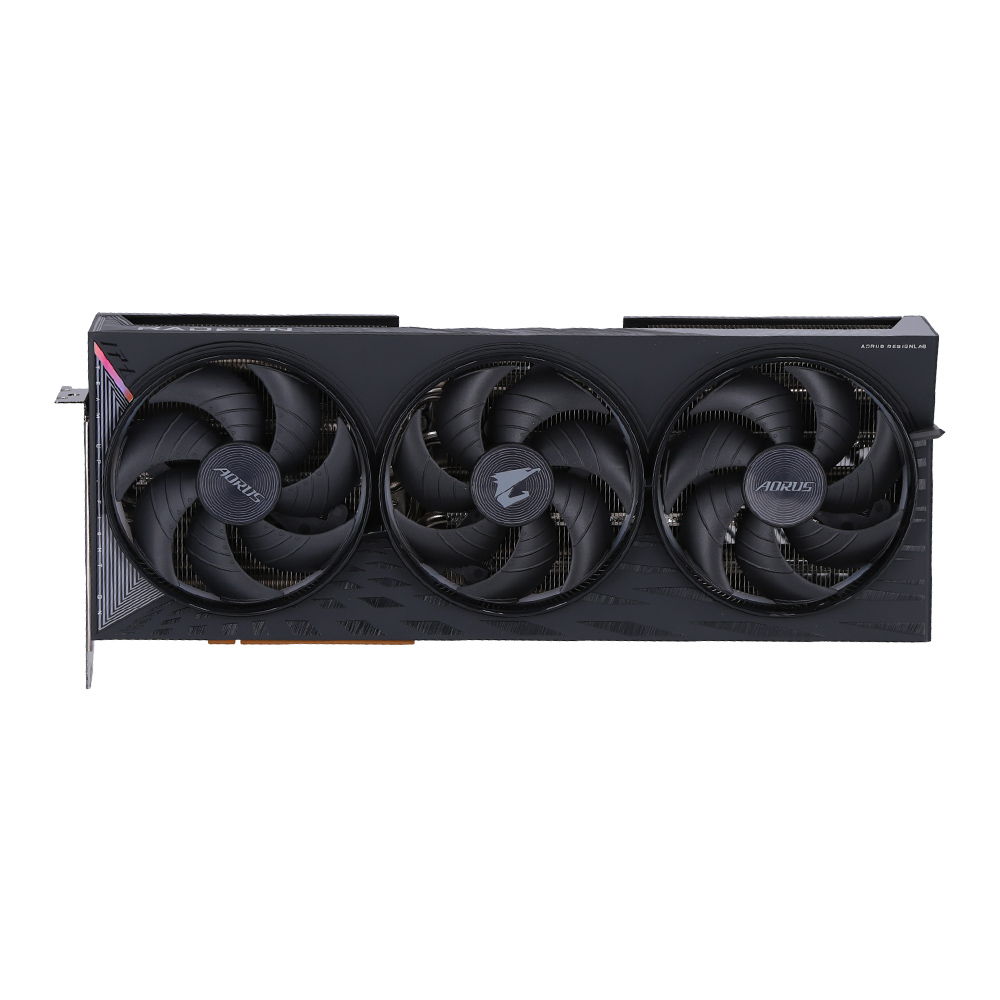
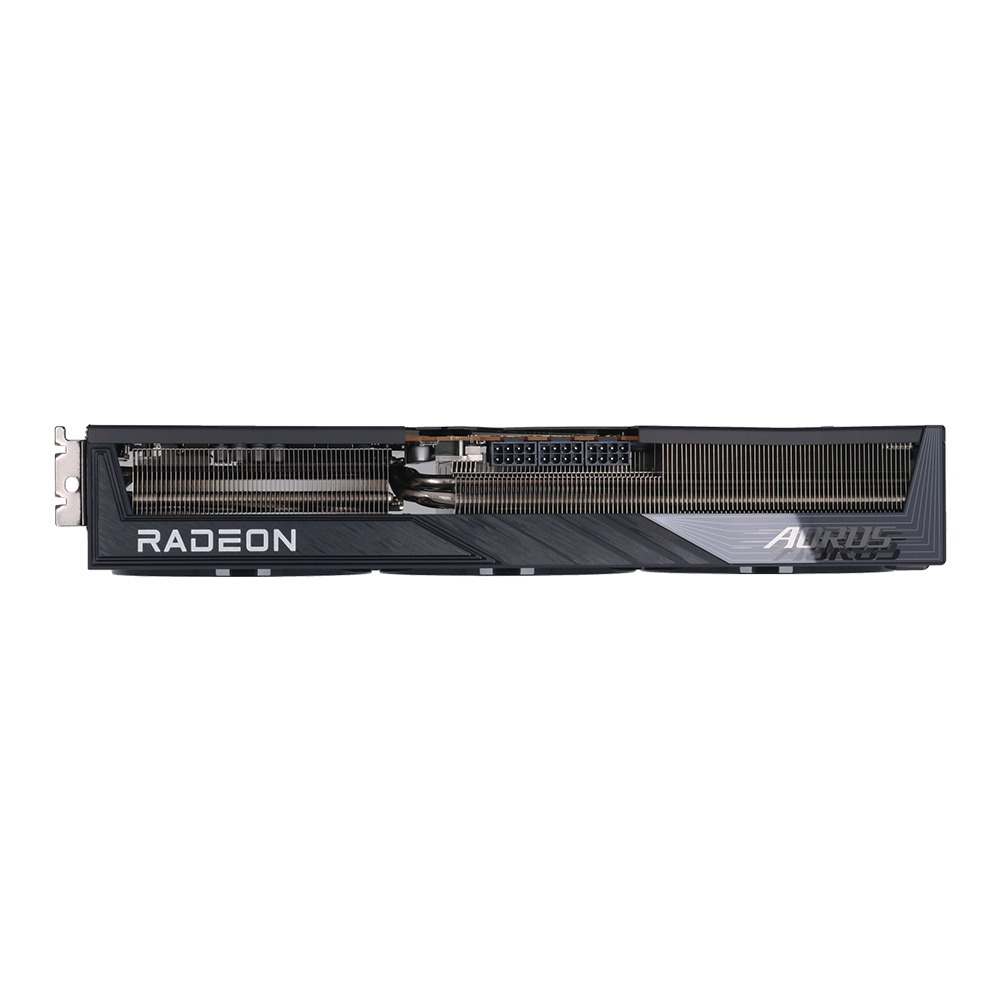
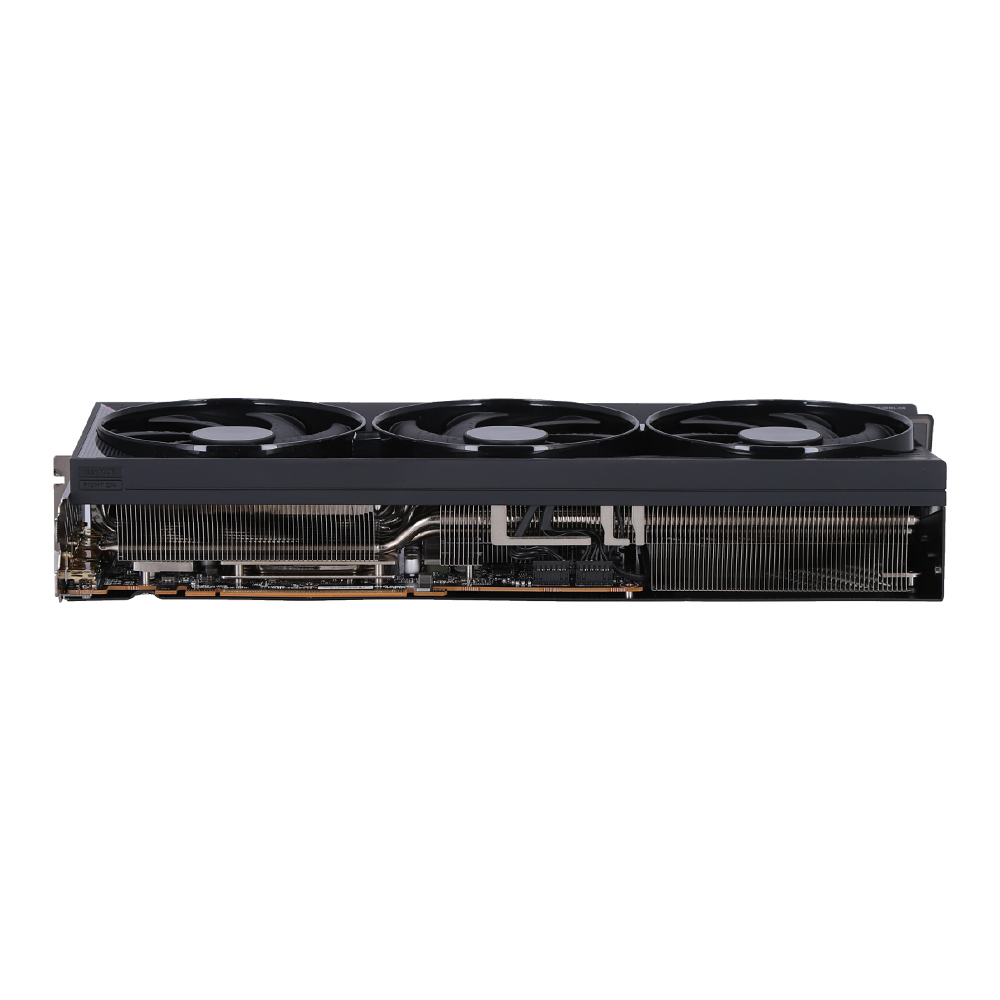
• WINDFORCE cooling system
• Hawk fan
• Server-grade Thermal conductive gel
• RGB Halo
• Dual BIOS (Performance / Silent)
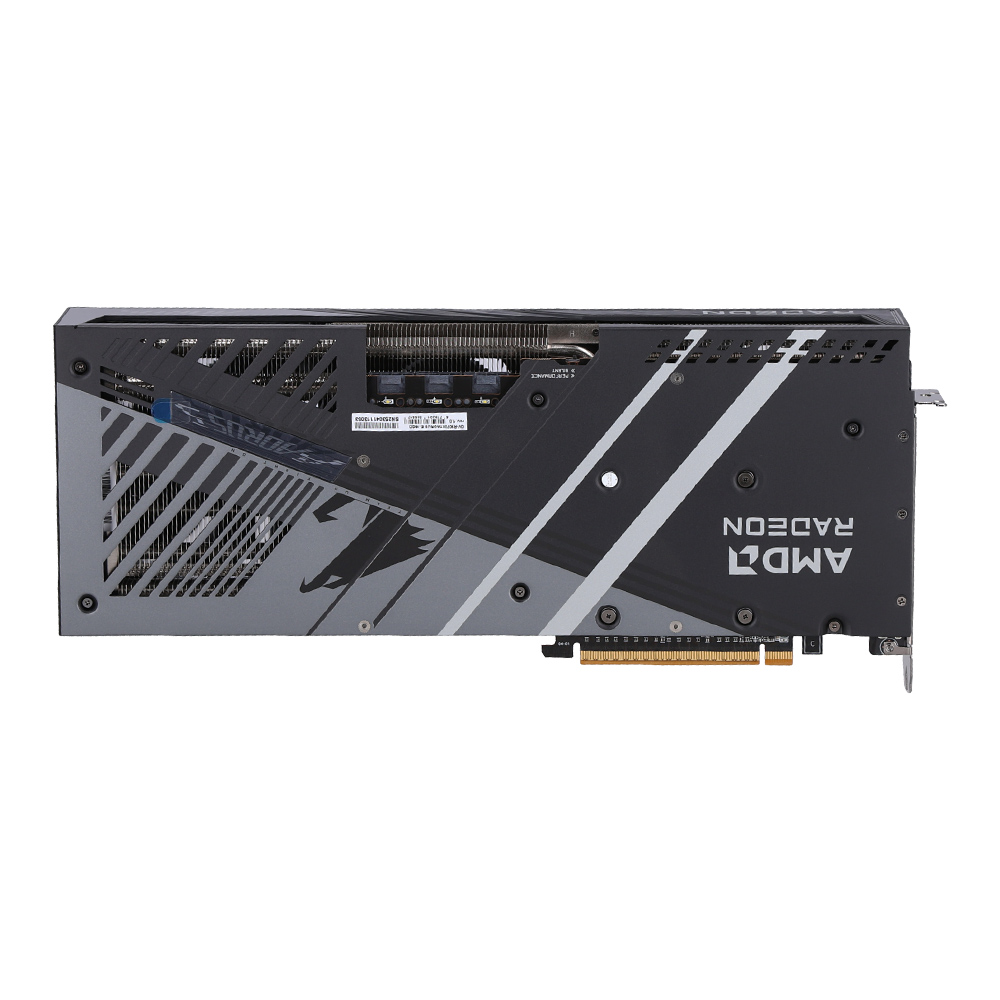
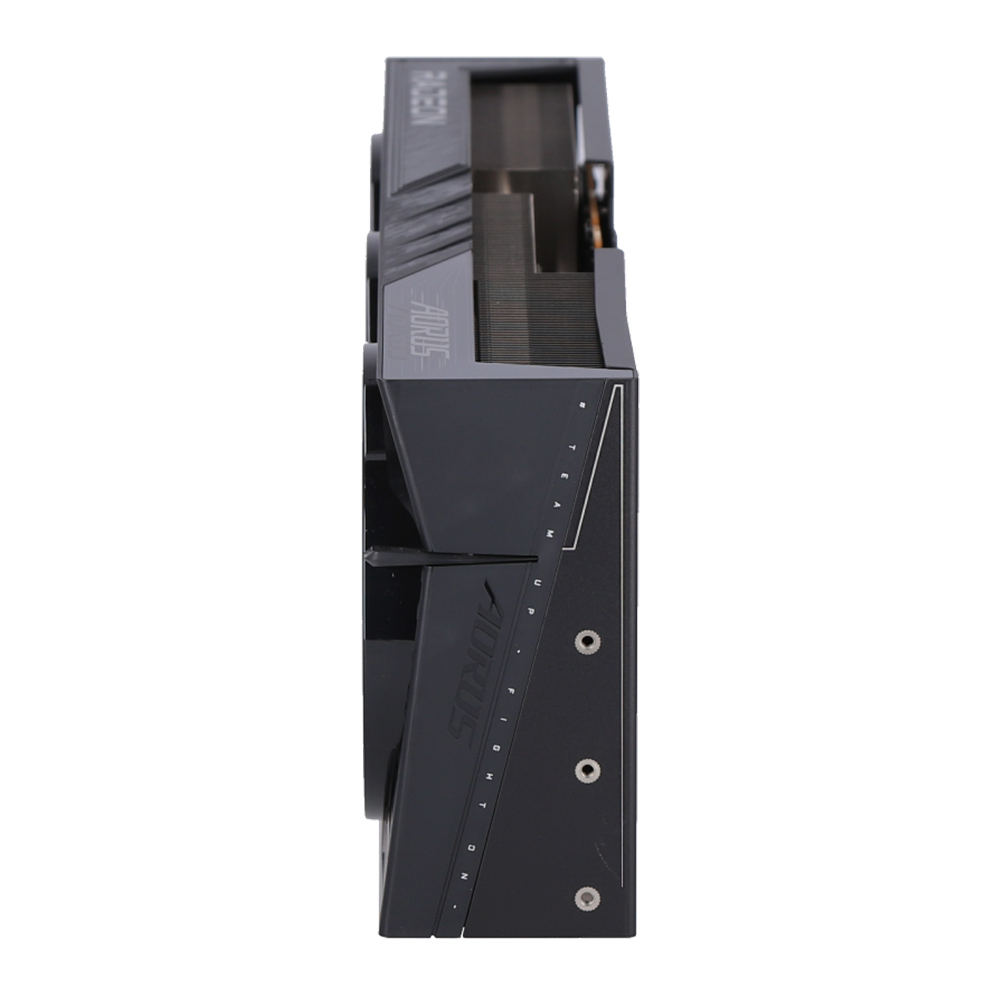
• Reinforced structure
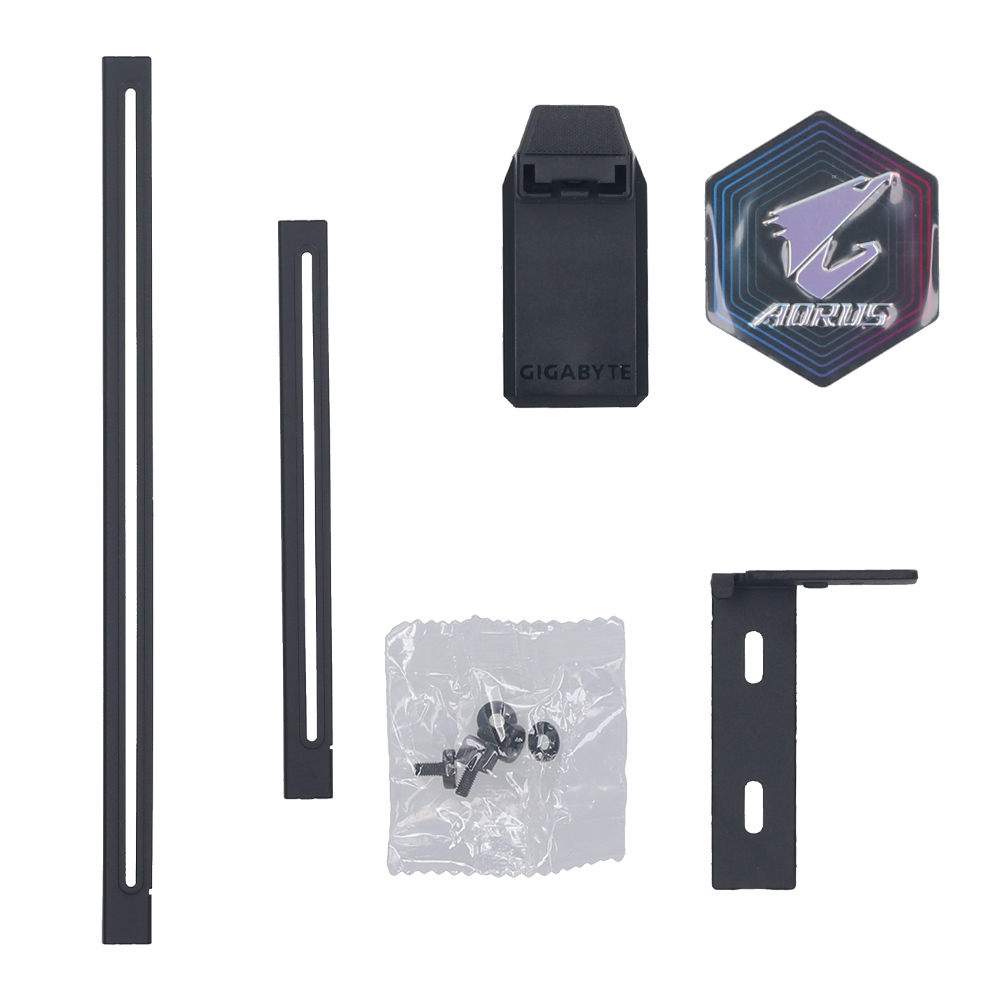
• Versatile VGA holder

VGA (การ์ดแสดงผล) GIGABYTE AORUS RADEON RX 9070 XT ELITE 16G - 16GB GDDR6 (GV-R9070XTAORUS E-16GD)
(#1008000289)

Warranty 3 - y
Price
THB
N/A
Update lastest 2026-07-12
Free delivery
Property
model
Brand
Gigabyte
Model
AORUS Radeon™ RX 9070 XT ELITE 16G
specification
Slot
1 x PCIe 5.0 x16 Slot
Chipset
AMD
Series
AMD Radeon RX 9000 Series
GPU Model
Radeon RX 9070 XT
ความเร็ว GPU
TBD MHz
ความเร็ว RAM
20 Gbps
ขนาดความจุ RAM
16 GB
ชนิดของ RAM
GDDR6
CUDA Core / Compute Units / Stream Processor
4096
Length
339 mm
Width
136 mm
Height
59 mm
general
Bus Width
256 bit
ความละเอียดสูงสุด
7680 x 4320
DirectX
12 Ultimate
รองรับ Cross Fire/SLI
No
port connector
DVI Port
- Port
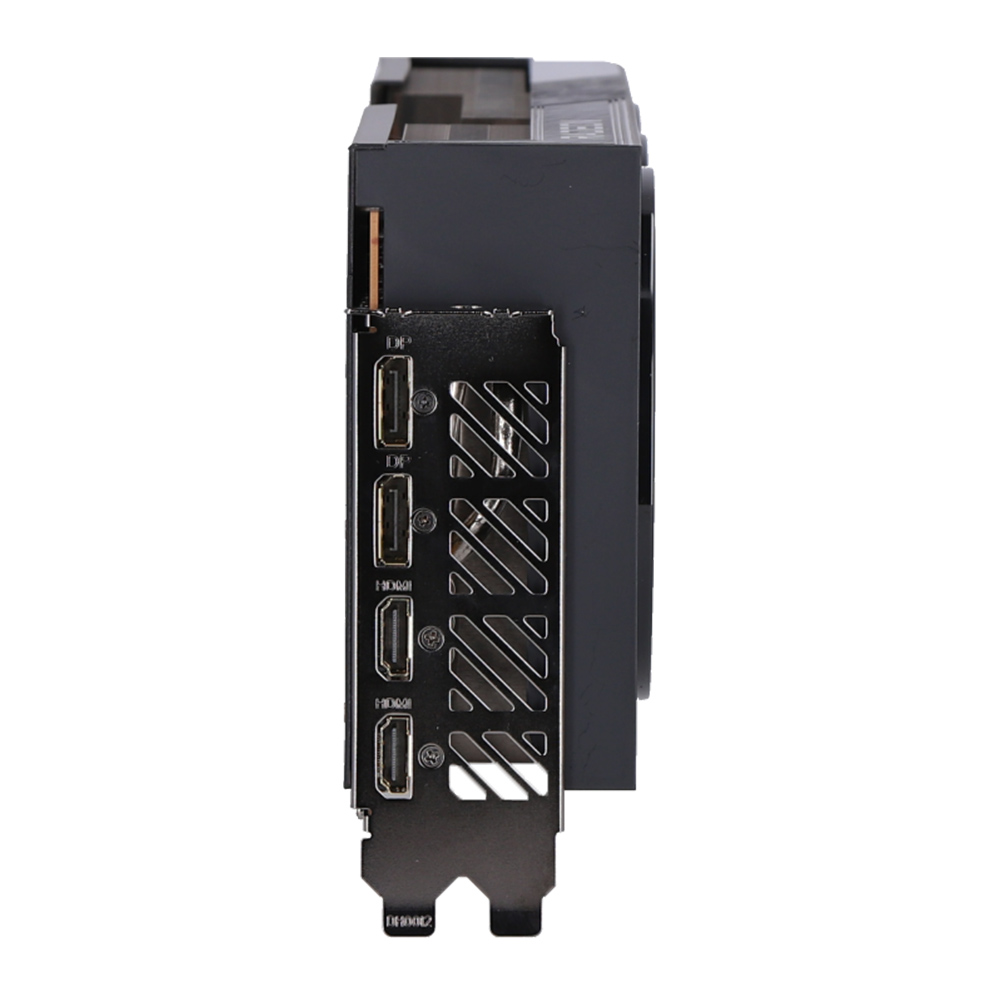
HDMI Port
Version 2.1b x 2 Port
Display Port
Version 2.1a x 2 Port
Option Port
- Port
power requirement
อัตราการกินไฟ
≈ 304 W
Need Power Supply
850 W
Power Connectors
3 x 8 Pin
warranty
การรับประกัน
3 Years
Product description


WINDFORCE COOLING SYSTEM

The WINDFORCE cooling system delivers exceptional thermal performance through a combination of cutting-edge technologies. It features server-grade thermal conductive gel, innovative Hawk fans with alternate spinning, composite copper heat pipes, a large vapor chamber, 3D active fans, and screen cooling.
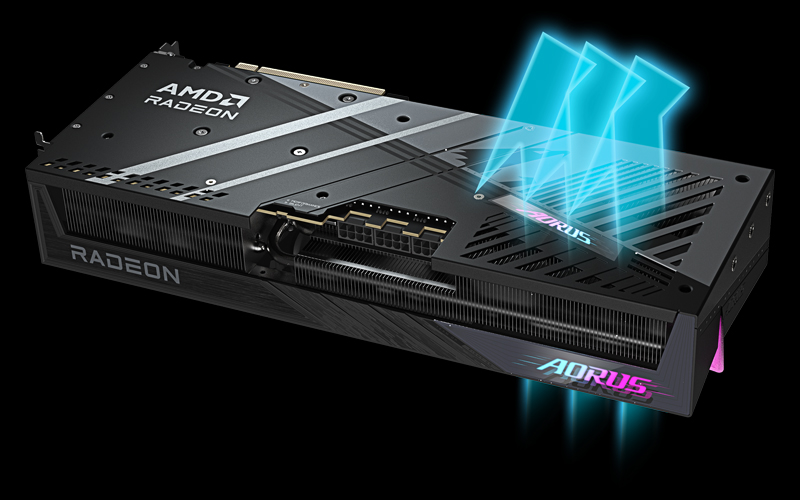


SCREEN COOLING

Extended heatsink allows air to pass through, providing better heat dissipation.
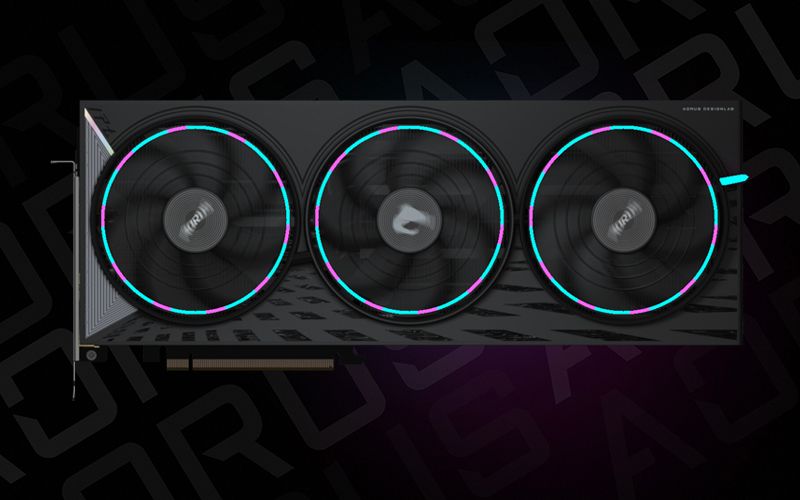


RGB HALO

The legendary three-ring lighting provides excellent visual enjoyment. You can choose any lighting effect or synchronize with other devices in GIGABYTE CONTROL CENTER.
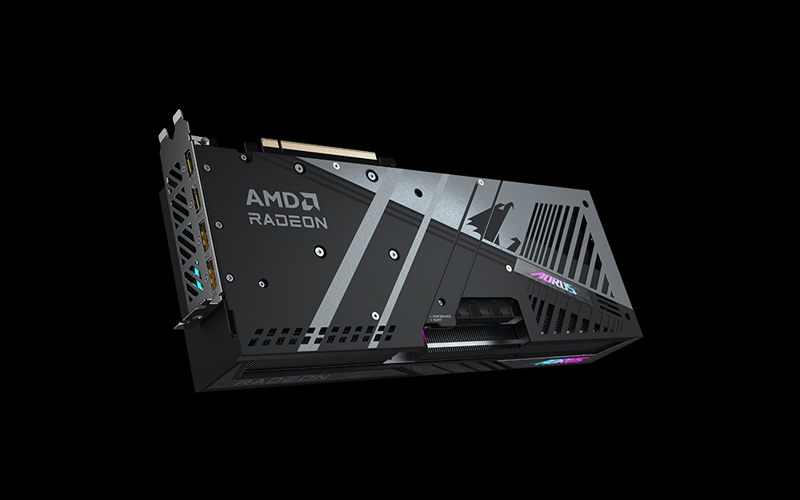


REINFORCED STRUCTURE

The reinforced metal backplate with a bent edge, securely fastened to the I/O bracket, provides exceptional structural integrity.
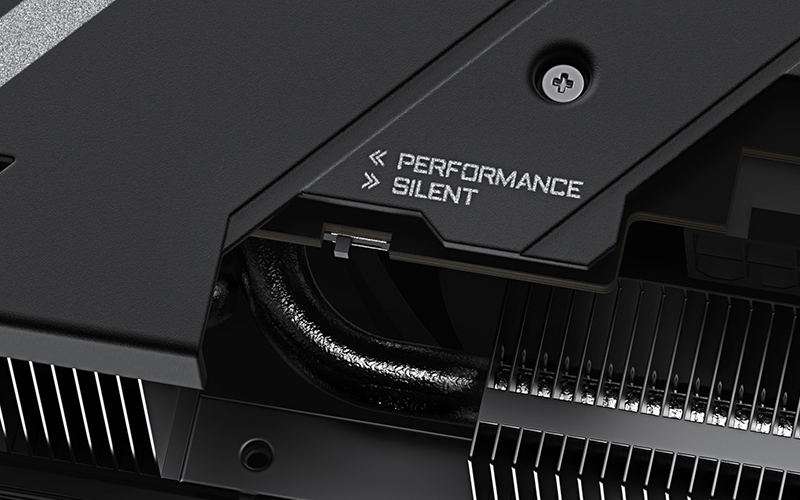


DUAL BIOS (Performance / Silent)

The factory default setting is Performance mode, which provides users with the best performance. However, switching to Silent mode will enjoy a quieter experience.


รูปภาพทั้งหมดมีวัตถุประสงค์เพื่อเป็นภาพประกอบเท่านั้น / All images are for illustrative purposes only.