





Stack It Up
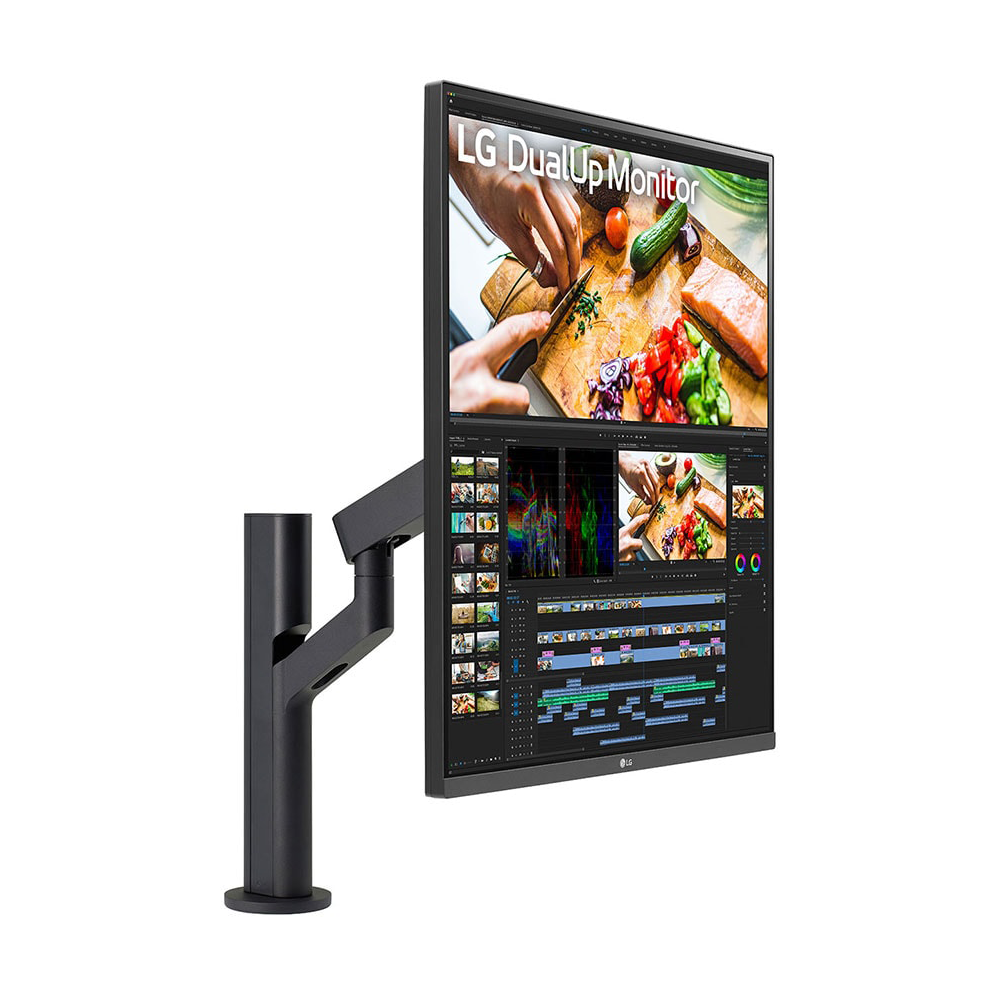
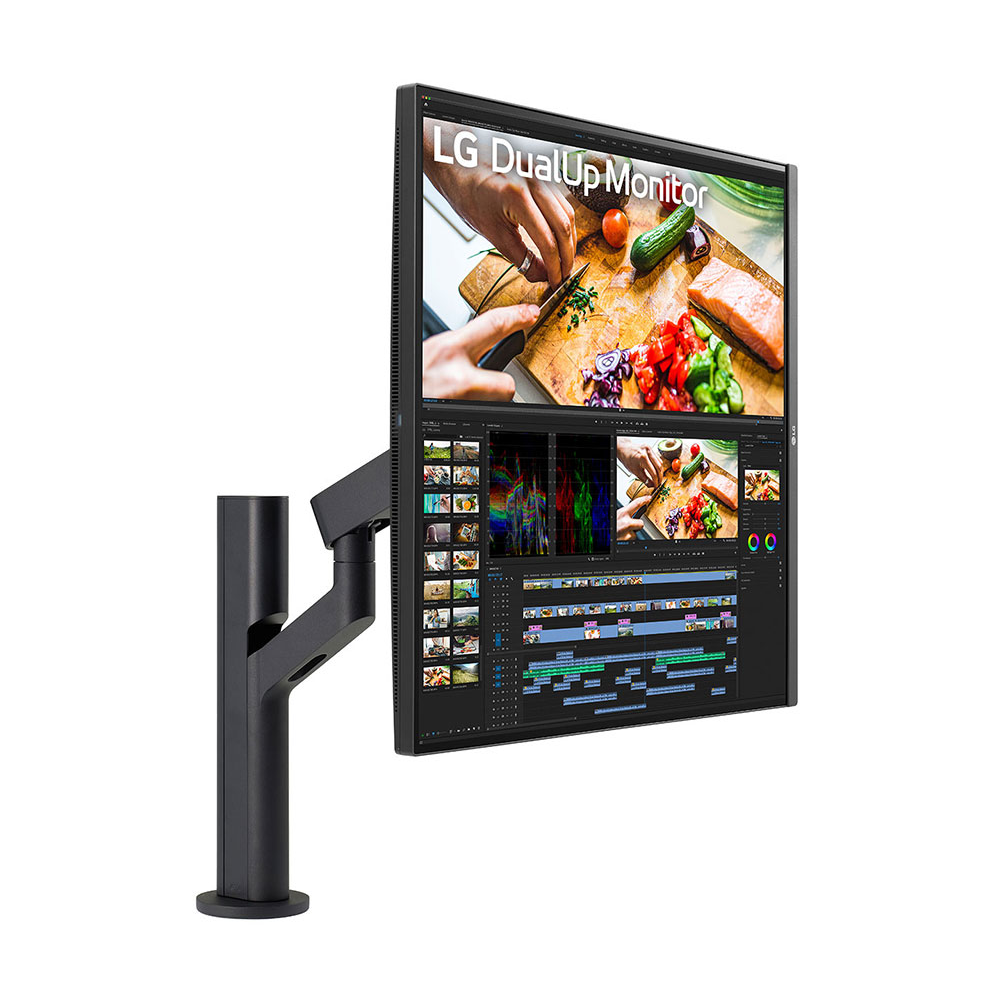
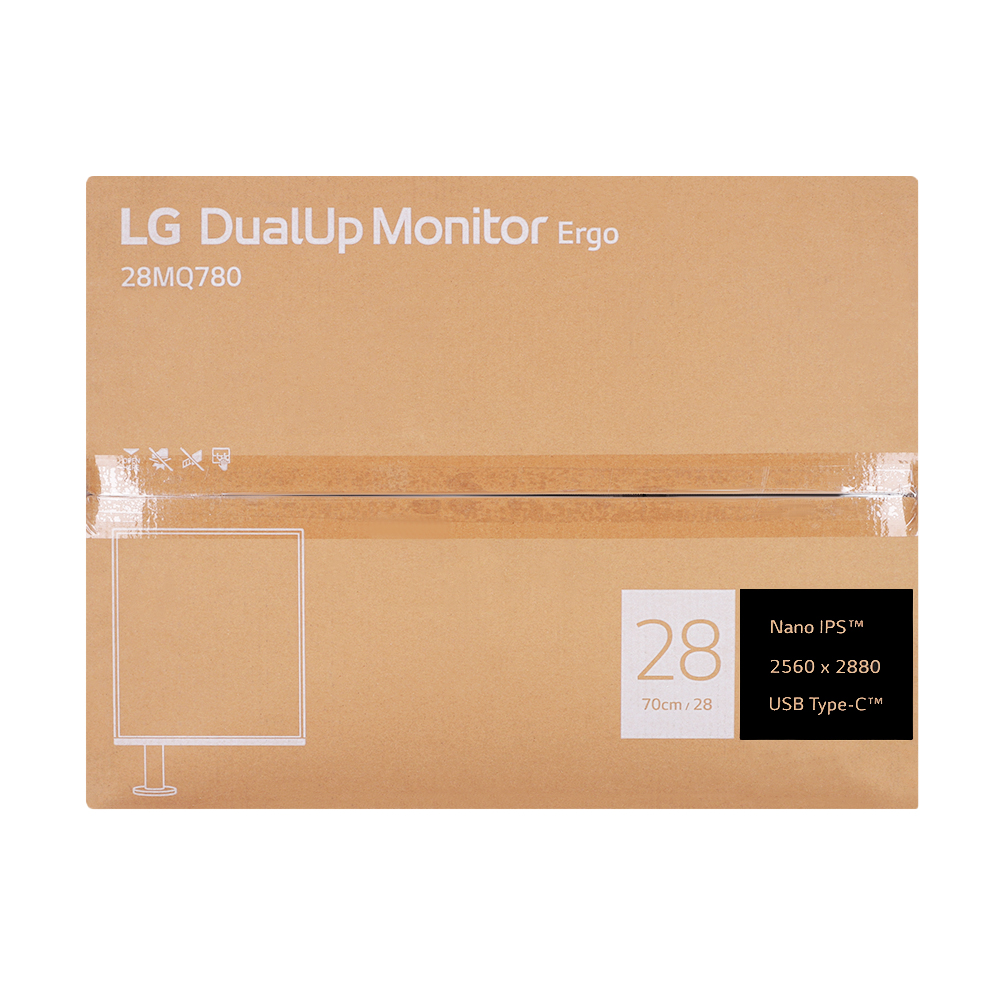
Free up desk space and multitask more efficiently with a new, 16:18 aspect ratio stacked setup that swivels, freeing up your desk without giving up the screen space of a double monitor.
*Simulated image.
**DCI-P3 Typical 98%, Minimum 90%
-
Stunning Image Quality
SDQHD (2560 x 2880) Nano IPS
DCI-P3 98% (Typ.)** & HDR10 -
Ergonomics
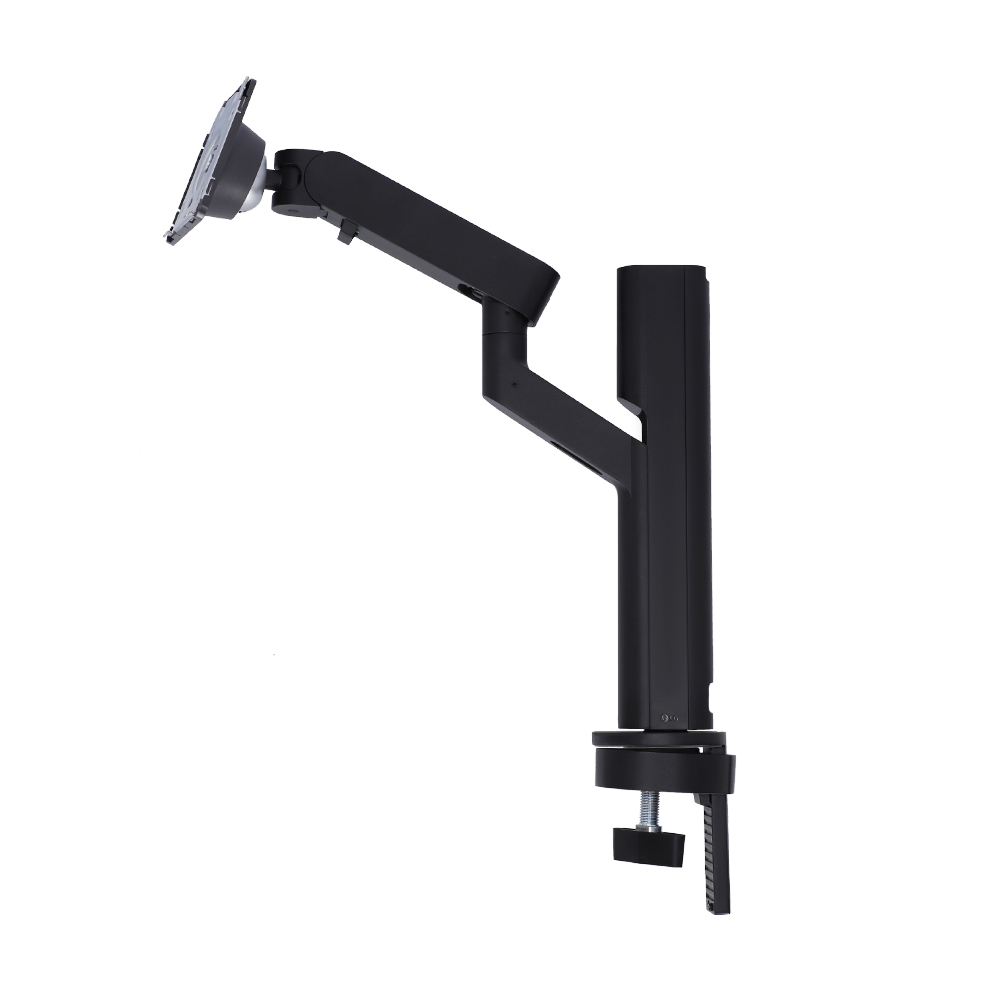
Ergonomic Stand with C-Clamp
Various Display Positions -
User Convenience
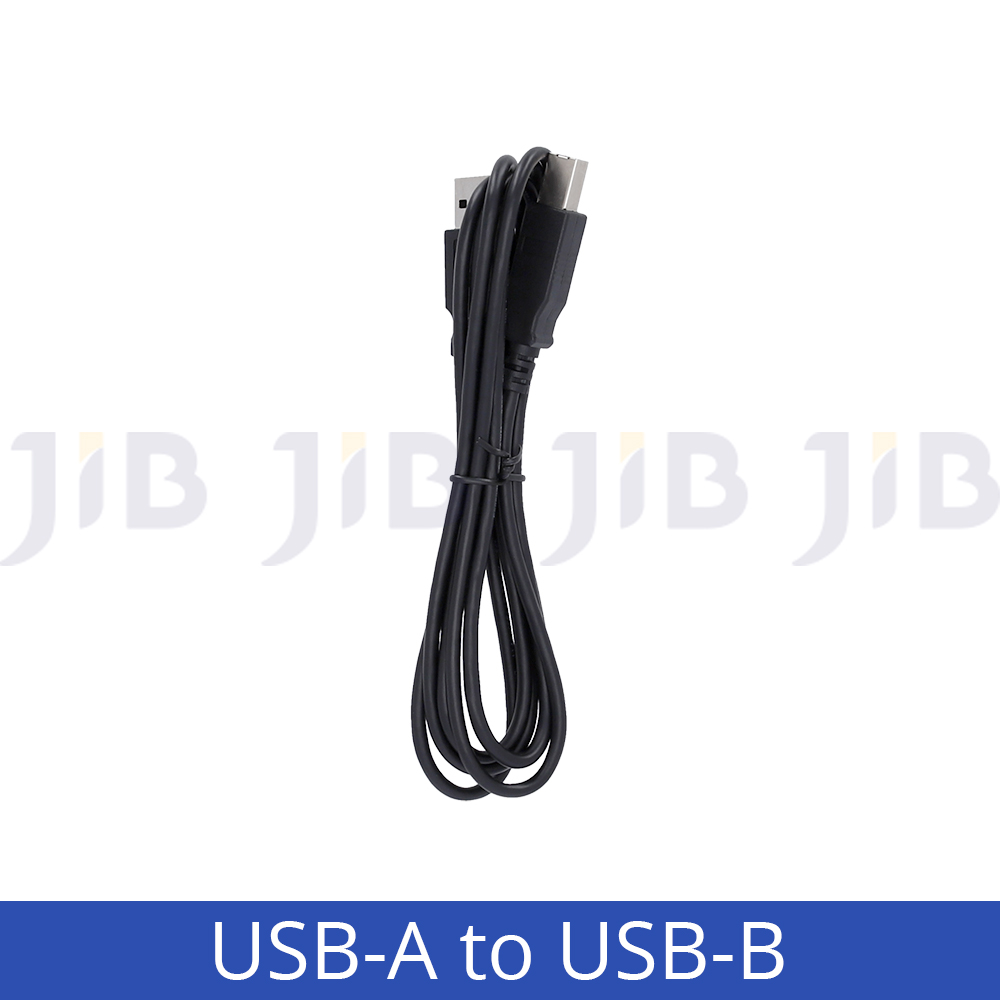
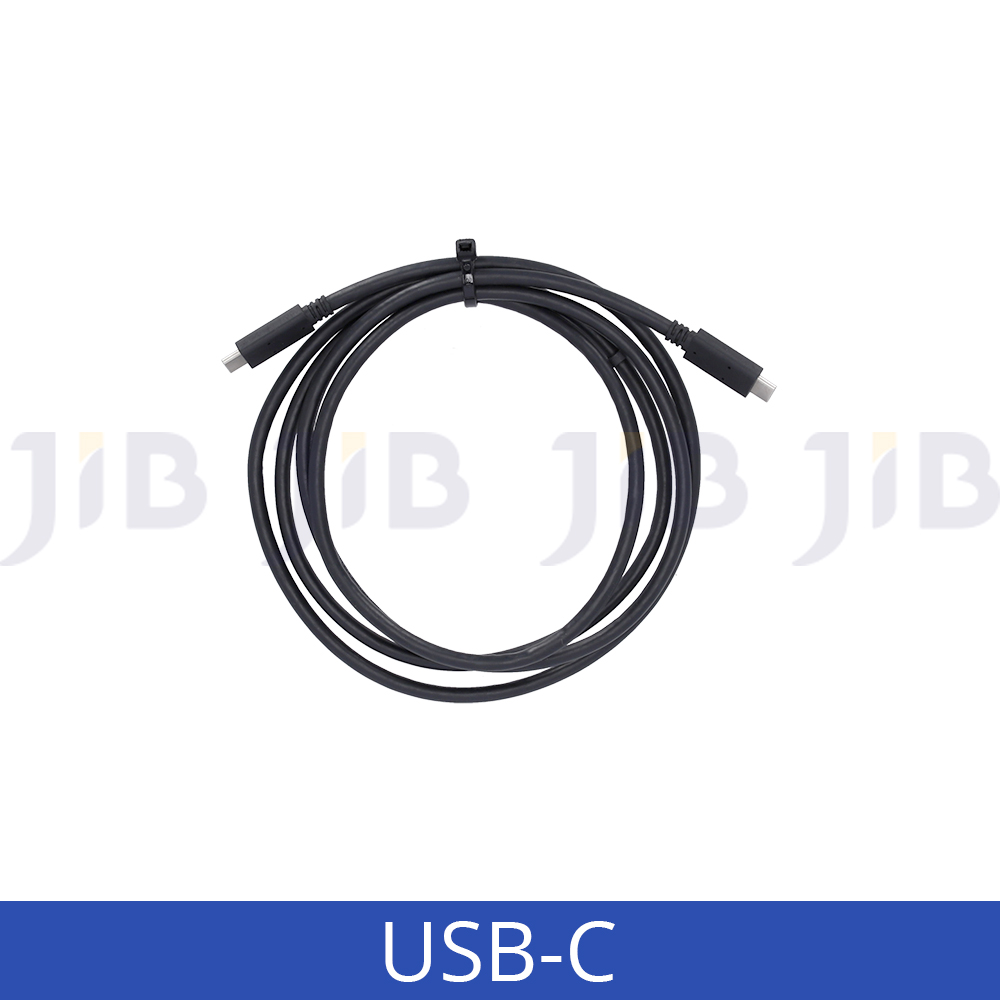
USB Type-C™
Easy Installation
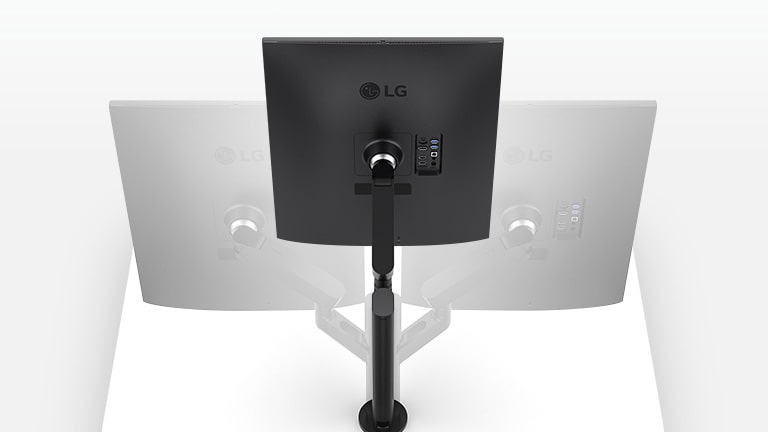
Ergo Stand
Customizable Display
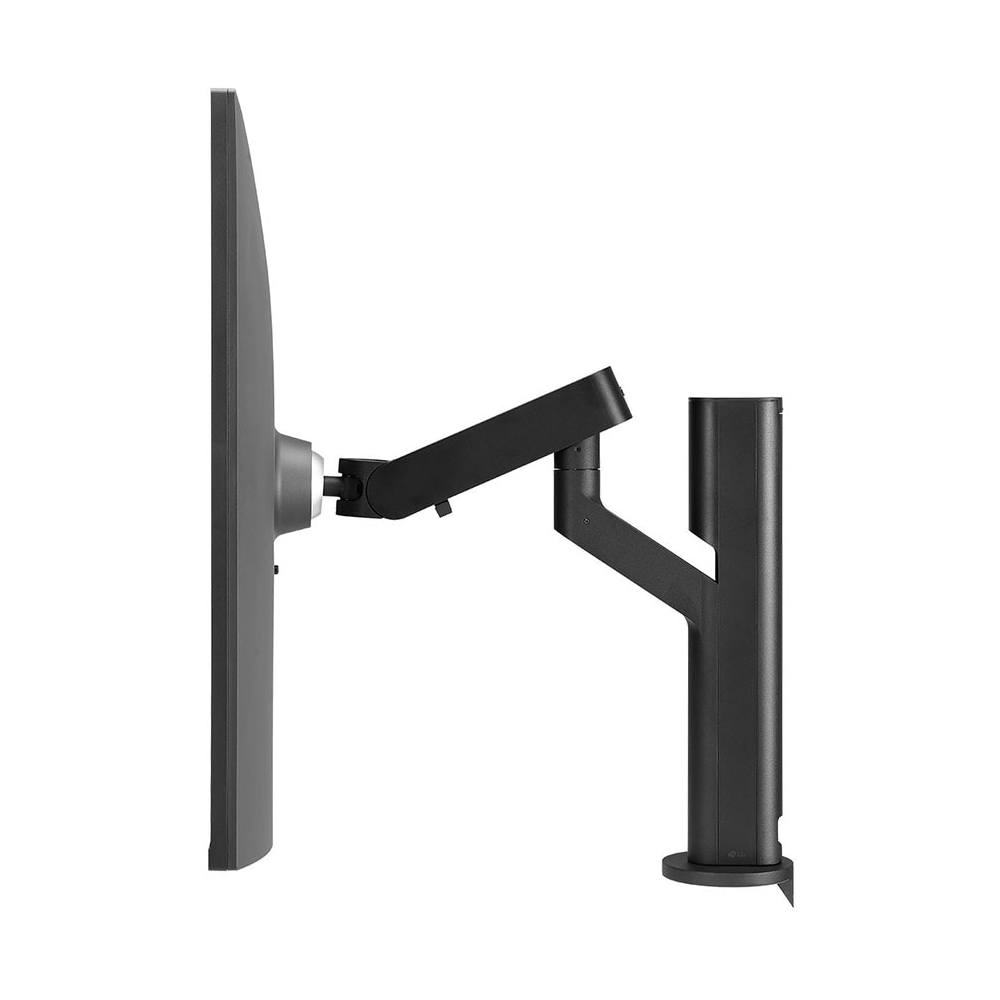
Tap into the flexibility of the Ergo Stand to optimize your setup. Adjust the monitor by moving it forward or backwards, swiveling, rotating, tilting and more. Configure the setup any way you want to increase your productivity and immerse yourself in your work.
*Simulated image.

SDQHD Nano IPS Display
Color Your World
Explore HDR content the way it was meant to be seen with DCI-P3 98%**—an elevated color spectrum that brings brilliant color to life
*Simulated image
**DCI-P3 Typical 98%, Minimum 90%
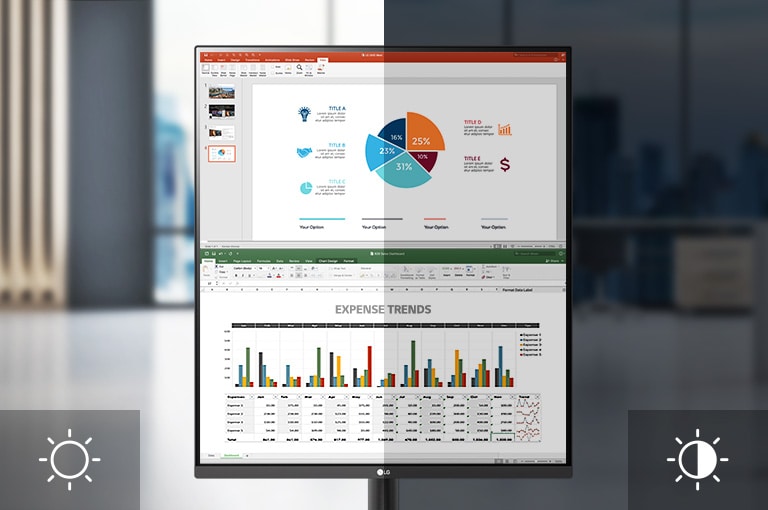
Ambient Light Sensor
Ambient Light Sensor with Auto Brightness
The ambient light sensor makes the screen brighter in bright lighting conditions and decreases the brightness in darker lighting conditions so it is always easy to view information.
*Dramatization for illustrative purposes.
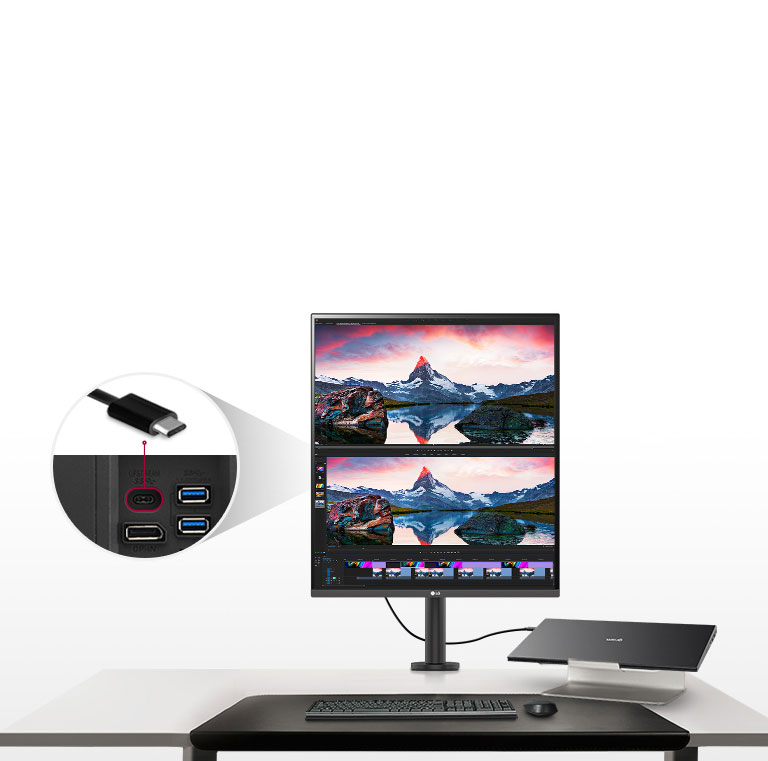
USB Type-C™
Multiple Devices—One Cable
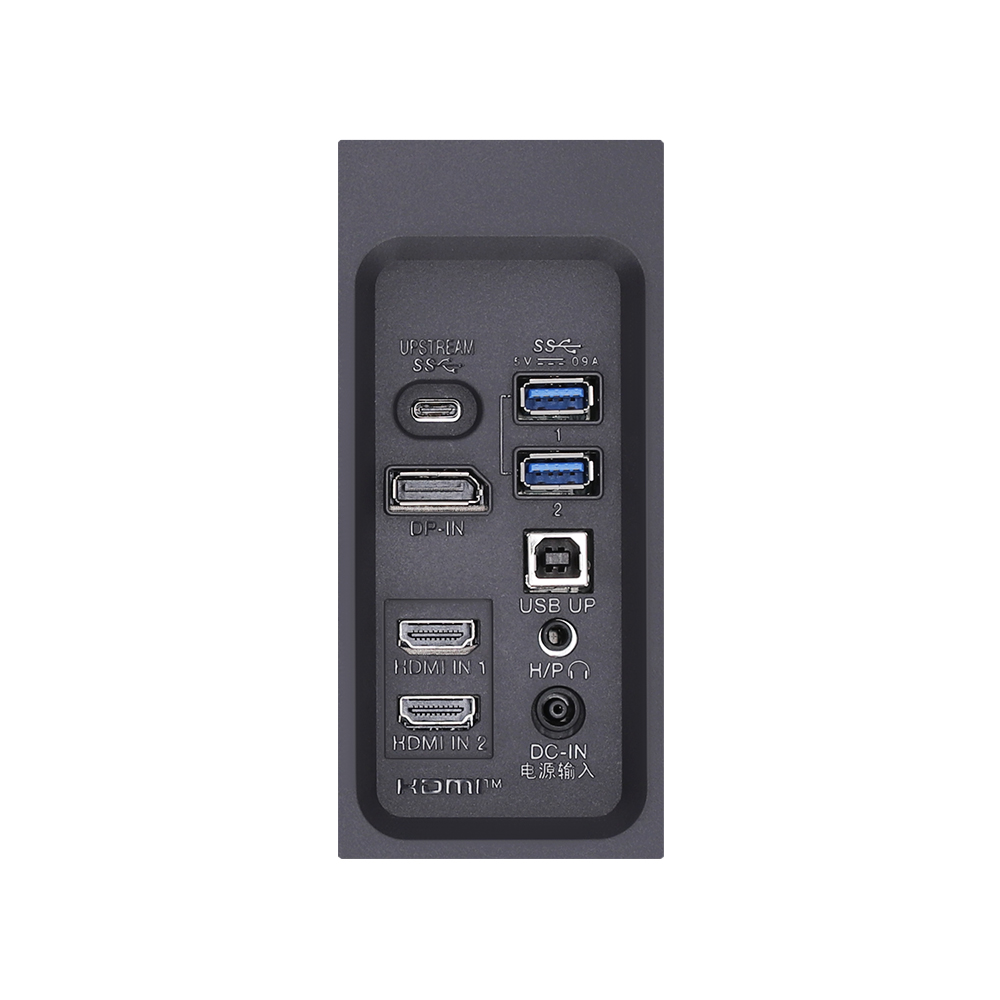
Seamlessly connect to external devices or charge your laptop with the convenience of USB Type-C™ with up to 90W power delivery.
*Simulated image
Additional Ways to Set Up the DualUp Monitor

- Picture-by-Picture (PBP) & Built-in Keyboard, Video Monitor and Mouse (KVM)
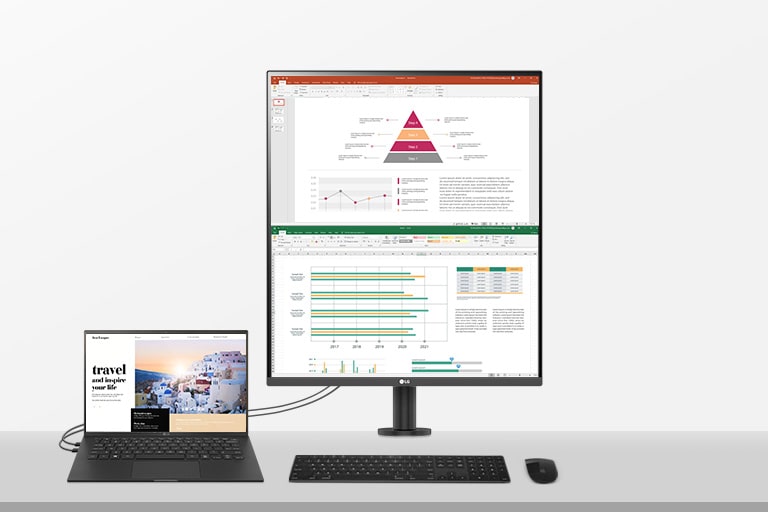
With the PBP feature you can display content from two different computers on the monitor and use the KVM feature to manage the content with a single keyboard and mouse
-
One Source Picture by Picture
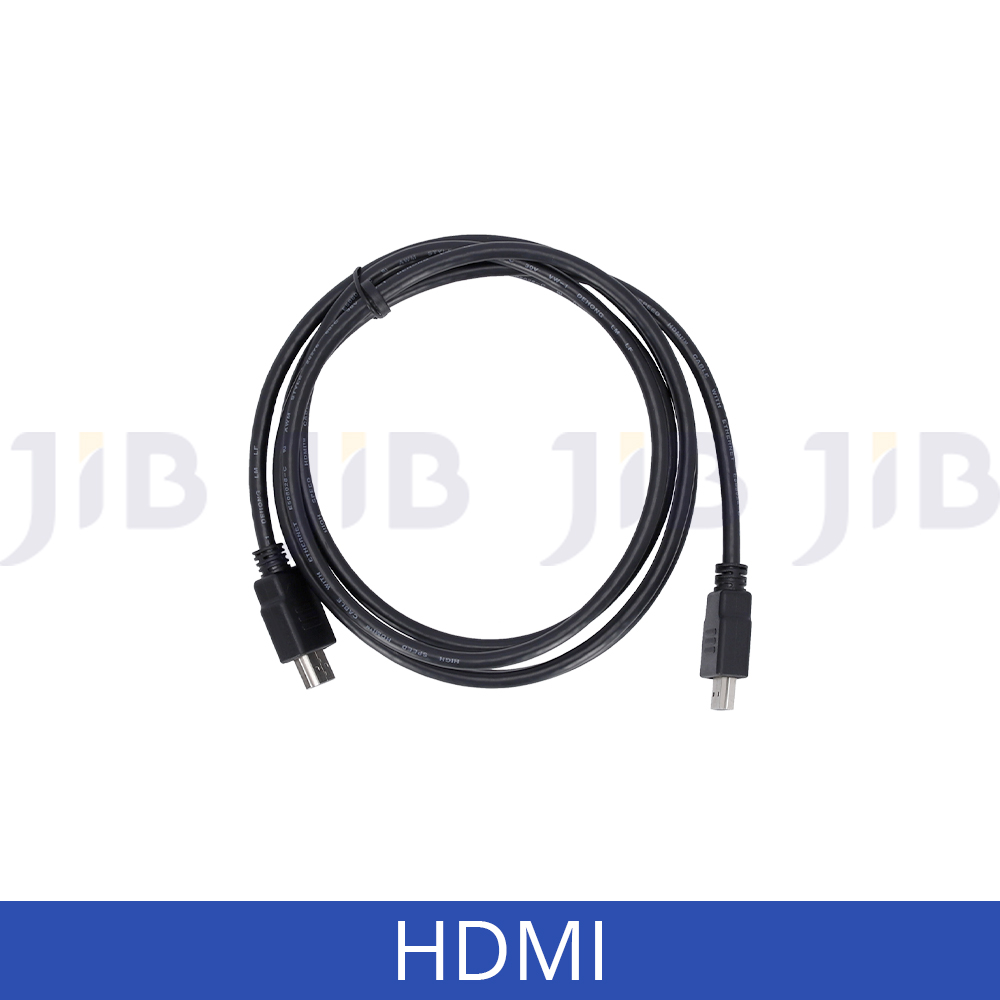
By connecting your laptop to the LG DualUp monitor via the HDMI DisplayPort and USB Type C™, you can easily control both displays without using software or shortcut keys.**
*Simulated image.
**DisplayPort cable not included.
Source : 28-inch 16:18 DualUp Monitor with Ergo Stand and USB Type-C™