


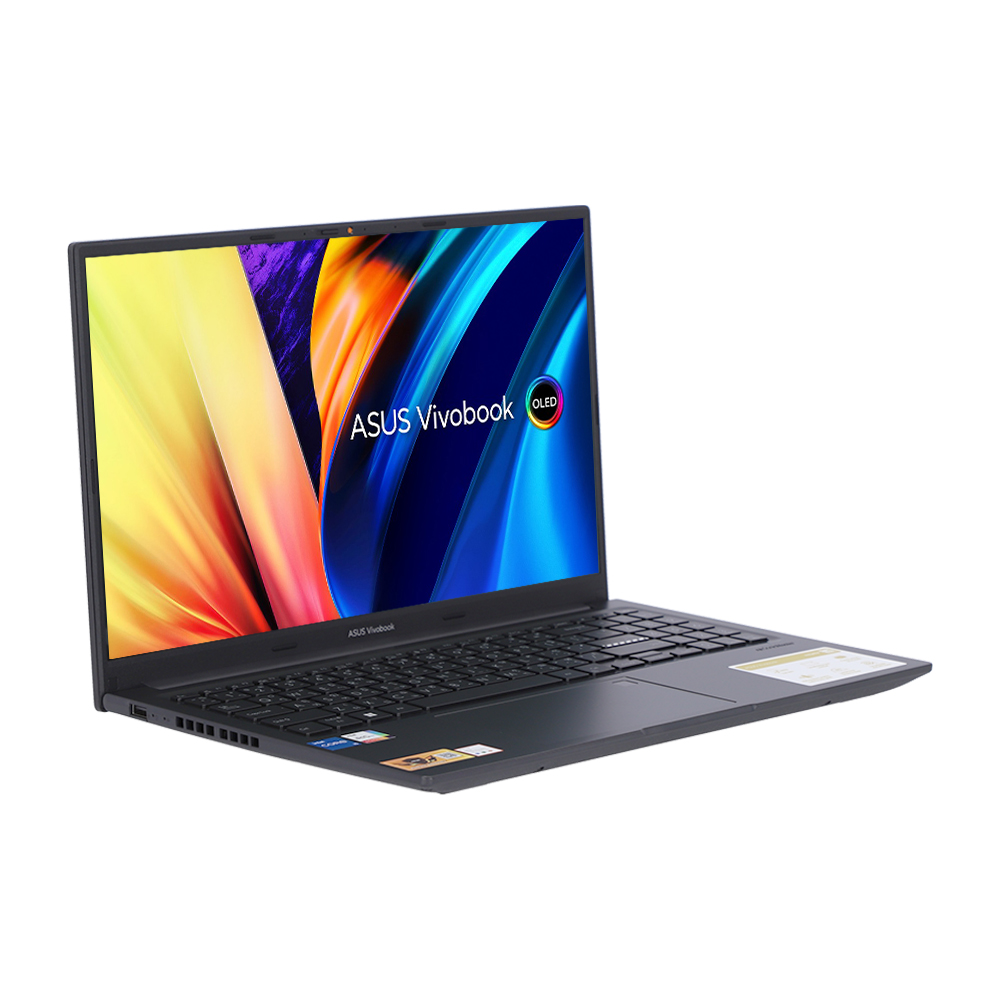

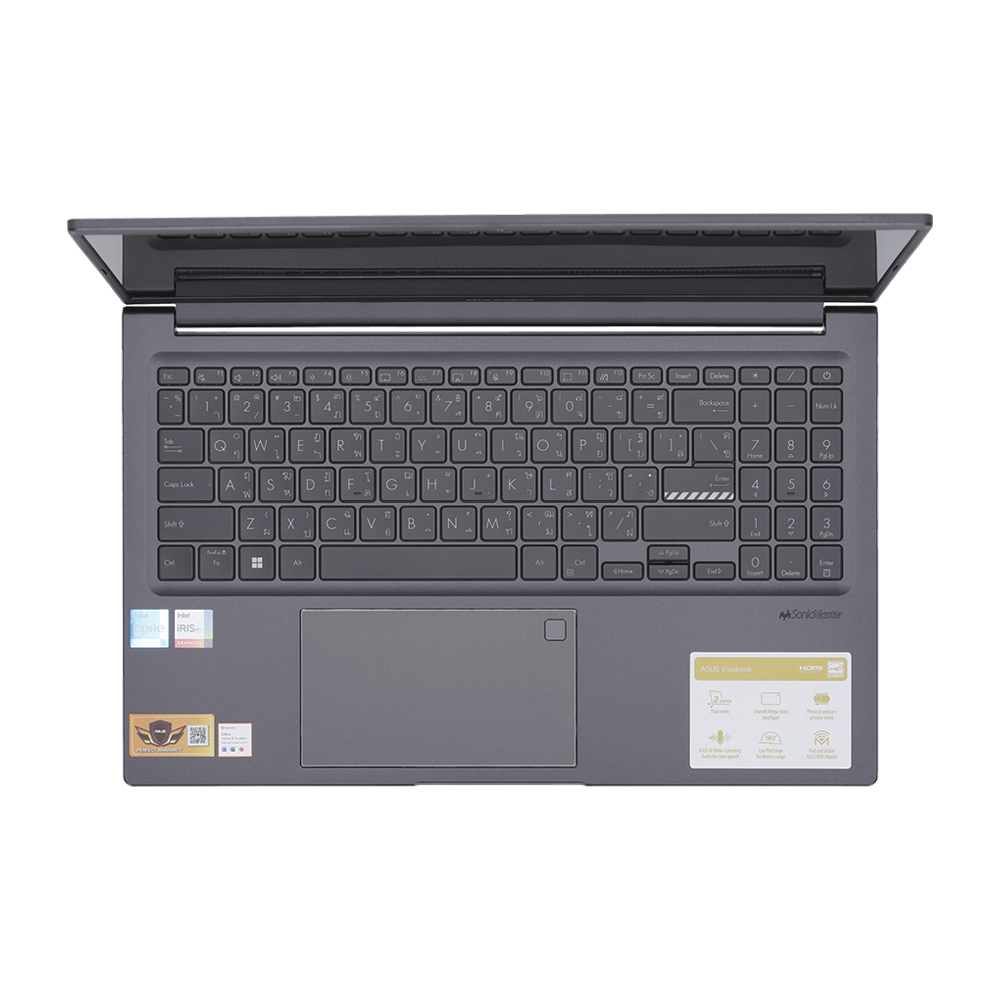
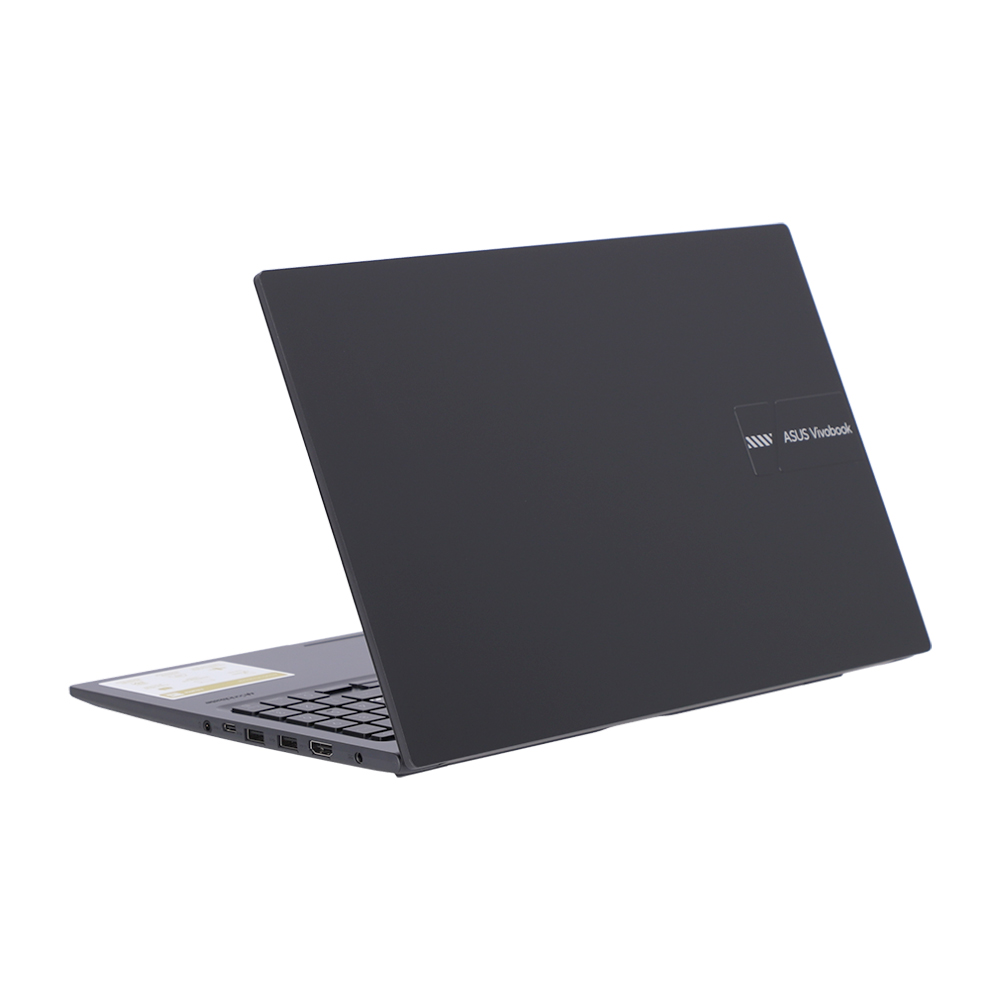
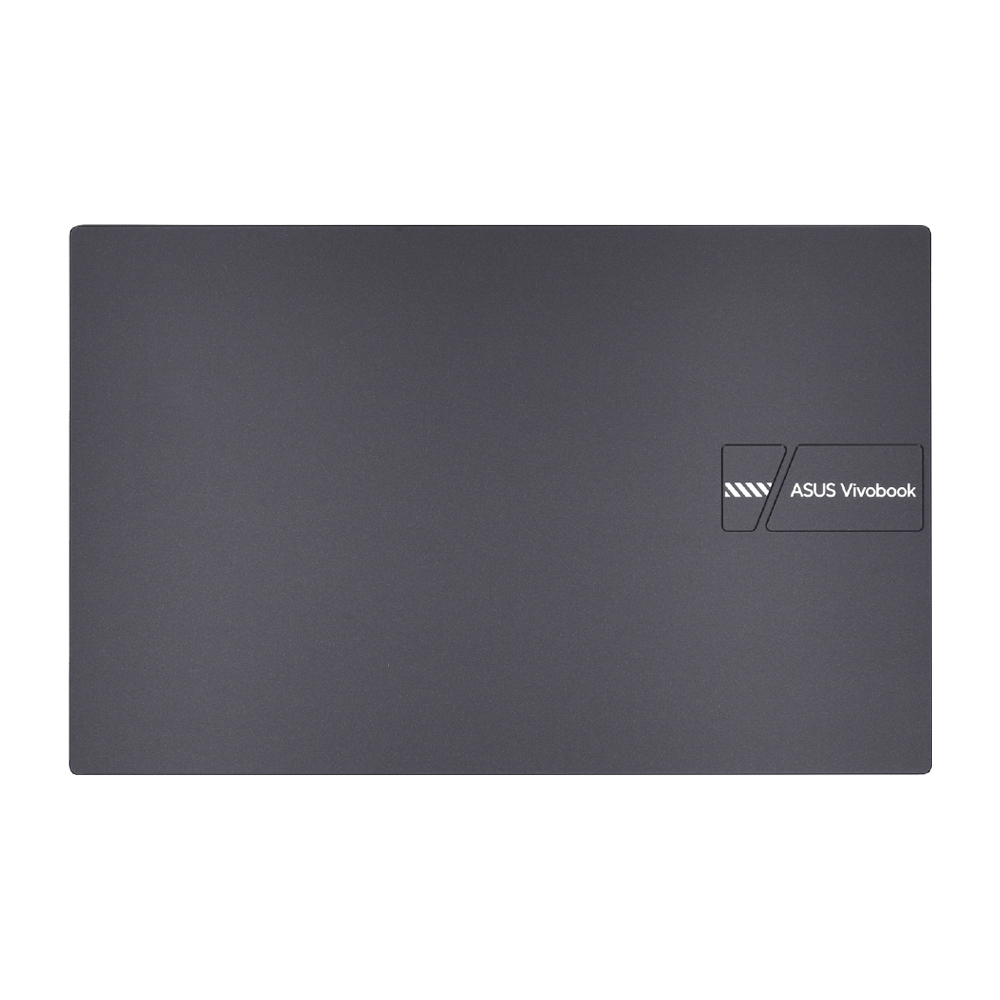
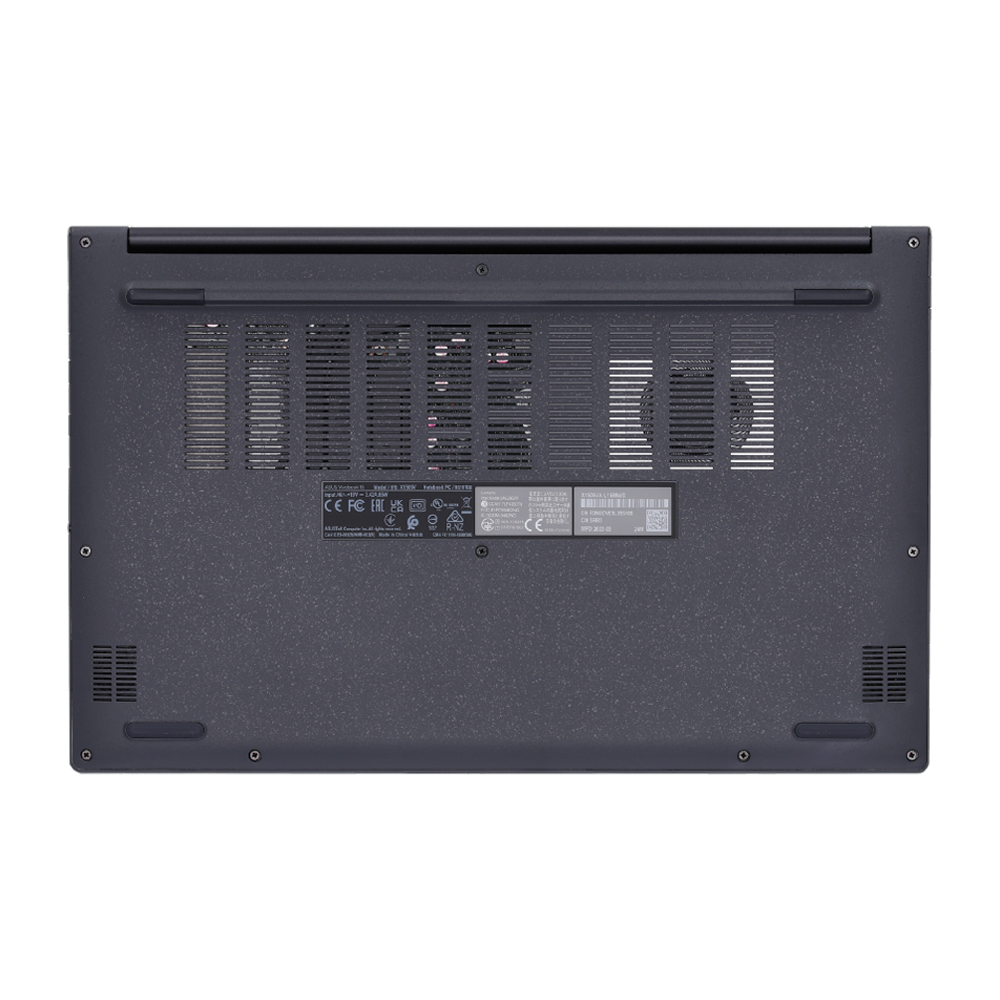
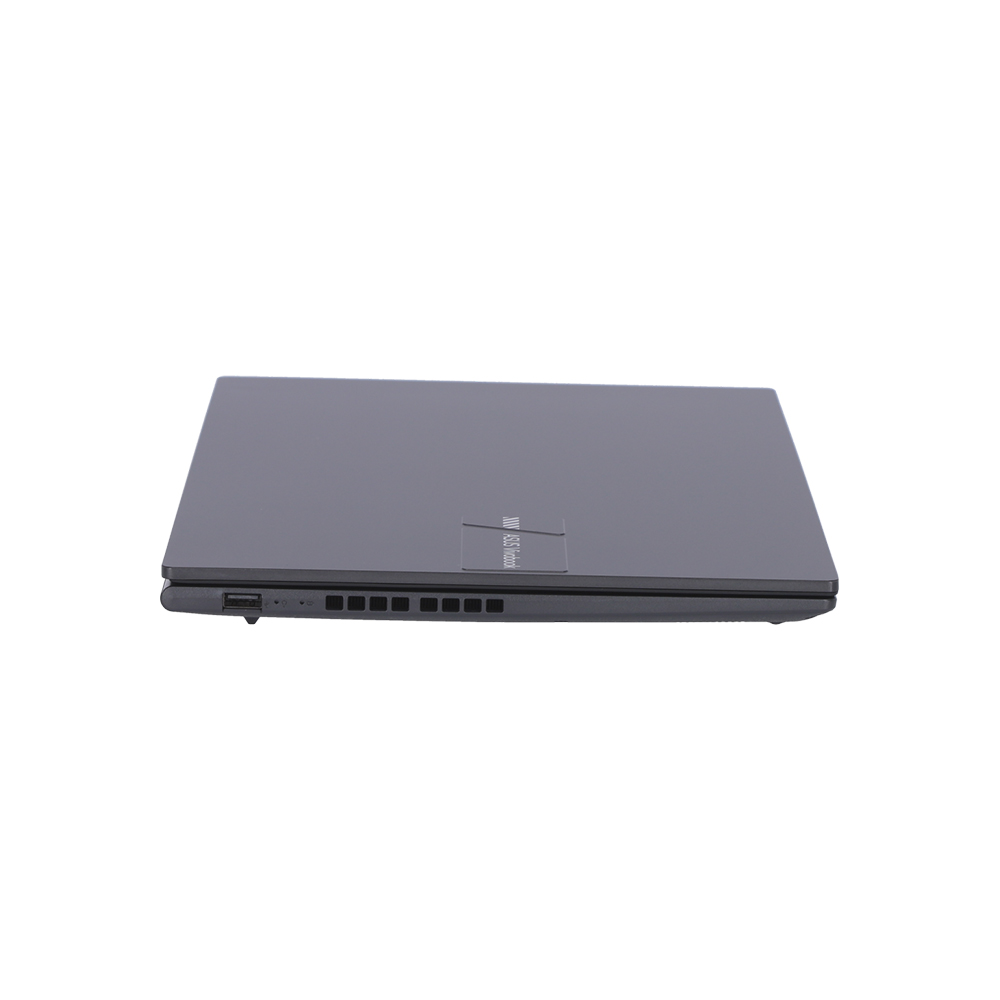
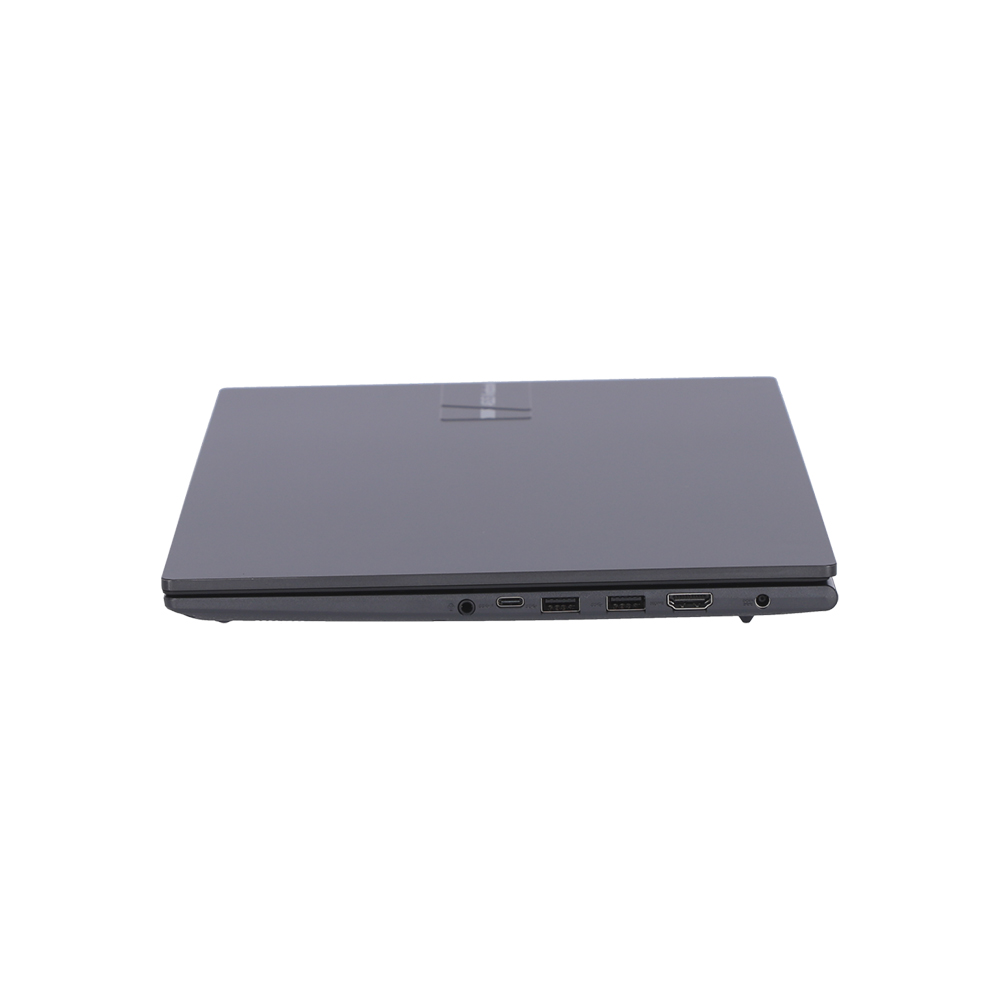
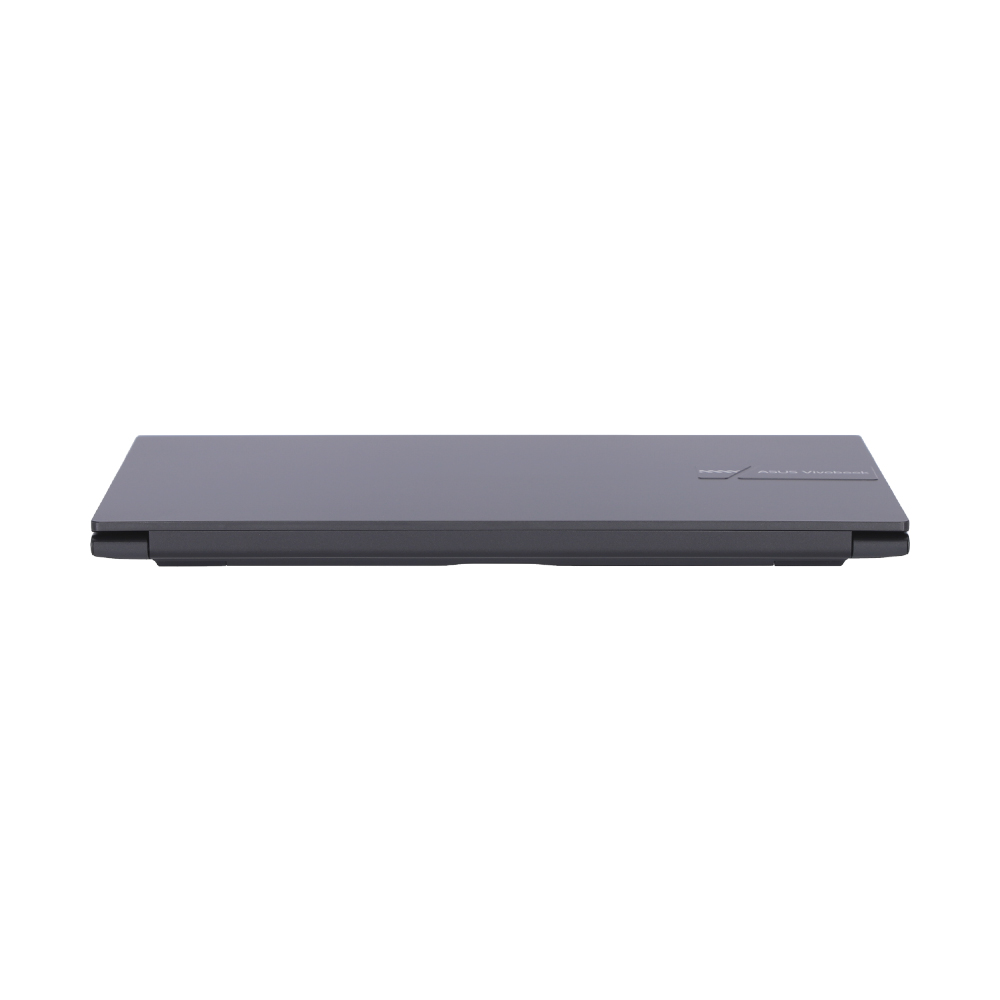



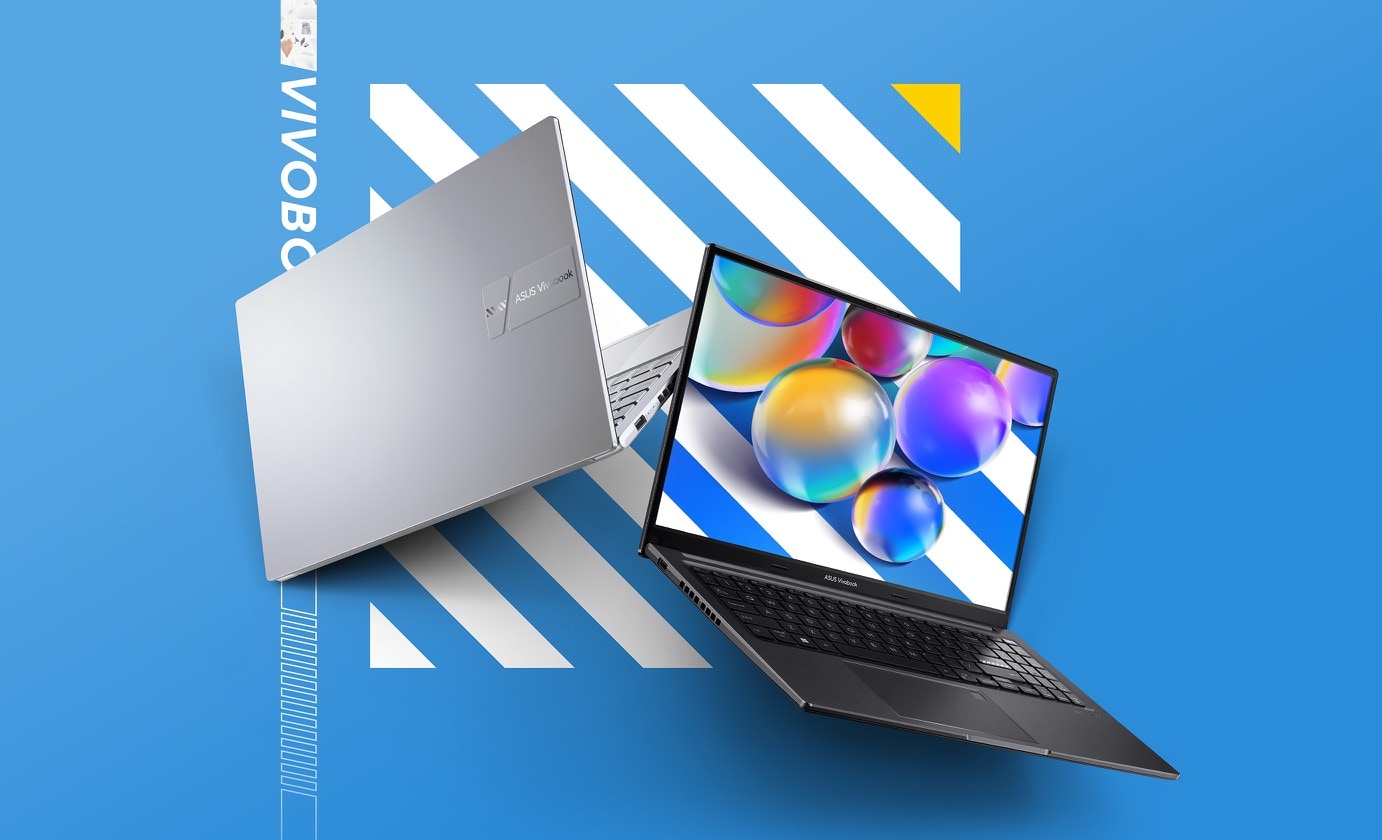
ทุกอย่างราบรื่นยิ่งขึ้นด้วย ASUS Vivobook 15 OLED อันทรงพลัง แล็ปท็อปที่อัดแน่นด้วยคุณสมบัติพร้อมจอแสดงผล OLED HDR2 ที่ยอดเยี่ยมที่มีขอบเขตสี 100% DCI-P3 ระดับโรงภาพยนตร์ และทุกอย่างก็ง่ายขึ้นเช่นกัน ด้วยคุณสมบัติที่ใช้งานง่าย ซึ่งรวมถึงบานพับแบบแบน 180° ตัวป้องกันเว็บแคม และปุ่มฟังก์ชันเฉพาะเพื่อเปิดหรือปิดไมโครโฟนและกล้องของคุณ โน้ตบุ๊กของคุณอยู่ในมือที่ปลอดภัยด้วย ASUS Antibacterial Guard ที่ปกป้องพื้นผิว เพลิดเพลินไปกับพลังที่ราบรื่นของ Vivobook 15 OLED ได้เลย!
Display
สำรวจวิสัยทัศน์ใหม่ที่สดใหม่
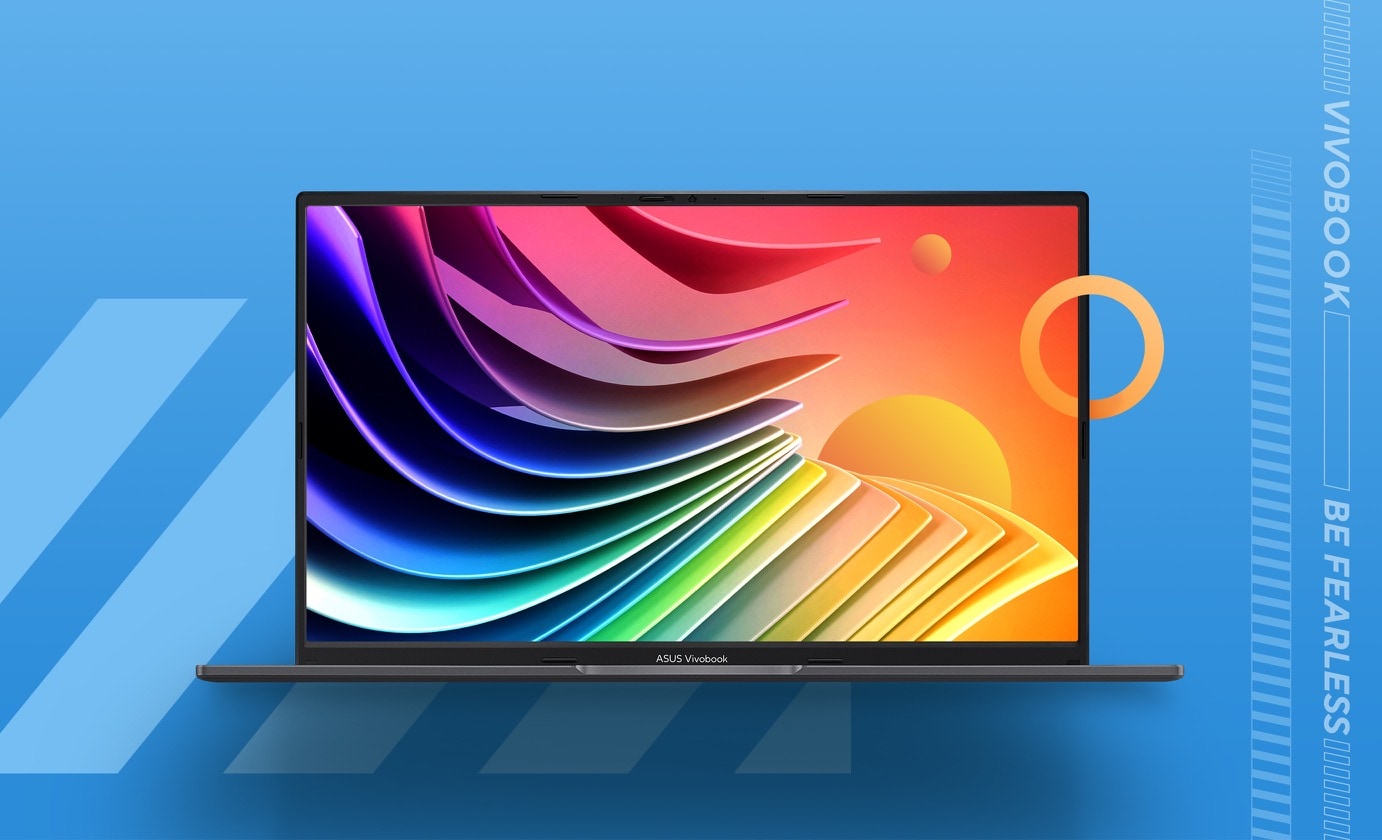
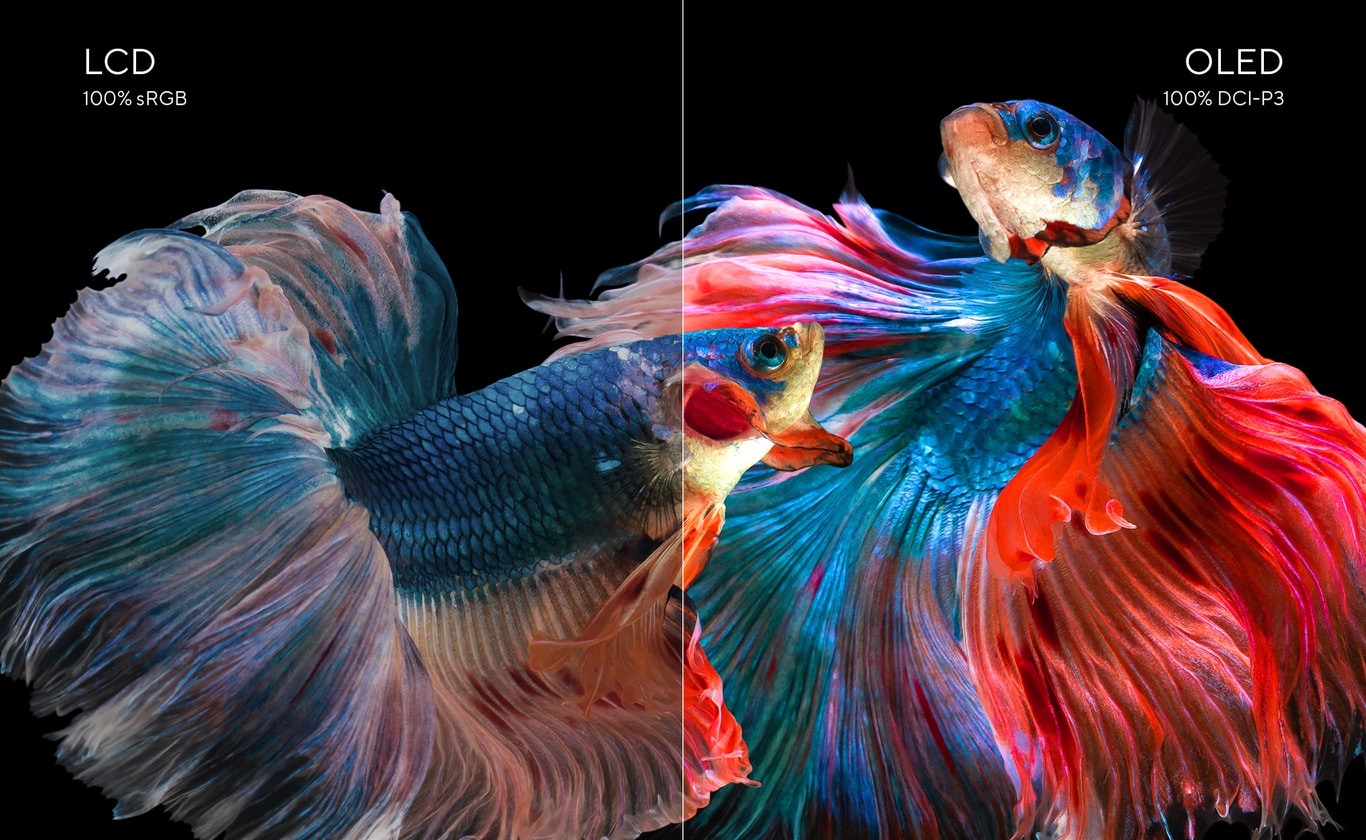
สำรวจประสบการณ์การรับชมภาพที่สดใหม่ด้วยจอแสดงผล NanoEdge OLED HDR แบบสามด้านที่น่าทึ่งของ Vivobook 15 OLED ที่มีอัตราส่วนภาพ 16:9สว่างมากด้วยขอบเขตสี 100% DCI-P3 ให้ภาพสีสด คมชัดที่ผ่านมาตรฐาน PANTONE® เพื่อความแม่นยำของสีระดับมืออาชีพและได้รับการรับรองจาก TÜV Rheinland สำหรับการถนอมสายตาเนื่องจากแสงสีฟ้าต่ำ สมบูรณ์แบบสำหรับงานทุกประเภท ไม่ว่าจะเป็นงาน เล่น หรือเพื่อความบันเทิง — ให้ Vivobook 15 OLED เพิ่มความสดใสให้กับชีวิตของคุณ!
ASUS OLED Display
โรงภาพยนตร์ OLED ในมือคุณ
จอแสดงผลของ Vivobook 15 OLED มีขอบเขตสีที่ดีที่สุดในระดับเดียวกัน ให้ภาพสีสด คมชัดระดับมืออาชีพ ทำให้เหมาะสำหรับงานมืออาชีพและสร้างสรรค์ หรือใครก็ตามที่ต้องการเพียงแค่เพลิดเพลินไปกับความเที่ยงตรงของสีที่ดีที่สุด จอแสดงผล OLED ลดแสงสีฟ้าที่เป็นอันตรายได้มากถึง 70%9 เมื่อเทียบกับจอ LCD ทำให้อ่อนโยนต่อดวงตาเป็นพิเศษเพื่อลดความเสี่ยงของความเสียหายต่อจอประสาทตา
ASUS Splendid Technology
ช่วงสีที่ปรับแต่งได้สำหรับทุกความต้องการ
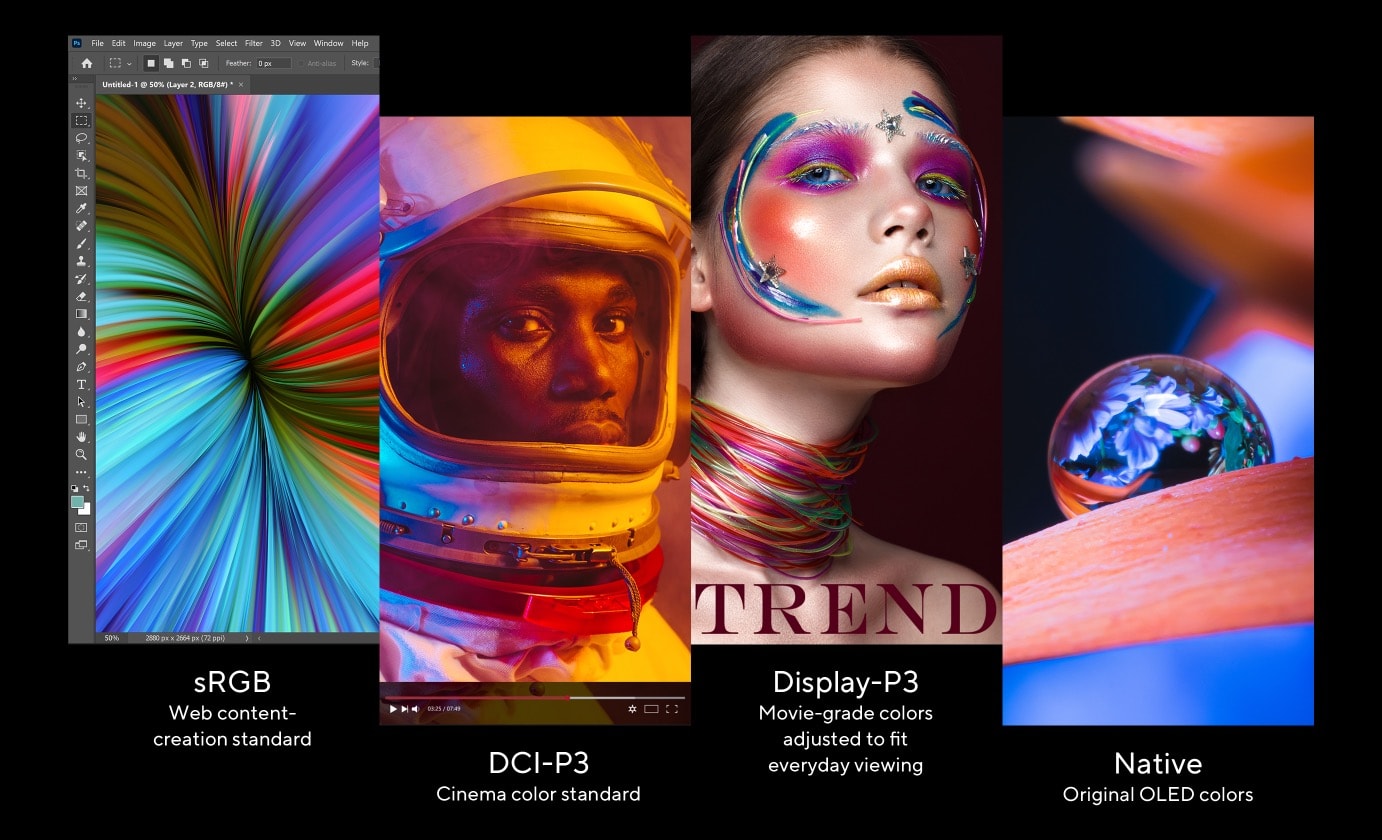
บนหน้าจอ OLED ให้ขอบเขตสีได้ตามตรงตามความต้องการของผู้ใช้งาน ยกตัวอย่างเช่น sRGB สำหรับงานส้างสรรคค์ DCI-P3 สำหรับถ่ายภาพยนตร์ หรือ Display P3 สำหรับชมภาพยนตร์ที่ปรับให้เข้ากับการรับชมในชีวิตประจำวันในโลกแห่งความเป็นจริง
.jpg)
User Experience
Safe and secure
เพื่อความเป็นส่วนตัวของคุณ
Vivobook 15 OLED ให้ความสำคัญกับความเป็นส่วนตัวและความปลอดภัยของคุณอย่างจริงจัง มีเกราะป้องกันความเป็นส่วนตัวในตัวที่เลื่อนผ่านเว็บแคมเพื่อความเป็นส่วนตัวในทันที ปกป้องคุณจากการสอดรู้สอดเห็นและสิ่งรบกวน

3DNR
การเพิ่มประสิทธิภาพภาพเว็บแคมแบบเรียลไทม์
เทคโนโลยี ASUS 3D Noise Reduction (3DNR) และเอฟเฟกต์เว็บแคมใหม่ใน MyASUS ยกระดับประสบการณ์การโทรผ่านวิดีโอของคุณไปอีกระดับ 3DNR ยกระดับความคมชัดของภาพเว็บแคมอย่างมาก ด้วยอัลกอริธึมเฉพาะที่เพิ่มความคมชัดของภาพและทำการขจัดสัญญาณรบกวนแบบเรียลไทม์ เพื่อให้แน่ใจว่าทุกอย่างจะดูคมชัดและชัดเจนระหว่างการสนทนาทางวิดีโอ เอฟเฟกต์เว็บแคมใน MyASUS เพิ่มคุณสมบัติการประมวลผลภาพที่มีประโยชน์หลายอย่าง รวมถึงการเบลอพื้นหลังเพื่อเพิ่มความเป็นส่วนตัว การปรับแสงที่เหมาะสมเพื่อให้ใบหน้าไม่อยู่ในเงามืด การติดตามการเคลื่อนไหวเพื่อให้คุณอยู่ตรงกลางเฟรมเสมอ และ Eye Tracking เพื่อลดเอฟเฟกต์ของดวงตาที่เคลื่อนออกจากกล้อง
ErgoSense
แป้นพิมพ์ ErgoSense ที่ปรับให้เหมาะสมยิ่งขึ้น
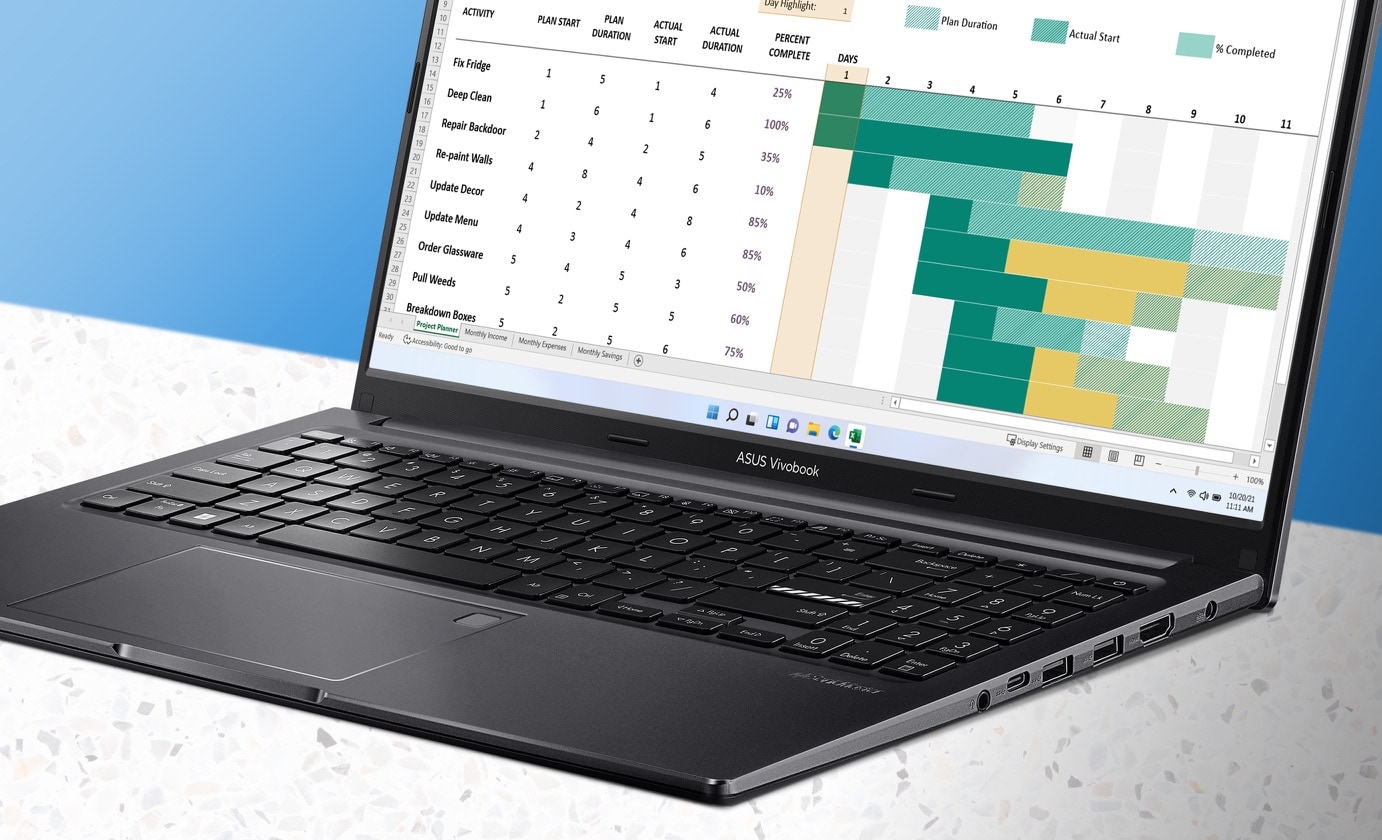
ภารกิจของเราที่ ASUS คือการยกระดับด้วยเทคโนโลยีใหม่และใช้งานง่ายกว่าที่เคยเป็นมา แป้นพิมพ์ ASUS ErgoSense รุ่นล่าสุดได้รับการออกแบบมาเพื่อให้ได้รับประสบการณ์การป้อนข้อมูลที่ไม่มีใครเทียบได้ ซึ่งสอดคล้องกับการเคลื่อนไหว ความรู้สึก และการสัมผัสของคุณ ความสะดวกสบายของคุณคือสิ่งสำคัญที่สุดของเรา นั่นเป็นเหตุผลที่แป้นพิมพ์ ErgoSense ให้ความรู้สึกที่น่าพึงพอใจอย่างไม่น่าเชื่อ พร้อมการเด้งกลับที่เหมาะสมที่สุดและการเดินทางที่คำนวณด้วยความแม่นยำที่ปรับแต่งมาอย่างดี สัมผัสคีย์บอร์ด ErgoSense และในไม่ช้าคุณจะพบว่าตัวเองทำงานได้อย่างง่ายดาย
.jpg)
Touchpad
พื้นที่ทัชแพดขนาดใหญ่
ทัชแพดที่ใหญ่ขึ้น 22%11 ช่วยให้คุณควบคุม Vivobook 15 OLED ได้ง่ายขึ้นโดยไม่ต้องใช้เมาส์
ASUS Antibacterial Guard
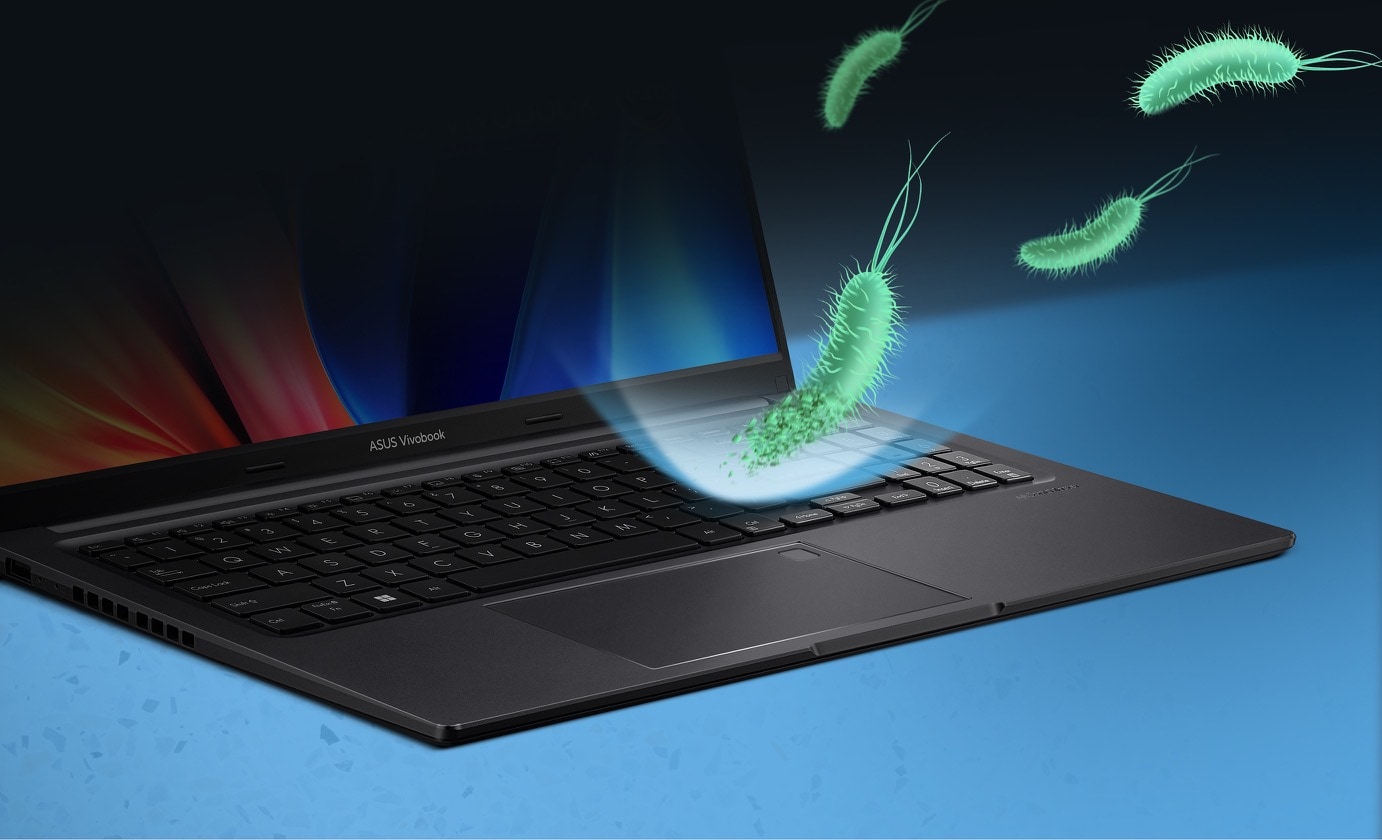
ยับยั้งแบคทีเรีย 99% สุขภาพของคุณได้รับการปกป้อง
พื้นผิวของแล็ปท็อปมีแบคทีเรียที่อาจเป็นอันตรายหลายพันตัว เพื่อให้แล็ปท็อปของคุณถูกสุขอนามัย แล็ปท็อปได้รับการปกป้องโดย ASUS Antibacterial Guard — การรักษาพื้นผิวพิเศษที่ป้องกันแมลง อันที่จริง Antibacterial Guard ได้รับการพิสูจน์ทางวิทยาศาสตร์แล้ว8 ว่าสามารถยับยั้งการเติบโตของแบคทีเรีย12 ได้มากกว่า 99% ในช่วง 24 ชั่วโมง เพื่อให้มั่นใจว่าพื้นผิว13 ของแล็ปท็อปของคุณจะสะอาดและถูกสุขอนามัยได้นานขึ้น และลดการแพร่กระจายของแบคทีเรียที่อาจเป็นอันตรายผ่านการสัมผัสเรียนรู้ เพิ่มเติมเกี่ยวกับ ASUS Antibacterial Guard
Design Highlight
พกพาสะดวก
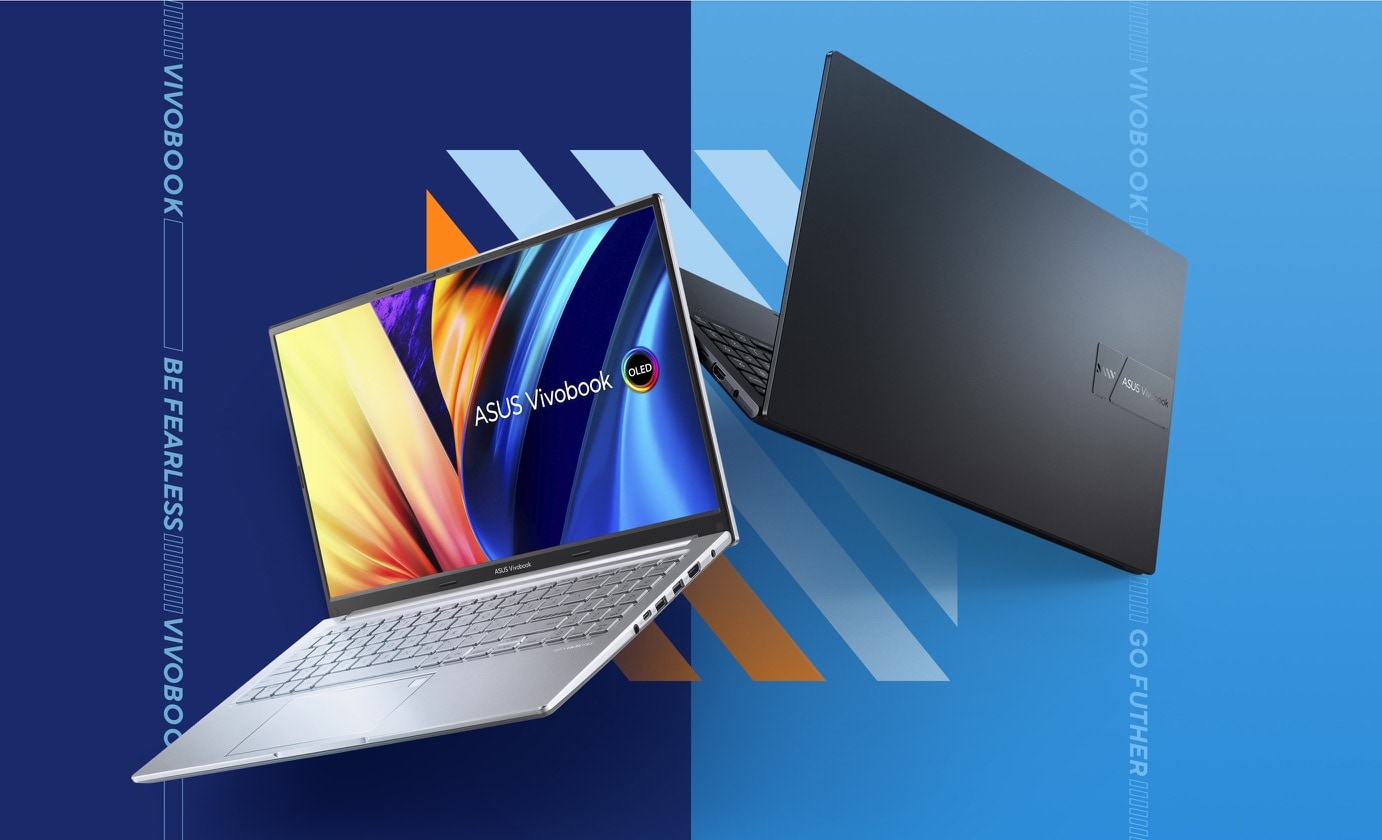
Vivobook 15 OLED นั้นไม่ธรรมดา ด้วยการออกแบบที่สะอาดตาและสองสีที่สะดุดตา Indie Black ที่มีเสน่ห์หรือ Transparent Silver อันโดดเด่น ตัวเครื่องบางพอที่จะใส่ลงในกระเป๋าเป้แบบสบาย ๆ และเบาพอสำหรับการถือด้วยมือเดียวได้ง่าย *ประเทศไทยมีจำหน่ายเฉพาะสี Indie Black
180° Hinge
เปิดกว้างสำหรับการแบ่งปัน
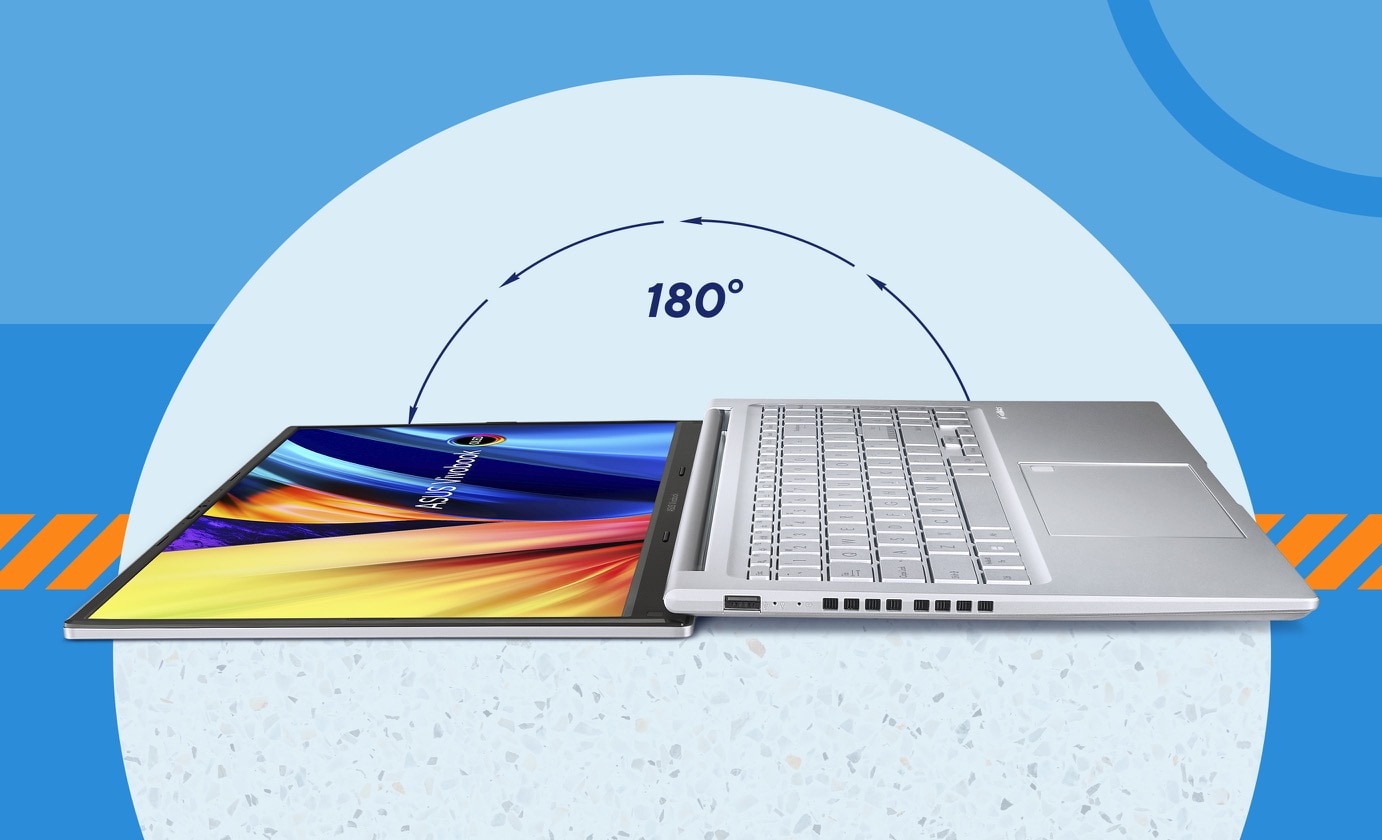
Vivobook 15 OLED กางหน้าจอได้ถึง 180° ทำให้ง่ายต่อการแบ่งปันเนื้อหากับผู้อื่น หรือทำงานร่วมกับกลุ่มคนบนโต๊ะ
Connectivity
สมบูรณ์แบบในทุกรายละเอียด
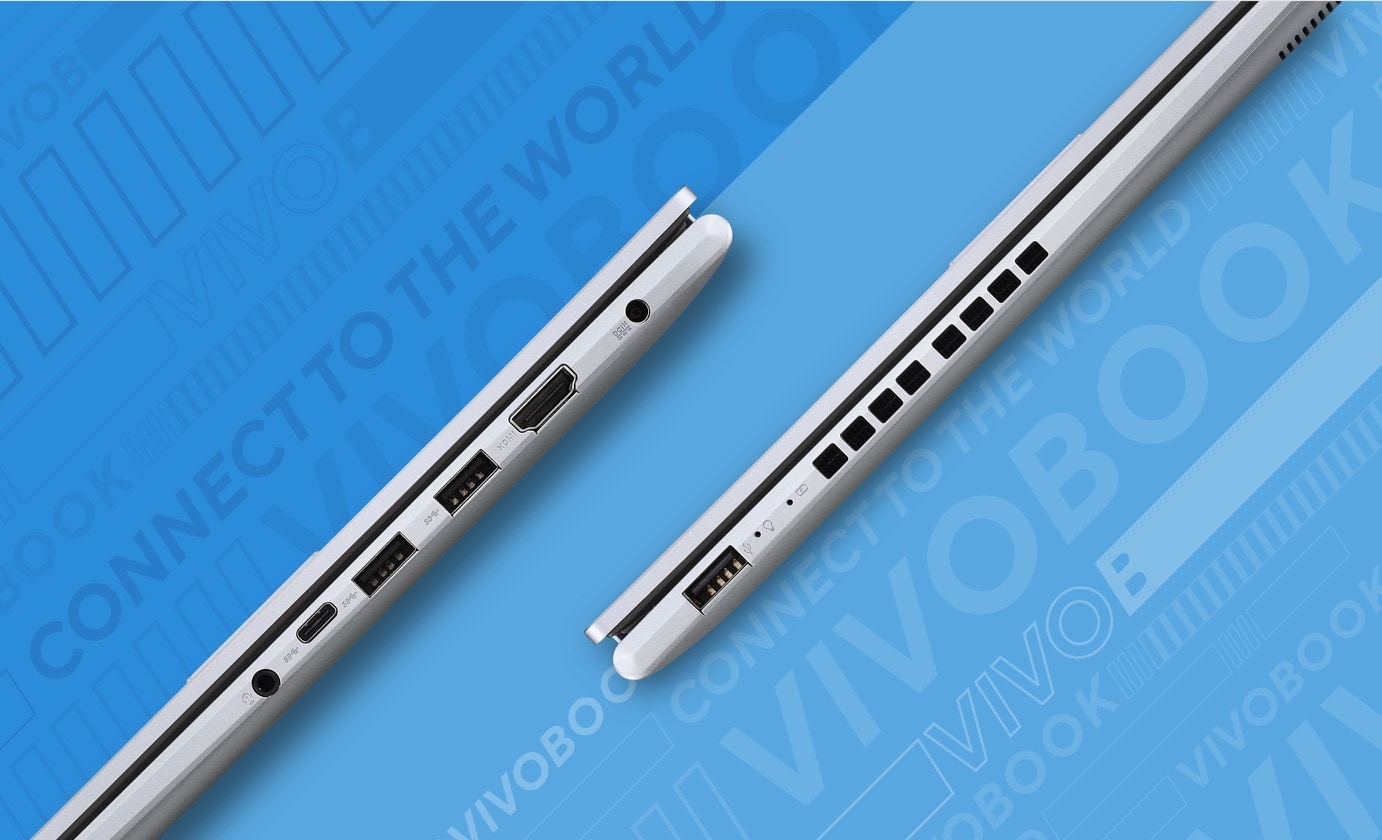
Vivobook 15 OLED ช่วยให้คุณเชื่อมต่อได้อย่างเต็มที่ด้วยพอร์ต I/O ที่ครอบคลุม มีพอร์ต USB-C® 3.2 Gen 1 พอร์ต USB-C® 3.2 Gen 1, พอร์ต USB 3.2 Gen 1 Type-A สองพอร์ต, พอร์ต USB 2.0, เอาต์พุต HDMI® และแจ็คคอมโบเสียง - ดังนั้นจึงเชื่อมต่อทั้งหมดได้ง่าย อุปกรณ์ต่อพ่วง จอภาพ และโปรเจ็กเตอร์ที่มีอยู่ของคุณ
Performance
ประสิทธิภาพที่ราบรื่น
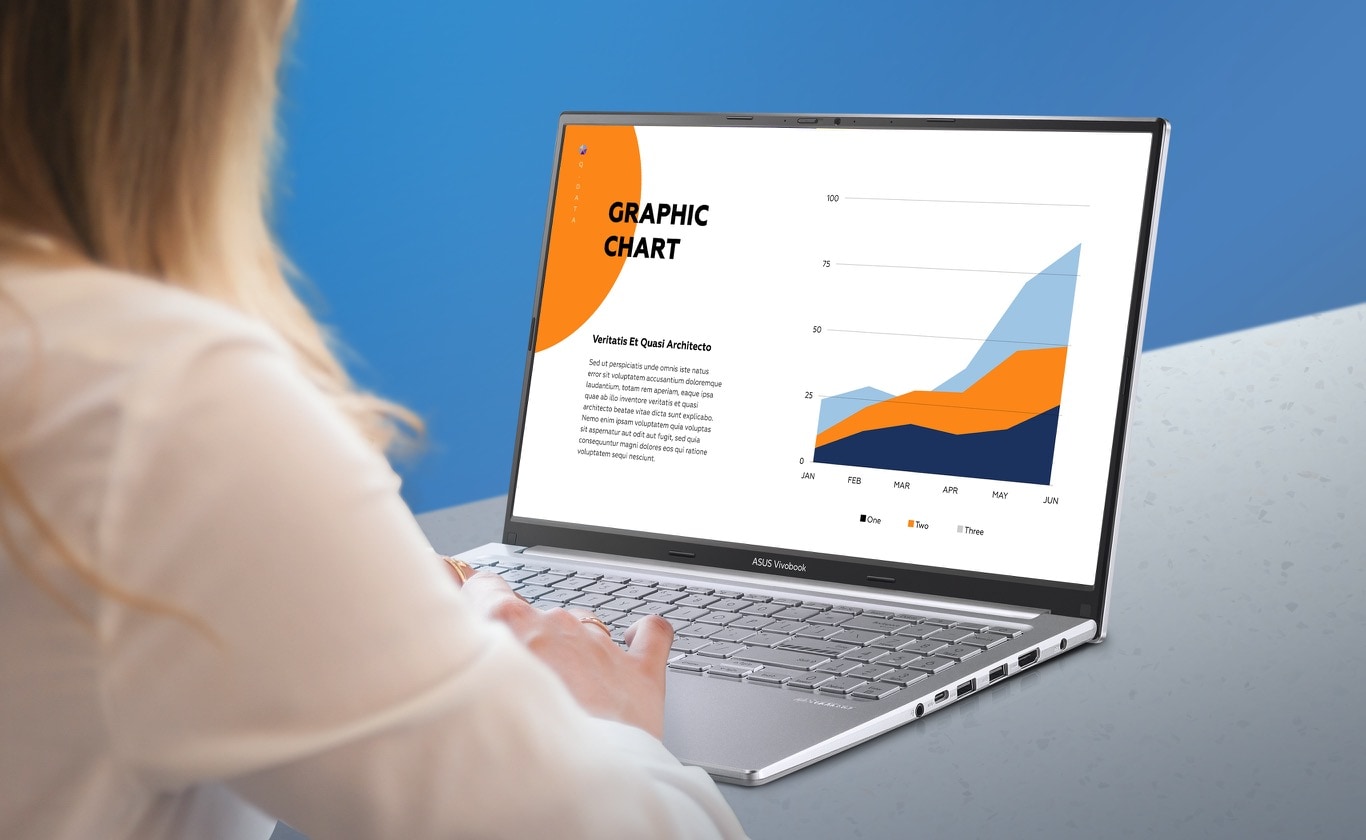
Vivobook 15 OLED ช่วยให้คุณทำงานทั้งหมดของคุณให้เสร็จเร็วขึ้นกว่าที่เคย ไม่ว่าจะเป็นที่ทำงาน ที่บ้าน หรือนอกบ้าน โปรเซสเซอร์ Intel® Core™ เจนเนอเรชั่น 12 ที่มีหน่วยความจำเร็ว 4 GB และที่เก็บข้อมูล SSD ความเร็วสูง 512 GB ช่วยให้มั่นใจได้ว่าจะมีพลังงานสำรองที่ราบรื่นอยู่เสมอ ไม่ว่าคุณจะทำอะไรก็ตาม
Thermal
เย็นกว่า เงียบกว่า และเร็วกว่า!
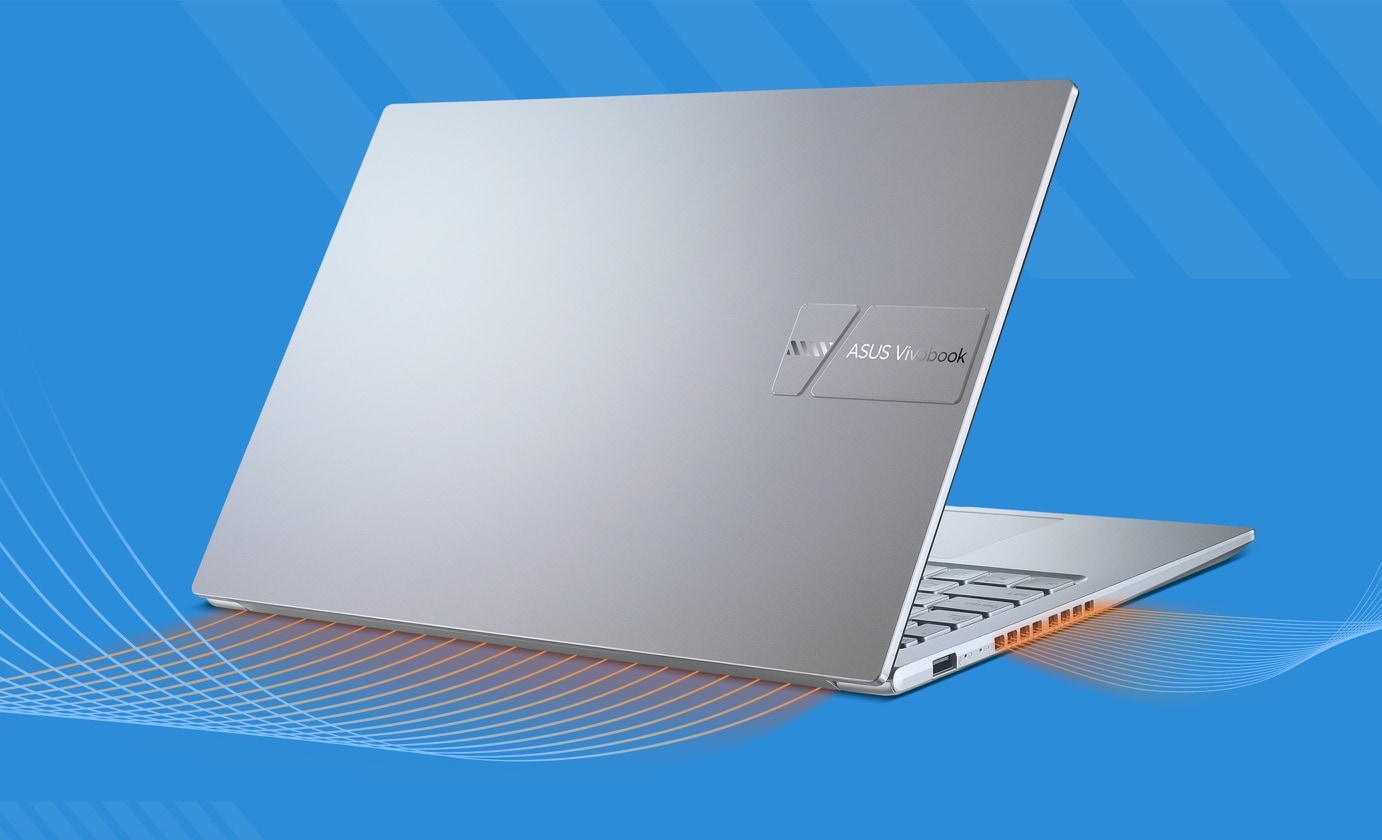
เพื่อให้เย็นในทุกสถานการณ์ Vivobook 15 OLED ใช้พัดลม IceBlade และช่องระบายอากาศคู่เพื่อเร่งการถ่ายเทความร้อนอย่างมีประสิทธิภาพเพื่อประสิทธิภาพที่ราบรื่นและเสถียรโดยไม่ต้องควบคุมปริมาณโปรเซสเซอร์
WiFi
ปรับแต่งด้วยเทคโนโลยี ASUS WiFi Master
Vivobook 15 OLED นำเสนอการเชื่อมต่อไร้สายที่ครอบคลุม WiFi 56 ให้คุณโหลดเนื้อหาออนไลน์ได้ในพริบตา
Battery
ใช้งานยาวนาน
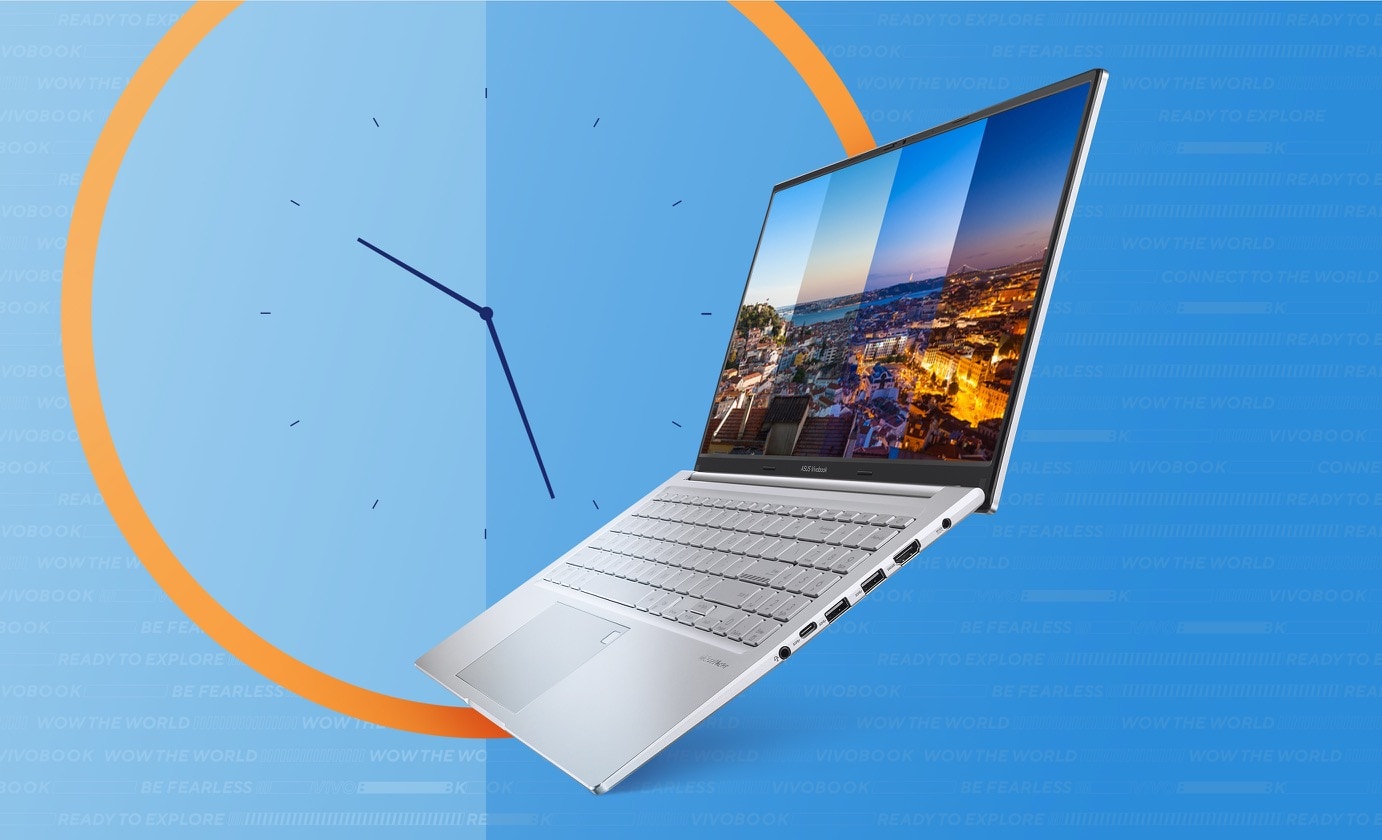
Vivobook 15 OLED มีแบตเตอรี่ที่ใช้งานได้ยาวนาน ใช้งานได้นานขึ้นในขณะที่คุณท่องโลก!
Audio
พลังเสียงที่โดดเด่น
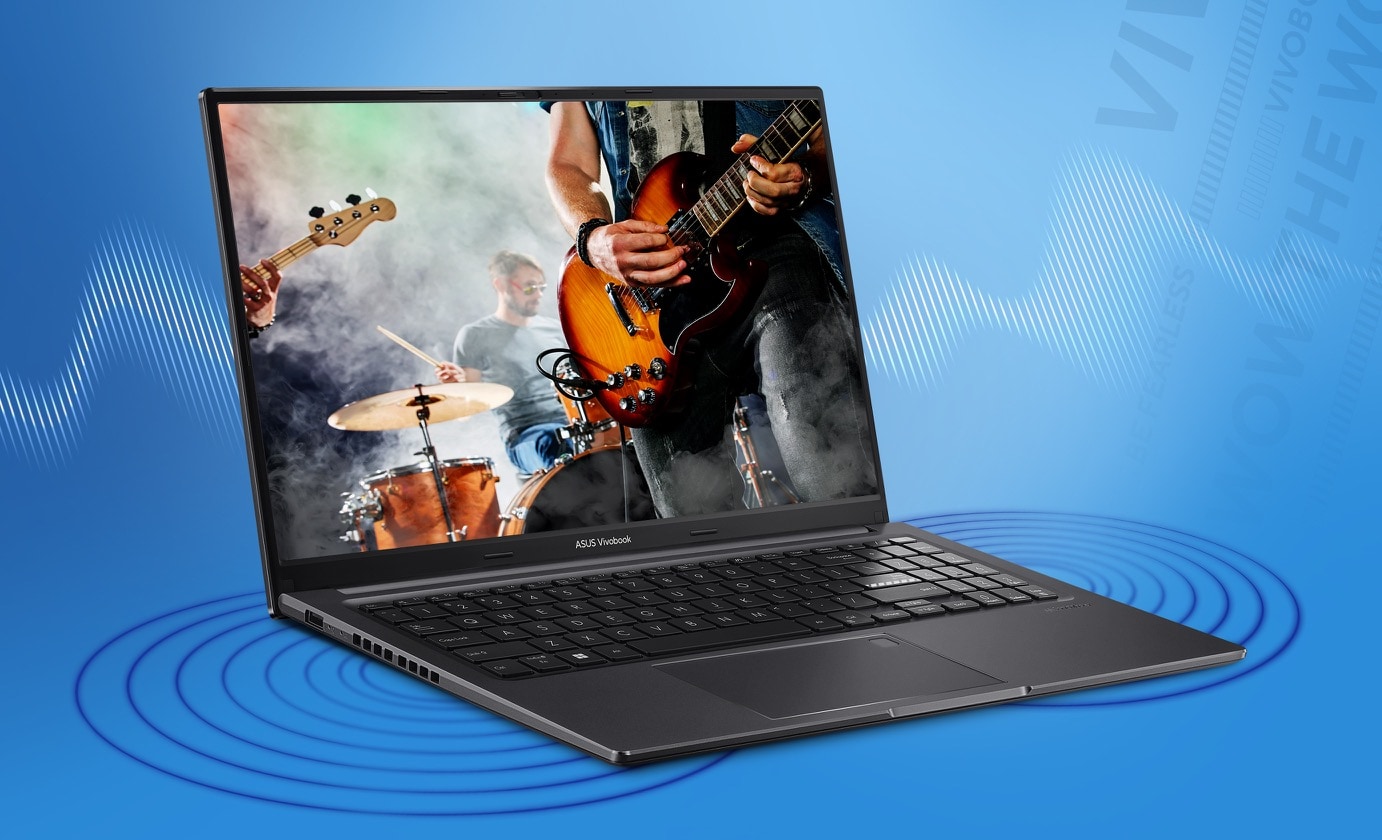
ASUS SonicMaster เป็นการผสมผสานระหว่างฮาร์ดแวร์ ซอฟต์แวร์ และการปรับแต่งเสียงที่ออกแบบโดยมีเป้าหมายเพื่อให้คุณได้รับประสบการณ์เสียงที่ดีที่สุด รหัสระดับมืออาชีพช่วยให้เข้ารหัสและถอดรหัสเสียงได้อย่างแม่นยำ ในขณะที่แอมพลิฟายเออร์ ลำโพงขนาดใหญ่ และห้องเรโซแนนซ์ที่เข้ากันได้อย่างสมบูรณ์แบบกับ Vivobook 15 OLED ช่วยให้มั่นใจได้ถึงการส่งเสียงอันทรงพลังและเบสที่ลึกกว่า การประมวลผลและการปรับแต่งสัญญาณเพิ่มเติมช่วยปรับแต่งรายละเอียดเล็กๆ น้อยๆ กรองสัญญาณรบกวน และปรับปรุงความคมชัดของเสียงเพื่อให้คุณได้เสียงที่สมจริงอย่างแท้จริง

เทคโนโลยีเสียงตัดเสียงรบกวน
Next-level ASUS AI noise-canceling audio technology
เพื่อมอบประสบการณ์การทำงานทางไกลและการประชุมทางวิดีโอที่ยอดเยี่ยม Vivobook 15 OLED นำเสนอเทคโนโลยีตัดเสียงรบกวน AI ของ ASUS ที่ใช้การเรียนรู้ของเครื่องเพื่อแยกเสียงที่ไม่ต้องการออกจากคำพูดของมนุษย์ เทคโนโลยีนี้ช่วยกรองเสียงรบกวนรอบข้างเพื่อคุณภาพการประชุมทางโทรศัพท์แบบกลุ่มที่เหมาะสมที่สุด คุณสมบัติไมโครโฟนตัดเสียงรบกวนของ ASUS AI ในแอป MyASUS สามารถกรองเสียงรบกวนรอบข้าง และโหมดผู้นำเสนอหลายคนปรับเสียงทั้งหมดให้เป็นมาตรฐานจากตำแหน่งต่างๆ เพื่อคุณภาพการประชุมทางโทรศัพท์แบบกลุ่มที่เหมาะสมที่สุด คุณสมบัติลำโพงตัดเสียงรบกวนของ ASUS AI จะกรองเสียงรบกวนรอบข้างทั้งหมดออกจากเสียงพูดของมนุษย์ ดังนั้นคุณจะได้ยินสิ่งที่คนอื่นพูด
-
The devices referred to on this web page are the most highly-specified models available. Some models and configurations may not have an OLED display option. Please check the product specifications to ensure that the correct type of display is configured before purchasing in-store or online.
-
By default, all models are set to a 60 Hz refresh rate. Users can increase this to the display’s maximum refresh rate manually via the display settings. For more information, please read the guidelines: https://www.asus.com/support/FAQ/1013049/#Win11_A3
-
The visual appearance of OLED displays may change over the product’s lifetime. This is expected behavior that can include image persistence or burn-in, where the display shows a faint remnant of an image even after a new image appears on the screen. This tends to occur only in extreme use cases, such as when a static, high-contrast image is continuously displayed for prolonged periods of time. ASUS laptops with an OLED display minimize this risk by setting Windows’s Dark mode as default, as well as shortening the idle time before the screen is turned off — both on mains (AC) and battery (DC) power. This dual approach minimizes the potential for burn-in to maximize the lifespan of your OLED display lifespan, and also reduces unnecessary power draw for optimal battery life. We also recommended adjust the brightness of your OLED display to complement the ambient lighting in your environment, rather than keeping the screen at maximum brightness at all times. You should also ensure that you have an animated, dark-background screensaver enabled in the Windows Settings tool.
-
Average test results: Delta-E < 1.5, +/- 0.5. Over time, the Delta-E value of the display may change. It is recommended to recalibrate the color to ensure color accuracy.
-
Maximum RAM capacity may vary according to device configuration.
-
Maximum SSD capacity may vary according to device configuration.
-
WiFi 6 is backwards-compatible with legacy 802.11 specs. Actual performance of WiFi 6 may vary in real-world situations.
-
Backlit keyboard and integrated fingerprint sensor are optional.
-
Tested by an independent third-party laboratory according to the ISO 22196 standard (Measurement of antibacterial activity on plastics and other non-porous surfaces).
-
Compared to average LCD displays in the market, measuring energy emission of blue light in between 415-455 nm wavelength.
-
Compared to average LCD laptop panel. Average LCD display has 10 ms response time.
-
Compared to ASUS Vivobook X515 touchpad.
-
ISO 22196:2011 specifies a method of evaluating the antibacterial activity of antibacterial-treated plastics, and other non-porous, surfaces of products (including intermediate products).
-
ASUS Antibacterial Guard is applied on the laptop areas that users touch most frequently, including *the palm rest area, keyboard, touchpad and power button/fingerprint sensor.
-
Note that the protective effects of ASUS Antibacterial Guard were tested by ASUS on April 26, 2021, and follow the ISO 22196 method on our specially-treated test samples. The tests provide a simulation of three years of wear and tear, and include exposure to salt spray, thermal shocks, and both alcohol and wool-felt tests. Actual effective antibacterial-protection period may vary depending on product configuration and usage.
-
Product weight may vary according to device configuration.
-
This amendment defines standardized modifications to both the IEEE 802.11 physical layers (PHY) and the IEEE 802.11 Medium Access Control layer (MAC) that enable at least one mode of operation capable of supporting at least four times improvement in the average throughput per station (measured at the MAC data service access point) in a dense deployment scenario, while maintaining or improving the power efficiency per station. For additional details visit: https://mentor.ieee.org/802.11/dcn/14/11-14-0165-01-0hew-802-11-hew-sg-proposed-par.docx
-
802.11ax 2x2 160 MHz enables 2402 Mbps maximum theoretical data rate, ~3x faster than standard 802.11ac 2x2 80 MHz (867 Mbps) and nearly 6x faster than baseline 1x1ac (433 Mbps) Wi-Fi as documented in IEEE 802.11 wireless standard specifications, and require the use of similarly configured 802.11ax wireless network routers.
-
“Up to 75% lower latency” is based on Intel simulation data of 802.11ax with and without OFDMA using 9 clients. Average latency without OFDM is 36 ms, with OFDMA average latency is reduced to 7.6 ms. Latency improvement requires that the AP and all clients support OFDMA.
Source : Vivobook 15 OLED (X1505)