


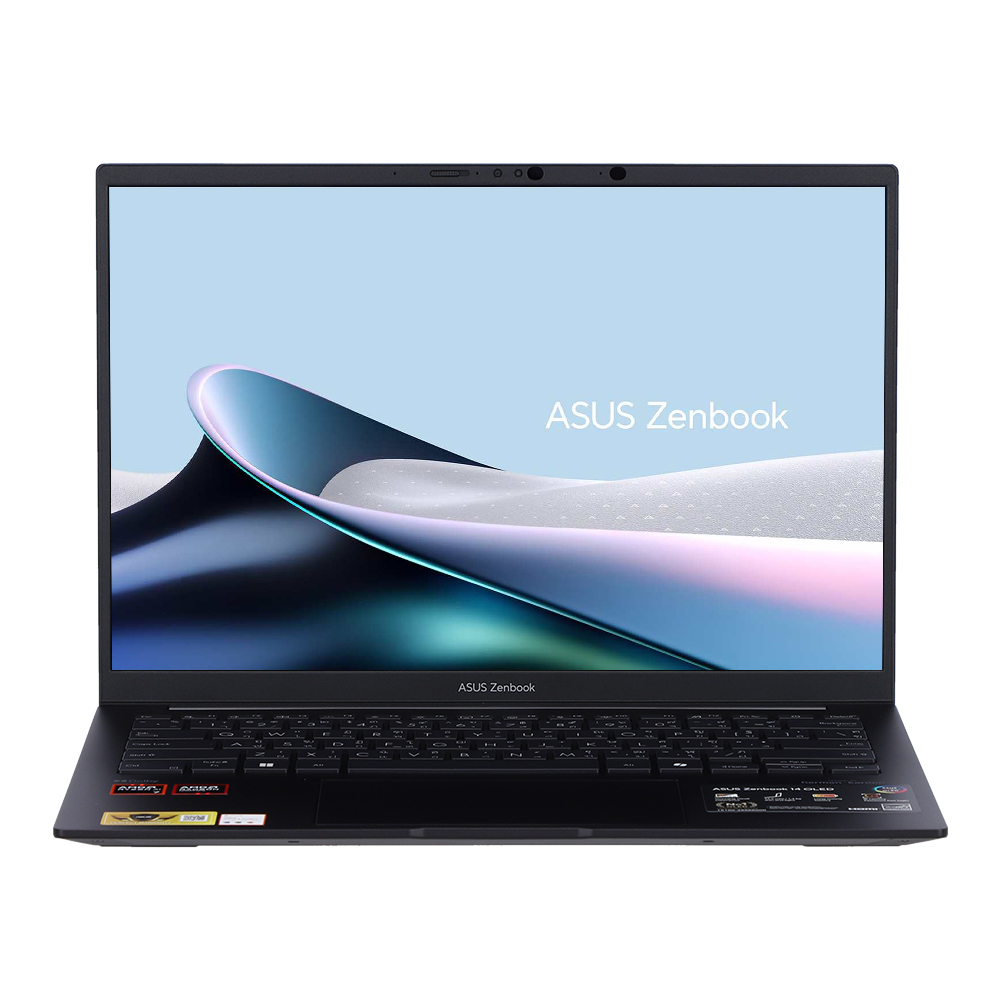

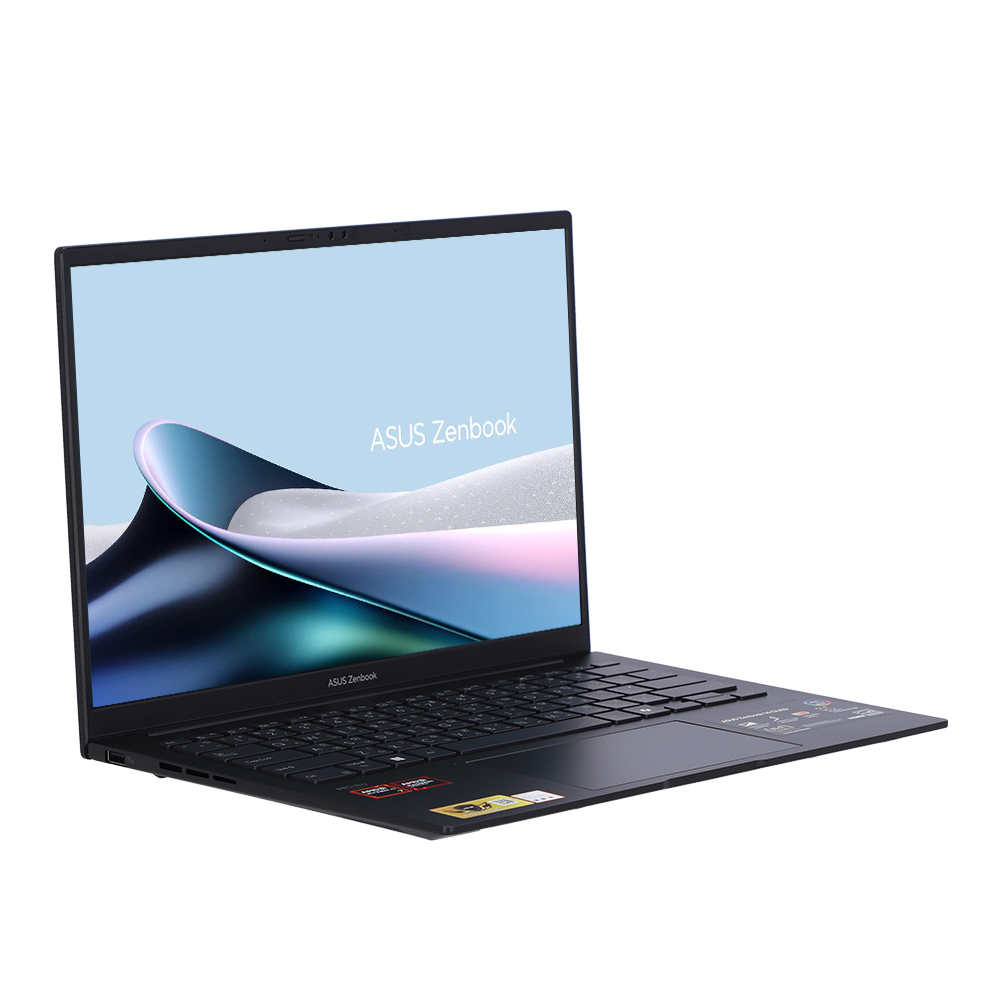
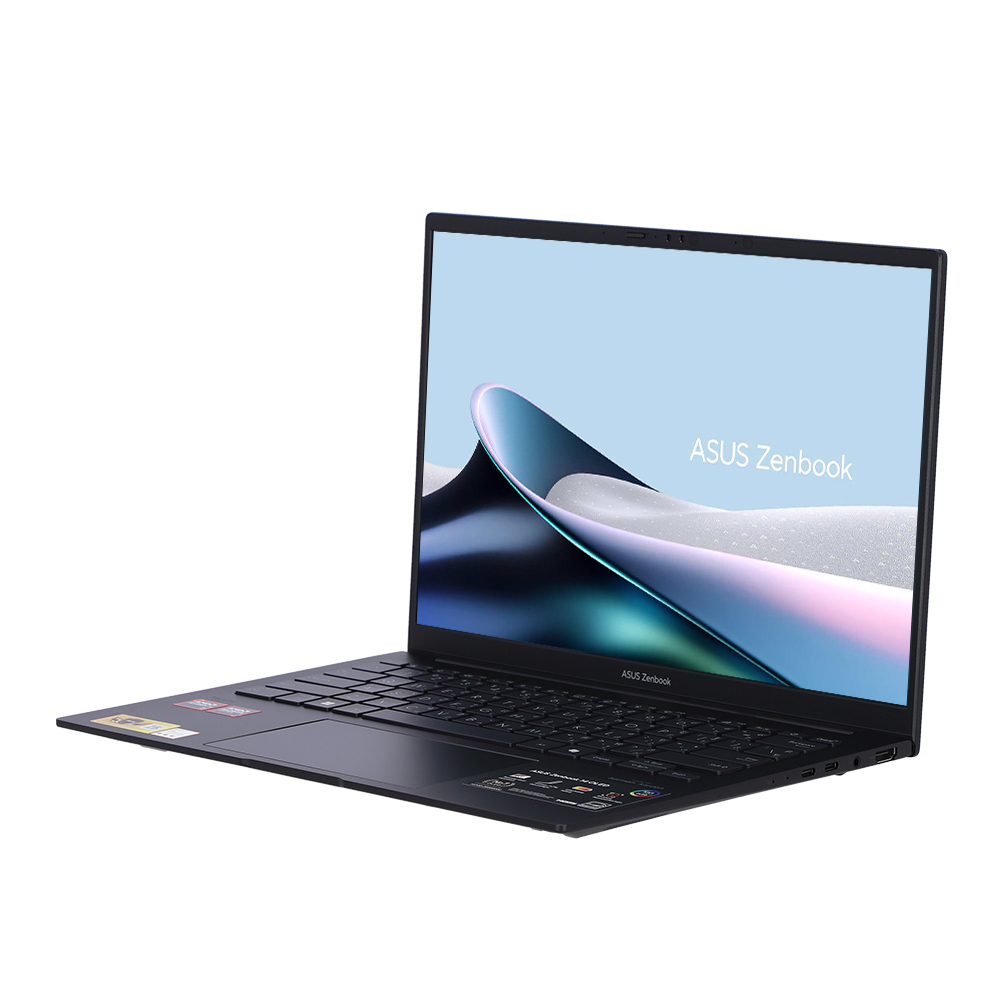
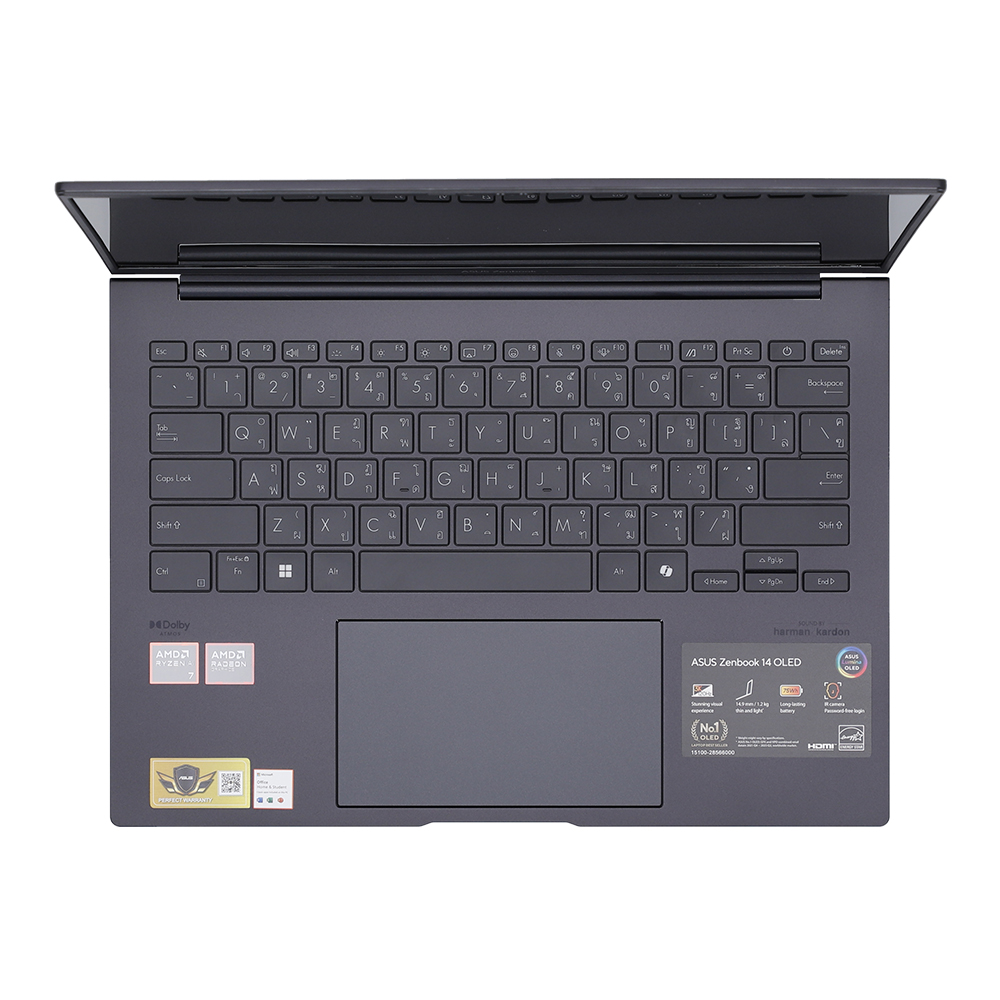
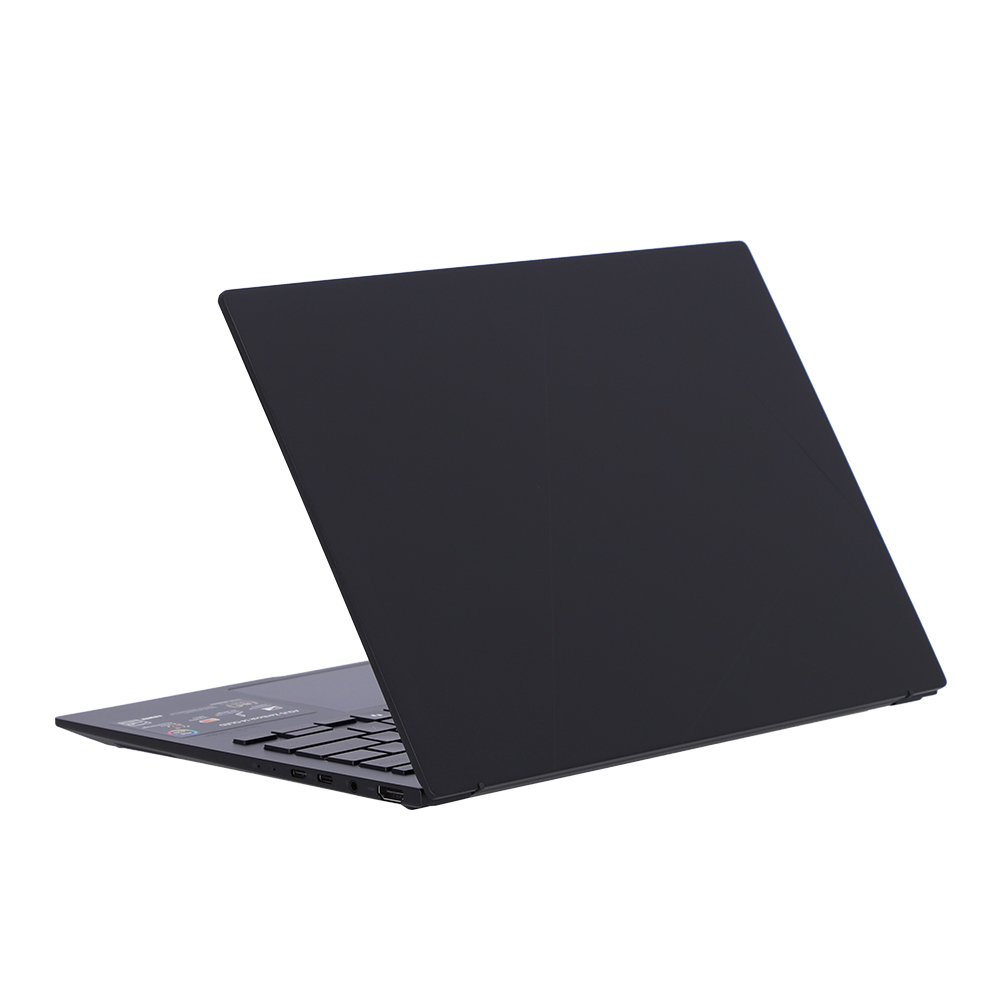

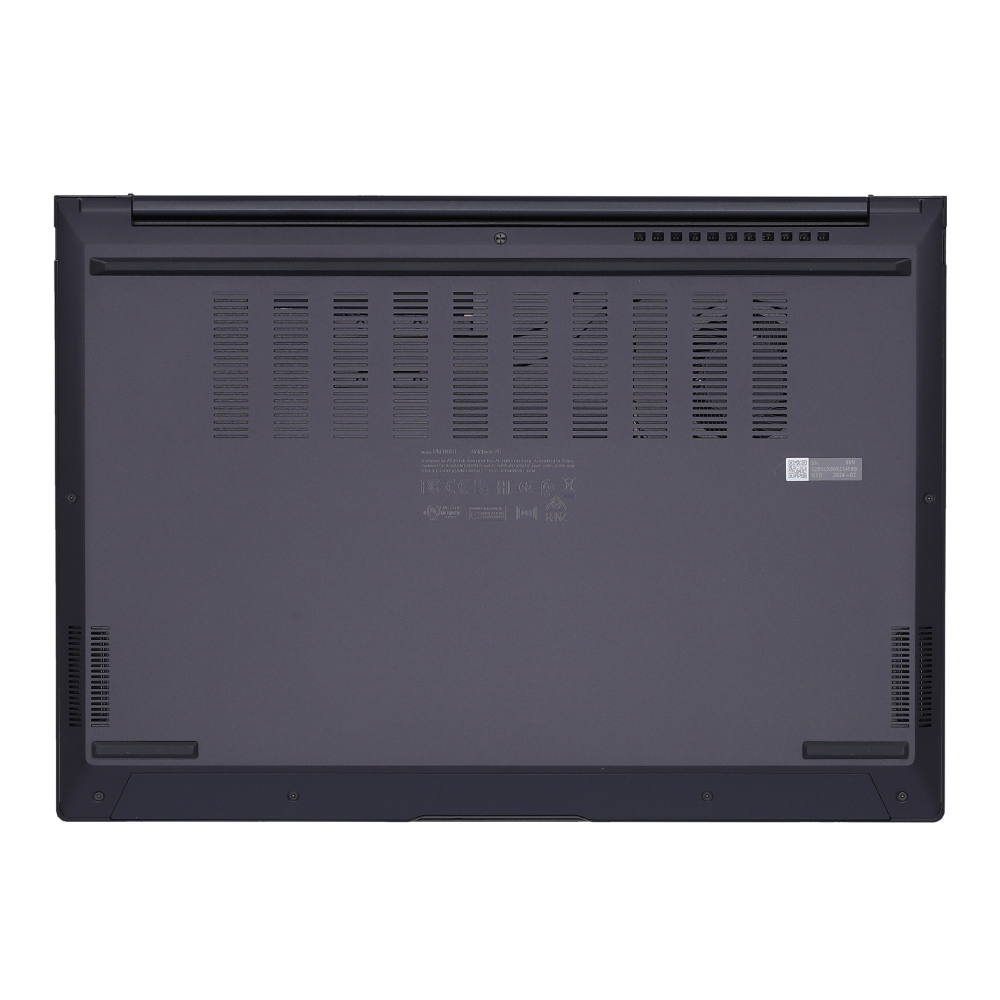
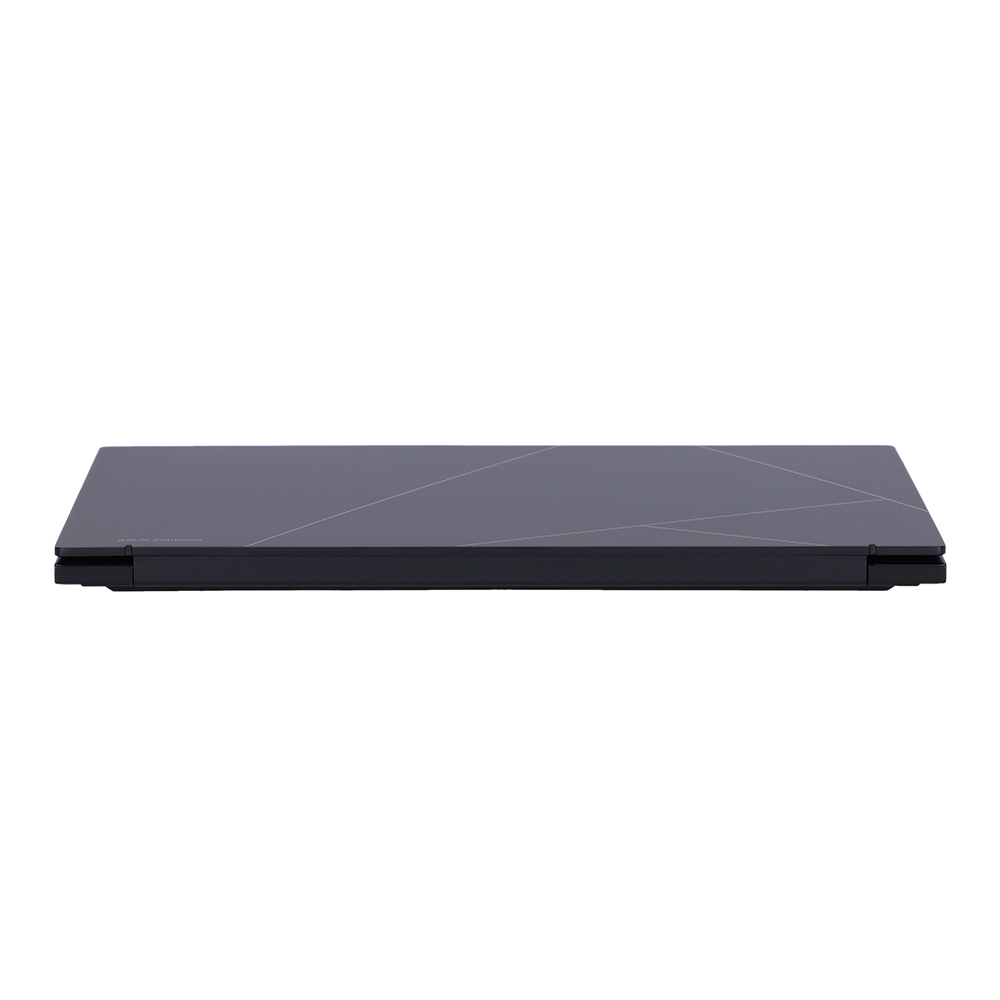
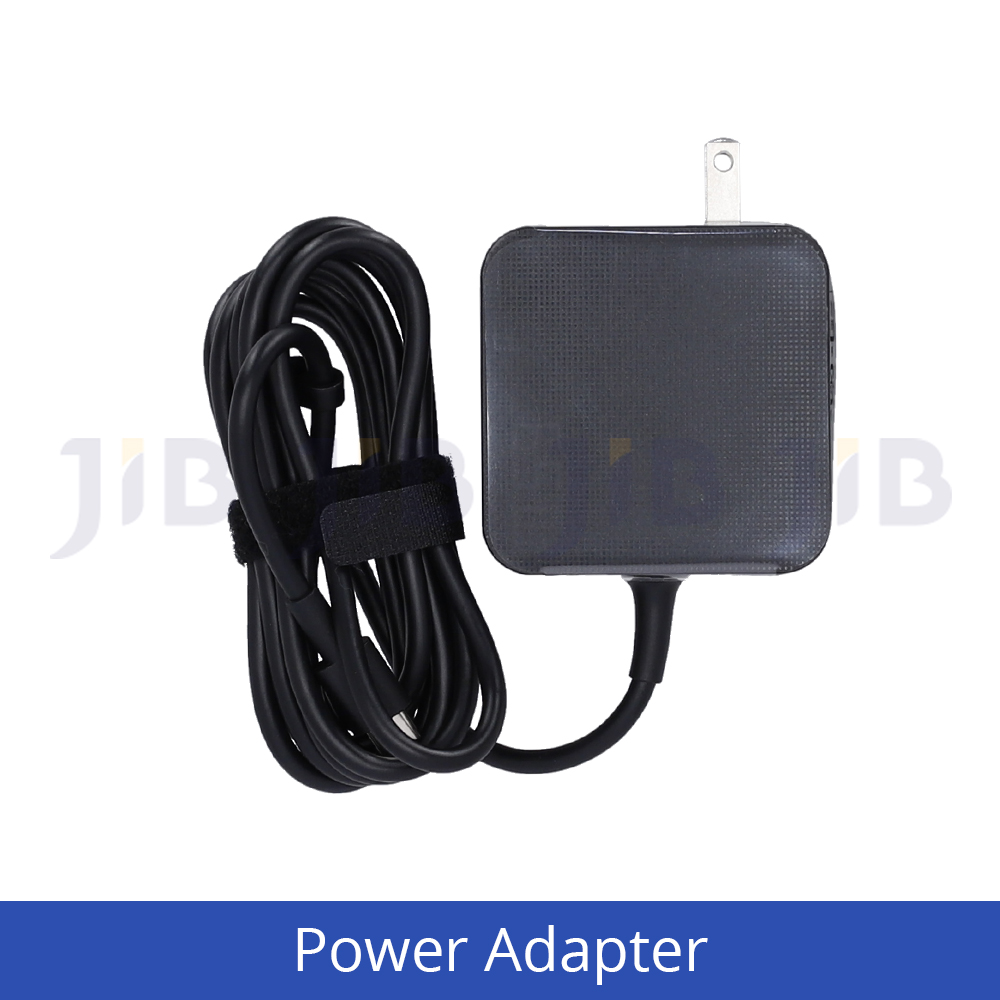
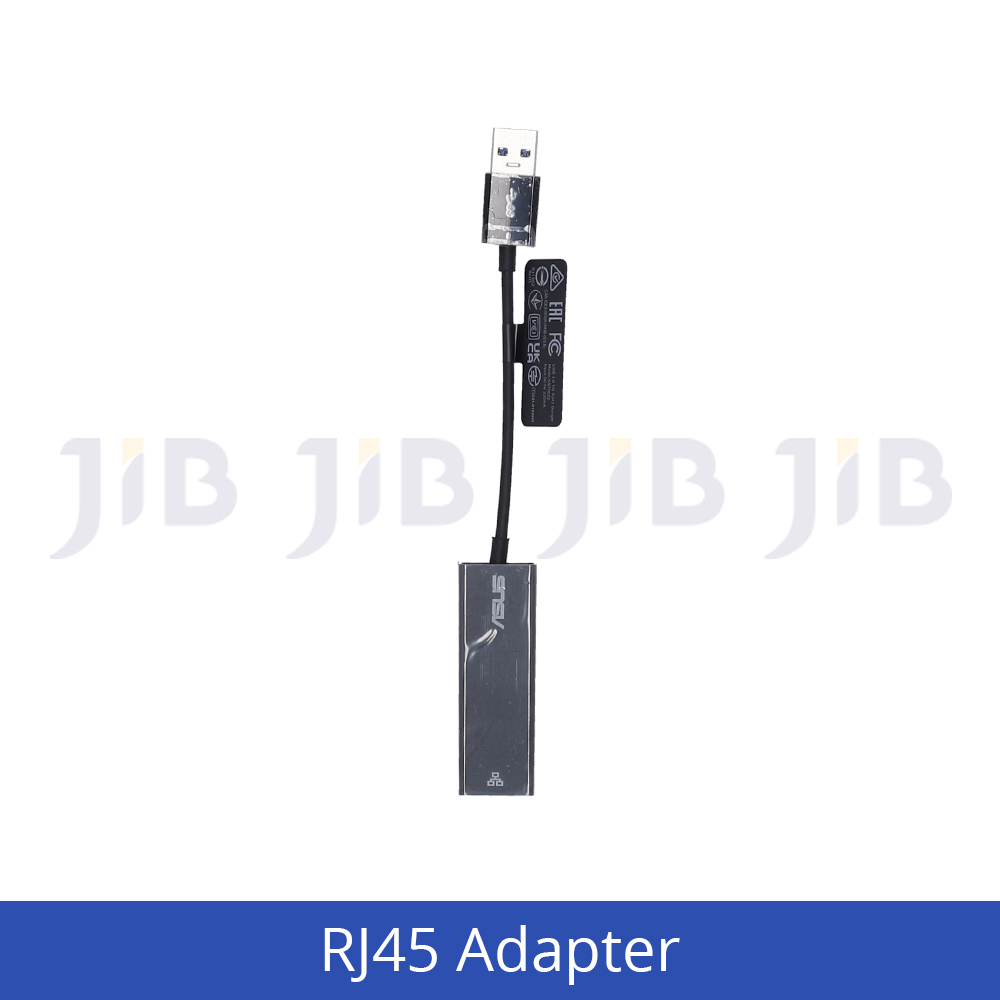
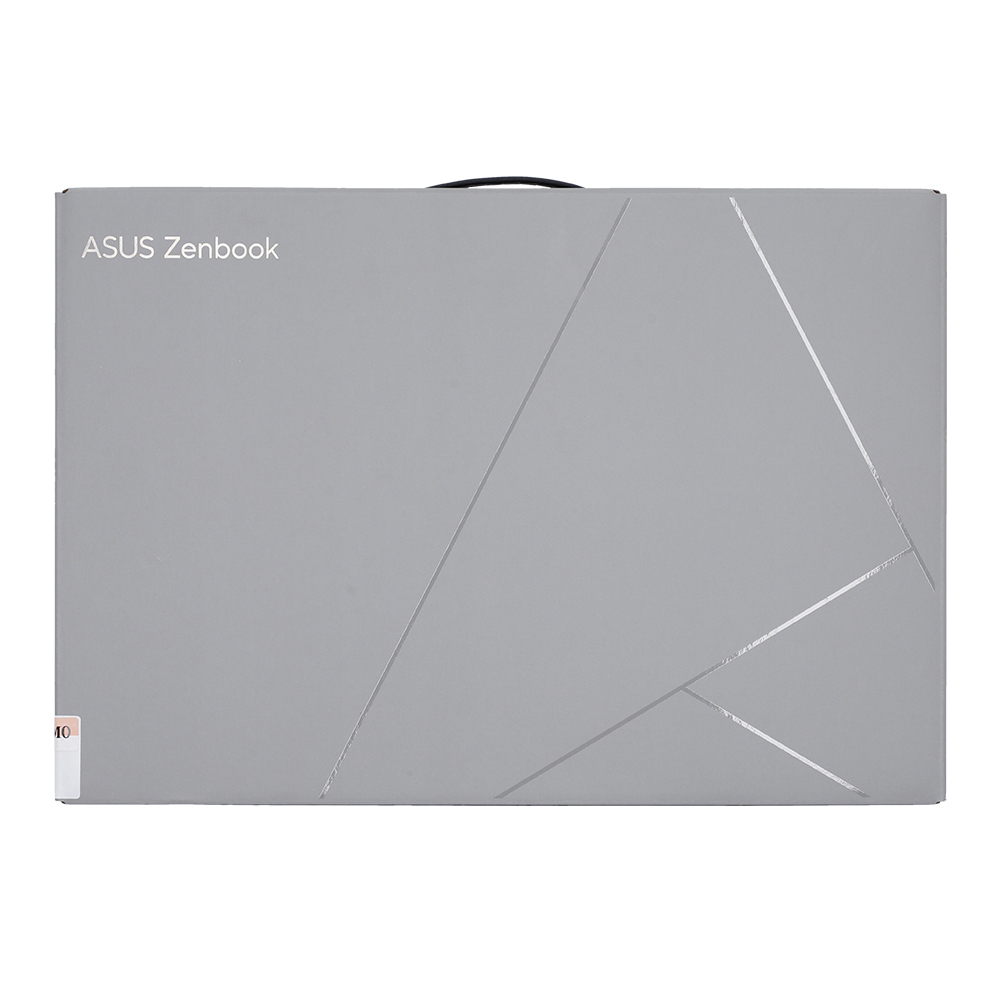


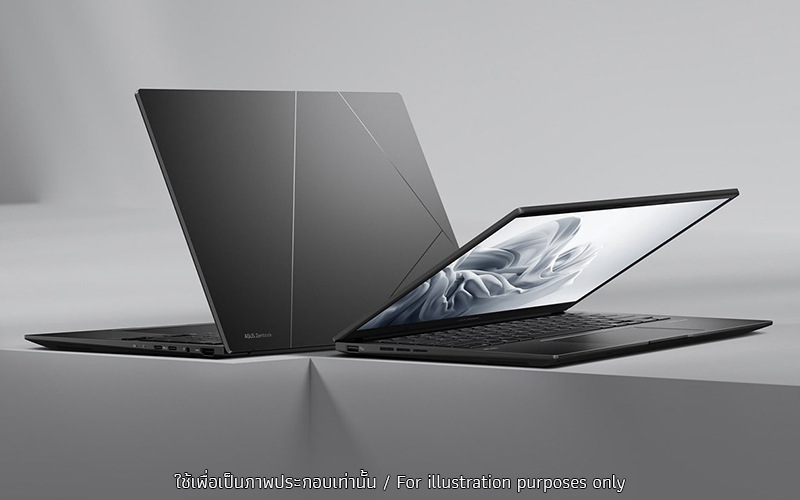
ยกระดับประสบการณ์ของคุณด้วย Zenbook 14 OLED ตัวเครื่องเรียบหรูบางและเบาทำให้พกพาสะดวกและดูทันสมัย โปรเซสเซอร์ AMD Ryzen™ 8040 Series พร้อม built-in AMD Ryzen™ AI เสริมพลังประมวลผลงานต่างๆ ให้เสร็จเร็วยิ่งขึ้น ใช้งานยาวนานด้วยแบตเตอรี่คุณภาพ และมีพอร์ต I/O ครบถ้วนเพื่อการเชื่อมต่อที่สมบูรณ์แบบ บานพับกางได้ 180° และคุณจะเพลิดเพลินความบันเทิงได้เต็มที่ด้วยจอแสดงผล ASUS Lumina OLED แสดงสีสันสดใส1 และลำโพงคุณภาพเสียงระดับสูง

Design
Modern elegance
พรีเมียมหรูหรา สามารถยกระดับผู้ถือได้เป็นอย่างดี
*รุ่นที่มี NumberPad 2.0 ไม่มีจำหน่ายในประเทศไทย
Mobility
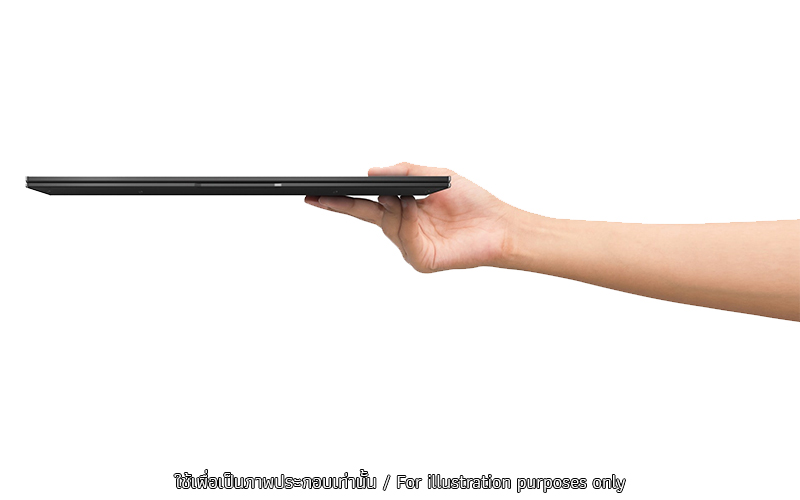
Effortless mobility
สัมผัสประสบการณ์การพกพาที่สมบูรณ์แบบด้วยวัสดุอลูมิเนียม ที่ให้น้ำหนักเบา และ ให้ความทนทาน Zenbook 14 OLED พร้อมสำหรับทุกความท้าทาย ไม่ว่าคุณจะอยู่ที่ไหน!
Battery
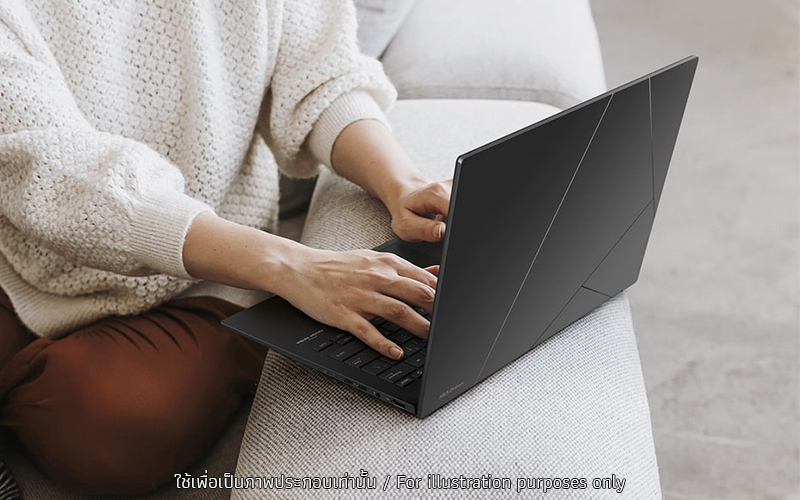
All day, every day
ทำงานได้ทุกที่ ทุกเวลา Zenbook 14 OLED สามารถใช้งานได้ตลอดทั้งวัน และรองรับการชาร์จผ่าน USB-C ที่ให้สะดวกและความรวดเร็ว!
Performance
Harness the power of AI
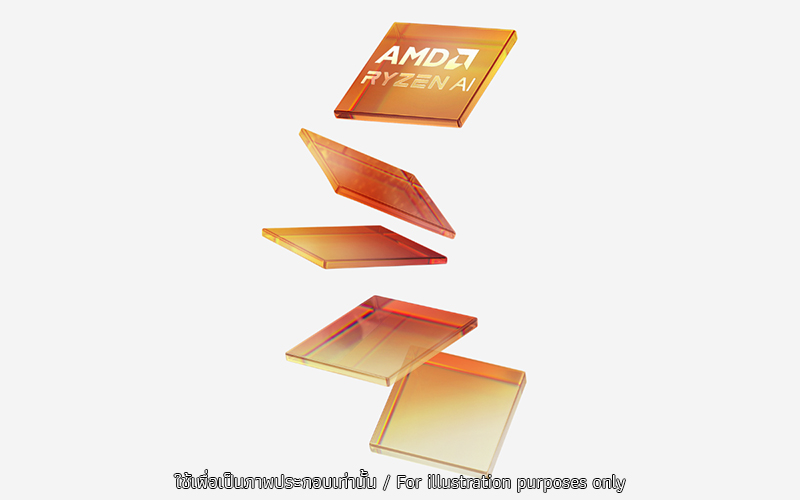
ทำงานหลายอย่างพร้อมกันอย่างมืออาชีพด้วย Zenbook 14 OLED! พร้อมbuilt-in AMD Ryzen™ AI เสริมพลังประมวลผลงานต่างๆ ให้เสร็จเร็วยิ่งขึ้น พื้นที่จัดเก็บข้อมูล SSD 1 TB RAM 16 GB และการเชื่อมต่อ WiFi 6E5 การเชื่อมต่อที่รวดเร็วทันใจและประสิทธิภาพการทำงานที่เพิ่มขึ้น ไม่ว่าคุณจะทำงานที่ไหนก็ตาม
Windows 11
Your time is valuable
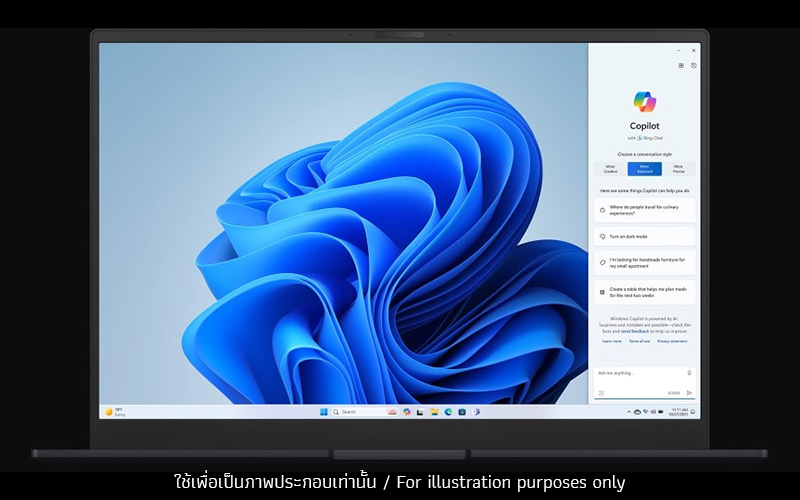
Windows 11 มอบประสบการณ์ใหม่ด้วยวิธีใหม่ๆ ในการทำสิ่งต่างๆ ให้สำเร็จได้อย่างรวดเร็ว สนุก และง่ายดาย
Display
Vivid, super-smooth visuals
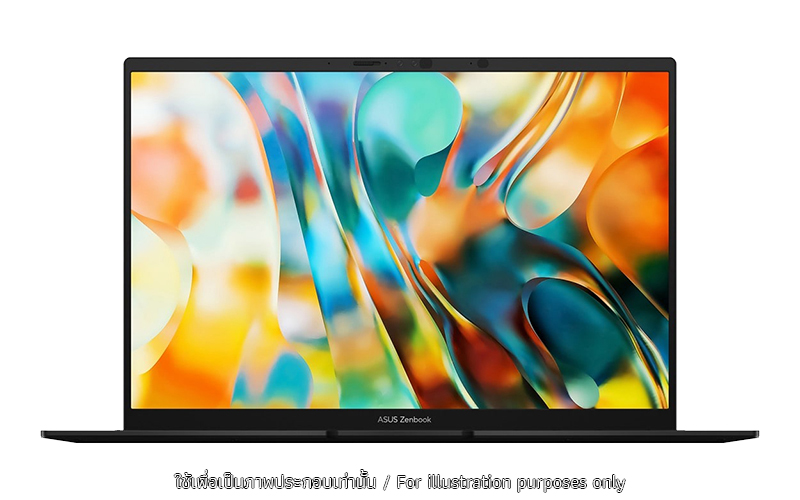
จอแสดงผล ASUS Lumina OLED แสดงสีสันสดใส ด้วยความละเอียด 2880 x 1800 ช่วยให้ทุกช่วงเวลาน่าทึ่งด้วยความสว่างสูงสุด 600 นิต8 อัตราส่วนภาพ 16:10 ที่เหมาะกับการใช้งานเว็บไซต์ และอัตราส่วนหน้าจอต่อตัวเครื่อง 87% และ มีเซ็นเซอร์ปรับอัตราการรีเฟรชโดยอัตโนมัติเพื่อภาพที่ราบรื่นตลอดเวลา
Audio
Everything sounds better
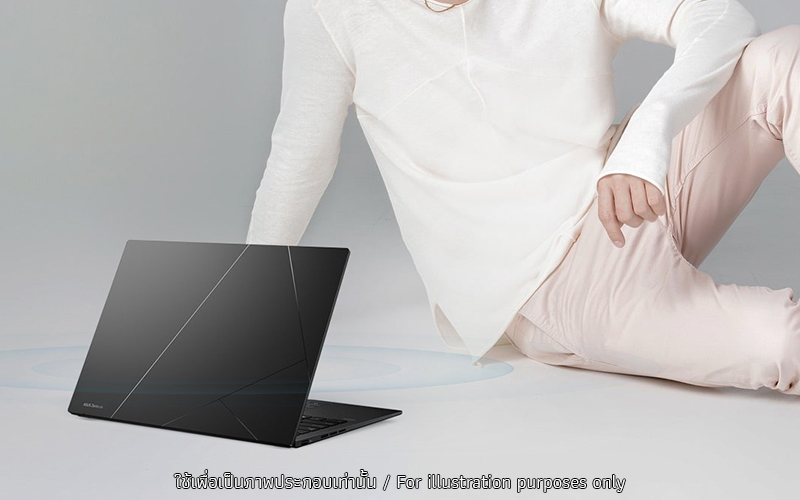
ไม่ว่าคุณกำลังฟังอะไรอยู่ เสียงที่ทรงพลังและชัดใสจากลำโพง Super-linear speakers, Smart Amplifier and ASUS Audio Booster จะทำให้คุณเพลิดเพลิน
.jpg)
Keyboard
More comfort, less distraction
เทคโนโลยี Quiet Keyboard เฉพาะจากเอซุสที่ช่วยในการพิมพ์งานราบรื่นขึ้น กดสนุก เงียบ ลื่นไหล ไร้เสียงรบกวนผู้อื่นอีกทั้งยังมีปุ่ม emoji hotkey อีกทั้งมาพร้อม ASUS NumberPad13,14 2.0 แป้นตัวเลขพร้อมไฟ LED บนทัชแพด สามารถกดตัวเลขได้อย่างสะดวก
*รุ่นที่มี NumberPad 2.0 ไม่มีจำหน่ายในประเทศไทย
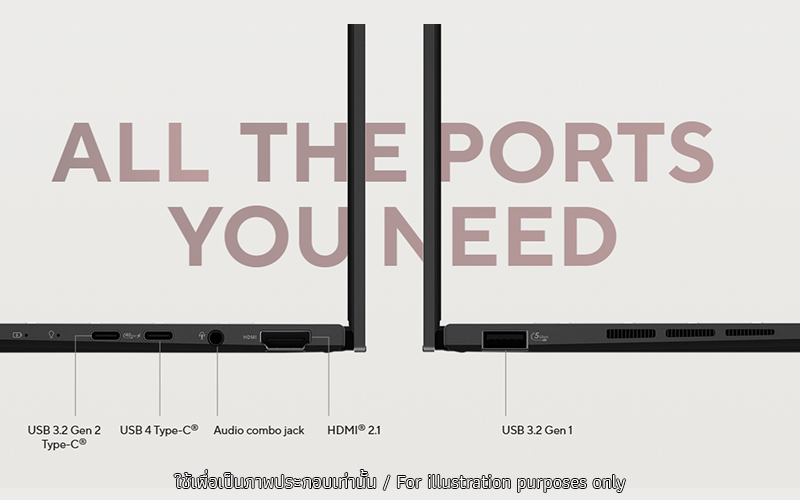
I/O ports
Convenient connections
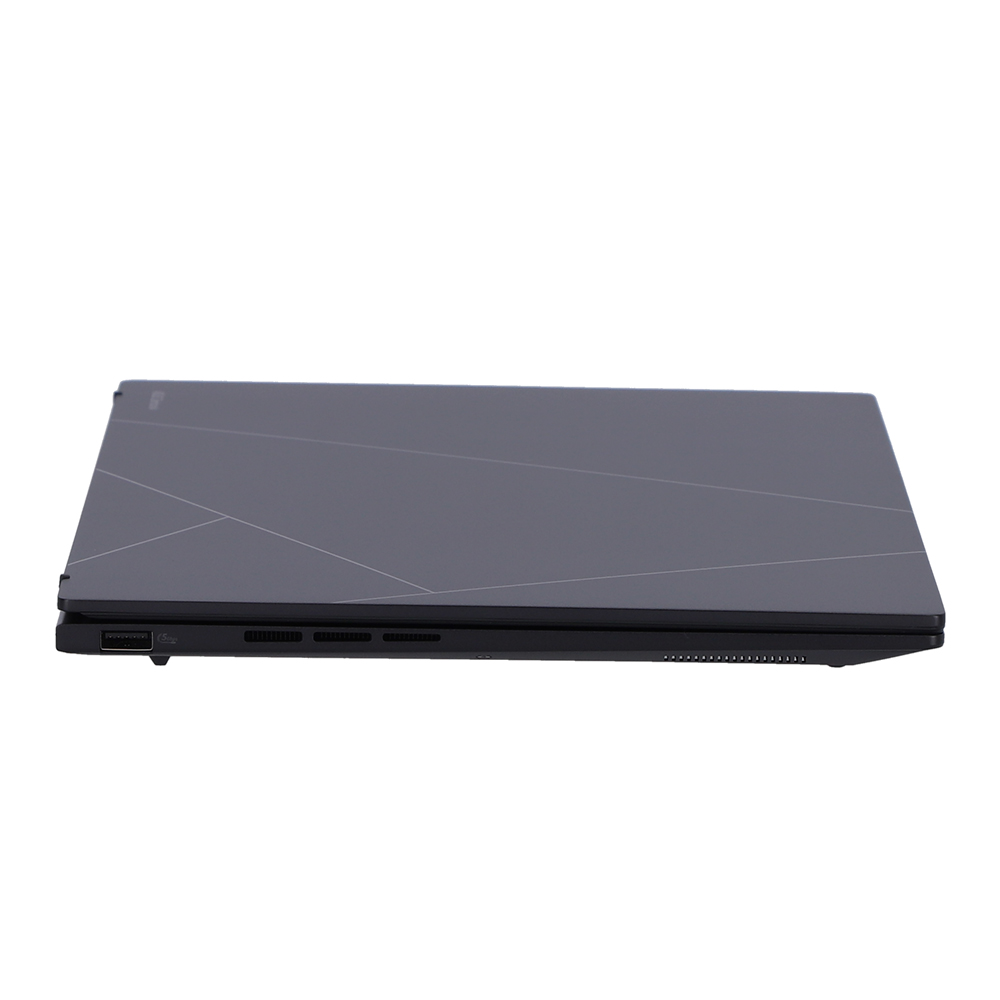
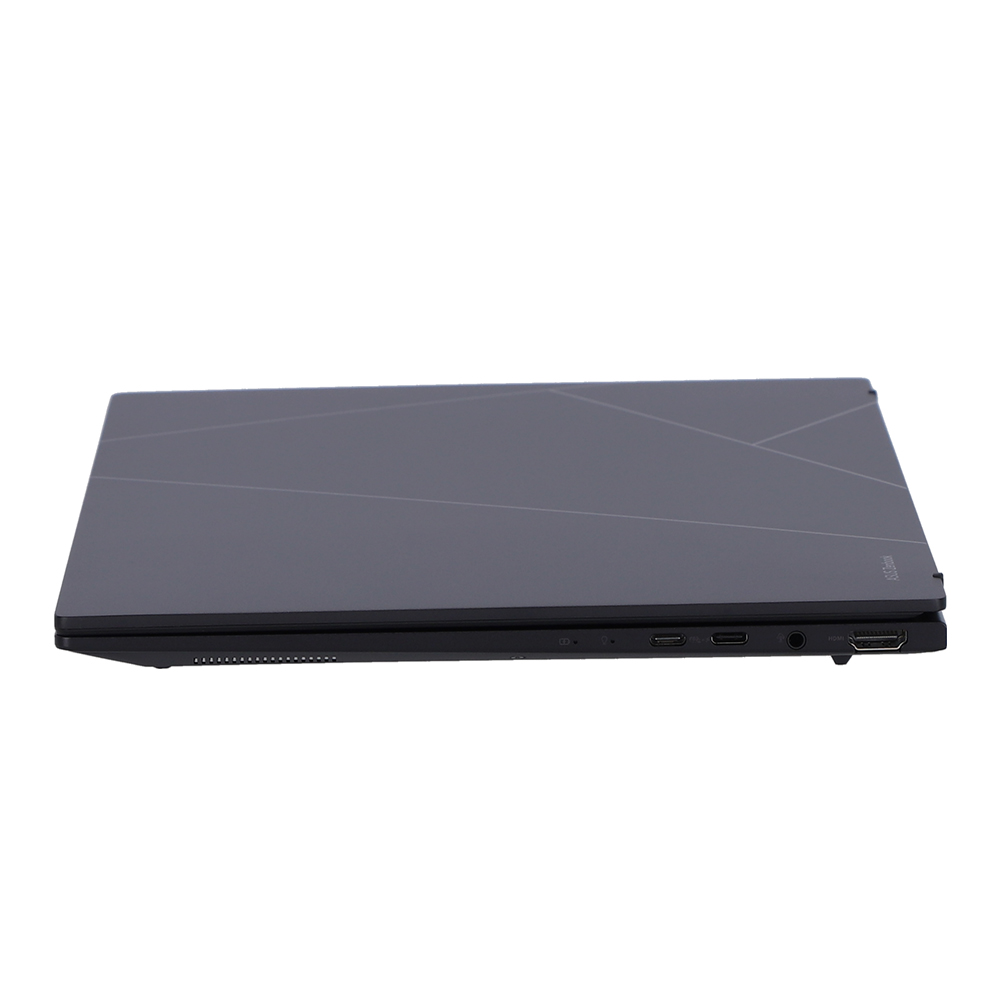
Zenbook 14 OLED ให้พอร์ตเชื่อมต่อครบถ้วน รองรับการชาร์จ การต่อจอภายนอกและการโอนถ่ายข้อมูลความเร็วสูง ให้คุณทำงานได้ราบรื่นและสะดวกสบาย!
.jpg)
Military Grade
US Military-Grade Laptop Durability
โน้ตบุ๊กของ ASUS ได้รับการออกแบบทางวิศวกรรมที่มีความแข็งแรงคงทนเป็นพิเศษตรงตามมาตรฐานทางทหารของสหรัฐอเมริกา MIL-STD 810H17 โดยผ่านการทดสอบที่เข้มงวดซึ่งรวมถึงการทดสอบเพิ่มเติมสำหรับการใช้งานในสภาพแวดล้อมที่รุนแรง- ปัจจัยเหล่านี้ยังส่งผลดีต่ออายุการใช้งานและความคงทน ดังนั้นคุณจึงสามารถทำงาน เดินทาง หรือพักผ่อนด้วยความมั่นใจว่าโน้ตบุ๊ก ASUS ของคุณพร้อมทุกสถานการณ์
.jpg)
Software
Truly personalized workflow
ASUS offers a suite of software designed to take your computing experience up a notch. MyASUS provides a collection of handy apps and tools that help you get more out of your laptop, while GlideX enables you to get more done by sharing screens across devices. Plus, ScreenXpert helps you manage app windows across all connected displays for a smoother workflow.
* The model shown is for reference purposes only. Actual models may differ.
-
The visual appearance of OLED displays may change over the product’s lifetime. This is expected behavior that can include image persistence or burn-in, where the display shows a faint remnant of an image even after a new image appears on the screen. This tends to occur only in extreme use cases, such as when a static, high-contrast image is continuously displayed for prolonged periods of time. ASUS laptops with an OLED display minimize this risk by setting Windows’s Dark mode as default, as well as shortening the idle time before the screen is turned off — both on mains (AC) and battery (DC) power. This dual approach minimizes the potential for burn-in to maximize the lifespan of your OLED display lifespan, and also reduces unnecessary power draw for optimal battery life. We also recommended adjust the brightness of your OLED display to complement the ambient lighting in your environment, rather than keeping the screen at maximum brightness at all times. You should also ensure that you have an animated, dark-background screensaver enabled in the Windows Settings tool.
-
Weight might vary by specifications.
-
-
-
This data is derived from ASUS laboratory testing, which involves simulating daily charging frequency as the testing standard. The actual lifespan of the battery may differ depending on factors such as product configuration, usage patterns, operational conditions, and power management settings. Over time, the battery’s longevity will naturally decrease. For more comprehensive information, please refer to the provided link. https://www.asus.com/support/faq/1051114
-
WiFi 6E availability may vary by country and their specific regulations. Feature only supported by Windows 11 or later.
-
The figures are based on theoretical performance. Actual performance may vary in real-world situations.
-
Screen simulated, subject to change. Feature availability and rollout timing may vary.
-
Touchscreen is up to 500-nit brightness, non-touchscreen is up to 600-nit brightness.
-
Average tested result in MyASUS Splendid Display P3 and sRGB color gamut: Delta E < 1, +/- 0.5, and may vary by specification.
-
Compared to average LCD displays in the market, measuring energy emission of blue light in between 415-455 nm wavelength.
-
To further maximize the protection of your OLED laptop, ASUS has included OLED Care settings such as pixel refresh and pixel shifting, which are turned on by default. It’s important to note that if any burn-in issues do occur within the warranty period, which might vary by countries, ASUS offers a free exchange service for the affected OLED laptop as long as the user did not manually turn off the OLED Care functions.
-
The color-temperature-adjustment feature is available with OLED models only.
-
NumberPad 2.0 is optional.
-
Please note that all versions of NumberPad only work with the Microsoft Windows operating system.
-
-
-
-
- The testing regime includes the requirements of both military-grade standards and ASUS quality tests, and varies depending on device. MIL-STD-810 testing is conducted on selected ASUS products only. Note that the MIL-STD-810 testing helps to ensure the quality of ASUS products but does not indicate a particular fitness for military use. The test is performed under laboratory conditions. Any damage caused by attempts to replicate these test conditions would be considered accidental, and would not be covered by the standard ASUS warranty. Additional coverage is available with ASUS Premium Care.
Source : ASUS Zenbook 14 OLED (UM3406)